Cisco Meraki Dashboard vs. NetCrunch by AdRem Software

Overview
ProductRatingMost Used ByProduct SummaryStarting Price
Cisco Meraki Dashboard
Score 9.3 out of 10
N/A
As a cloud-managed network management solution, the Cisco Meraki Dashboard enables users to provision, configure, and troubleshoot global networking and IoT deployments.N/A
NetCrunch
Score 9.0 out of 10
N/A
NetCrunch is a network and infrastructure monitoring system designed for hybrid IT environments. It offers agentless monitoring for thousands of devices using SNMP (full support), server metrics, virtualization (VMware, Hyper-V), cloud platforms (AWS, Azure, GCP), traffic flows (NetFlow, sFlow and more), website availability, certificates, logs, and custom data via REST APIs or scripts. NetCrunch includes over 670 built-in…
$4,350
per year 600 interfaces, 100 nodes
Pricing
Cisco Meraki DashboardNetCrunch by AdRem Software
Editions & Modules
No answers on this topic
Enterprise Edition - for larger, distributed IT teams
please contact
per year per # of nodes and optional add-ons
Enterprise Edition - For Bandwidth & Network Monitoring
from $4350
per year 600 interfaces, 100 nodes
NetCrunch Professional - best for single IT admin use
please contact
annual per # of nodes and optional add-ons
Enterprise Edition - for larger, distributed IT teams
please contact
perpetual license with annual update and tech support renewal per # of nodes and optional add-ons
Professional Edition - best for single IT admin use
please contact
perpetual license with annual update and tech support renewal per # of nodes and optional add-ons
Offerings
Pricing Offerings
Cisco Meraki DashboardNetCrunch
Free Trial
YesYes
Free/Freemium Version
NoNo
Premium Consulting/Integration Services
NoNo
Entry-level Setup FeeNo setup feeOptional
Additional DetailsNetCrunch is licensed per-node with optional additional interface license. Licensing options include perpetual or annual subscription option. License size can be increased at any time with no additional installation.
More Pricing Information
Community Pulse
Cisco Meraki DashboardNetCrunch by AdRem Software
Best Alternatives
Cisco Meraki DashboardNetCrunch by AdRem Software
Small Businesses
NinjaOne
NinjaOne
Score 9.0 out of 10
NinjaOne
NinjaOne
Score 9.0 out of 10
Medium-sized Companies
Intermapper
Intermapper
Score 8.4 out of 10
Intermapper
Intermapper
Score 8.4 out of 10
Enterprises
Cisco Prime LAN Management (discontinued)
Score 8.4 out of 10
Cisco Meraki Dashboard
Score 9.3 out of 10
All AlternativesView all alternativesView all alternatives
User Ratings
Cisco Meraki DashboardNetCrunch by AdRem Software
Likelihood to Recommend
9.0
(0 ratings)
-
(0 ratings)
Usability
10.0
(0 ratings)
-
(0 ratings)
User Testimonials
Cisco Meraki DashboardNetCrunch by AdRem Software
Likelihood to Recommend
Cisco Meraki Dashboard is great for NOC teams with little network experience at helping give them all the tools they need to do the job and become more efficient with networks. From easy RMA processes to metric gathering the Cisco Meraki Dashboard does it all very well. The licenses are a problem for a lot of companies since there are no guarantees the product stays online and certain integrations like ThousandEyes are overlooked due to the additional cost despite it being a great product.
Read full review
No answers on this topic
Pros
  • The ability to monitor any port and get accurate information on its activity.
  • The ability to port cycle and reboot remotely. This is best for off-hour reboots.
  • Being able to search for devices through the client page with an IP address or MAC address saves time on device searches.
  • It is an easy process to add and remove devices to different organizations.
Read full review
No answers on this topic
Cons
  • More granular controls over devices. It definitely feels like, especially when you come from a CLI environment and you're working in a command line interface and then going into the dashboard, you can feel restricted sometimes because if they don't have the button you can't press it. So more buttons.
Read full review
No answers on this topic
Usability
At the time of writing this, it appears that Cisco Meraki Dashboard has finally integrated a Cisco IOS XE output window into the dashboard. This is a massive step in the right direction and something that it was dearly missing. At the moment, we do not have this integration and so a lot of the times, we have to navigate via several tools menus to get the info we need instead of being able to run a quick command.
Read full review
No answers on this topic
Alternatives Considered
A number of networks we've taken over were using Ubiquiti Unifi, which is an okay solution, but a lot more cumbersome to manage. We've found the Cisco Meraki Dashboard system much more intuitive and way less time-intensive. Simple things like setting up dedicated DHCP entries or poking holes in VLAN firewalls are way easier in Cisco Meraki Dashboard.
Read full review
No answers on this topic
Return on Investment
  • When there's an issue with communication to the cloud. EX: unable to fetch configs. This due to like new device being installed or if you have to factory reset the device. This has been a negative impact.
  • Incorrect status. Sometimes the status of the device or network is not reflected as it should be. This has had a negative impact in the past. However, for the most part, the Status is fairly accurate.
  • Incident response has been very good. Anytime an issue has been reported to Cisco regarding Cisco Meraki Dashboard, the issue is quickly investigated and doesn't take long to resolve.
  • Customer support and Cisco's technical team has been very helpful and responsive.
Read full review
No answers on this topic
ScreenShots

Cisco Meraki Dashboard Screenshots

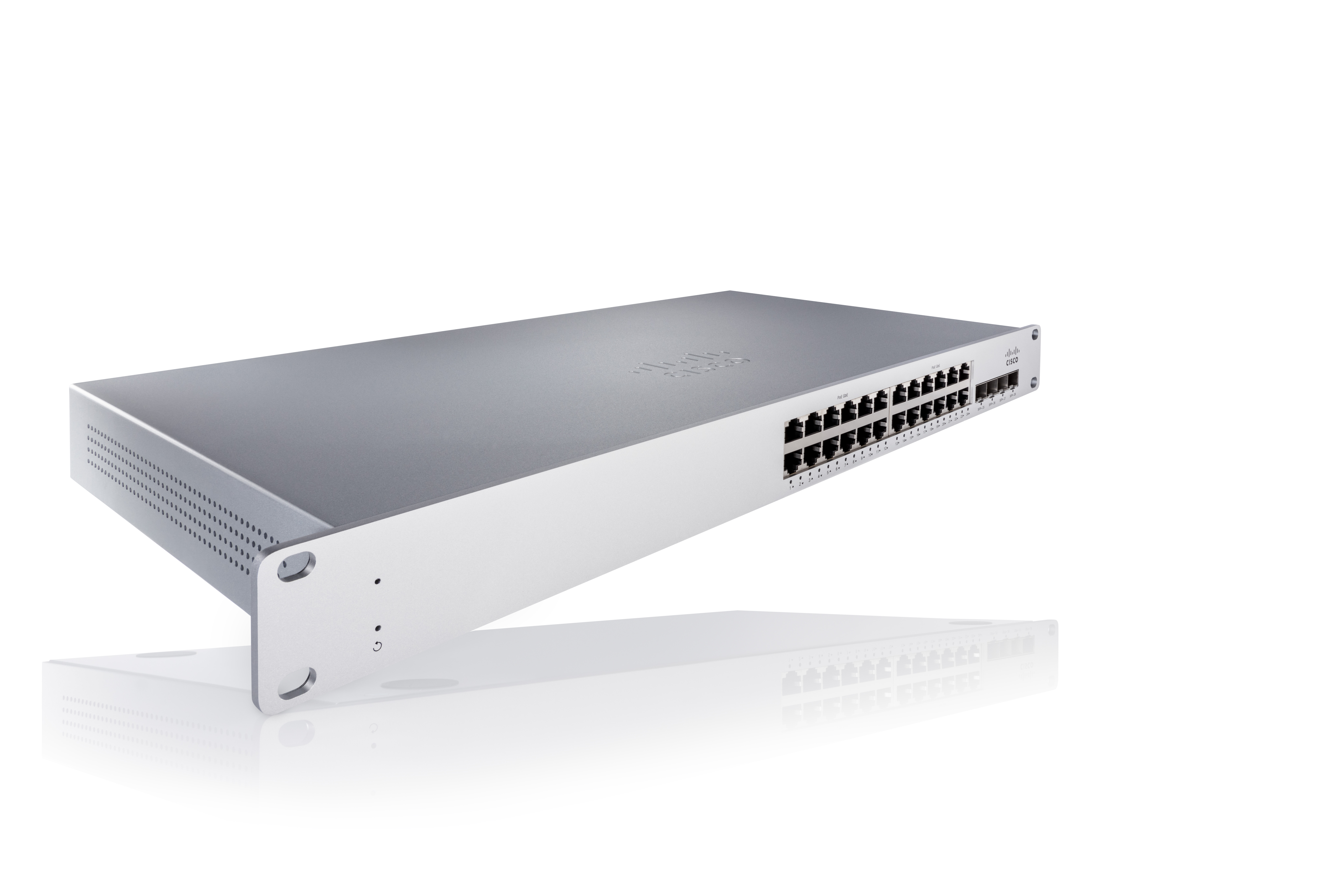
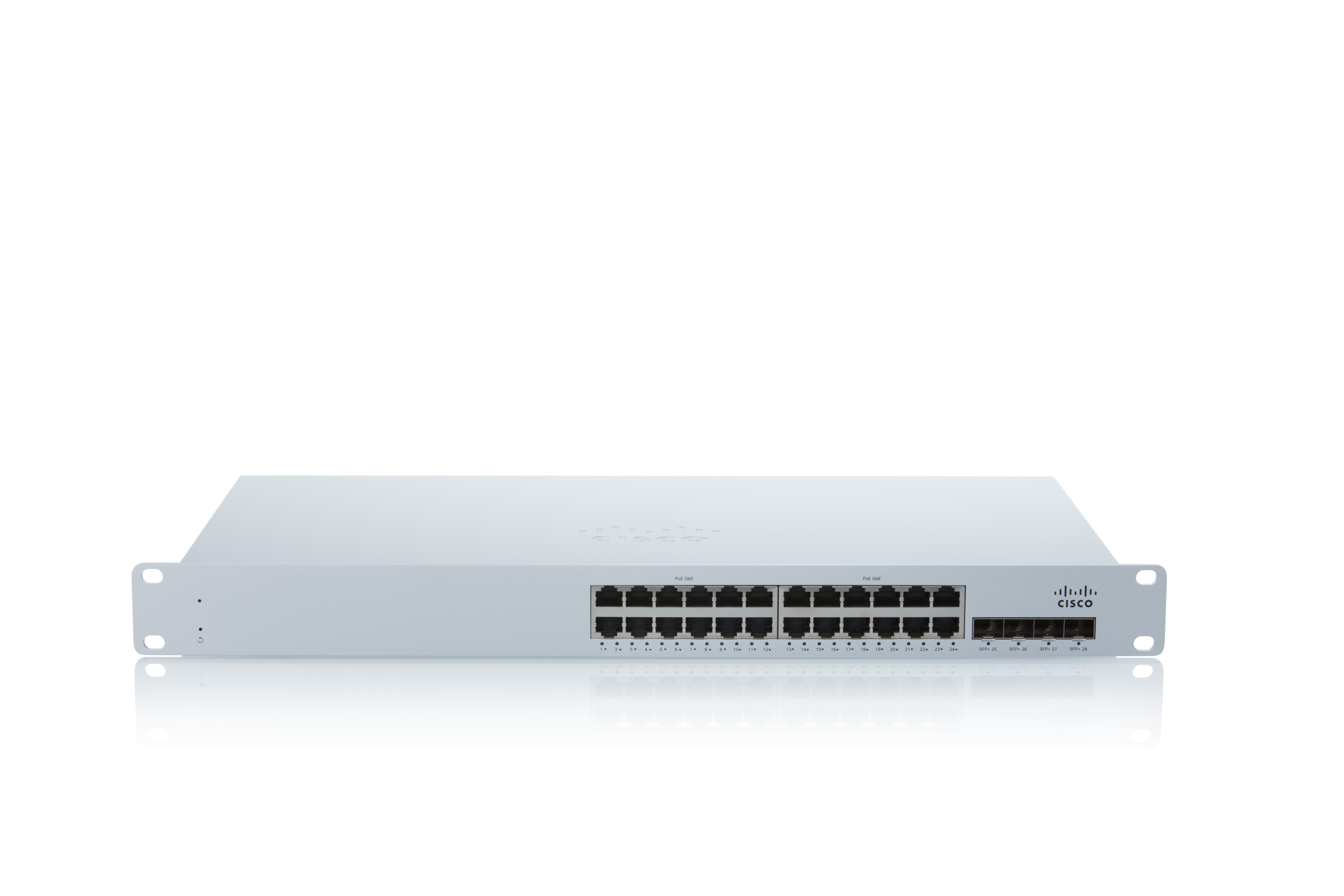
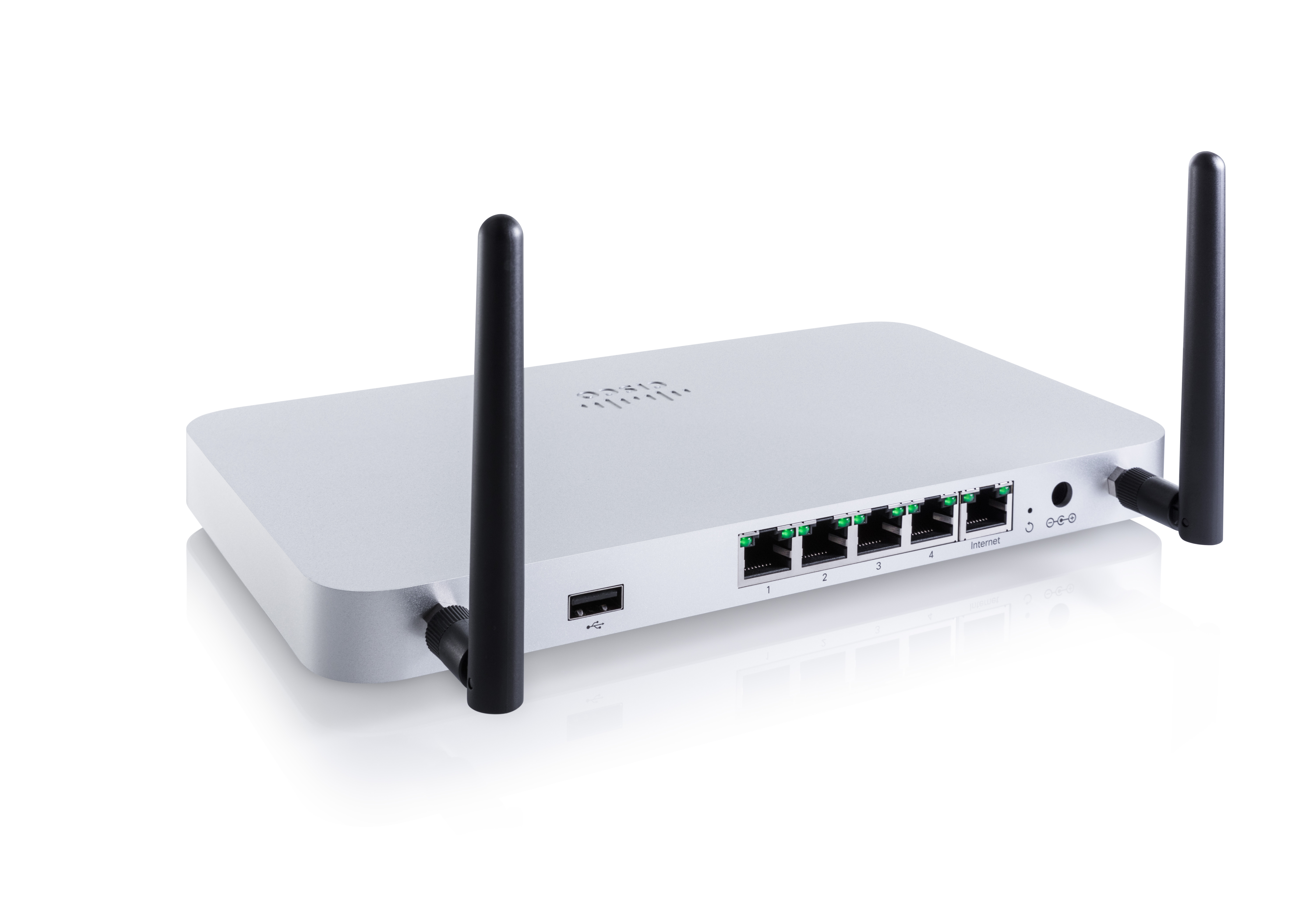
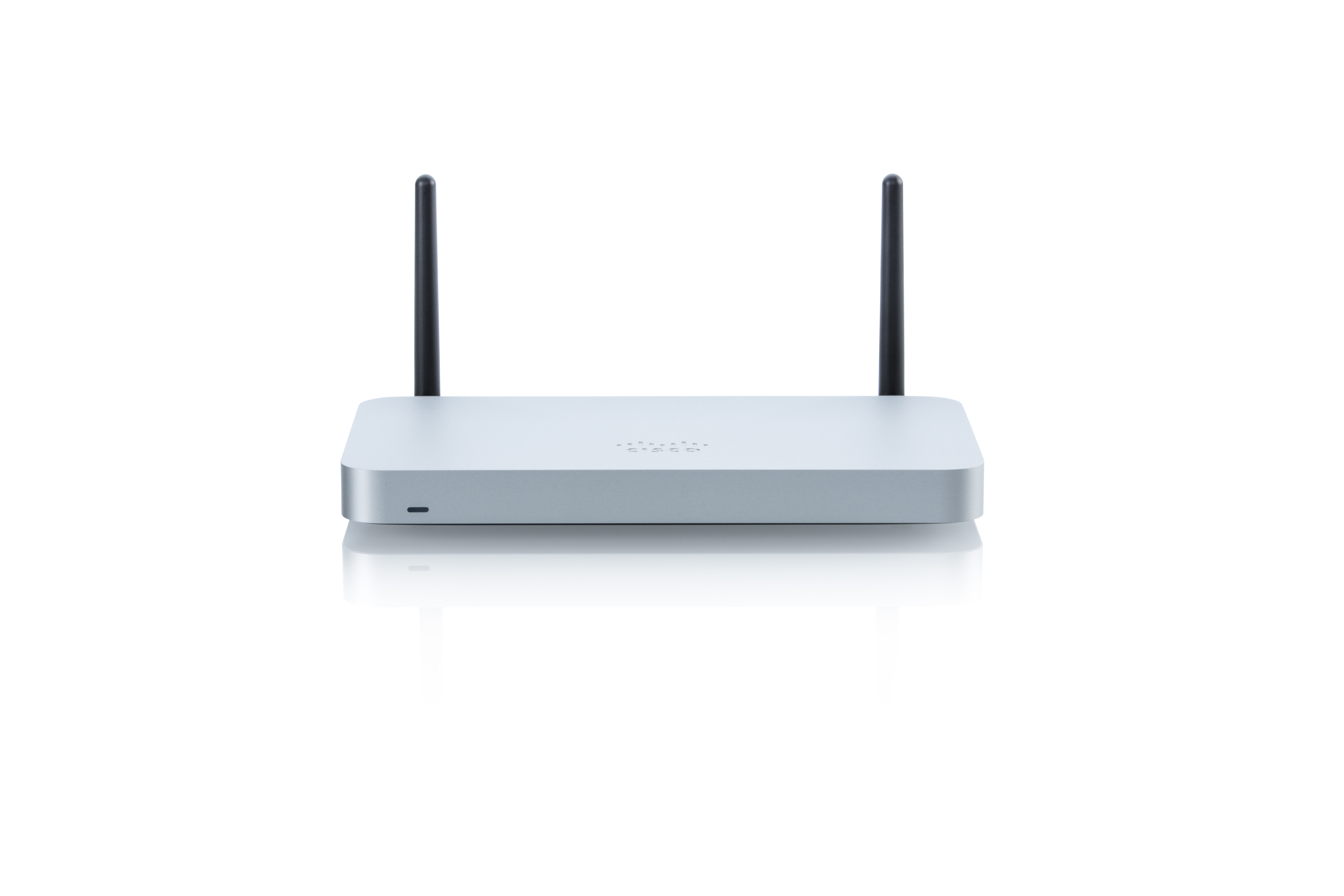
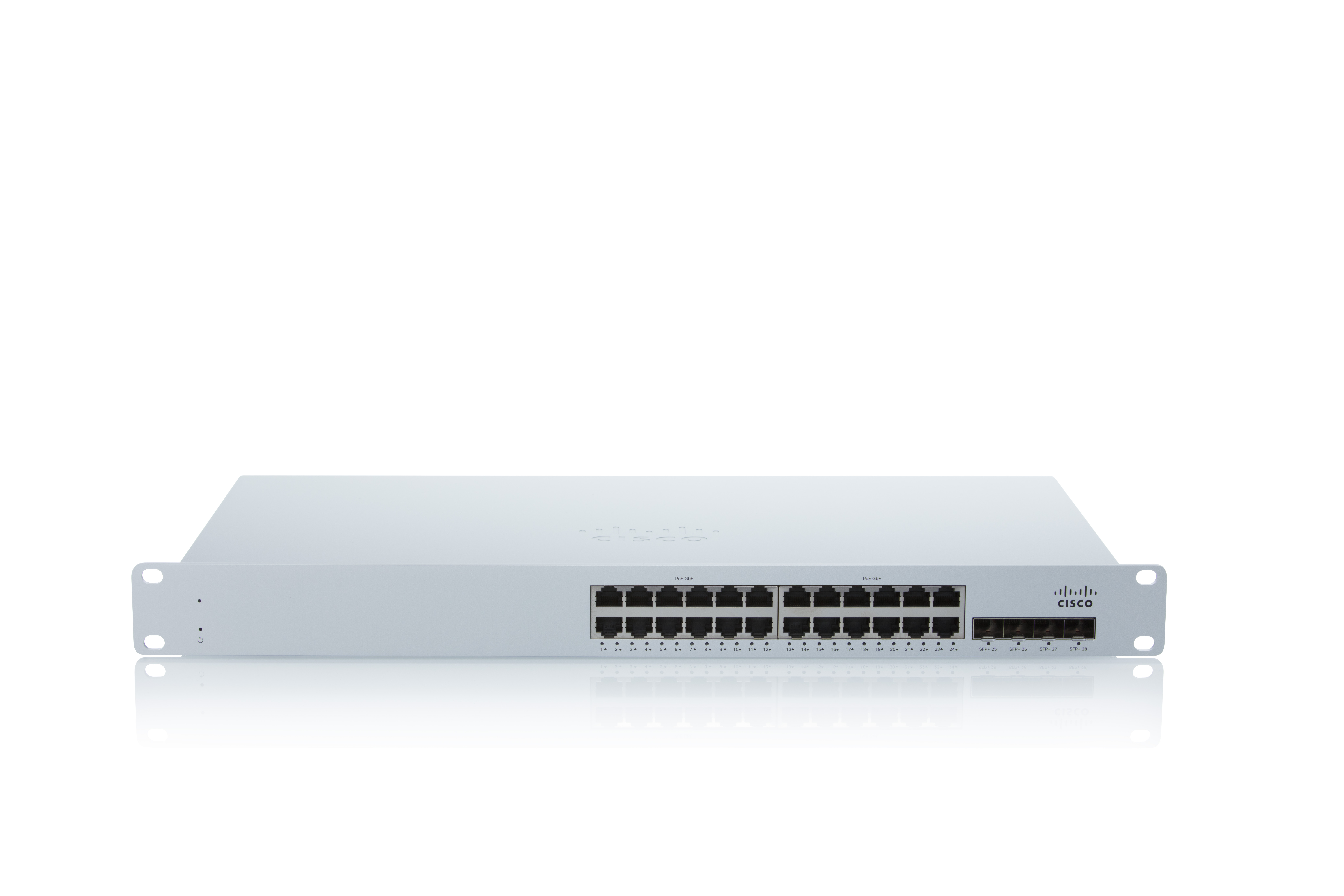
Screenshot of Connect MS225 24portScreenshot of ConnectMS225 24portScreenshot of SECURITY MX64WScreenshot of SECURITY MX64WScreenshot of Connect MS225 24port

NetCrunch Screenshots

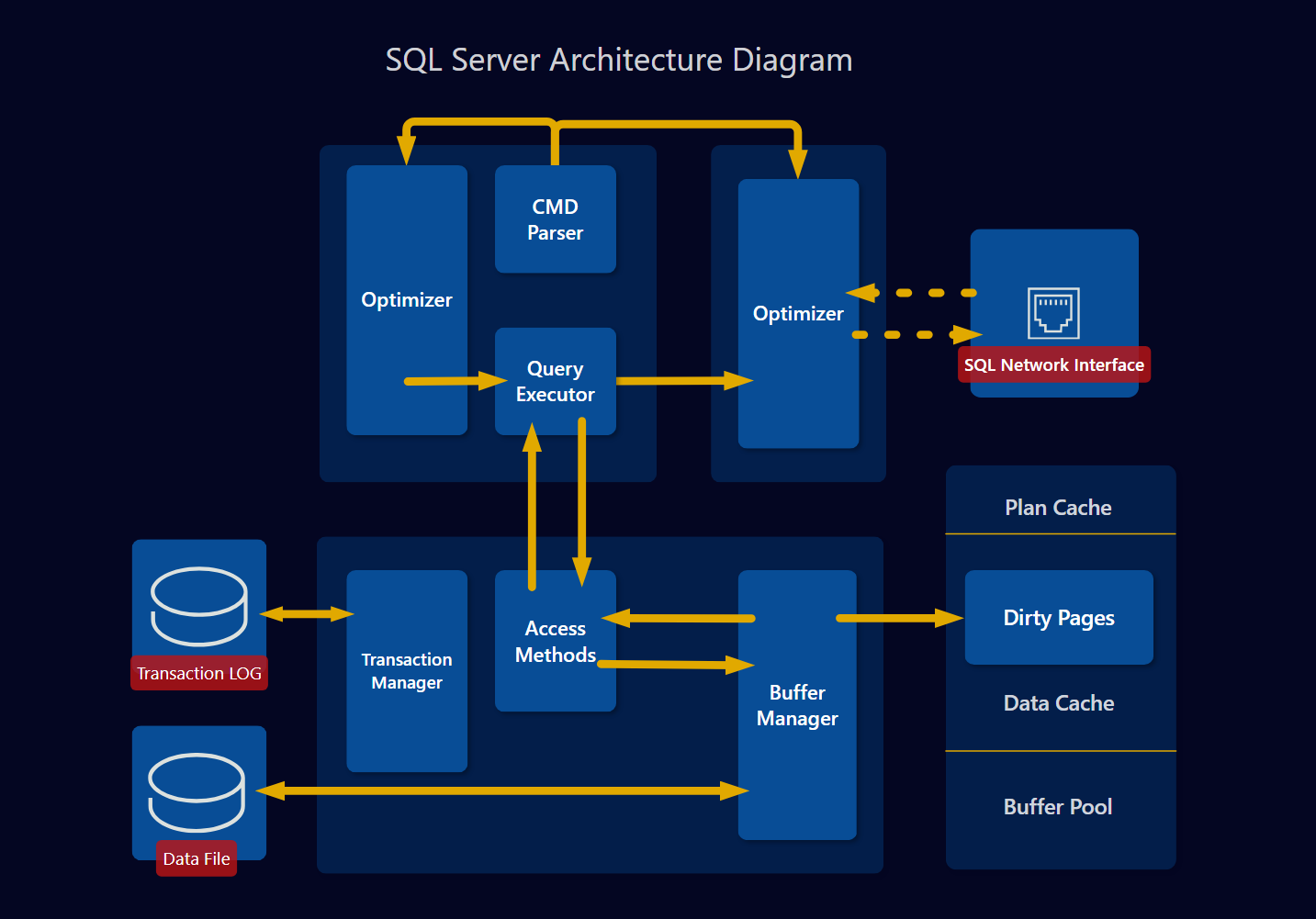
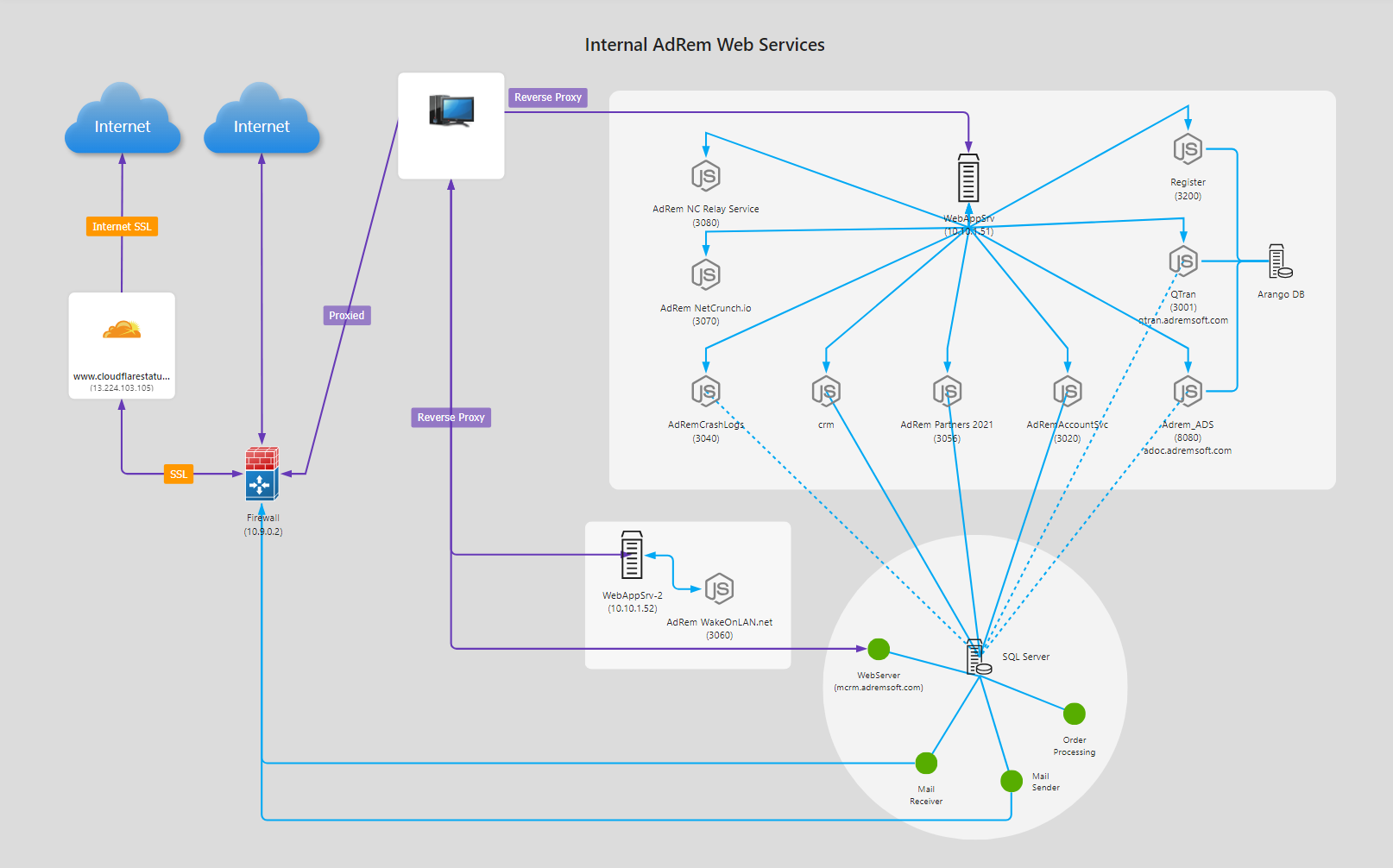
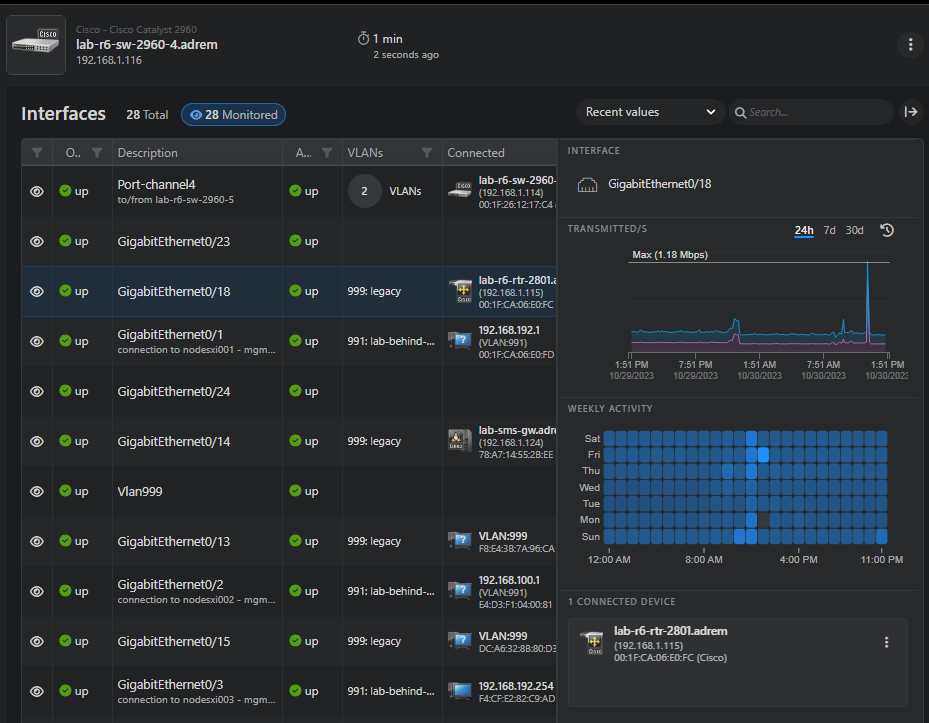
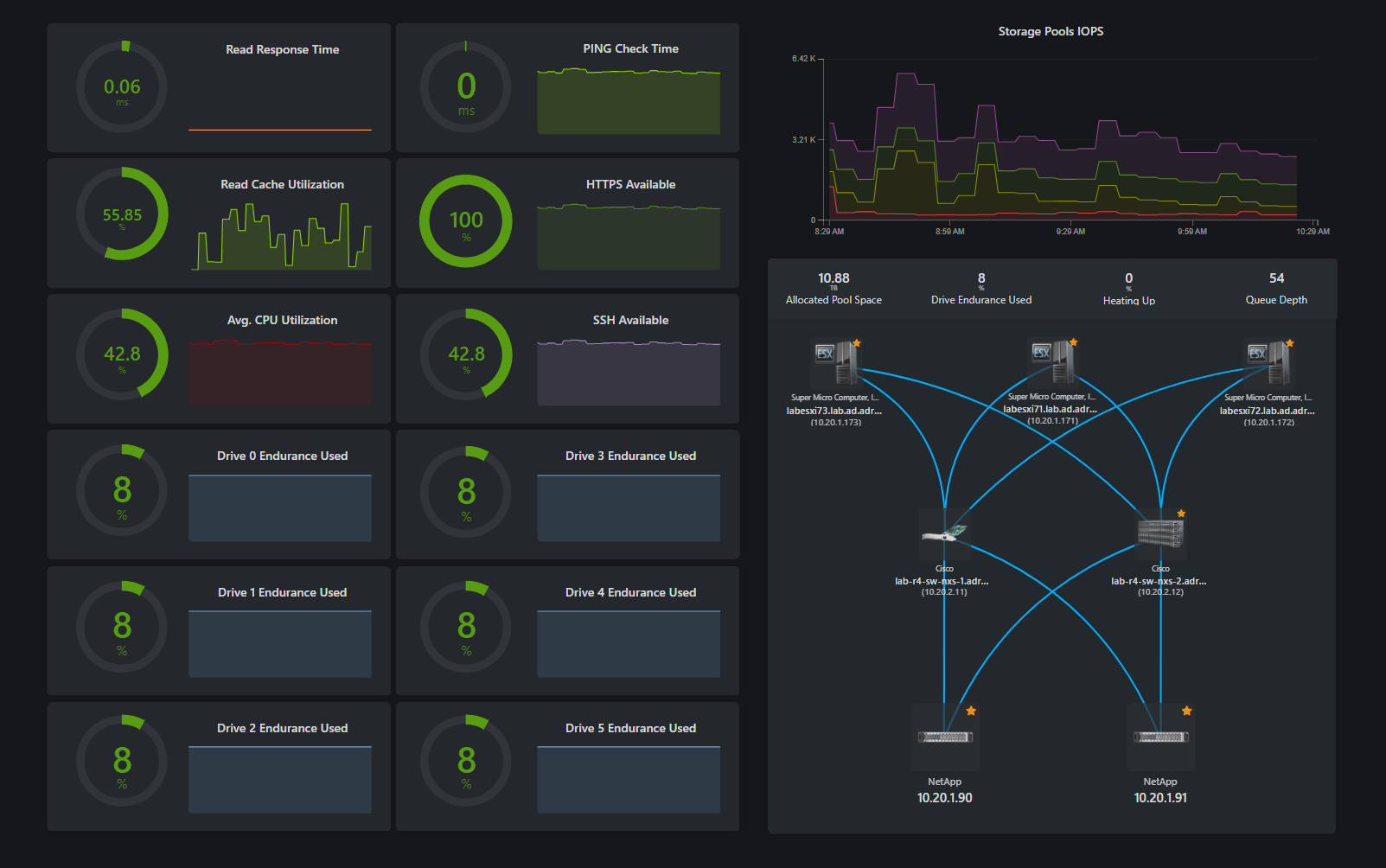
Screenshot of a network diagram with annotationsScreenshot of SQL Server architectureScreenshot of the web services architecture viewScreenshot of the network interface monitoring viewScreenshot of the traffic flow monitoring viewScreenshot of the storage monitoring dashboard