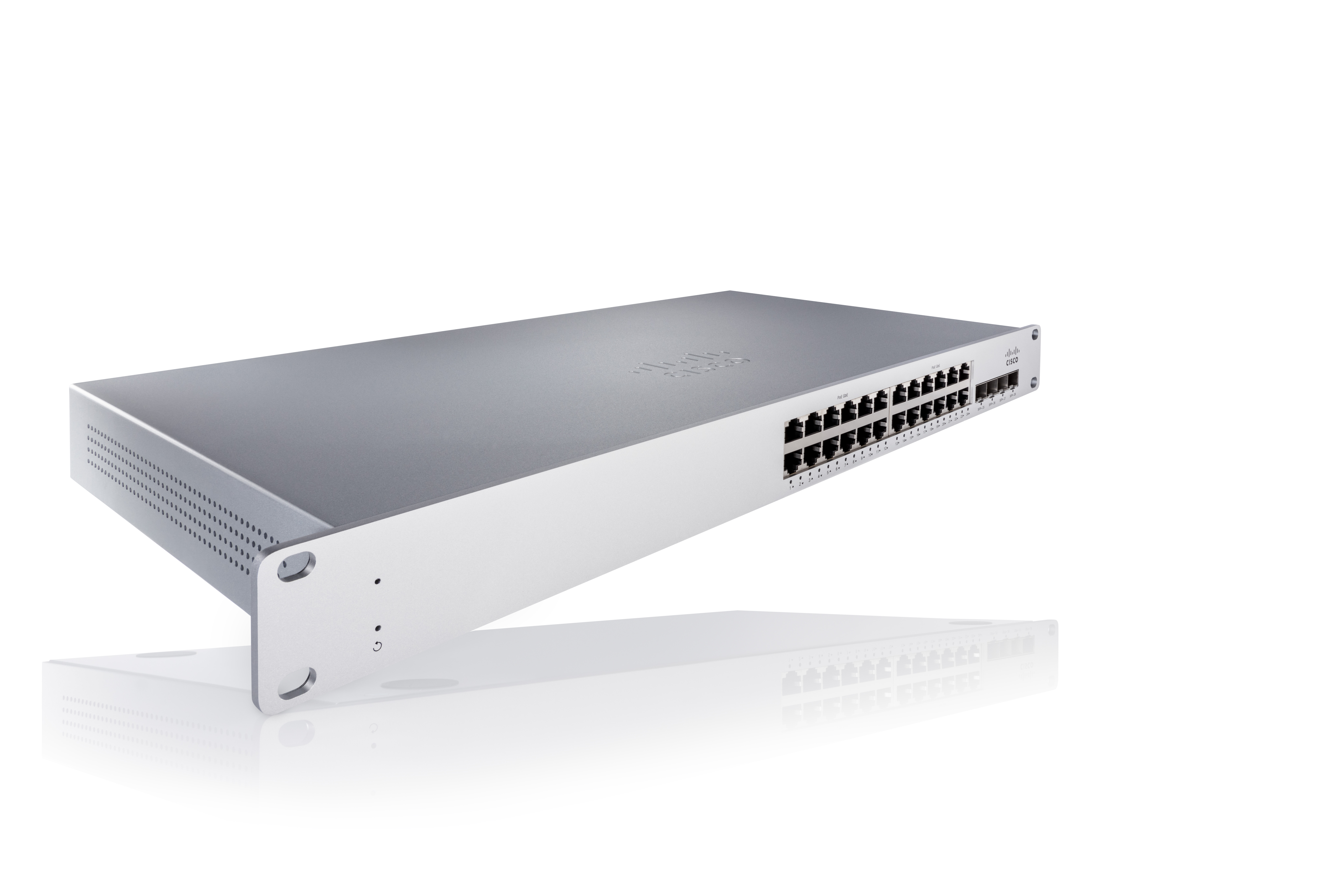
As a cloud-managed network management solution, the Cisco Meraki Dashboard enables users to provision, configure, and troubleshoot global networking and IoT deployments.
N/A
N-able N-central
Score 8.9 out of 10
N/A
MSPs
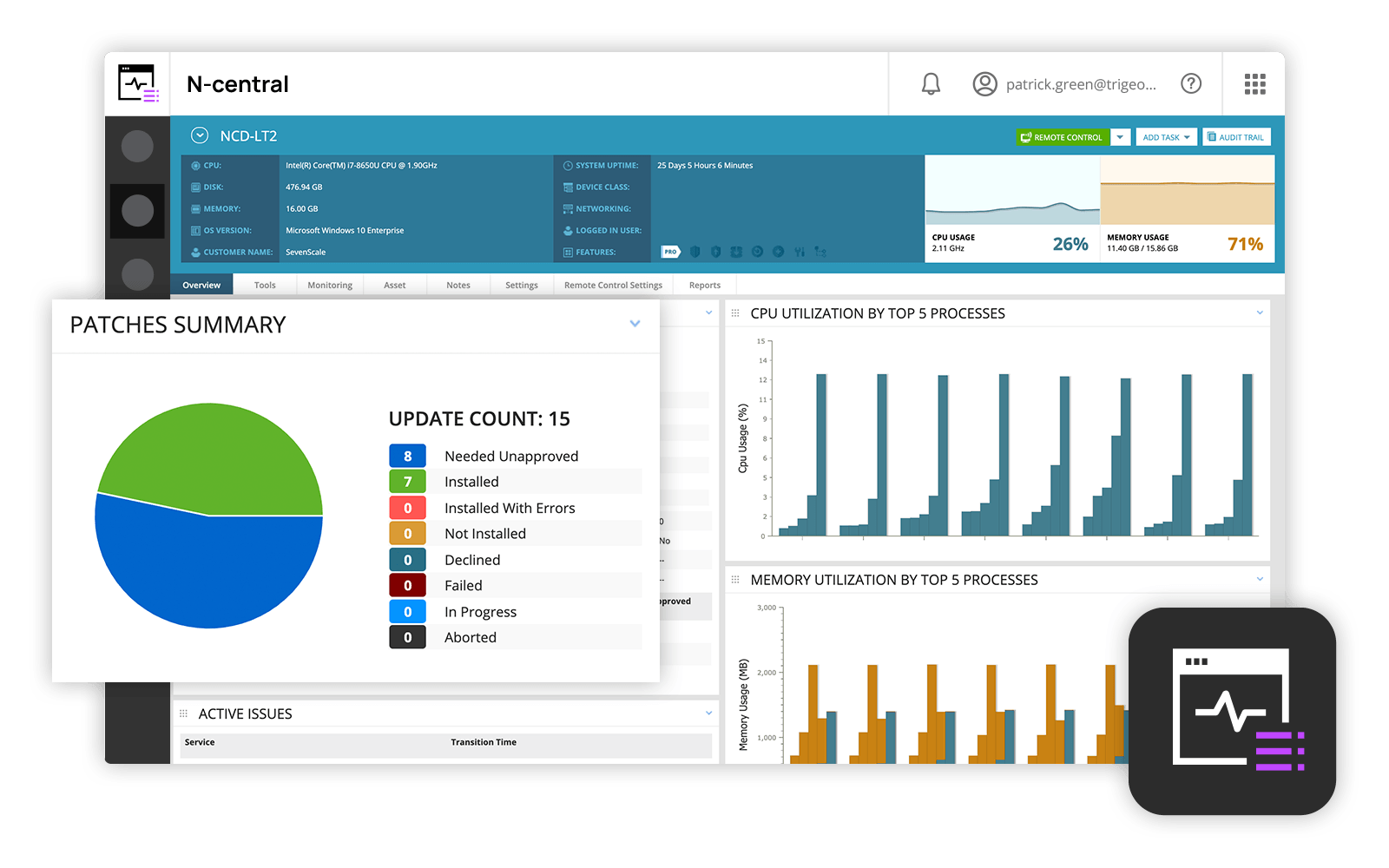
and IT professionals use N-able™ N-central® to monitor and manage devices and complex
networks remotely. N-central provides
visibility and efficiency as the user's needs scale. N-central can help users:
1. Proactively monitor everything on a customer network—not just servers
and workstations—and troubleshoot.
2. Stay on top of threats with features like MFA, antivirus, integrated endpoint
detection and response, data backup, disk encryption, email protection,…
N/A
Pricing
Cisco Meraki Dashboard
N-able N-central
Editions & Modules
No answers on this topic
No answers on this topic
Offerings
Pricing Offerings
Cisco Meraki Dashboard
N-able N-central
Free Trial
Yes
No
Free/Freemium Version
No
No
Premium Consulting/Integration Services
No
No
Entry-level Setup Fee
No setup fee
No setup fee
Additional Details
—
—
More Pricing Information
Community Pulse
Cisco Meraki Dashboard
N-able N-central
Features
Cisco Meraki Dashboard
N-able N-central
Monitoring Tasks
Comparison of Monitoring Tasks features of Product A and Product B
Cisco Meraki Dashboard
-
Ratings
N-able N-central
7.4
Ratings
0% below category average
Remote monitoring
00 Ratings
9.70 Ratings
Network device monitoring
00 Ratings
8.30 Ratings
Management Tasks
Comparison of Management Tasks features of Product A and Product B
Cisco Meraki Dashboard is great for NOC teams with little network experience at helping give them all the tools they need to do the job and become more efficient with networks. From easy RMA processes to metric gathering the Cisco Meraki Dashboard does it all very well. The licenses are a problem for a lot of companies since there are no guarantees the product stays online and certain integrations like ThousandEyes are overlooked due to the additional cost despite it being a great product.
In my opinion, N-able N-central is a good "learn your lesson and move onto something better" tool. I've used many RMM tools over the years and I feel that this one is slow, does a terrible job with reporting, alerting, monitoring, software deployments, etc. The ability to turn on services like AV, backup, etc easily is cute, but you're not going to be able to use your own tools with this easily. In my experience, if you do turn those tools on for testing during the trial, you'll be charged later (despite it being a trial). They also turn off your ability to monitor these increased costs or to turn them off yourself. As a company, I found that they were impossible to work with. The sales team is right there if you want to buy something - but if you need anything other than to buy something, in my experience, they take days or weeks to navigate. I found that they are not a terribly ethical company and are more concerned with making a few dollars than creating a partnerships with MSPs. I can see value is in the advertised price of $99 for a hundred endpoints. However, you need to remember to not trial any other tools (like AV, backup, etc).
Robust patch management: it is easy to set up patching groups via tags, and configures patch management profiles and maintenance windows.
Remote Control: as long as the agent checks in, it is very quick and easy to take control of an endpoint, either in a separate session (RDP, kick the current user out), or to join the existing session of the current user, to provide desktop support or collaborate remotely.
More granular controls over devices. It definitely feels like, especially when you come from a CLI environment and you're working in a command line interface and then going into the dashboard, you can feel restricted sometimes because if they don't have the button you can't press it. So more buttons.
Overall we have liked our solar winds experience, however, as our company has grown to support larger enterprises, this product does not have the functionality that our teams need in order to fully support them. The lack of granularity with backups and lack of ability to support nutanix environments is slowly drawing us into the use of other tools.
At the time of writing this, it appears that Cisco Meraki Dashboard has finally integrated a Cisco IOS XE output window into the dashboard. This is a massive step in the right direction and something that it was dearly missing. At the moment, we do not have this integration and so a lot of the times, we have to navigate via several tools menus to get the info we need instead of being able to run a quick command.
The user interface is fairly straight forward, with logic groupings for objects. I did not deploy this software, but am one of the daily administrators. Once you get the correct agent package (Which can be a challenge) the integration into AD is not bad. The UI could be more customized, but that may have been a design choice.
Every time we have reached out to SolarWinds they are quick to respond, even offering support chat 24/7. Their support team is great and works with you to find solutions to issues. They have taken items we had issues with before and used those to create updates so that the issue is handled better in the future.
A number of networks we've taken over were using Ubiquiti Unifi, which is an okay solution, but a lot more cumbersome to manage. We've found the Cisco Meraki Dashboard system much more intuitive and way less time-intensive. Simple things like setting up dedicated DHCP entries or poking holes in VLAN firewalls are way easier in Cisco Meraki Dashboard.
Most advanced, and other technicians in the business already used it before. NinjaOne was a close competitor, but lacked some features that we ideally need. ITarian was too basic but was MUCH cheaper. For a startup MSP, it would be much more attractive. Splashtop was just for remote connections, which we used for some time before realizing full RMMs were a better fit for our requirements.
When there's an issue with communication to the cloud. EX: unable to fetch configs. This due to like new device being installed or if you have to factory reset the device. This has been a negative impact.
Incorrect status. Sometimes the status of the device or network is not reflected as it should be. This has had a negative impact in the past. However, for the most part, the Status is fairly accurate.
Incident response has been very good. Anytime an issue has been reported to Cisco regarding Cisco Meraki Dashboard, the issue is quickly investigated and doesn't take long to resolve.
Customer support and Cisco's technical team has been very helpful and responsive.
The product definitely increases productivity. Technicians can spend a few seconds to take care of remote tasks with a few clicks as opposed to minutes to get a user to start a remote control session, or worse, going on site to work on a piece of equipment.
The packaging of the features makes selling and pricing the product fairly straight-forward and convenient. This saves our sales team time from trying to work with add-ons when pricing our services - the product makes it easy to just have an "all you can eat" package at a set price.
When something goes wrong with the product, our business and our customers suffer. If for example, a bug causes all managed computers to reboot, our customers call in, resulting in our technicians being booked solid doing damage control. This also causes loss of trust with our customers - we can't simply blame the product, the customer trusts us to provide them a service and if the product fails, we fail.