
Cisco Meraki Dashboard vs. Intermapper
| Product | Rating | Most Used By | Product Summary | Starting Price |
|---|---|---|---|---|
 Cisco Meraki Dashboard | Score9.3 out of 10 | N/A | As a cloud-managed network management solution, the Cisco Meraki Dashboard enables users to provision, configure, and troubleshoot global networking and IoT deployments. | N/A |
 Intermapper | Score8.4 out of 10 | N/A | Intermapper is a network monitoring and mapping software for hybrid environments. Intermapper provides real-time performance alerts and bandwidth monitoring with cross-platform functionality. | N/A |
| Cisco Meraki Dashboard | Intermapper | |||||||||||||||
|---|---|---|---|---|---|---|---|---|---|---|---|---|---|---|---|---|
| Editions & Modules | No answers on this topic | No answers on this topic | ||||||||||||||
| Offerings |
| |||||||||||||||
| Entry-level Setup Fee | No setup fee | Optional | ||||||||||||||
| Additional Details | — | Intermapper pricing is based on number of devices monitored. Intermapper is free for 5 devices or less. Subscription pricing starts at $303 for 25 devices. Device-based pricing starts at $765 for 25 devices. | ||||||||||||||
| More Pricing Information | ||||||||||||||||
| Cisco Meraki Dashboard | Intermapper | |
|---|---|---|
| Considered Both Products | No answer on this topic | No answer on this topic |
| Key User Insights | ||
| Would buy again | ||
97% Would buy again 37 Answers | No answers on this topic | |
| Delivers good value for the price | ||
100% Delivers good value for the price 37 Answers | No answers on this topic | |
| Happy with the feature set | ||
97% Happy with the feature set 37 Answers | No answers on this topic | |
| Lived up to sales and marketing promises | ||
100% Lived up to sales and marketing promises 27 Answers | No answers on this topic | |
| Implementation went as expected | ||
97% Implementation went as expected 30 Answers | No answers on this topic | |
| Cisco Meraki Dashboard | Intermapper | |||||||||||||||||||||||||||||||
|---|---|---|---|---|---|---|---|---|---|---|---|---|---|---|---|---|---|---|---|---|---|---|---|---|---|---|---|---|---|---|---|---|
| Network Performance Monitoring |
| |||||||||||||||||||||||||||||||
| Cisco Meraki Dashboard | Intermapper | |
|---|---|---|
| Small Businesses |  Pulseway Score9.9 out of 10 |  Auvik Score9.9 out of 10 |
| Medium-sized Companies |  SolarWinds Engineer's Toolset Score9.3 out of 10 |  PingPlotter Score9.3 out of 10 |
| Enterprises |  Cisco Prime LAN Management (discontinued) Score8.5 out of 10 |  Nmap Score10 out of 10 |
| All Alternatives | View all alternatives | View all alternatives |
| Cisco Meraki Dashboard | Intermapper | |
|---|---|---|
| Likelihood to Recommend | 9.0 | 8.0 |
| Usability | 10.0 | - |
| Support Rating | - | 9.0 |
| Cisco Meraki Dashboard | Intermapper | |
|---|---|---|
| Likelihood to Recommend |
|
|
| Pros |
|
|
| Cons |
|
|
| Usability |
| No answers on this topic |
| Support Rating | No answers on this topic |
|
| Alternatives Considered |
|
|
| Return on Investment |
|
|
| ScreenShots | Cisco Meraki Dashboard Screenshots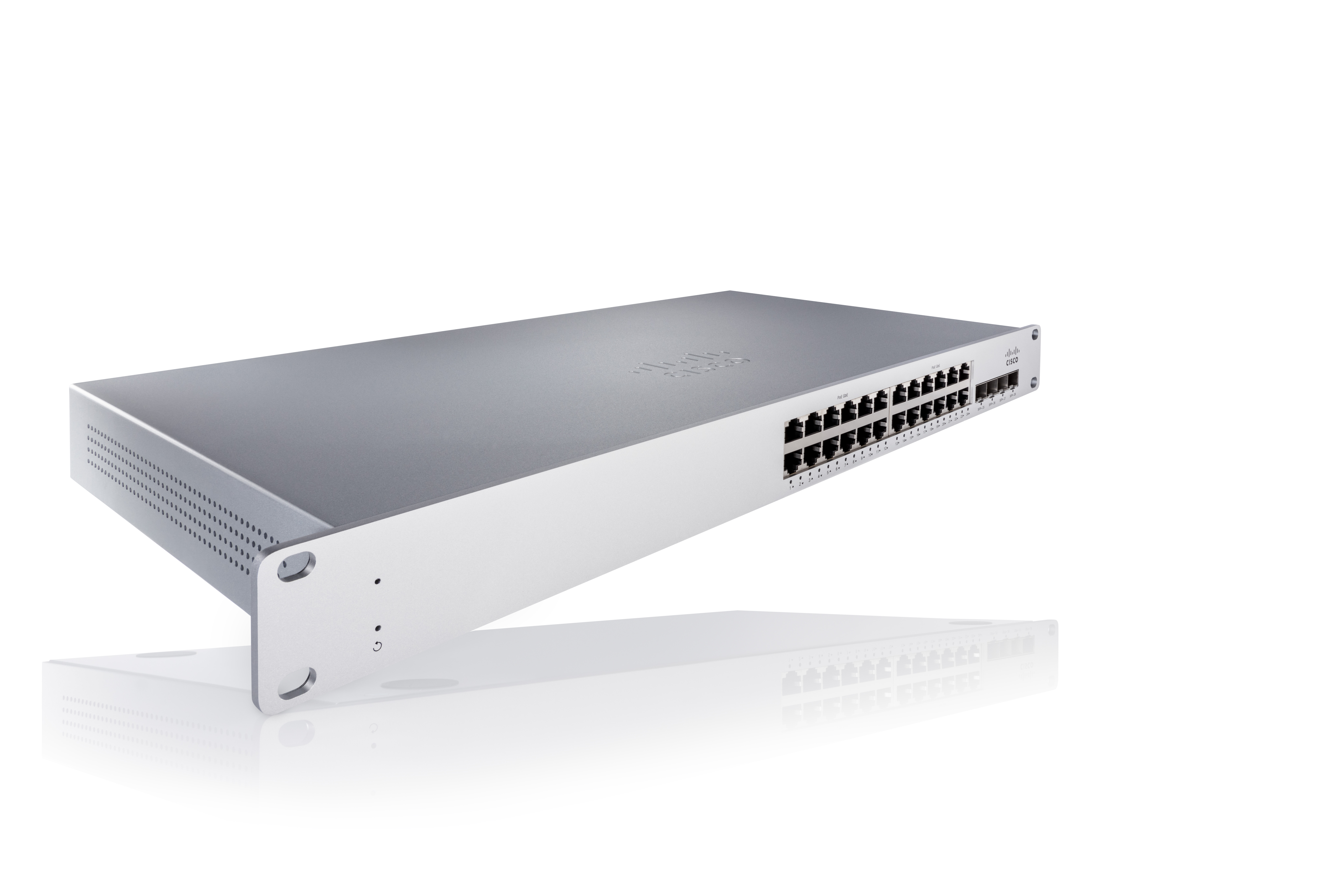 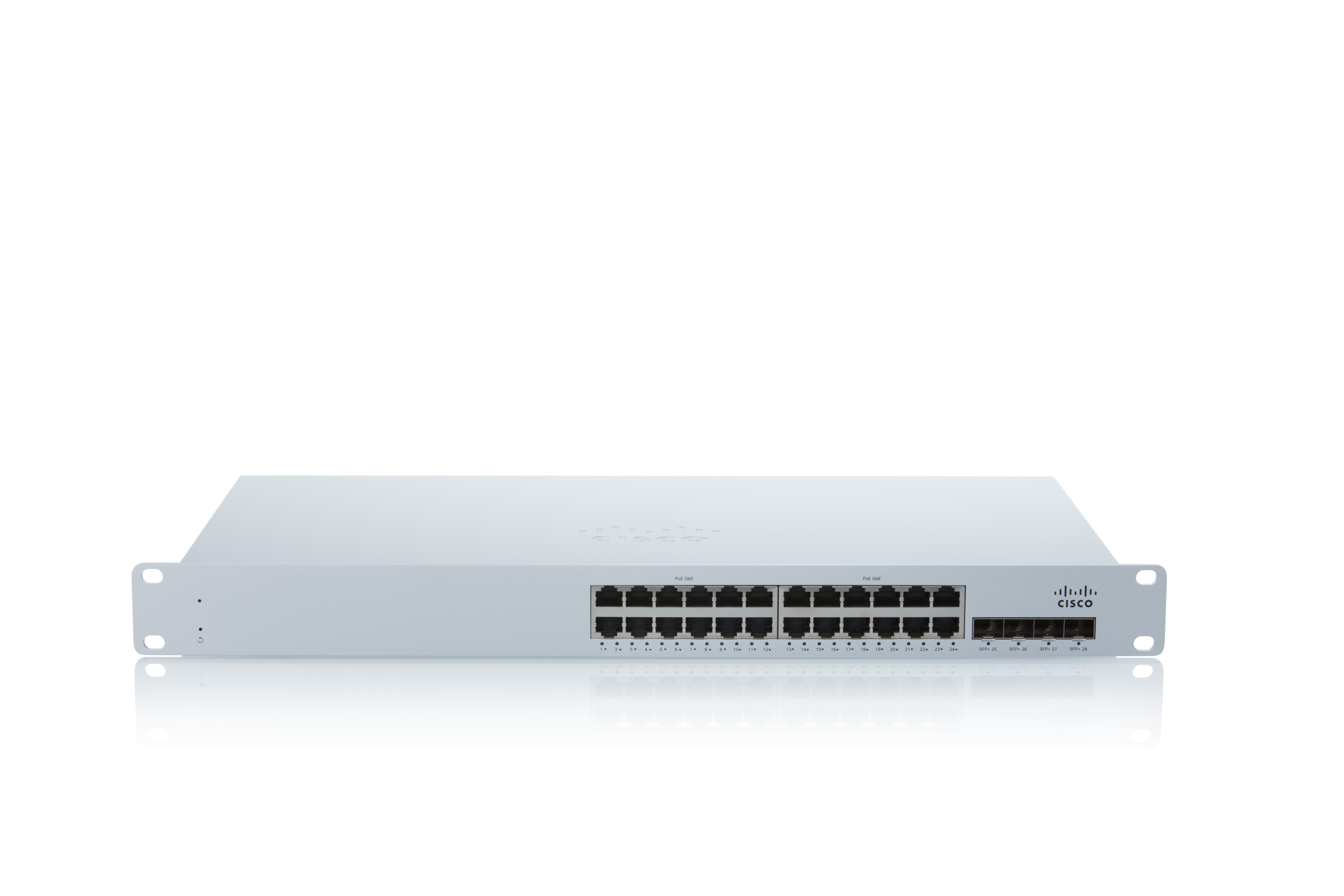 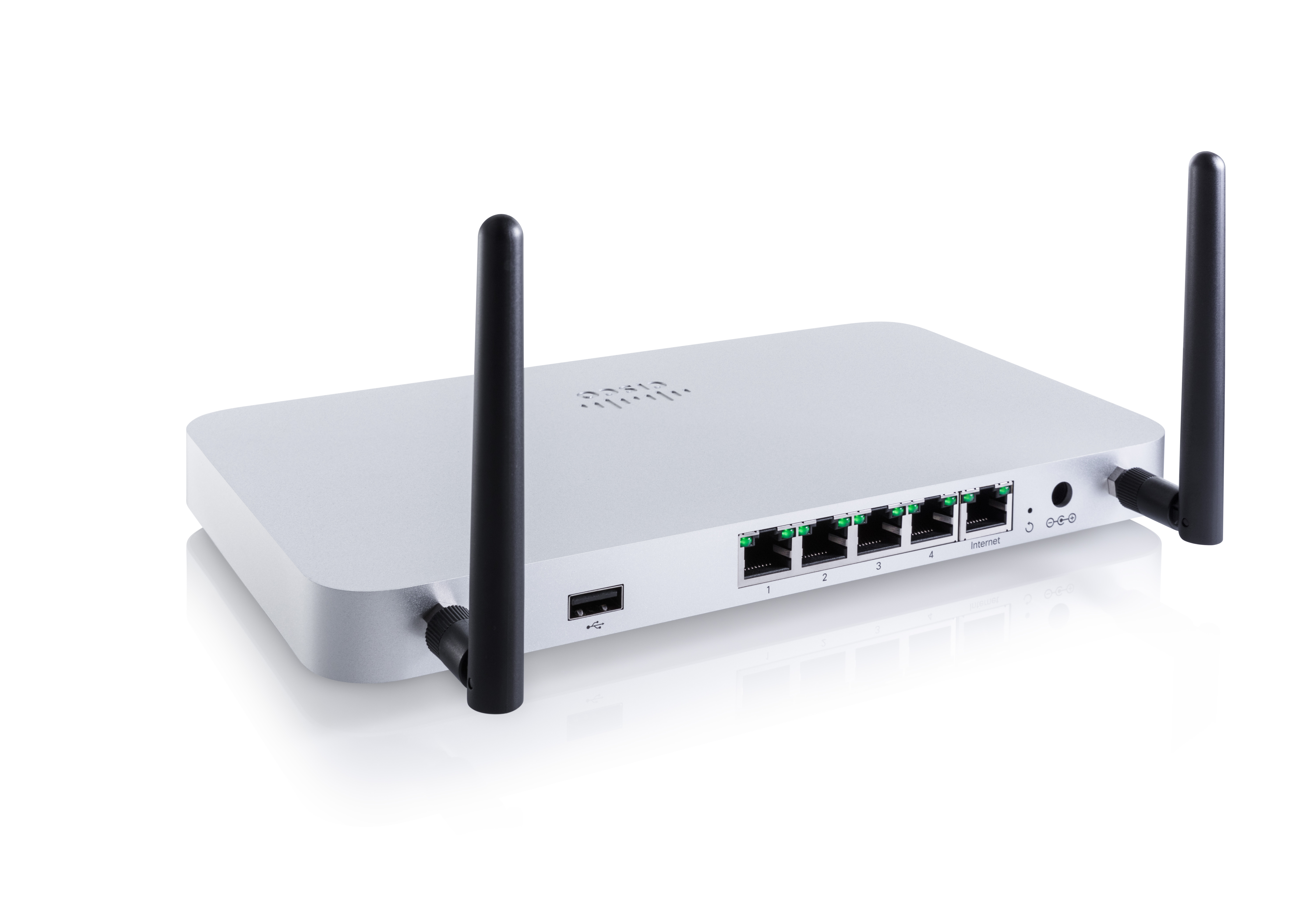 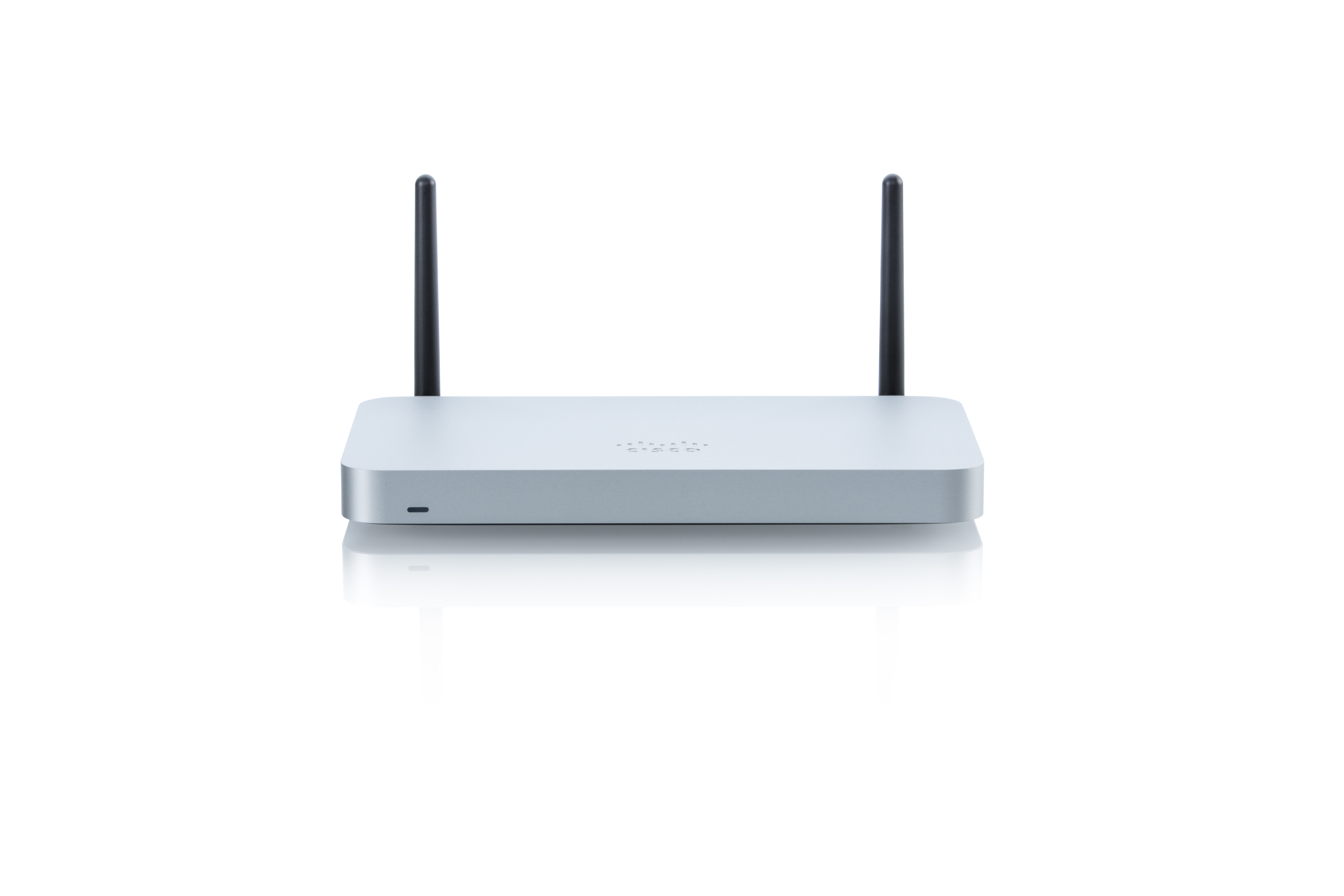 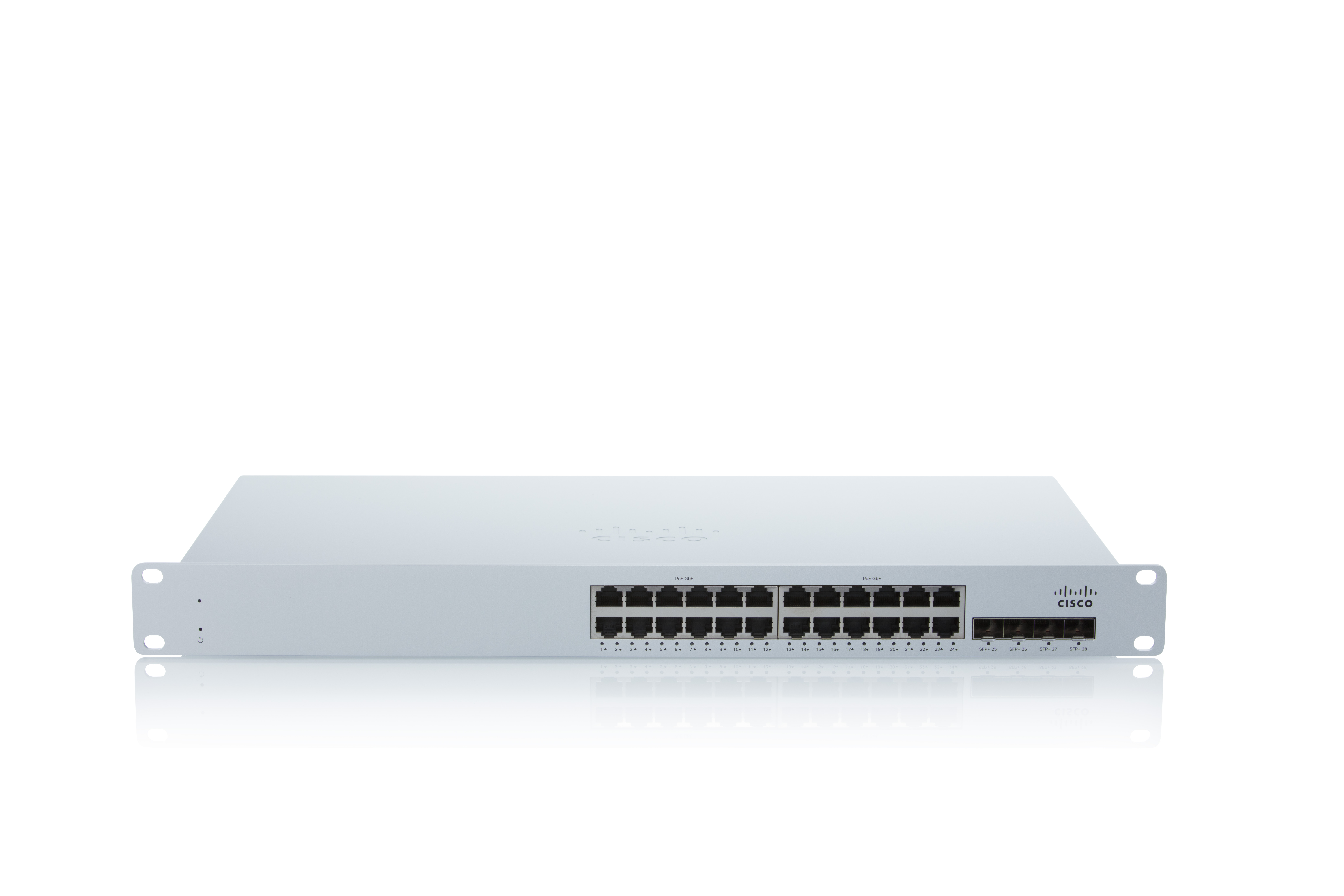 | Intermapper Screenshots   |


