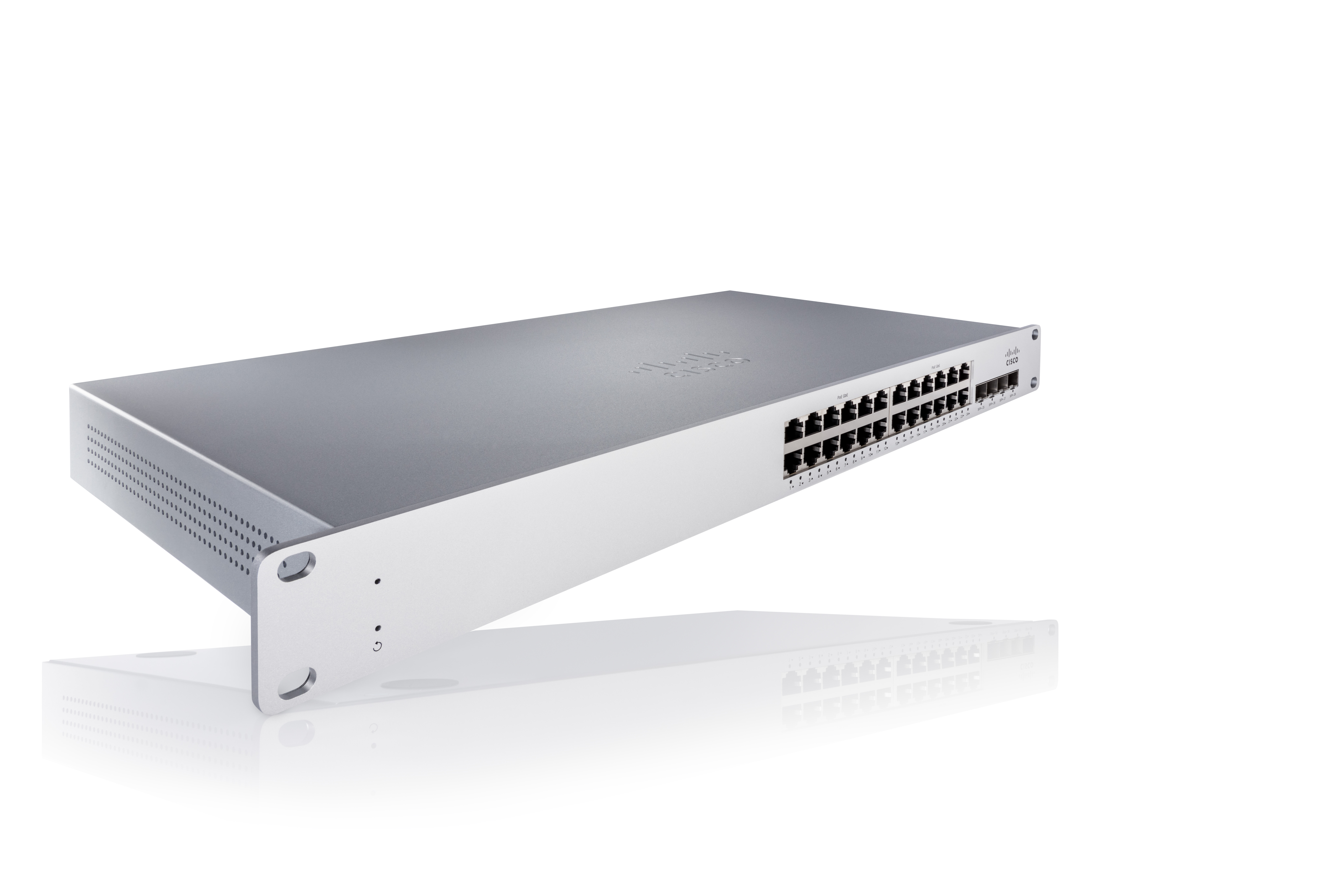
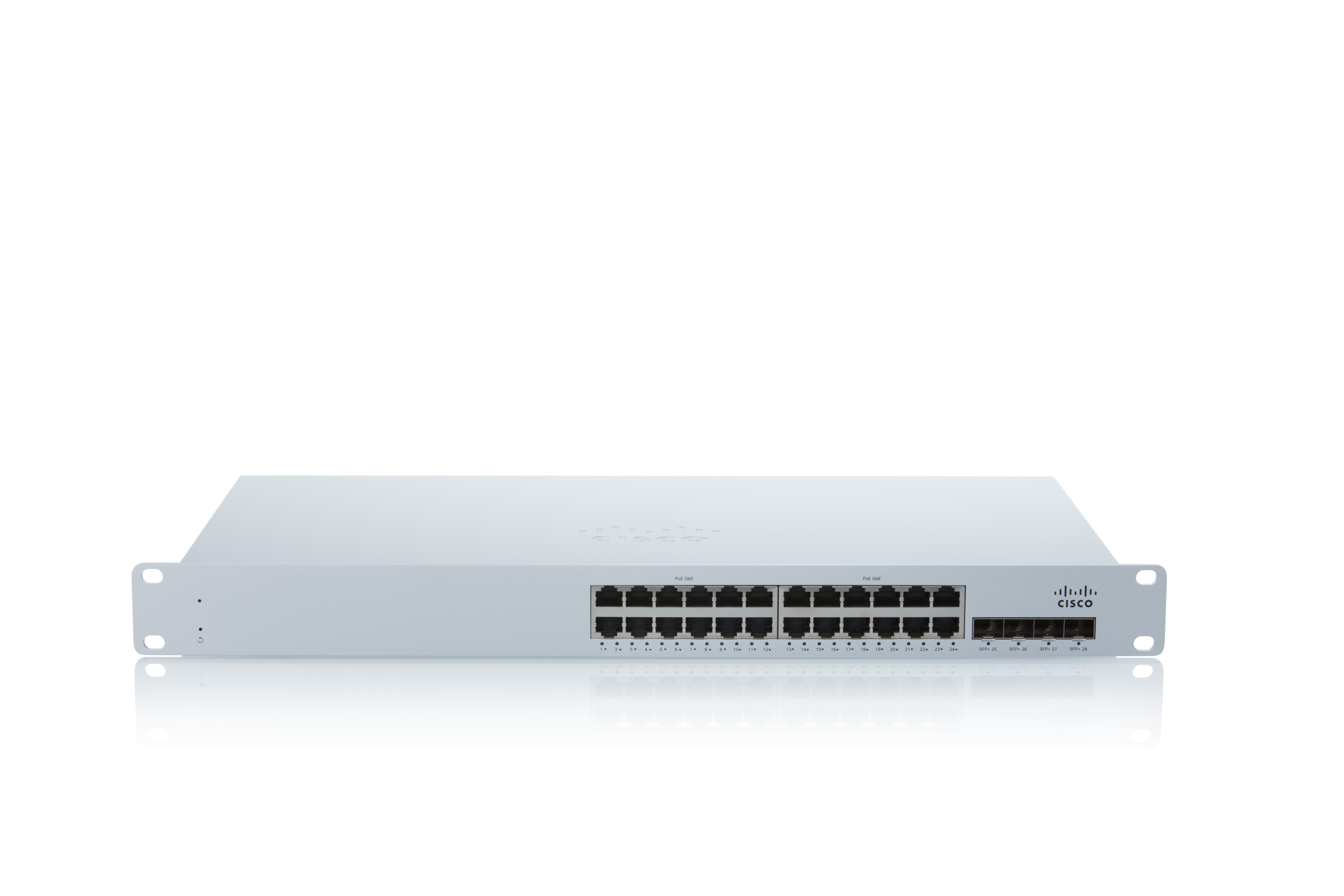
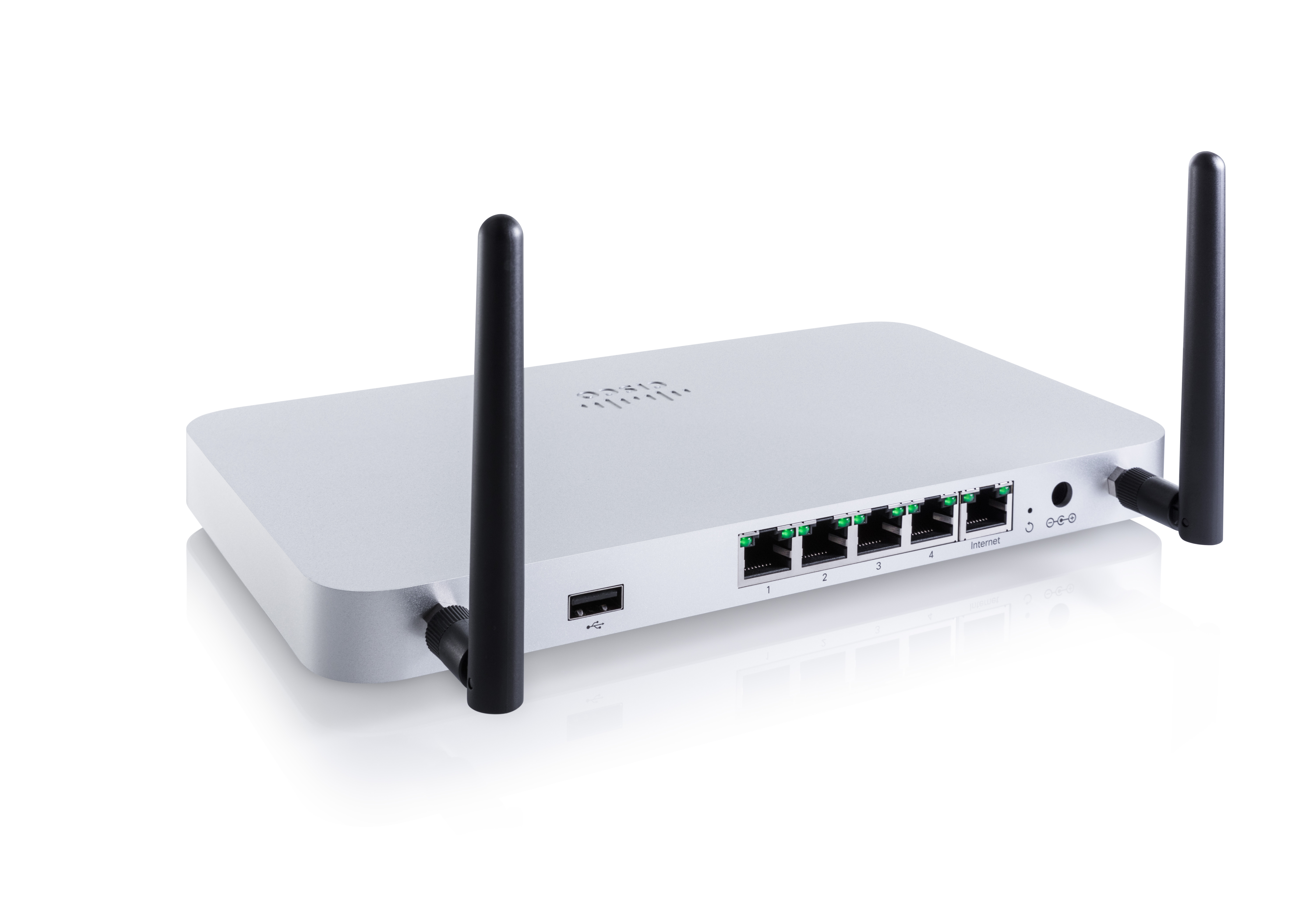
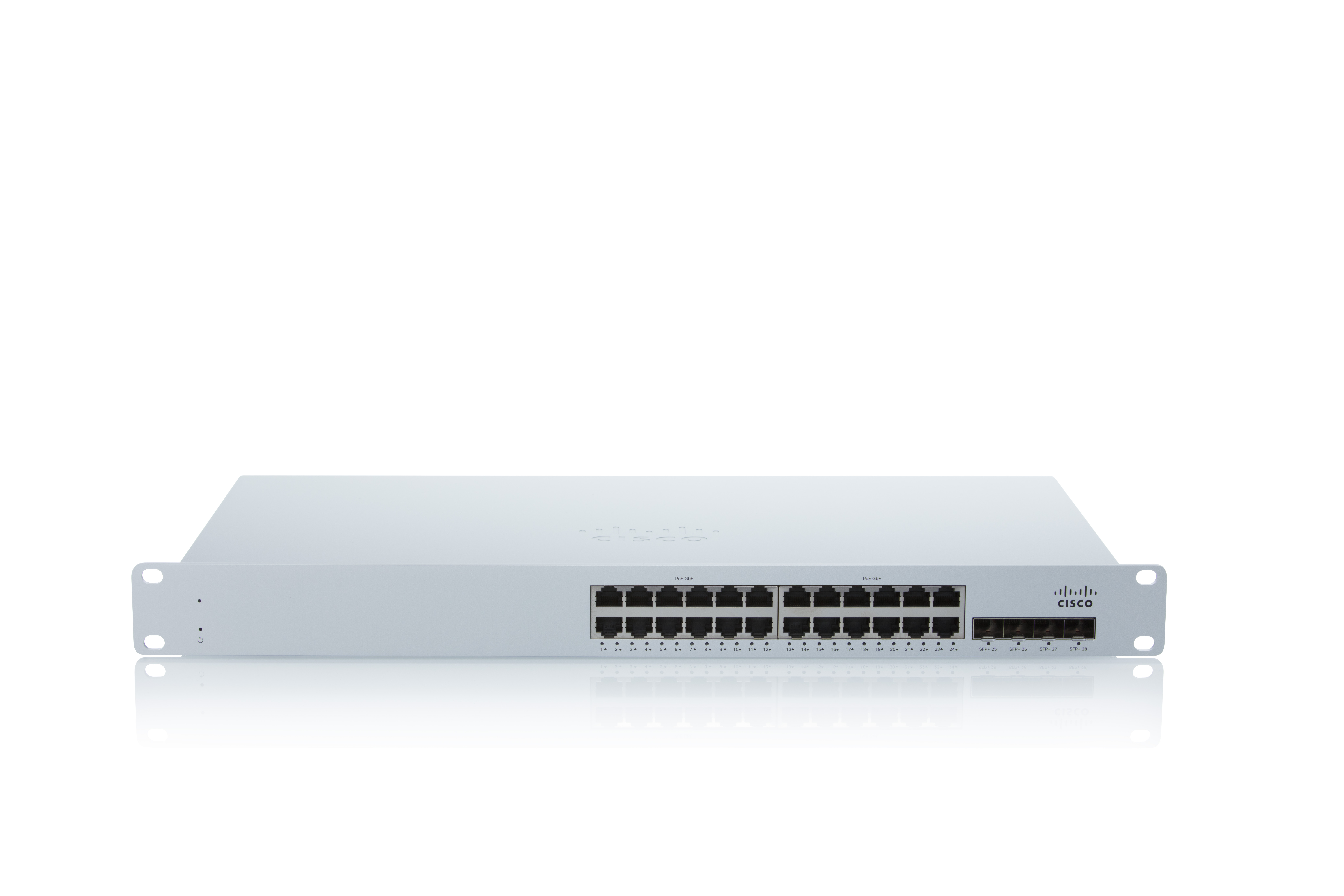
As a cloud-managed network management solution, the Cisco Meraki Dashboard enables users to provision, configure, and troubleshoot global networking and IoT deployments.
N/A
Cisco Prime LAN Management (discontinued)
Score 8.4 out of 10
N/A
Cisco Prime LAN Management Solution is discontinued. Current users are encouraged to explore Cisco Catalyst Center as a modern solution.
Cisco Meraki Dashboard is great for NOC teams with little network experience at helping give them all the tools they need to do the job and become more efficient with networks. From easy RMA processes to metric gathering the Cisco Meraki Dashboard does it all very well. The licenses are a problem for a lot of companies since there are no guarantees the product stays online and certain integrations like ThousandEyes are overlooked due to the additional cost despite it being a great product.
Cisco Prime can monitor faults and performance, generate heat maps, manage device configuration, and alert. The tools that we find will help us identify wireless access points, network switches, and everything in between. It's simple to manage a dozen devices, but hundreds or thousands require a platform like Cisco LMS. Its bulk configuration and backup configuration features are crucial. We can also access dashboards that show admins and technicians the network's health at a glance.
You can deploy from simple snippets of config to a whole template to multiple devices at the same time. That saves us a lot of time (remember that time is money) when we need to change some setting globally, like adjust a ACL or add new global policy. Doesn't matter how many models of the same equipment you have.
The Network Topology map is also a great tool for troubleshooting. You can check several aspects of the topology, the connection between the equipment, the status of the connections and even check specific alarms related to that part of the topology (or map). Again, consider that in a multi site, global environment and you'll see the benefits.
Inventory and firmware updates are also great tools inside the solution. You have check exactly what equipment is outdated and schedule an update with a couple of clicks. You can do that also in a batch, saving a lot of time (and money) and avoid to go handle the equipment one by one, sometimes even needing to have physical access to those equipment.
More granular controls over devices. It definitely feels like, especially when you come from a CLI environment and you're working in a command line interface and then going into the dashboard, you can feel restricted sometimes because if they don't have the button you can't press it. So more buttons.
At the time of writing this, it appears that Cisco Meraki Dashboard has finally integrated a Cisco IOS XE output window into the dashboard. This is a massive step in the right direction and something that it was dearly missing. At the moment, we do not have this integration and so a lot of the times, we have to navigate via several tools menus to get the info we need instead of being able to run a quick command.
We are very happy using Cisco Prime LAN Management Solution for the following reason: 1- Ease of use with the GUI. 2- Very well organized dashboard which can view many statistics on your devices. 3- Customized dashboard for different views ( for technical team and executives ) 4- Schedule configuration templates to use whenever we need on whatever device we want.
A number of networks we've taken over were using Ubiquiti Unifi, which is an okay solution, but a lot more cumbersome to manage. We've found the Cisco Meraki Dashboard system much more intuitive and way less time-intensive. Simple things like setting up dedicated DHCP entries or poking holes in VLAN firewalls are way easier in Cisco Meraki Dashboard.
Although there are many powerful tools available in the market such as Solarwinds, Micro Focus, CA Spectrum with advanced configuration options and customization options available still Cisco Prime [LAN Management Solution] is the preferred tool for following reasons - 1. If you have only Cisco Infrastructure then go for Cisco Prime Blindly. 2. Extensive information on network devices mapping layout. 3. Devices configuration management specially for wireless.
When there's an issue with communication to the cloud. EX: unable to fetch configs. This due to like new device being installed or if you have to factory reset the device. This has been a negative impact.
Incorrect status. Sometimes the status of the device or network is not reflected as it should be. This has had a negative impact in the past. However, for the most part, the Status is fairly accurate.
Incident response has been very good. Anytime an issue has been reported to Cisco regarding Cisco Meraki Dashboard, the issue is quickly investigated and doesn't take long to resolve.
Customer support and Cisco's technical team has been very helpful and responsive.
It has helped us with our quarterly wireless security testing by pinpointing the location of non-approved access points vs. hunting for them via signal strength.
Saves time by helping to identify network health issues before they become a definitive problem causing downtime.
With errors detected early, we have noticed our wi-fi network is much more stable thus freeing up our engineer's time elsewhere.