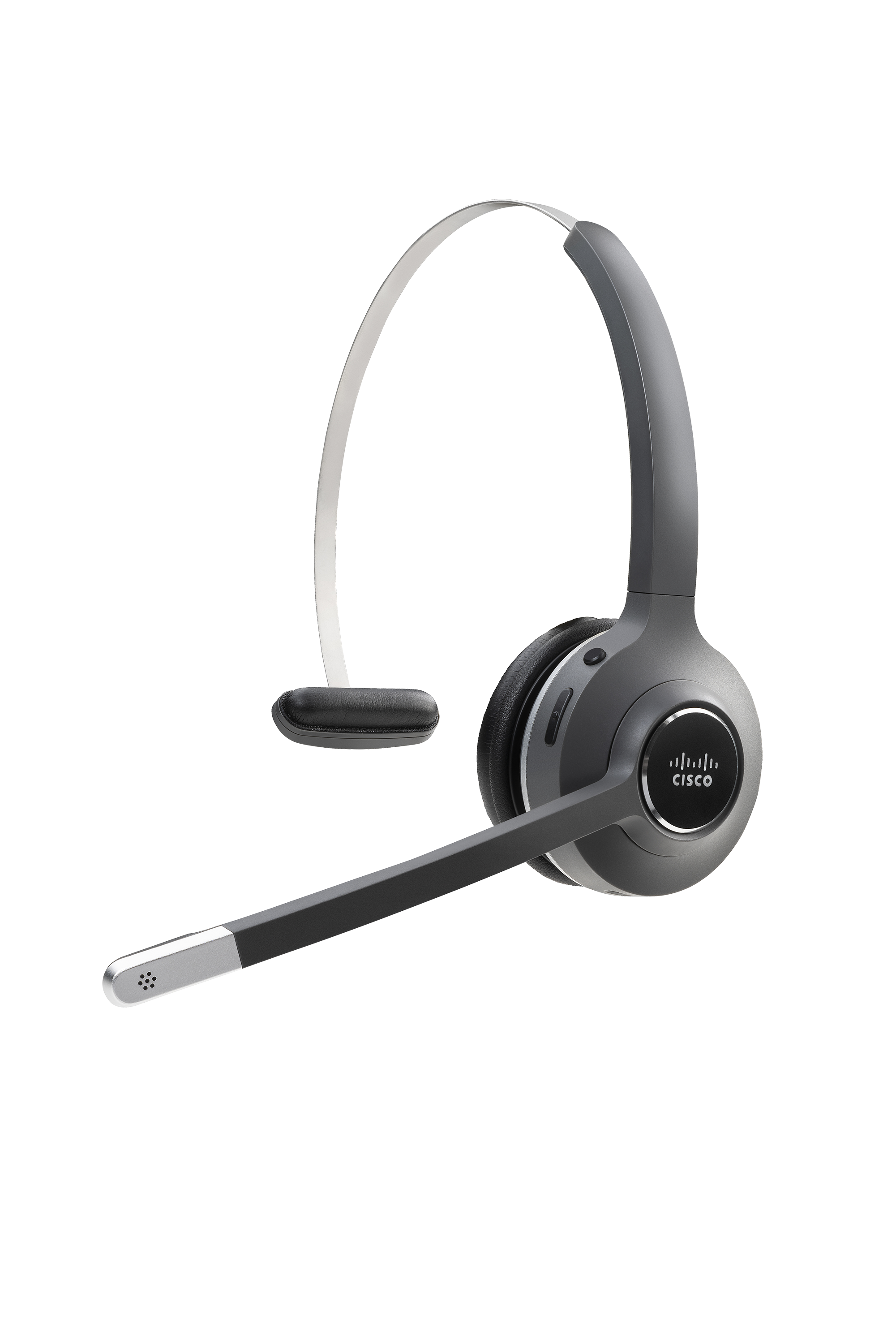
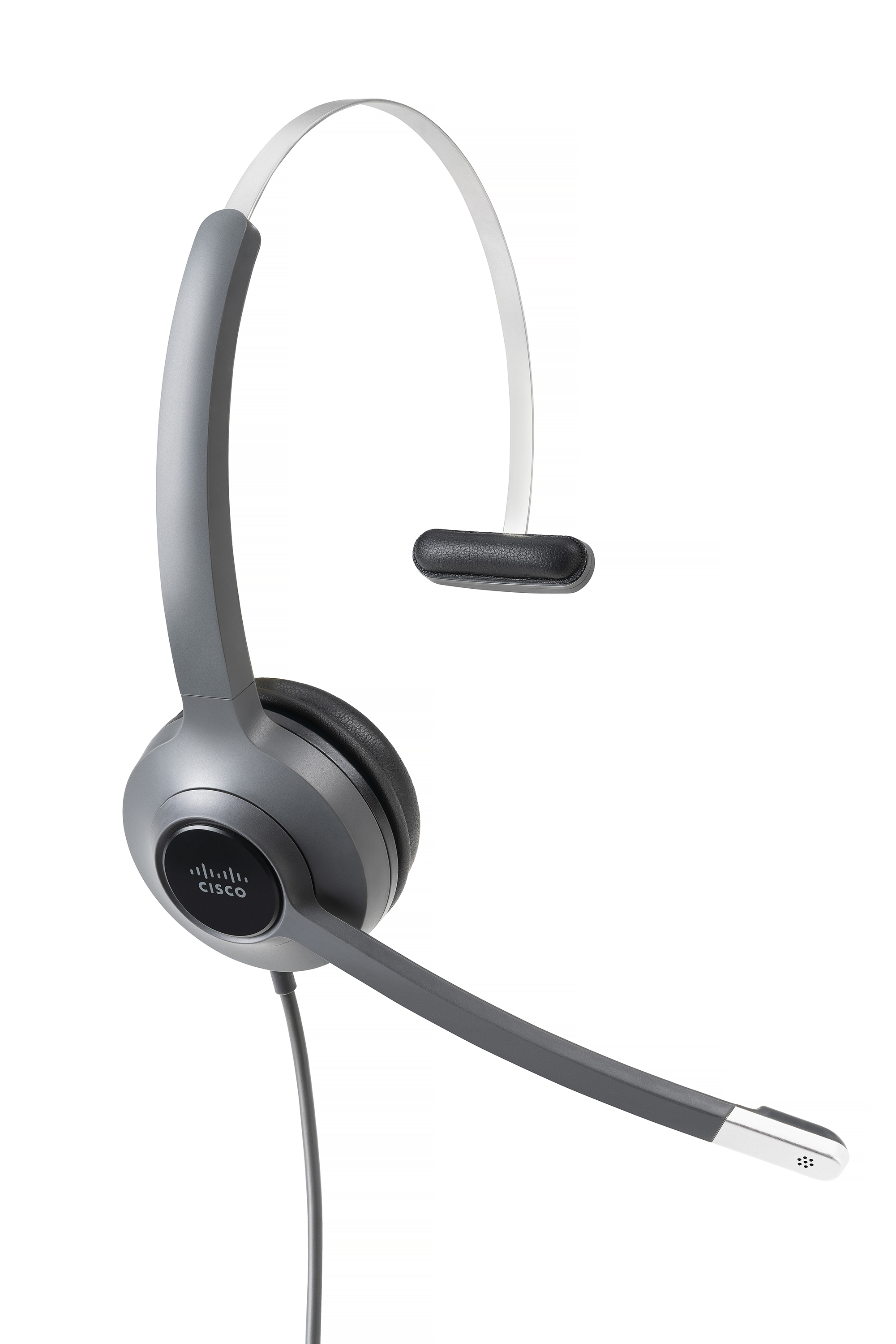
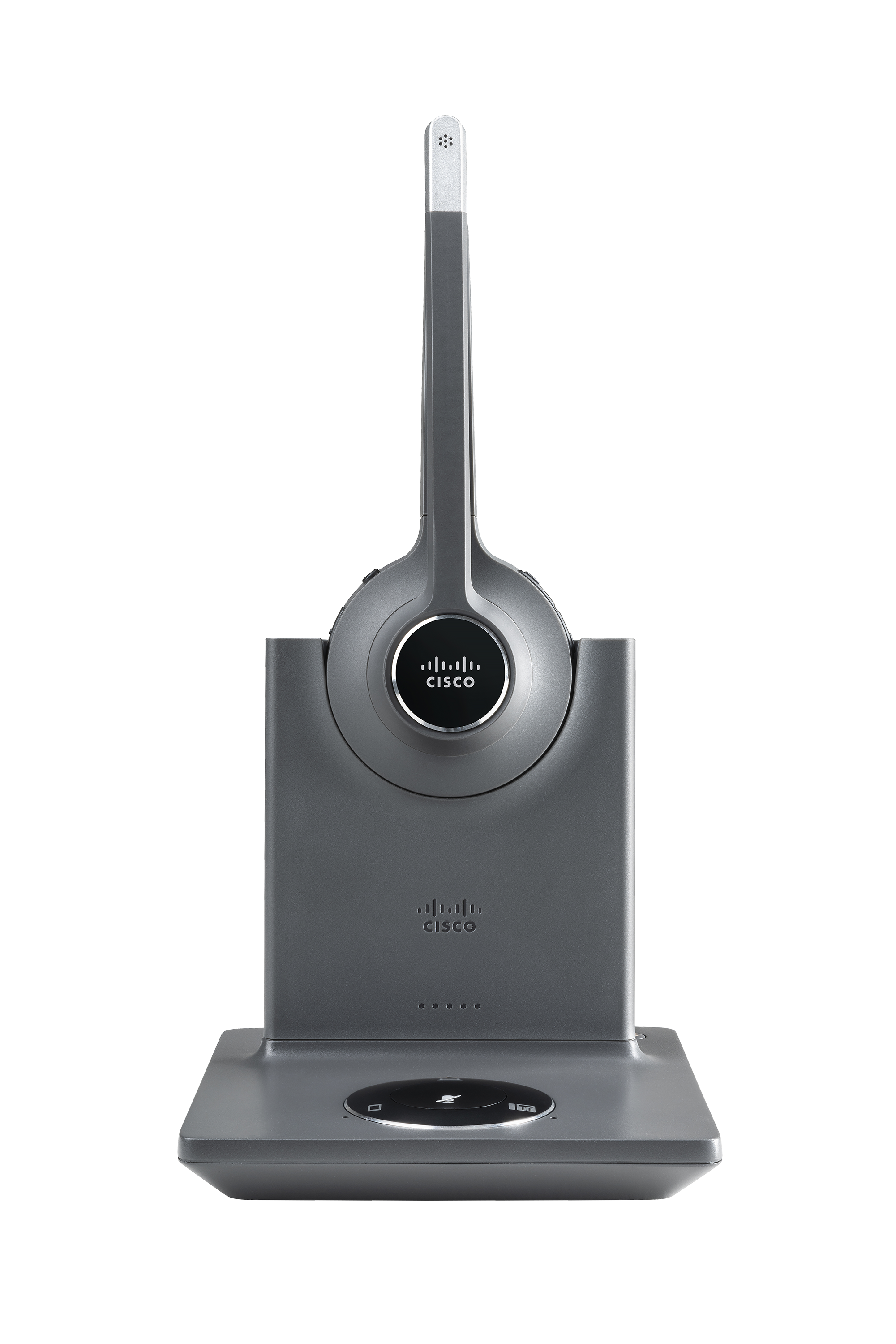
Cisco Headsets are designed to help users stay connected wherever they work. Whether working at home, at the office, or on the go, the headset helps users stay focused on what's important. The professional headsets are built to deliver exceptional audio and are integrated with the Webex platform for seamless collaboration and simple management. Bluetooth wireless, DECT, or wired headsets are available.
N/A
Dolby Conference Phone (Dolby Voice)
Score10 out of 10
N/A
Dolby presents the Dolby Voice product line of consisting as software as well as conference phones and video conferencing equipment, able to produce an immersive, natural conferencing experience. It is available in various kits, such as the Dolby Voice Room kit, as well as Dolby Voice Pro (for boardrooms), and Dolby Voice Huddle.
It's a great fit in various departments and all the options out there mean you can find an option for each case. You can use them either sitting down at a dedicated workstation (desktop or laptop/dock) and wired, or you can also use them wireless 'on the go' with computers and mobile devices.
Implementing these units within our business reduced the number of support requests to our internal IT support desk. This was simply because these units are so simple to use. The user books a video conference meeting within Outlook and includes the meeting room they wish to hold the video conference in. Within five minutes, their meeting is recognized on the Dolby Conference Phone (Dolby Voice). Their meeting is also shown on the TV screen within the meeting room so that other people can see who will be using the room. On entering the room, the user simply touches the Join button next to their meeting on the Dolby Conference Phone (Dolby Voice), normally in the middle of the table, and within a few seconds, the meeting room has joined the video conference meeting.
Cancel the noise side of things. You can't hear anything in the background. I quite often talk really loud because I can't hear myself talking and it's comfortable. They are really comfortable. We've got the wireless ones and they just sit so comfortably on your head. Amazing.
A de minimis incentive was given to thank the reviewer for their time. The incentive was not used to bias or drive a particular response, nor was the incentive contingent on a positive endorsement. More Info
A de minimis incentive was given to thank the reviewer for their time. The incentive was not used to bias or drive a particular response, nor was the incentive contingent on a positive endorsement. More Info
Way easier to set up and manage. no fiddling with knobs, dials, and silly things like a physical receiver lifter that breaks easily. sound and call quality is great, no issues using day to day. only thing is that the price is a premium, but for us its worth it for the advantages that come with the ecosystem.
A de minimis incentive was given to thank the reviewer for their time. The incentive was not used to bias or drive a particular response, nor was the incentive contingent on a positive endorsement. TR verified that a representative sample of customers was invited. More Info
This rating is given because it is simple for us--a no-brainer to replace these units with a new Dolby video conferencing device. The fact that these units make the room neater and make it very easy for a user to onboard and use, just makes it a must-have item. The Linux version of these units is also easier to use with a little software patching required. For us, we can also use the Microsoft Teams gateway.
I have yet to find a use case where the 730 is not appropriate. The audio quality and active noise cancellation capabilities are excellent, and the portability puts it above many alternatives.
A de minimis incentive was given to thank the reviewer for their time. The incentive was not used to bias or drive a particular response, nor was the incentive contingent on a positive endorsement. More Info
That this unit is so easy for users to use. To join a meeting is a simple one-touch join. If they have not added the meeting room to their invite, then entering the meeting ID into the unit via the touch screen on the flying saucer is very easy. The mute button is on the top of the unit and shows a red LED circle when on mute.
I would give it a 10 but the ringing on the base after you answer makes it unbearable at times. You have to unplug the USB or turn off the Bluetooth to get it to stop.
A de minimis incentive was given to thank the reviewer for their time. The incentive was not used to bias or drive a particular response, nor was the incentive contingent on a positive endorsement. More Info
A de minimis incentive was given to thank the reviewer for their time. The incentive was not used to bias or drive a particular response, nor was the incentive contingent on a positive endorsement. More Info
Too expensive and too heavy and too uncomfortable. It just didn't deliver the experience that we thought we would get based on the price. I can get the same features, for cheaper, with a more comfortable headset from another vendor. So overall this one just never got put on the final list.
A de minimis incentive was given to thank the reviewer for their time. The incentive was not used to bias or drive a particular response, nor was the incentive contingent on a positive endorsement. More Info
When we have asked the question to either BlueJeans or Dolby, we have been given the answer quickly. To be honest, the number of times that we have had to go to support on these units has been very low--maybe once a quarter.
A de minimis incentive was given to thank the reviewer for their time. The incentive was not used to bias or drive a particular response, nor was the incentive contingent on a positive endorsement. More Info
We did not have any key issues during the implementation. The units are very easy to configure for BlueJeans. When you first turn on the unit, you select the video conferencing platform that you are using. The wizard will then request various information (e.g., IP address, network) and then look for software updates. Once completed, the unit can be installed in the meeting room. The unit will run off a PoE network lead, so one lead to the unit.
The battery on the Jabra was bad. Once the battery gets low, and you get a warning that it is getting low you have seconds to plug it in. And I mean seconds. And once the battery has gone, and plug it in, not only does it take ages to recharge, it also takes ages to get volume coming back through the headphones. Often missing vital parts of a meeting.
A de minimis incentive was given to thank the reviewer for their time. The incentive was not used to bias or drive a particular response, nor was the incentive contingent on a positive endorsement. TR verified that a representative sample of customers was invited. More Info
The biggest issue with others that we find is that no one has a simple one-touch method for users to join a video conference meeting. With most others, we found you either have to find your meeting or manually enter your meeting. With Dolby Conference Phone (Dolby Voice), you are straight into the room--one touch and in the meeting.
A de minimis incentive was given to thank the reviewer for their time. The incentive was not used to bias or drive a particular response, nor was the incentive contingent on a positive endorsement. More Info
Durability and quality so less spending on replacing the product.
Helped me understand speakers words clearly with no voice breaks thus making me more reliable and professional, directly increasing my productivity and impacting business in a positive light.
Uniformity. Our organisation first pilot tested Cisco Headsets and soon we changed our other vendor because of its quality. So, now it's all Cisco.
A de minimis incentive was given to thank the reviewer for their time. The incentive was not used to bias or drive a particular response, nor was the incentive contingent on a positive endorsement. More Info