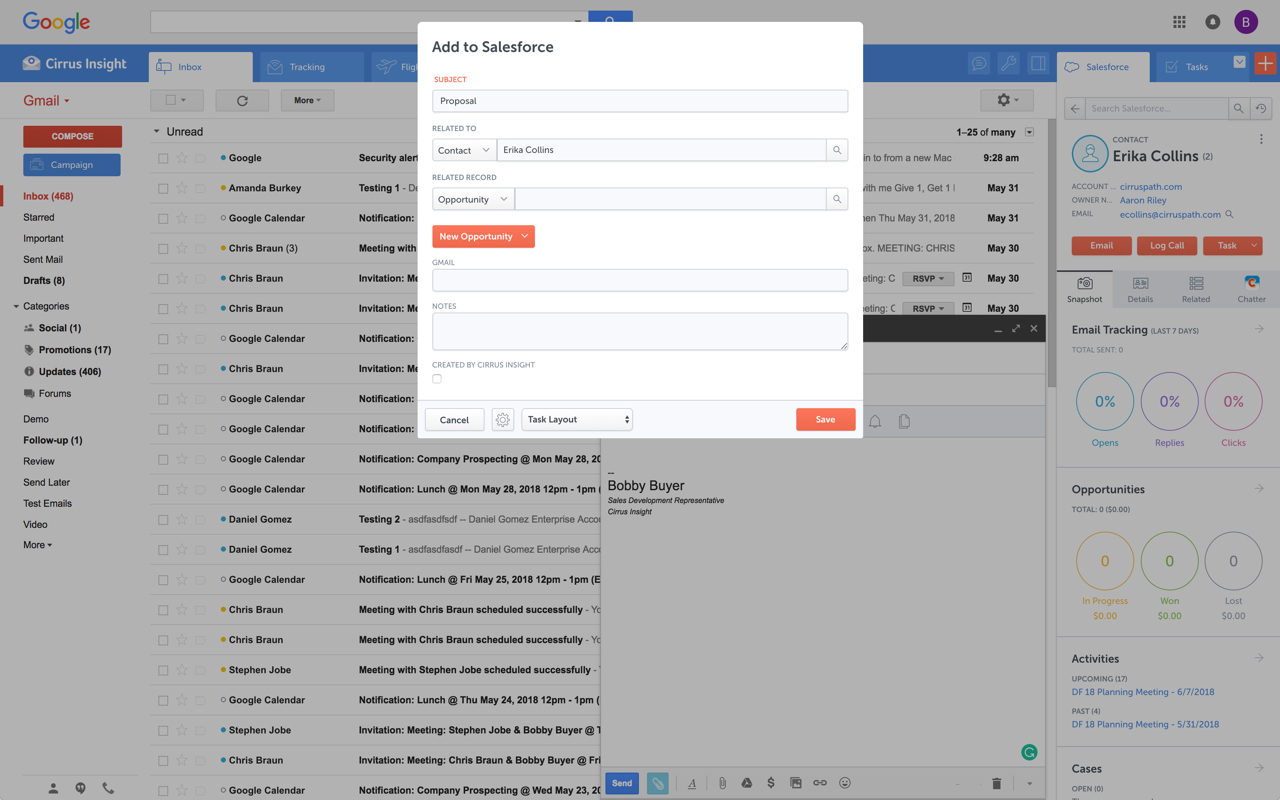
Cirrus Insight integrates Salesforce with Gmail, Google Calendar, and Google Contacts. Instantly View Contextual Salesforce Information in Your Inbox. Save Emails & Attachments to Salesforce with a Click. Sync Your Google & Salesforce Calendars. Create & Edit Salesforce Records on the Fly. Customize Your Salesforce Workflow in Gmail. Add Google Contacts to Salesforce. Salesforce Tasks Integration. Salesforce Templates Integrated with Gmail.
$27
per user/month
Mixmax
Score 8.8 out of 10
N/A
Mixmax, a sales engagement platform for businesses using Gmail, helps revenue teams accelerate revenue at every stage of the customer journey. This product amplifies AEs, CSMs, and anyone in a customer-facing role, not just SDRs. By automating repetitive tasks and organizing their daily workflows, Mixmax aims to increase reps' productivity and empowers them with tools that help them sell. The vendor offers 5…
For someone who uses both Gmail and Salesforce as part of their main role, this software is an invaluable connector for them both. Some of the features are also not Salesforce specific - such as the Meeting Scheduler, which has proved invaluable to me, and I would recommend to any Gmail user who frequently set up meetings (either internally or externally).
Mixmax is very well suited for sharing calendar availability via email with a client. Multiple time blocks can be shared, and the bridge between Gmail and other colleagues allows you to hold a meeting time on calendars to prevent overbooking with colleagues. This is extremely helpful when scheduling a large call and juggling many people's schedules.
Log email to Salesforce. You click one button and it logs for you. This is easier than adding the BCC email address that Salesforce provides as a way to log email.
Track views and engagement on these emails. It's nice to know if the email was opened and if links were clicked.
Update quick fields in Salesforce directly from their inbox using Cirrus. This prevented reps from needing to click into Salesforce, wait for it to load, then update fields like the phone number or name.
If the rep did need to open Salesforce, Cirrus provides a quick button to navigate to the Lead/Contact/Opportunity page quickly.
The scheduling integration is really easy for email recipients. It is quite literally one-click for them to schedule an event from a meeting time list interface.
The interface is extremely well-designed and intuitive across the board. This makes it really easy to learn their software and integrate it into your workflow.
Their pricing is *extremely* convenient for startups. Their "starter" plan is extremely affordable (currently $9/month/user), and includes unlimited tracking, templates, reminders, automation, etc... Basically, everything you would need to upgrade your email automation workflow.
On occasion, Mixmax fails to sync to my email and I've had to reach out to support to remedy the issue.
Offering "link click tracking" for the lowest plan would be great for users, especially those new to the software so they can realize more of the benefits.
For the lower plan, I wish email opens were able to be tracked when sending to multiple people in the same email.
It is the best google to salesforce integration on the market. support is incredibly responsive and very helpful. They are constantly adding new features, and the current feature set is well beyond anything else that is currently offered in the market
Very easy to use. Everything opens in a familiar interface right inside the google apps sidebar. It brings in salesforce records, so as long as you know google apps / gmail and salesforce you'll be all set. It's point and click.
Every time I have reached out to Mixmax I automatically get an email from a trained professional who has perfect insight into my issue with an understandable reason to why I am having and issue offers me a solution. The wait time is only around 5 minutes and they are always offering sympathy in certain situations.
The plugin is installed inside your internet browser as an extension/add-on. It can be found in most add on stores and is easy to install. Usually just a few clicks. It handles authorization for you once you sign in, and then takes care of all the rest. It couldn't be easier to get working right out of the box. You're up in running in less than 5 minutes.
Yesware regularly sent me alerts that my emails had been opened by someone who I hadn't sent them to, from locations they couldn't possibly have been. I also don't recall its Salesforce activity logging working as smoothly, though I last used Yesware more than 12 months ago so my memory isn't as fresh as it could be
Truly is easier for phone capabilities (letting customers call you back and having it go to your phone but still being a fake number), while mixmax is much better for email sending and tracking via gmail. Truly had no email capabilities when I was using it, so it was only helpful for phone. However mixmax could improve its phone capabilities
Email tracking gives me the results of emails, whether or not the client is interested when they open and read the email which makes it the best platform.
The automated sending email is the big feature in Mixmax, the system automatically send the email on respective entries which actually saves the time and help in be productive at work.