Cincopa is a photo & video hosting platform, offering various designs for slideshows, photo-galleries, video players, private video hosting solutions and more.
$9
per month
Moovly
Score 7.0 out of 10
N/A
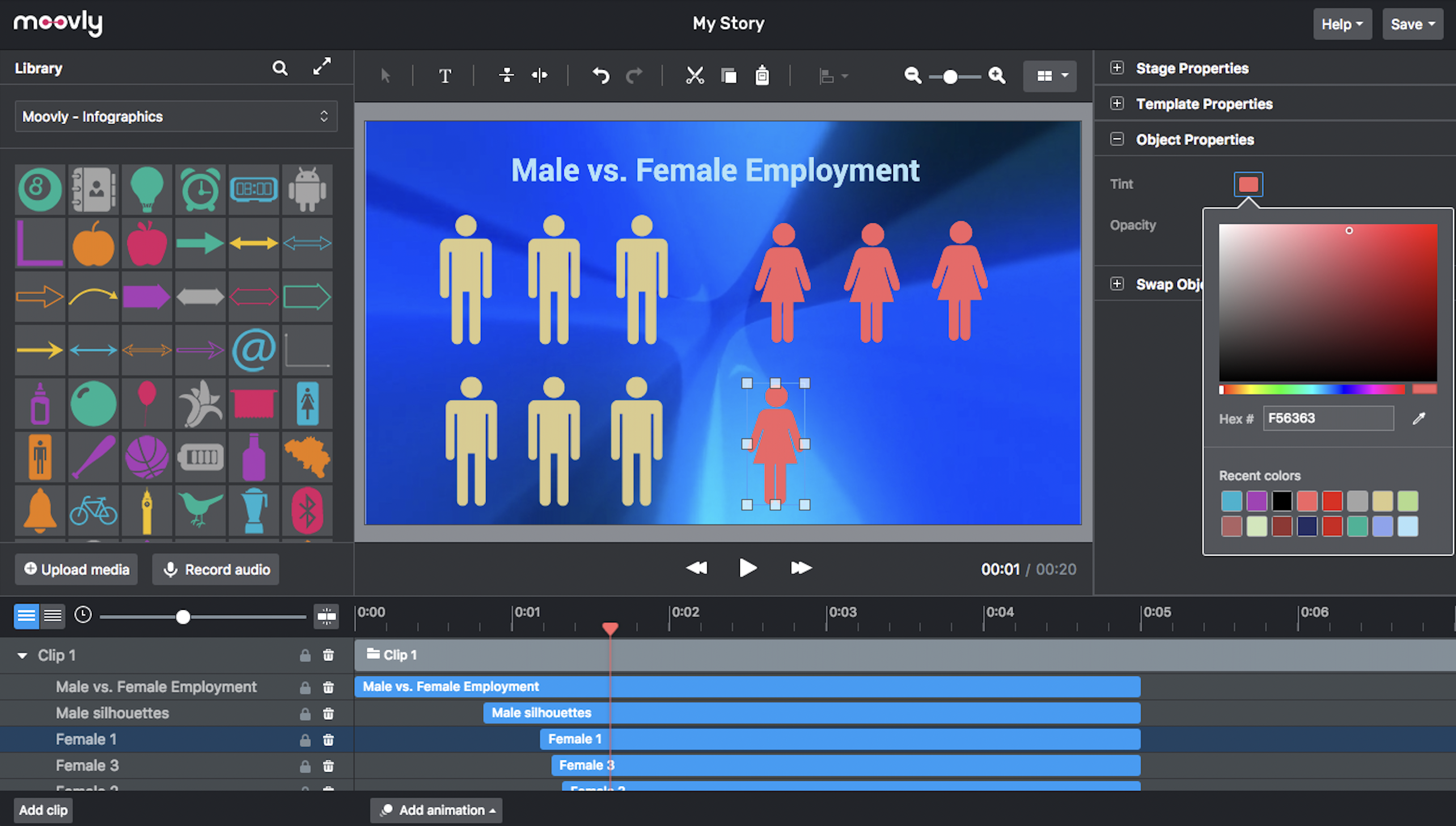
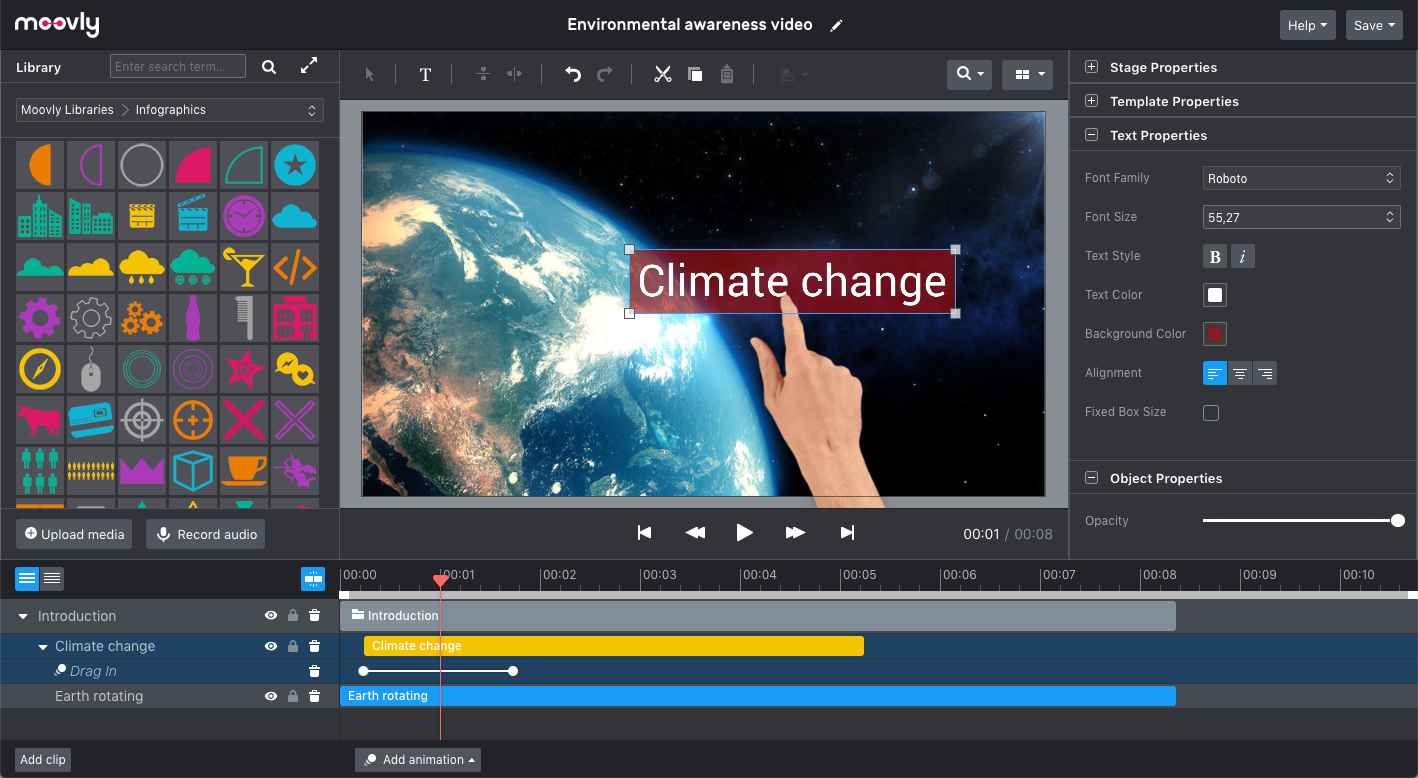
Moovly aims to enable users to create videos in any style without being an expert. Moovly's drag-and-drop interface lets users combine media objects from their libraries with the user's own uploaded media, as well as animate, synchronize, and time all objects in a timeline. Export content in any video format for online publishing, social media, projection, television, smartphone, or tablet. Moovly also includes more than a million royalty-free media objects to use freely. …
N/A
Pricing
Cincopa
Moovly
Editions & Modules
Startup
$9.00
per month
Plus
$25.00
per month
Corporate
$99.00
per month
No answers on this topic
Offerings
Pricing Offerings
Cincopa
Moovly
Free Trial
Yes
No
Free/Freemium Version
Yes
No
Premium Consulting/Integration Services
No
No
Entry-level Setup Fee
No setup fee
No setup fee
Additional Details
—
—
More Pricing Information
Community Pulse
Cincopa
Moovly
Features
Cincopa
Moovly
Video Marketing
Comparison of Video Marketing features of Product A and Product B
Cincopa
8.6
Ratings
14% above category average
Moovly
8.0
Ratings
6% above category average
Lead generation
7.00 Ratings
00 Ratings
Video personalization
9.90 Ratings
8.00 Ratings
eCommerce
8.70 Ratings
00 Ratings
Support for advertisements
8.50 Ratings
00 Ratings
Video SEO
8.90 Ratings
00 Ratings
Integration to Marketing Automation
8.60 Ratings
00 Ratings
Video Platform Integrations
Comparison of Video Platform Integrations features of Product A and Product B
Cincopa
8.2
Ratings
28% above category average
Moovly
-
Ratings
Integration to Salesforce.com
8.20 Ratings
00 Ratings
Integration to Marketo
8.20 Ratings
00 Ratings
Integration to HubSpot
8.30 Ratings
00 Ratings
Video Security
Comparison of Video Security features of Product A and Product B
Cincopa
9.2
Ratings
3% above category average
Moovly
8.0
Ratings
11% below category average
Video access controls
9.00 Ratings
00 Ratings
User management
9.00 Ratings
00 Ratings
Video link sharing
9.90 Ratings
8.00 Ratings
Internal video
9.00 Ratings
8.00 Ratings
External video
9.00 Ratings
8.00 Ratings
Video Player
Comparison of Video Player features of Product A and Product B
Cincopa
9.0
Ratings
6% above category average
Moovly
-
Ratings
Player customization
9.00 Ratings
00 Ratings
Embedded videos
9.00 Ratings
00 Ratings
Video quality / Bandwidth controls
9.00 Ratings
00 Ratings
Mobile compatibility
9.00 Ratings
00 Ratings
Video Analytics
Comparison of Video Analytics features of Product A and Product B
Cincopa
9.9
Ratings
24% above category average
Moovly
-
Ratings
Per viewer tracking
10.00 Ratings
00 Ratings
Per video tracking
9.90 Ratings
00 Ratings
Video analytics dashboard
9.70 Ratings
00 Ratings
Video Hosting, Management & Storage
Comparison of Video Hosting, Management & Storage features of Product A and Product B
Cincopa
8.7
Ratings
0% above category average
Moovly
-
Ratings
On-Demand video
9.00 Ratings
00 Ratings
Live streaming
9.00 Ratings
00 Ratings
Video upload & format support
8.10 Ratings
00 Ratings
Video library / File management
9.00 Ratings
00 Ratings
Video portal
8.10 Ratings
00 Ratings
Video Engagement
Comparison of Video Engagement features of Product A and Product B
Cincopa is great for small businesses that need to post photo or video galleries on their websites. Cincopa can do many other things, however, I have only used them for photo galleries. Cincopa also makes it easy to post a video on websites.
It would really depend on the use case if I am going to recommend Moovely to someone else. There are just situations where a stand-alone software just makes more sense. However, I would recommend Moovely over other web-based products on the sheer amount of access of options for stock images/video, compared to some others on the market right now.
Cincopa only allows for one size of photo. For example, if I want to include a vertical photo and a horizontal one, I have to have the Cincopa team custom-code this feature for me. It should be an out-of-box feature.
Our designer had to put some parameters in Cincopa, so that the galleries fit in well with our website. It's not intuitive to the average person.
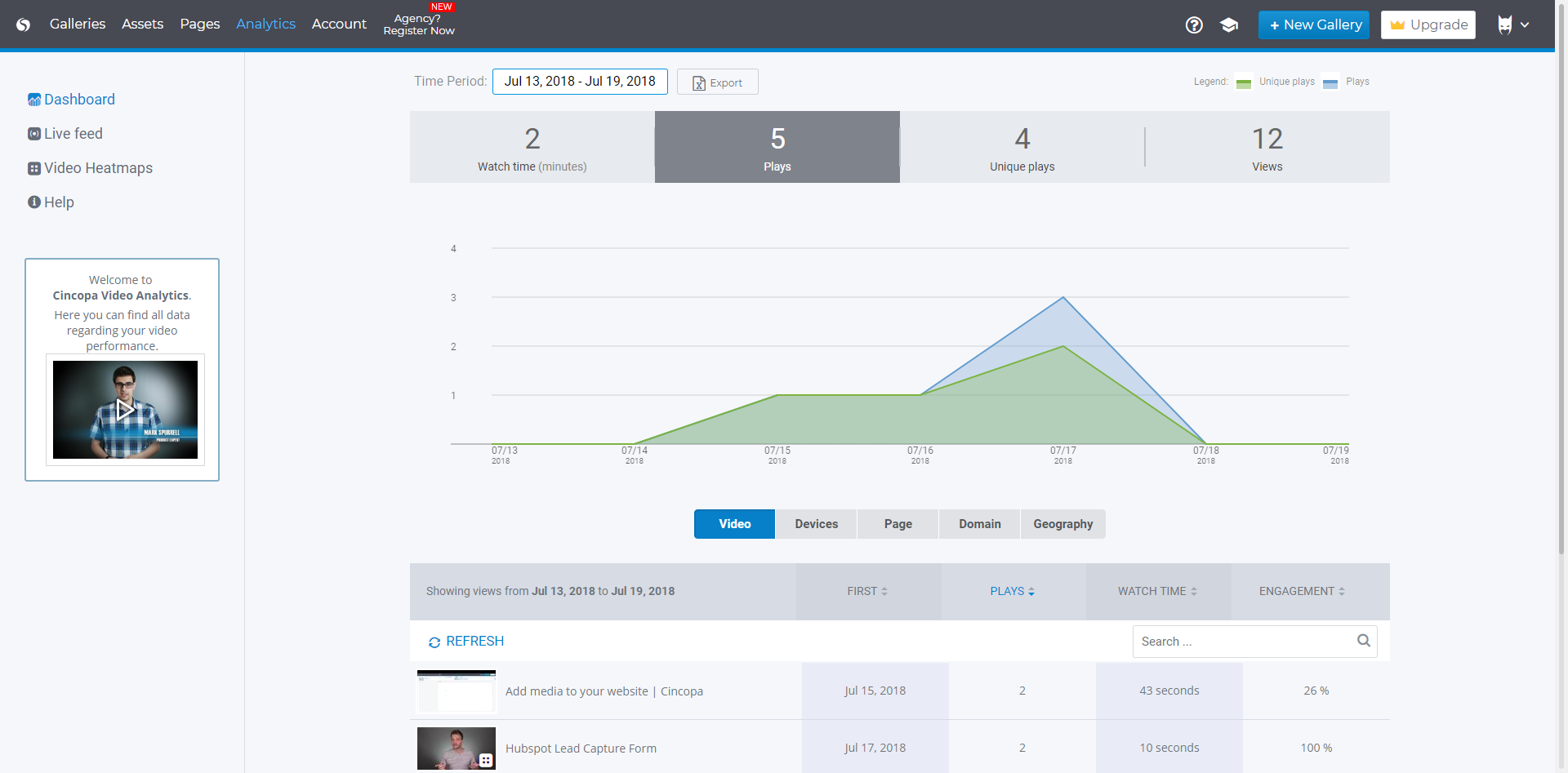
The analytics are very lacking. We have a podcast page where about four to five podcast series live, but the analytics are the same for all of those series because Cincopa only records when someone sees the first slide of a gallery, not individual slides. So, there's no way to know if one podcast is more popular than the other. And, since Cincopa is an iframe, we can't gather this data with Google Analytics either.
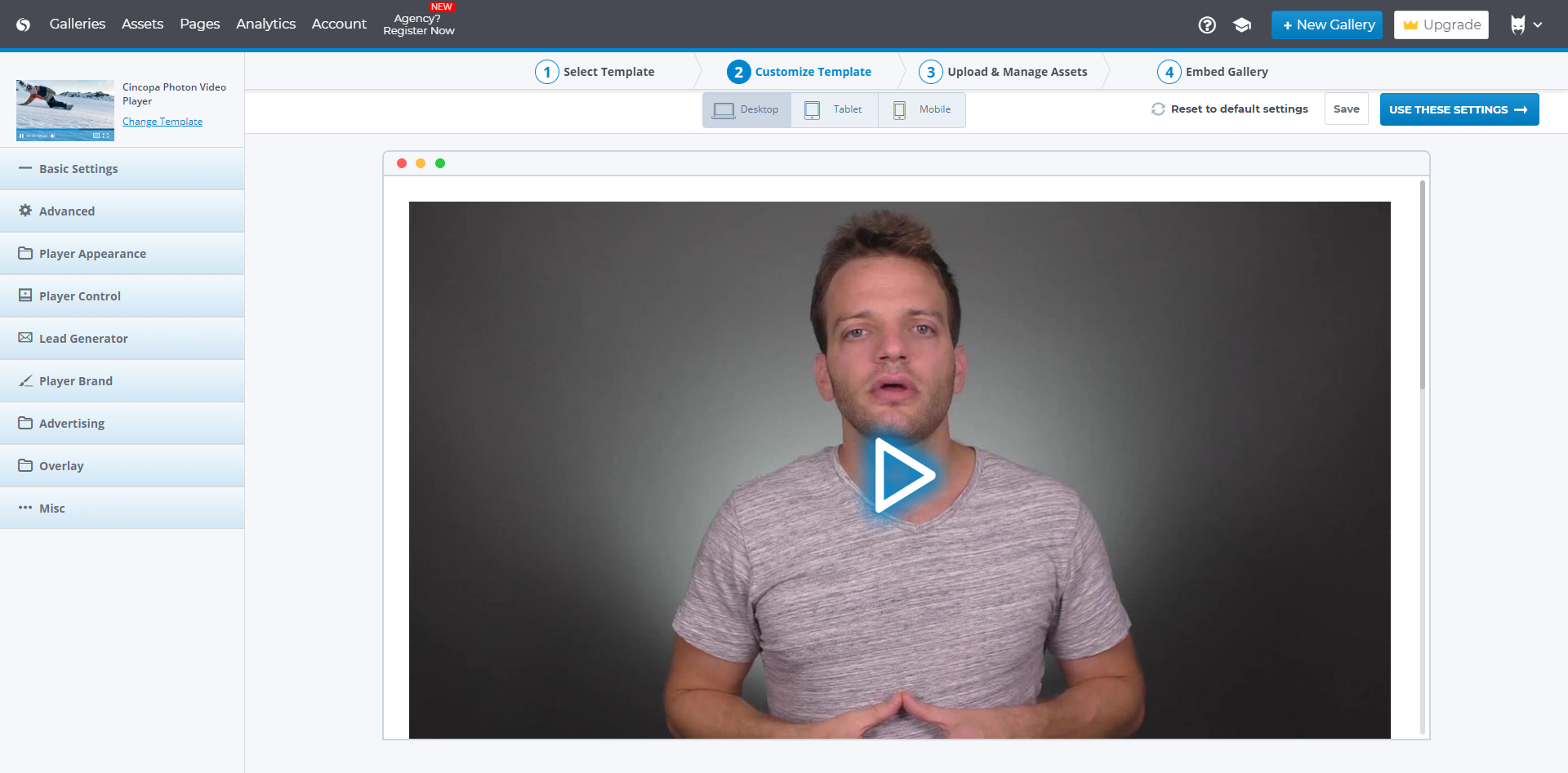
Cincopa is very easy to use, especially to the uninitiated. You don't need a degree in CS or years of experience to set-up a fantastic looking gallery. The interface is self-explanatory for the most part and very easy to use. The drag-and-drop functionality makes it simple and inviting for all users.
When looking for a gallery system on BigCommerce, we looked at POWr, Owl Carousel, and JuiceBox. We settled on Cincopa due to the embed options, drag-and-drop functionality, and the lack of development needed to integrate into our website. Additionally, Cincopa's price point (especially with a free option) put it in the lead over similar products like JuiceBox.
We use the tool primarily as a customer loyalty measure. Customers can view all submitted images and videos, also from other people and share with other people.
In addition, the tool serves to promote the image of our company by giving the customer pleasure. The residence time of the customers on the page with the picture gallery is very high.