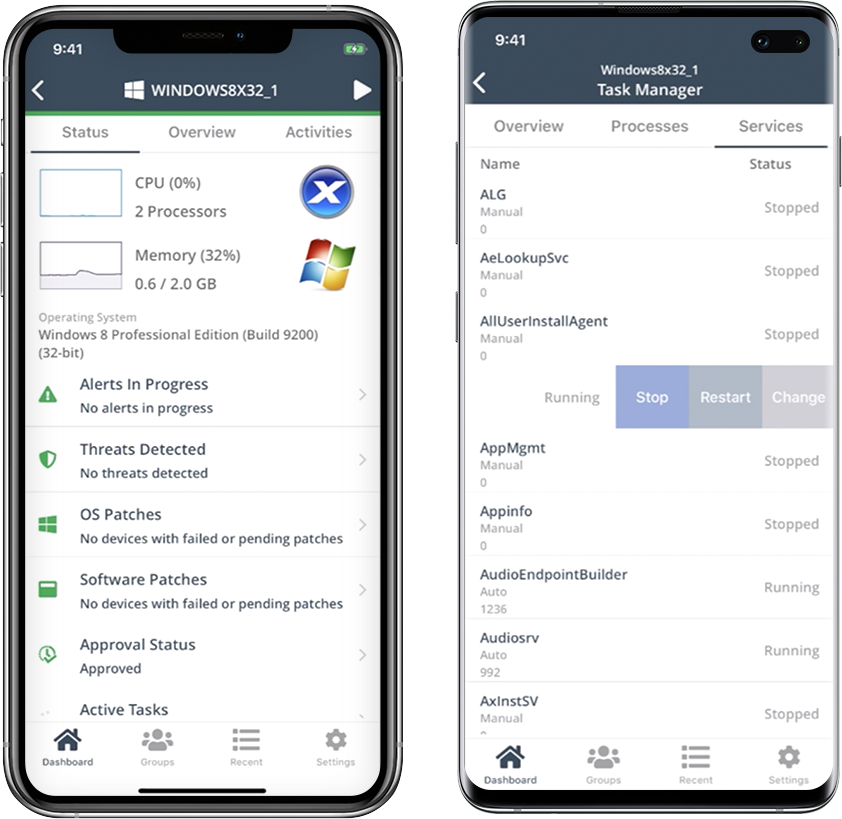
Carbonite Endpoint provides an enterprise-grade backup solution for all endpoints, including mobile devices or devices spread across a distributed enterprise network.
$24
per month
NinjaOne
Score9 out of 10
N/A
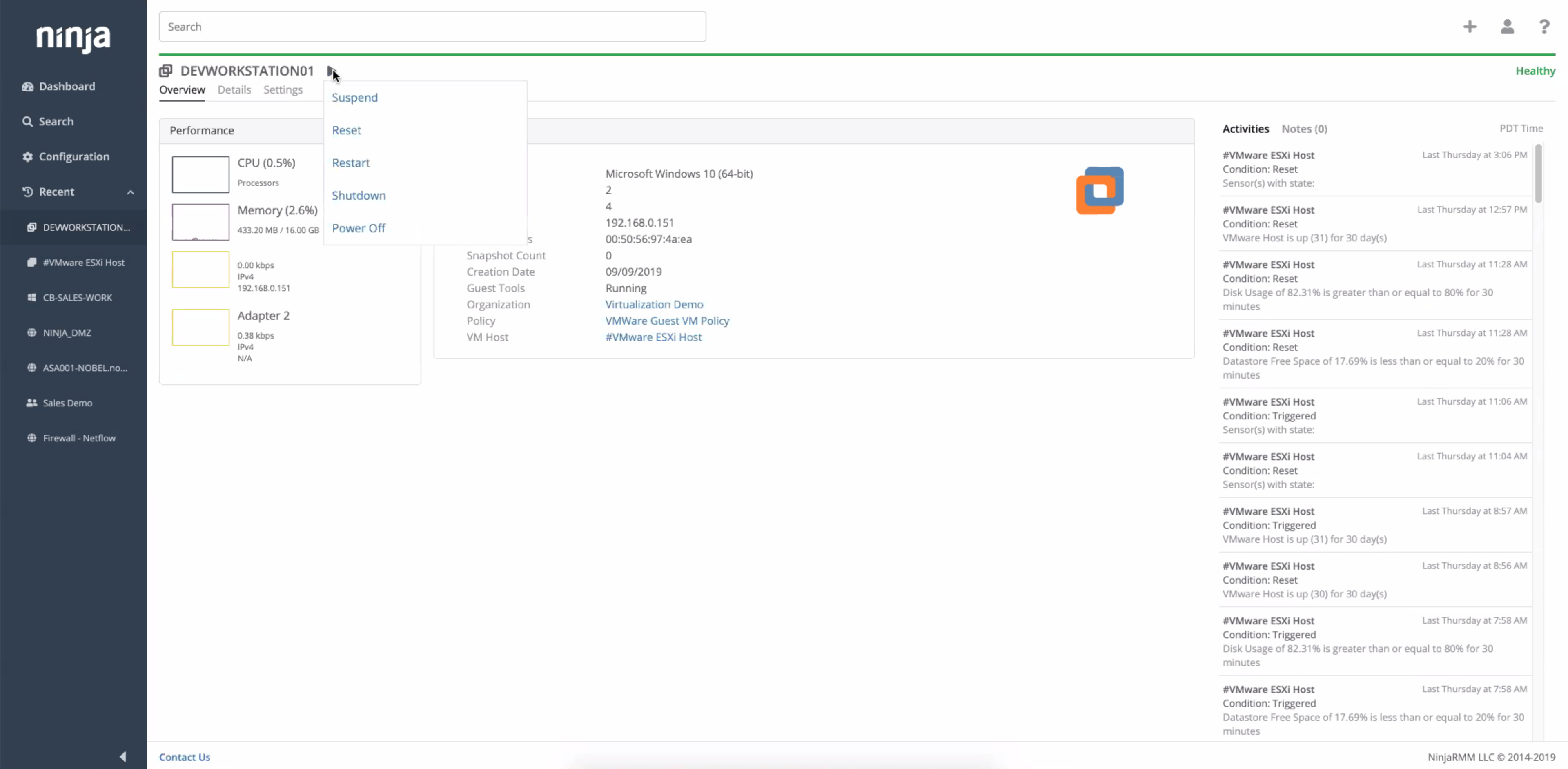
NinjaOne automates the hardest parts of IT, delivering visibility, security, and control over endpoints. The NinjaOne endpoint management platform increases productivity for IT teams and managed service providers, and comes with unlimited onboarding, training, and support.
N/A
Pricing
Carbonite Endpoint
NinjaOne
Editions & Modules
Basic Computer Backup
$24
per month
Advanced Endpoint Protection
$34
per month
Basic Server Backup
$50
per month
Basic Backup
$55
per month
Advanced Server Protection
$147
per month
Advanced Protection
$199
per month
No answers on this topic
Offerings
Pricing Offerings
Carbonite Endpoint
NinjaOne
Free Trial
No
Yes
Free/Freemium Version
No
No
Premium Consulting/Integration Services
No
No
Entry-level Setup Fee
No setup fee
No setup fee
Additional Details
—
NinjaOne is a subscription service with a charge rate per month. For more detailed pricing information, contact NinjaOne directly to request a demo or to start 14-days free trial.
Carbonite Endpoint 360 is a great solution for any organization with compliance needs. Office 365 defaults to a 30 day backup of all data. Carbonite Endpoint 360 extends this well beyond 30 days and provides an all-inclusive source for retention for data in Office 365. Any small to medium business would greatly benefit from this solution as they can design their entire infrastructure in Office 365 and ensure it's all backed up.
A de minimis incentive was given to thank the reviewer for their time. The incentive was not used to bias or drive a particular response, nor was the incentive contingent on a positive endorsement. More Info
I think it is appropriate to use NinjaOne for Medium sized businesses. We feel like it can handle our environment of 300 machines. The ticketing system integrating with devices and monitoring is a plus for us since we don't need another third party integration to connect the two. NinjaOne patching could use improvement but they have built up a lot of other pieces of their infrastructure.
A de minimis incentive was given to thank the reviewer for their time. The incentive was not used to bias or drive a particular response, nor was the incentive contingent on a positive endorsement. More Info
It is excellent at automating your backups. You don't need to manually do it, just set it up once and let it run in the background.
It's pretty simple to set up and use. It will automatically suggest the best options that work for most people and you can be up and running pretty quickly.
It's safe and reliable. We have been using it for a couple of years now and had no major issues.
Their phone support is excellent.
It's also really easy to maintain your backed up data to reduce redundancy.
A de minimis incentive was given to thank the reviewer for their time. The incentive was not used to bias or drive a particular response, nor was the incentive contingent on a positive endorsement. More Info
Remote connections: the NinjaRemote client is spectacular and very easy to use and navigate. It quickly connects to customer systems so my engineers are able to work. As a bonus, they also offer a really good mobile app to connect to client systems.
Antivirus: Bitdefender Endpoint Protection is built directly into the NinjaOne portal. This makes deploying and maintaining AV very easy.
OS Patching: NinjaOne makes it very easy to handle patching across multiple clients and locations. It is very easy to use and doesn't take long to set up.
Support: NinjaOne support is always very prompt and helpful.
Documentation: the NinjaOne Dojo is a one-stop shop for all of your FAQs, guides, and forum needs. You can find almost anything here to help you deploy and maintain NinjaOne.
Automation Library: NinjaOne comes preloaded with a large number of ready-to-go automations. They also provide you with a scripting module to create your own.
A de minimis incentive was given to thank the reviewer for their time. The incentive was not used to bias or drive a particular response, nor was the incentive contingent on a positive endorsement. TR verified that a representative sample of customers was invited. More Info
To be honest not so impressed with the amount of time it has taken to get data backed up to the cloud.
I have not had to do a restore at this time so I cannot comment on the restore process.
I was not aware at time of procurement that the upload process would take so long since we were not procuring their hardware. Sales rep mad it seem like upload would only take a day or two and we are now starting week 7 hoping to be done by week 8 for 1.5 TBs of data.
A de minimis incentive was given to thank the reviewer for their time. The incentive was not used to bias or drive a particular response, nor was the incentive contingent on a positive endorsement. More Info
A de minimis incentive was given to thank the reviewer for their time. The incentive was not used to bias or drive a particular response, nor was the incentive contingent on a positive endorsement. More Info
I found their alerting to be very poor. I missed several days of backups without knowledge of this, until I signed into the portal. I would get daily emails reporting backups were in progress or done, but nothing indicating that a backup had been stuck or paused for 3 days. For this reason alone, I did not renew.
A de minimis incentive was given to thank the reviewer for their time. The incentive was not used to bias or drive a particular response, nor was the incentive contingent on a positive endorsement. More Info
We already did. After evaluating many platforms, we found the cybersecurity of the company, its development direction, and the performance of the platform to be far superior at its price point.
A de minimis incentive was given to thank the reviewer for their time. The incentive was not used to bias or drive a particular response, nor was the incentive contingent on a positive endorsement. More Info
Ninja's interface is clean and simple. Overall usability from an interface perspective is good. Some items, policies and scripting for instance, are a bit cumbersome and it's really not clear how to implement with a best practice mind-site. Ninja RMM got the job done for us but as we pushed our needs more into automation and efficiency we felt it wasn't keeping up with our speed of growth. There is definitely usability in the product, and it will get the job done, but there are other RMM's out there that fit better in our business.
A de minimis incentive was given to thank the reviewer for their time. The incentive was not used to bias or drive a particular response, nor was the incentive contingent on a positive endorsement. More Info
A de minimis incentive was given to thank the reviewer for their time. The incentive was not used to bias or drive a particular response, nor was the incentive contingent on a positive endorsement. More Info
A de minimis incentive was given to thank the reviewer for their time. The incentive was not used to bias or drive a particular response, nor was the incentive contingent on a positive endorsement. More Info
Does what it needs to do quietly and efficiently in the background without interrupting the workflow. It offers instant automated back-ups without troubling the end user. As it is such an automated system, once it is up and running, there is little or no support needed from the service provider. From what I understand the support from Carbonite during the setup and implementation was absolutely fine.
A de minimis incentive was given to thank the reviewer for their time. The incentive was not used to bias or drive a particular response, nor was the incentive contingent on a positive endorsement. More Info
Support has been very responsive and my account rep Brian K. has communicated with me continuously making sure we had everything we need. Not like other MDMs where they sign you up and that's the last you hear from them. NinjaOne makes sure you use the product to its best application and you are successful and continue as the product features grow.
A de minimis incentive was given to thank the reviewer for their time. The incentive was not used to bias or drive a particular response, nor was the incentive contingent on a positive endorsement. More Info
Easy to learn and all of the functions and features were easy to learn. Once I started learning all of the features and functions, it made my everyday tasks much easier and more productive. The user interface is very easy to use. If I did have any questions, the Ninja Dojo was a big help.
A de minimis incentive was given to thank the reviewer for their time. The incentive was not used to bias or drive a particular response, nor was the incentive contingent on a positive endorsement. More Info
It was nice and self paced learning. The sections were easy to understand and the functionality was very worthwhile. The online training was very easy to learn and intuitive. I did not feel the need to ask for any clarification or assistance with any of the sections. I am still learning a lot of the functions but fined it very easy to use.
A de minimis incentive was given to thank the reviewer for their time. The incentive was not used to bias or drive a particular response, nor was the incentive contingent on a positive endorsement. More Info
A de minimis incentive was given to thank the reviewer for their time. The incentive was not used to bias or drive a particular response, nor was the incentive contingent on a positive endorsement. More Info
We have also used Mozy Pro and Dropbox. They are all pretty similar in functionality/features of backing up data (not system state or databases as I don't think any of the 3 are well suited for that). To me, it comes down to personal preference and choosing a product that is universal for multiple users, for ease of management.
A de minimis incentive was given to thank the reviewer for their time. The incentive was not used to bias or drive a particular response, nor was the incentive contingent on a positive endorsement. More Info
NinjaOne's user friendly interface was immediately appealing to a team that that needs to be able to pickup a tool and know how to run with it at first exposure. From the moment we started using it, we would often be able to navigate the platform with a common sense approach and be able to navigate to exactly what we were looking for without requiring documentation or guidance. Customer representatives that we have worked with have all been outstanding, and have not been pushy like some other vendors teams tend to be when you are initially debating between multiple offers.
A de minimis incentive was given to thank the reviewer for their time. The incentive was not used to bias or drive a particular response, nor was the incentive contingent on a positive endorsement. TR verified that a representative sample of customers was invited. More Info
A de minimis incentive was given to thank the reviewer for their time. The incentive was not used to bias or drive a particular response, nor was the incentive contingent on a positive endorsement. More Info
Carbonite Endpoint has demonstrated value in its ability to easily restore seemingly lost files for remote users.
While we haven't yet had to exercise it, knowing we have the option of remotely wiping endpoints containing sensitive data has brought confidence to our management team that we can mitigate data breaches through preventable means.
The privacy issue around device tracking is costing the company in terms of employee trust and morale and needs to be mitigated with appropriate messaging and/or disabling of this feature.
A de minimis incentive was given to thank the reviewer for their time. The incentive was not used to bias or drive a particular response, nor was the incentive contingent on a positive endorsement. More Info
A de minimis incentive was given to thank the reviewer for their time. The incentive was not used to bias or drive a particular response, nor was the incentive contingent on a positive endorsement. More Info