Carbonite Endpoint provides an enterprise-grade backup solution for all endpoints, including mobile devices or devices spread across a distributed enterprise network.
$24
per month
CrashPlan
Score 7.7 out of 10
N/A
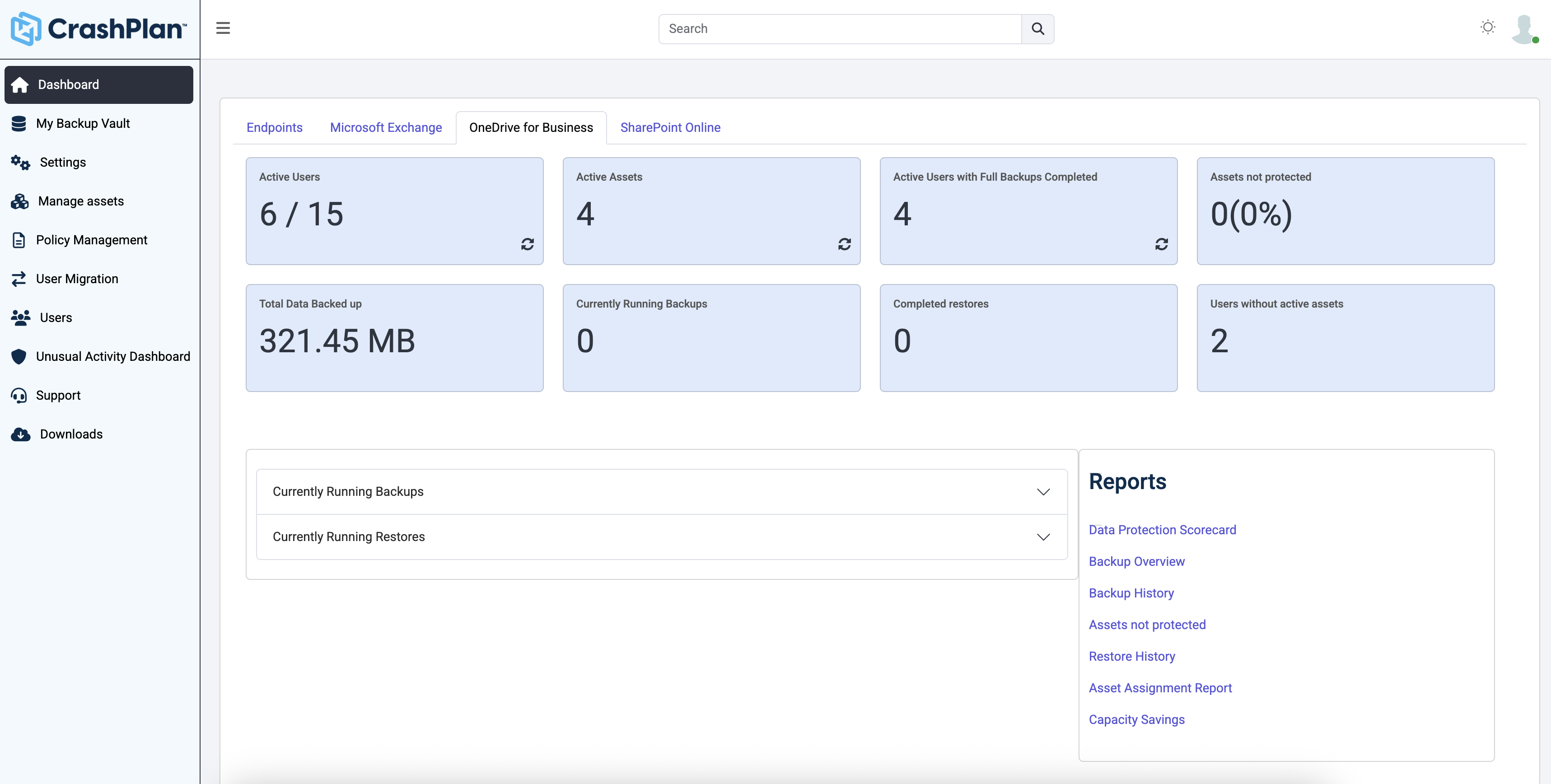
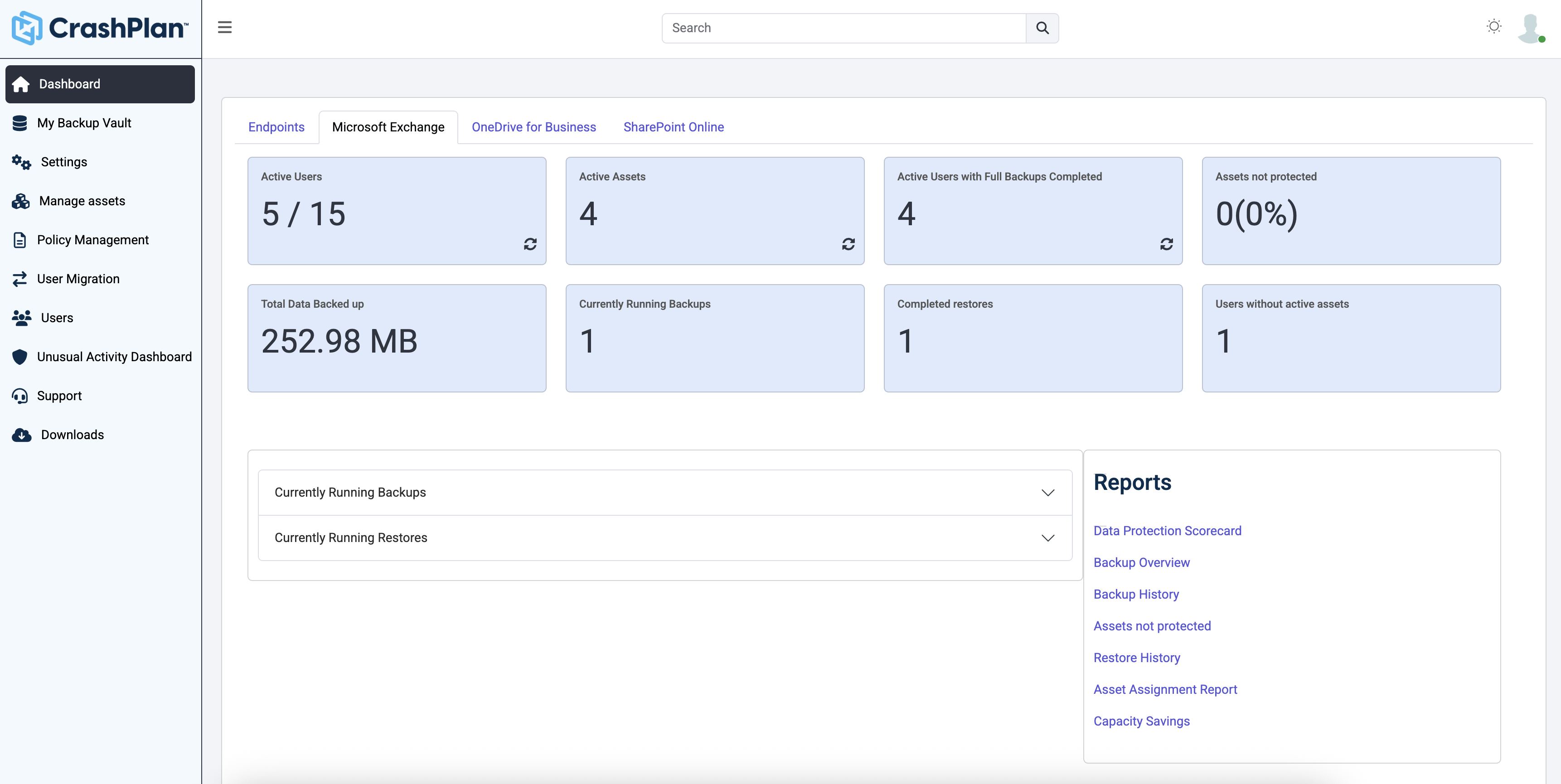
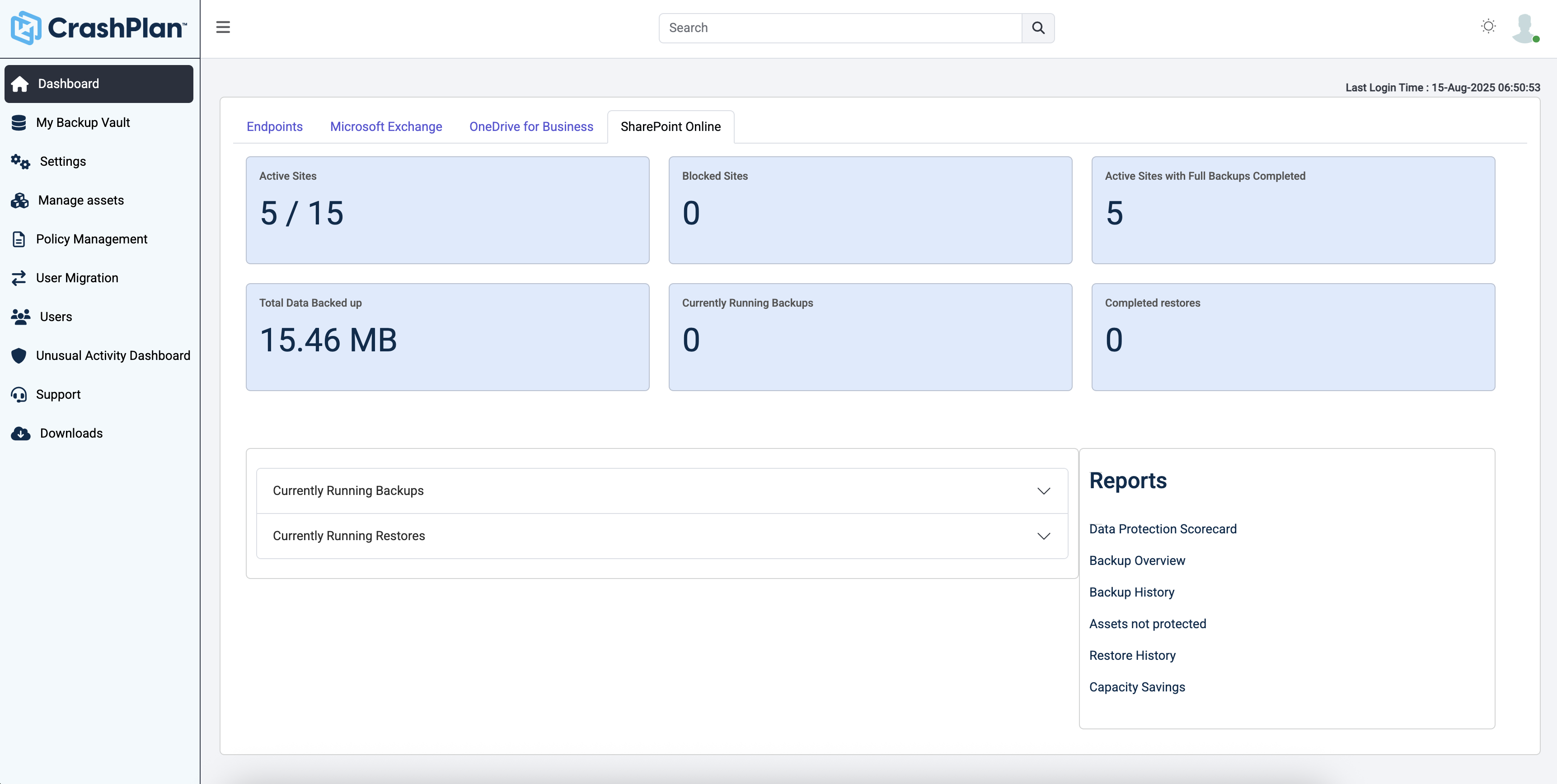
CrashPlan® provides secure, scalable, and straightforward endpoint data backup, to help organizations recover from any worst-case scenario, whether it is a disaster, simple human error, a stolen laptop, ransomware, or an as-of-yet-undiscovered calamity.
N/A
Pricing
Carbonite Endpoint
CrashPlan
Editions & Modules
Basic Computer Backup
$24
per month
Advanced Endpoint Protection
$34
per month
Basic Server Backup
$50
per month
Basic Backup
$55
per month
Advanced Server Protection
$147
per month
Advanced Protection
$199
per month
No answers on this topic
Offerings
Pricing Offerings
Carbonite Endpoint
CrashPlan
Free Trial
No
Yes
Free/Freemium Version
No
No
Premium Consulting/Integration Services
No
No
Entry-level Setup Fee
No setup fee
No setup fee
Additional Details
—
Discount available for annual billing.
More Pricing Information
Community Pulse
Carbonite Endpoint
CrashPlan
Features
Carbonite Endpoint
CrashPlan
Data Center Backup
Comparison of Data Center Backup features of Product A and Product B
Carbonite Endpoint
5.6
Ratings
39% below category average
CrashPlan
8.3
Ratings
0% below category average
Instant recovery
8.00 Ratings
9.00 Ratings
Recovery verification
4.00 Ratings
9.00 Ratings
Multiple backup destinations
9.00 Ratings
8.00 Ratings
Incremental backup identification
5.00 Ratings
7.00 Ratings
Backup to the cloud
10.00 Ratings
8.00 Ratings
Deduplication and file compression
4.00 Ratings
00 Ratings
Flexible deployment
4.00 Ratings
8.00 Ratings
Management dashboard
6.00 Ratings
9.00 Ratings
Platform support
4.00 Ratings
8.00 Ratings
Retention options
4.00 Ratings
9.00 Ratings
Encryption
4.00 Ratings
00 Ratings
Universal recovery
00 Ratings
9.00 Ratings
Business application protection
00 Ratings
7.00 Ratings
Enterprise Backup
Comparison of Enterprise Backup features of Product A and Product B
It's really great if you have a small or medium-sized business like ours. You can choose the number of computers you want to back up and pay per computer. And since it's pretty easy to set up and deploy, you don't need a dedicated IT guy to do it for you. On the other hand, if most of your data is already in the cloud (like Google Docs or Google Sheets) and you don't have any other critical data then you can get by without it.
This is a great Cloud backup solution. The cost is low, the bandwidth is managed well within the application, and the footprint for the client on a machine is very small and provides a notification menu icon with info about what is happening now or very recently. This does not backup to anything locally, so if that is a requirement, it will not meet that need. It used to be able to backup from one machine to another remote machine at one time, but now it is only cloud-based.
Protected file restoration: Users love having confidence that their files are being backed up remotely with no action required on their part.
Device tracking: While we've only enabled this feature for a small set of key personnel, this feature is useful in helping to determine if a given asset is lost, and works across mobile device platforms - unlike in-built solutions for individual users.
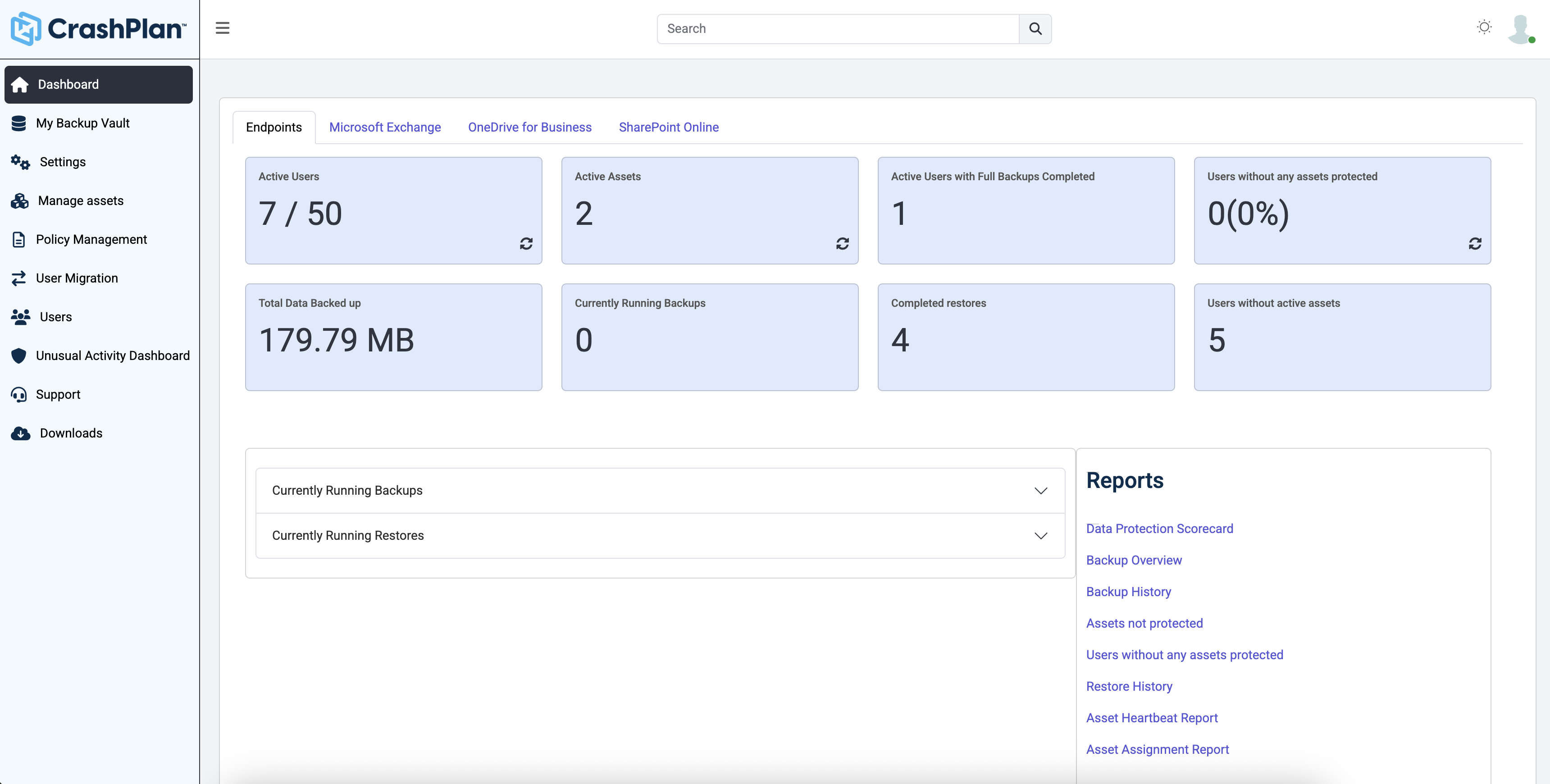
Management console: The management console is clearly organized and easy to work with. Setting up groups and policies is logical and hierarchical, and makes managment tasks easy.
Code42 is the most affordable backup system offering unlimited storage that I could find. I came from SOS Online Backup, which I ultimately decided to drop after my monthly rate for their unlimited plan increased by 20x.
With Code42's unlimited storage option, I don't have to worry about the fact that my backups are significant in space. As a photographer with thousands of images at stake, I need to run large backups often.
Code42 runs continuously and silently in the background of my desktop computer. It is truly "set and go", so I don't have to think about it when I'm away. It runs until the designated drive has been fully backed up to my cloud storage. It will then automatically email me once the backup is complete (or, it will email me if it encounters any errors).
Customer service is above par. Anytime I need help, a chat agent is available (chat is my communication preference), they are always friendly, and go above and beyond to resolve my needs.
Carbonite indicates which files are being backed up by its dot system so that you can easily backup a single file that you don't see the dot on by selecting that option from the file's context menu. But there is no place for me to go to select entire folders or data sets so that it will back up everything in that folder, regardless of file type. Carbonite automatically backs up a majority of files types by default but does not take into consideration specialized file types like font files. These files are very important for a designer like myself and I can't afford to lose my fonts. But I also don't want to have to select the option to back them up one by one. I have over 1,000 of them! So there is definite room for improvement here.
The cost is significantly more than what I paid for Mozy, almost double. For the first year, they are giving old Mozy users a deal comparable to Mozy's pricing, but after that my pricing will be almost double what I used to pay.
The CrashPlan program installed on your computer is Java-based vs. a native application. While this makes development for CrashPlan easier, there are a lot of drawbacks to Java programs including more resources usage, less stability, and overall more clunky interface.
While this was also in the Pros category - CrashPlan is an extremely powerful and flexible program, which adds a great deal of complexity. Setting up CrashPlan isn't always a simple procedure, and depending on the complexity of your backup set, can take a while to tinker around with the settings to get everything to work properly.
The CrashPlan desktop program consists of a Java program front end, as well as a backend service - there are times when the backend service will crash, and the front end Java program will refuse to load. Typically, restarting the service or restarting the computer will resolve the issue, but sometimes more in-depth troubleshooting is required.
Perhaps one of the biggest downsides to CrashPlan is its price - at $10/month/computer CrashPlan is more than double the price of some existing backup services such as Backblaze (priced at $50/year/computer). To add salt to the wound, about a year and a half ago, CrashPlan discontinued their consumer options - which were very reasonably priced at $60/year for a single computer or a family plan priced at $150/year for up to 10 computers. When these options were discontinued, the cost of backing up with CrashPlan was effectively doubled for the same feature set.
Along with the previous example, CrashPlan had the option to back up to a remote machine on a different network with a free Crashplan account. This option was eliminated when the consumer line of services were discontinued.
While the backup service provided by CrashPlan are still first in class, the above two controversial changes have broken some trust between CrashPlan and its clients.
I found their alerting to be very poor. I missed several days of backups without knowledge of this, until I signed into the portal. I would get daily emails reporting backups were in progress or done, but nothing indicating that a backup had been stuck or paused for 3 days. For this reason alone, I did not renew.
Does what it needs to do quietly and efficiently in the background without interrupting the workflow. It offers instant automated back-ups without troubling the end user. As it is such an automated system, once it is up and running, there is little or no support needed from the service provider. From what I understand the support from Carbonite during the setup and implementation was absolutely fine.
Friendly and knowledgeable support team available to assist with this product. Code 42 (formerly CrashPlan) offers unlimited storage options for reasonable costs, so you really can't go wrong with this product. They have been a reliable resource for our company, and I would recommend to others looking for an easy setup with unlimited storage.
Carbonite Endpoint 360 definitely has a solid footing in the market. Barracuda Essentials is a more comprehensive solution offering many additional features and complementing services including archiving and email Antispam and encryption. Proofpoint is very similar to both products and has many features as well. Overall, the market is very competitive on the backup and retention of Office 365.
CrashPlan (in my specific case the CrashPlan Pro or CrashPlan for Small Business (there seems to be somewhat of an ongoing identity crisis with the products) is significantly lower overhead, in terms of cost and complexity, when compared to the other two products I have evaluated/used. The downsides are that it is also significantly less functional than the other products. CrashPlan is, as I have said a good value simple point solution.
We have only started this process at this time and have not fully completed our transfer of data up to the cloud.
As far as business objectives, we now have at least implemented a backup solution on a very vital server at an off-site facility that had not ever been backed up in two years and holds data for a major constitutional office in the county.
Tremendous cost savings as the amount of data you backup doesn't impact cost. One flat rate!
Implementation time was minimal and requires little to no maintenance. Since installation, I've not had to correct or fix any issues. It just works.
We opted to supplement Code42 with another solution that allowed us to backup data to a local repository due to the amount for data that changes in our firm.