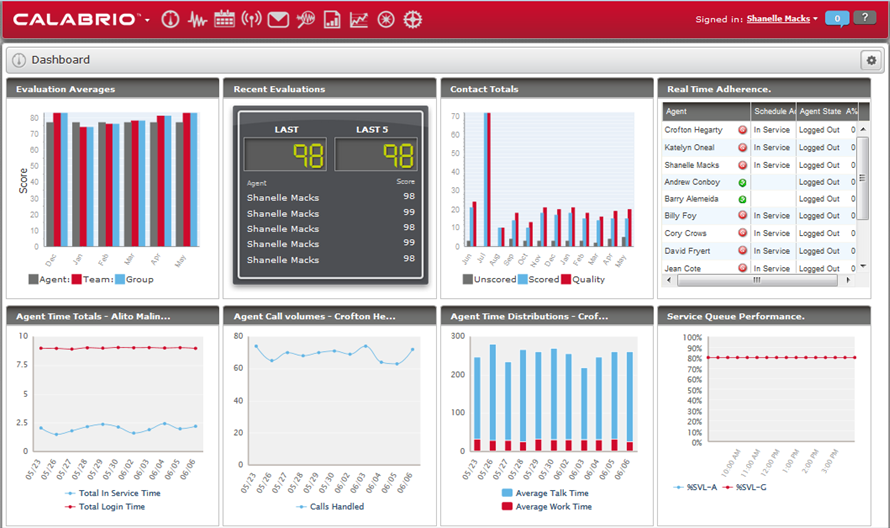
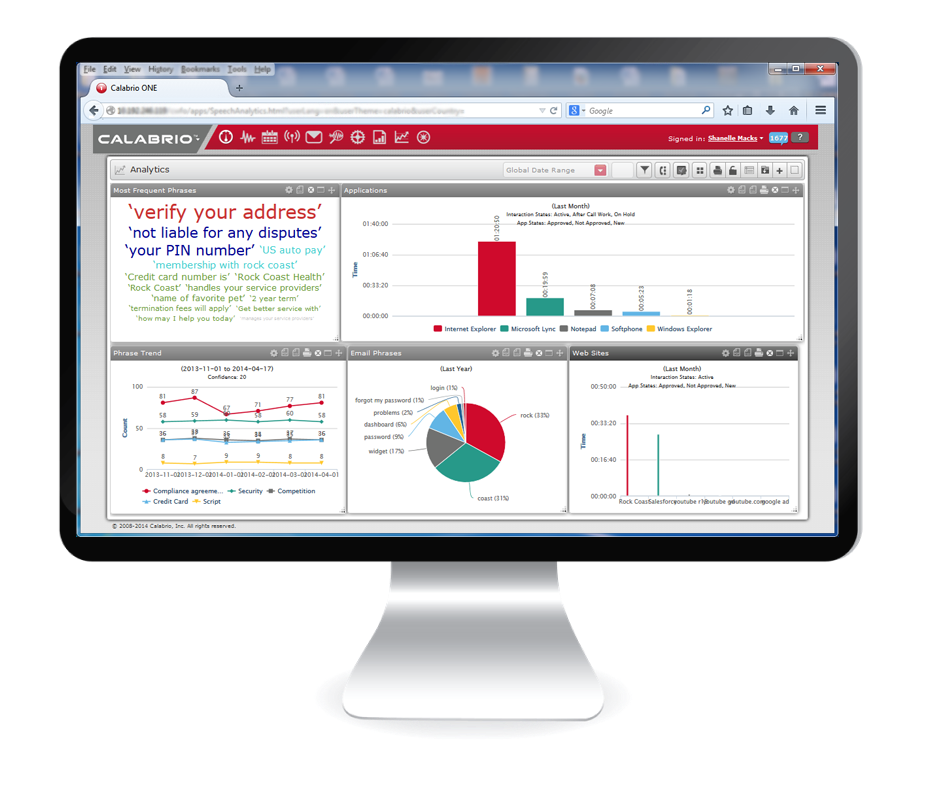
Calabrio One is a workforce optimization (WFO) platform for call centers, combining workforce management with call recording and analytics, from Calabrio headquartered in Minneapolis, MN.
N/A
Eleveo
Score 10.0 out of 10
N/A
Eleveo (formerly ZOOM International) solutions protect a business by recording contact center interactions like service requests, outbound sales, financial or healthcare transactions, providing solutions for privacy and regulatory requirements, and by capturing customer experience. Eleveo provides 100% global recording coverage in the cloud, on-premise, or in hybrid architecture with a fully Native Cloud WFO suite.
If your company uses phones and needs recordings, the Calabrio ONE Quality Management is for you. Period. End of argument. It is hands down one of the best products of its type on the market. If you don't have a bunch of people you are needing to rotate through scheduling and no part time people, the WorkForce Management portion may not be for you as much as someone who has 200 employees in a contact center working across 3 shifts and needs to ensure phones are always covered at the right times.
Zoom management suite is well suited for companies that have enforced call center optimization software previously. Coming from other software, Zoom makes the transition very smooth. But, if a call center software has never been used in a workplace, I feel like this isn't the place to start. There is a pretty steep learning curve.
Our Version 9.3 needs a lot of improvement with sorting, filtering capabilities that I believe later versions address.
Version 9.3 does not send notice emails to agents when a schedule has been changed. Our former software did. I believe newer versions have this feature.
No "what if" function or module to test schedules/forecasts without Agents seeing their own schedules. If you want to "play with" scenarios, you have to use a time frame/schedule far into the future to prevent Agents from seeing this. I don't believe any of the newer versions have addressed this problem/issue.
Agents are not able to submit Shift Preferences in Calabrio. Our former WFM software had that capability. Now I have to record Agents' preferences on an Excel spreadsheet and schedule regular intervals for which they can submit their preferences.
I would like to be able to have a real-time translation tool available for clients who do not speak the same language. This would greatly help direct interaction with the client.
It would've been a higher rating if they're able to partner up with other platforms like Liveperson chat support and have a better sense of urgency when it comes to resolving issues
Because, it took them time to coordinate back some updates for us when we had to report a few major issues. ie Volume data feed for our Email support/channel. I like the webinars, however to keep the community alive. I hope they improve the training modules too and how they training new WFM guys as part of their package
Calabrio One has far better customer engagement and customer service than the previous vendor. Calabrio is very easy to use and quick to obtain search results. We have had great success with Calabrio and are very happy with our move
ZOOM Quality Management Suite has better stability and is more user-friendly. ZOOM Quality Management Suite has better auditing features when trying to assess the performance of the users. My personal impression is that Zoom Quality Management uses less bandwidth than its competitors thus making it easier to interact with the tools we use on a day-to-day basis.
A positive return that we have had is the ability to see the portion of the day that we are likely to be over and under staffed and use that data to modify schedules to allow for overtime or additional time off of the phones.
A negative impact that we have had is the additional use of WFM man hours to manually make changes to individual schedules since there is not a good option to quickly adjust several simultaneously.
Being able to monitor agent calls and activity has given us the ability to retain and promote high performing agents and remove agents that are not well suited to the contact center.