CA Service Management, including CA Desk Manager, is a fully-featured ITSM platform, now from Broadcom. It competes with BMC Remedy, ServiceNow, FrontRange ITSM, Cherwell Service Management etc. It is based on technology acquired by CA in 2010 with Nimsoft, and is now supported by Broadcom since the 2018 acquisition.
N/A
Jira Service Management
Score7.9 out of 10
N/A
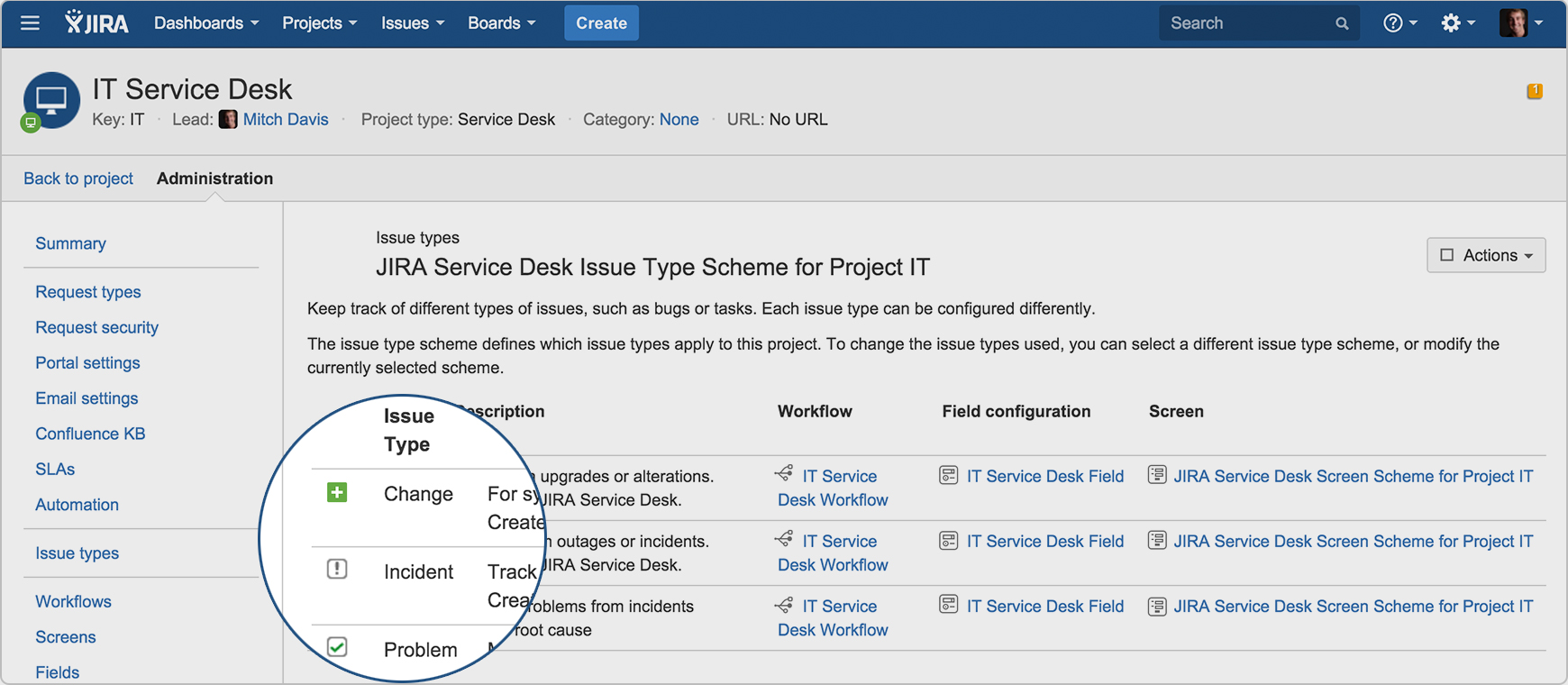
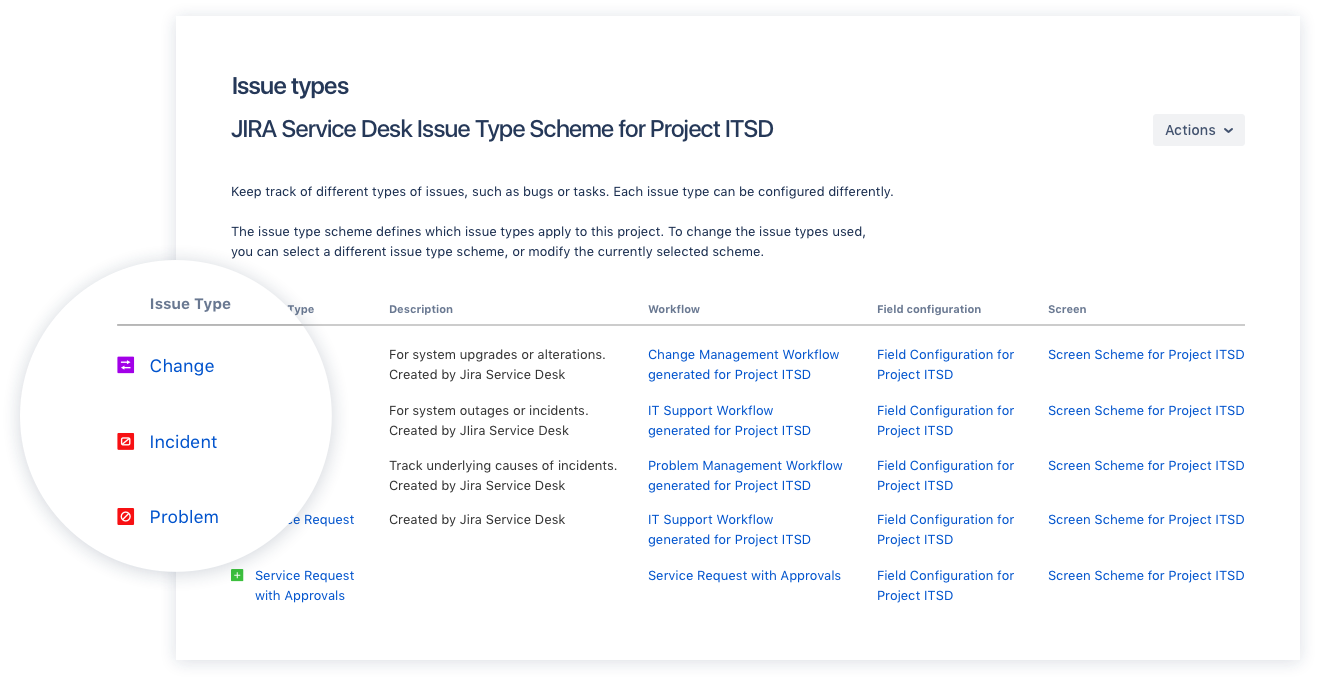
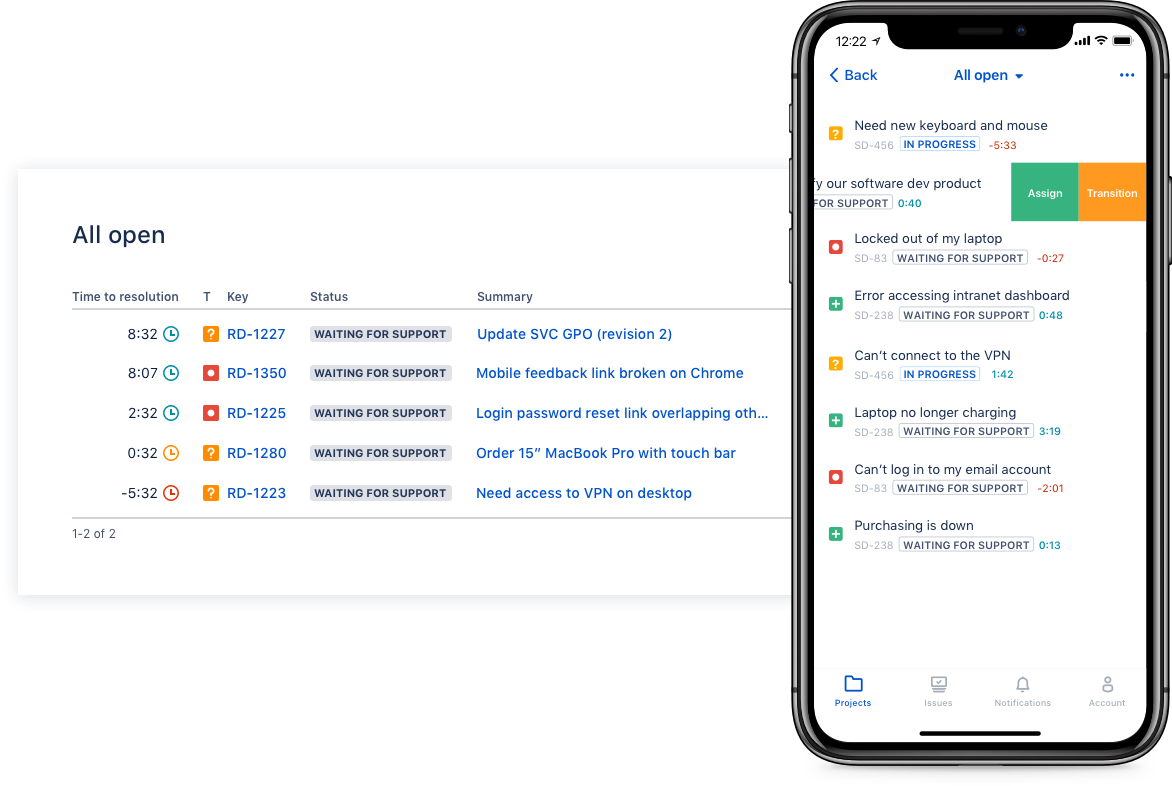
Jira Service Management (formerly Jira Service Desk, now including features from the former Mindville Insight, acquired by Atlassian in June 2020) is a service desk software that is purpose-built for IT, service, and support teams. The software provides everything IT and support teams need out-of-the-box for service request, incident, problem and change management. Jira Service Management integrates seamlessly with Jira Software so that IT and development teams can work better together. Users…
$0
per month
Pricing
CA Service Management
Jira Service Management
Editions & Modules
No answers on this topic
Free
$0
per month
Standard
$20
per agent/per month
Premium
$40
per agent/per month
Enterprise
Contact sales team
Offerings
Pricing Offerings
CA Service Management
Jira Service Management
Free Trial
No
Yes
Free/Freemium Version
No
No
Premium Consulting/Integration Services
No
Yes
Entry-level Setup Fee
No setup fee
No setup fee
Additional Details
—
—
More Pricing Information
Community Pulse
CA Service Management
Jira Service Management
Considered Both Products
Broadcom
No answer on this topic
Atlassian
Verified User
Chose Jira Service Management
We did select Jira initially because of its simplicity and ease of setup but it turned out to be a lot more complex to get up and running!
We had a large KEBD, and we wanted to take its advantage to the fullest, so we went ahead and had this setup, but later replaced it with …
A de minimis incentive was given to thank the reviewer for their time. The incentive was not used to bias or drive a particular response, nor was the incentive contingent on a positive endorsement. More Info
It is a suitable tool for a large organization with extensive user needs. It is not for a small shop as it may be over-engineered for smaller organizations that don't have teams that can manage a solution of this size. It does have some significant hardware and configuration needs, but that should not deter customers from deploying it in-house. I've seen it deployed in the cloud as well as in-house; the downside to deploying it as a hosted solution is you're forever at the mercy of the vendor for customizations, and they cost an arm and a leg. The simplest things take a long time and cost much more money than necessary, so you can't truly get a custom solution and end up with mostly vanilla services (unless you have very deep pockets.)
A de minimis incentive was given to thank the reviewer for their time. The incentive was not used to bias or drive a particular response, nor was the incentive contingent on a positive endorsement. More Info
I think using a ticketing system is very easy to use and allows multiple teams to create help desks in the same portal. In terms of internal usage, I think this is a great option. However, suppose you're trying to keep internal items and external helpdesks in the same instance. In that case, this is not ideal, as there is no effective way to separate the two instances to protect internal data better.
A de minimis incentive was given to thank the reviewer for their time. The incentive was not used to bias or drive a particular response, nor was the incentive contingent on a positive endorsement. More Info
A de minimis incentive was given to thank the reviewer for their time. The incentive was not used to bias or drive a particular response, nor was the incentive contingent on a positive endorsement. More Info
Integration with many of the most common tools companies are using (Slack, MS Teams, Salesforce, ... etc)
Natural workflow with Jira (as product development / project management tool) which makes the full fix and follow up of the tickets / issues very easy to follow
Allow multiple different entry points and work flows for as many different needs your teams / company have
A de minimis incentive was given to thank the reviewer for their time. The incentive was not used to bias or drive a particular response, nor was the incentive contingent on a positive endorsement. More Info
A de minimis incentive was given to thank the reviewer for their time. The incentive was not used to bias or drive a particular response, nor was the incentive contingent on a positive endorsement. More Info
While the concepts of Service Desk and EITM were solid. The user interface, tool capabilities, and integrations fell behind the rest of the industry. Too often it seemed like CA bought and rebranded products without fully integrated them with their other products. It was a coat of paint, without the parts under the hood being updated. The overhead for administration was too high and the reporting capabilities were absolutely amongst the worst I've seen.
A de minimis incentive was given to thank the reviewer for their time. The incentive was not used to bias or drive a particular response, nor was the incentive contingent on a positive endorsement. More Info
I have given this rating because, in my opinion, I don't see any downsides of Jira until now. We can customise workflows based on the project needs, including task workflows. Jira is very extensible, which is one of its most important features.
A de minimis incentive was given to thank the reviewer for their time. The incentive was not used to bias or drive a particular response, nor was the incentive contingent on a positive endorsement. More Info
I gave JIRA a 9 rating since for me JIRA works according to its purpose. Since there is a customer portal, our clients can leave a comment or communicate with us using the PR ticket that way it is easier for us to also request any additional information we need for our investigation.
We are too integrated with CA Service Desk Manager to disassociate anytime soon. We found the more we used the product the more we needed to customize it in order to better integrate with our business processes. There are other alternatives that have many built-in features that had we have foreseen our future requirements... would have chosen ServiceNow or Remedy as our "go-to" ticketing product.
A de minimis incentive was given to thank the reviewer for their time. The incentive was not used to bias or drive a particular response, nor was the incentive contingent on a positive endorsement. More Info
Zendesk is a similar ticketing system that our organization used before JIRA Service Desk. The main drawback of Zendesk was that it can only be used as a cloud service. This means that our company data would be living on the internet at the hands of their security team. Another drawback of this is the price is significantly more expensive rather than hosting it yourself. Zendesk does have some additional features such as commenting on multiple tickets at once that JSD does lack. However, switching to JSD was significantly more cost effective because we have the ability and the infrastructure to host our own ticketing system, something that Zendesk could not provide. Ultimatley switching to JSD saved us money and allows the ability for integration with all of the other Atlassian Suite products that we use on a day to day basis.
A de minimis incentive was given to thank the reviewer for their time. The incentive was not used to bias or drive a particular response, nor was the incentive contingent on a positive endorsement. More Info
Having CA Service Desk Manager within the company has increased the satisfaction of customer service from 68% to 95%. Teams are getting better customer survey scores and making better efforts to meet their SLAs.
CA Mobile app has provided agility and collaboration among IT Users and Customers.
A de minimis incentive was given to thank the reviewer for their time. The incentive was not used to bias or drive a particular response, nor was the incentive contingent on a positive endorsement. More Info
A de minimis incentive was given to thank the reviewer for their time. The incentive was not used to bias or drive a particular response, nor was the incentive contingent on a positive endorsement. More Info