
busybusy vs. TimeCamp
| Product | Rating | Most Used By | Product Summary | Starting Price |
|---|---|---|---|---|
 busybusy | Score8.2 out of 10 | N/A | Created by contractors for contractors, the busybusy mobile time tracking app automates time and GPS labor tracking, job costing, and documentation. Mobile time tracking in the cloud allows remote service crews to clock in and out through their iOS and Android devices in addition to any web browser. With busybusy, smartphones become advanced management tools simplifying and automating the process of tracking time, documenting project progress, and monitoring project… | $9.99 per month per user |
 TimeCamp | Score8.3 out of 10 | Small Businesses (1-50 employees) | TimeCamp is cloud based, multi-platform (Windows, Mac, Linux, iOS, Android) time tracking and invoicing software. | $2.99 per month per user |
| busybusy | TimeCamp | |||||||||||||||
|---|---|---|---|---|---|---|---|---|---|---|---|---|---|---|---|---|
| Editions & Modules | No answers on this topic |
| ||||||||||||||
| Offerings |
| |||||||||||||||
| Entry-level Setup Fee | Required | No setup fee | ||||||||||||||
| Additional Details | — | Free plan includes: unlimited users, unlimited rojects & tasks, project templates, bulk edit, desktop & mobile app, one integration, tags, PDF export | ||||||||||||||
| More Pricing Information | ||||||||||||||||
| busybusy | TimeCamp | |
|---|---|---|
| Considered Both Products | No answer on this topic | No answer on this topic |
| Key User Insights | ||
| Would buy again | ||
No answers on this topic | 92% Would buy again 12 Answers | |
| Delivers good value for the price | ||
No answers on this topic | 100% Delivers good value for the price 12 Answers | |
| Happy with the feature set | ||
No answers on this topic | 92% Happy with the feature set 12 Answers | |
| Lived up to sales and marketing promises | ||
No answers on this topic | 92% Lived up to sales and marketing promises 12 Answers | |
| Implementation went as expected | ||
No answers on this topic | 92% Implementation went as expected 12 Answers | |
| busybusy | TimeCamp | |
|---|---|---|
| Small Businesses |  Time Doctor Score8.8 out of 10 | Time Doctor Score8.8 out of 10 |
| Medium-sized Companies |  Toggl Track Score9.1 out of 10 | Toggl Track Score9.1 out of 10 |
| Enterprises | TimeCamp Score8.3 out of 10 |  Hubstaff Score9.4 out of 10 |
| All Alternatives | View all alternatives | View all alternatives |
| busybusy | TimeCamp | |
|---|---|---|
| Likelihood to Recommend | 8.2 | 8.6 |
| Usability | 8.0 | - |
| Support Rating | - | 8.0 |
| busybusy | TimeCamp | |
|---|---|---|
| Likelihood to Recommend |
|
|
| Pros |
|
|
| Cons |
|
|
| Usability |
| No answers on this topic |
| Support Rating | No answers on this topic |
|
| Alternatives Considered |
|
|
| Return on Investment |
|
|
| ScreenShots | busybusy Screenshots     | TimeCamp Screenshots  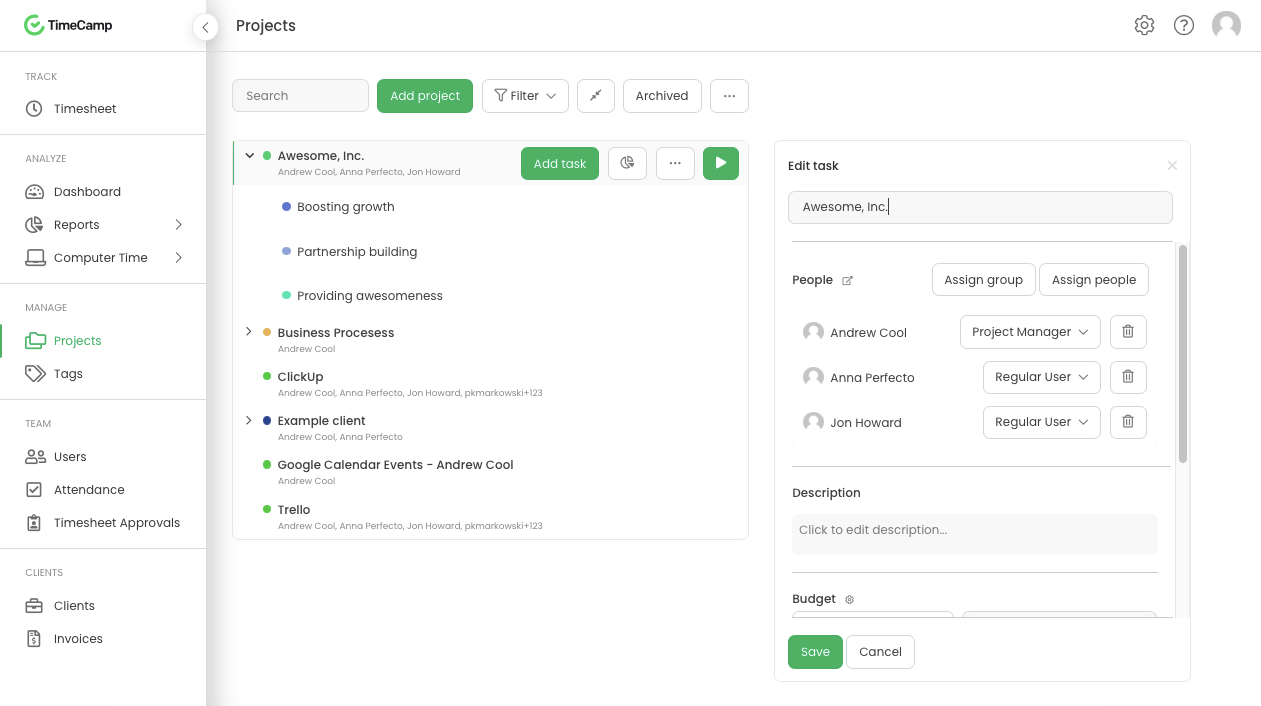 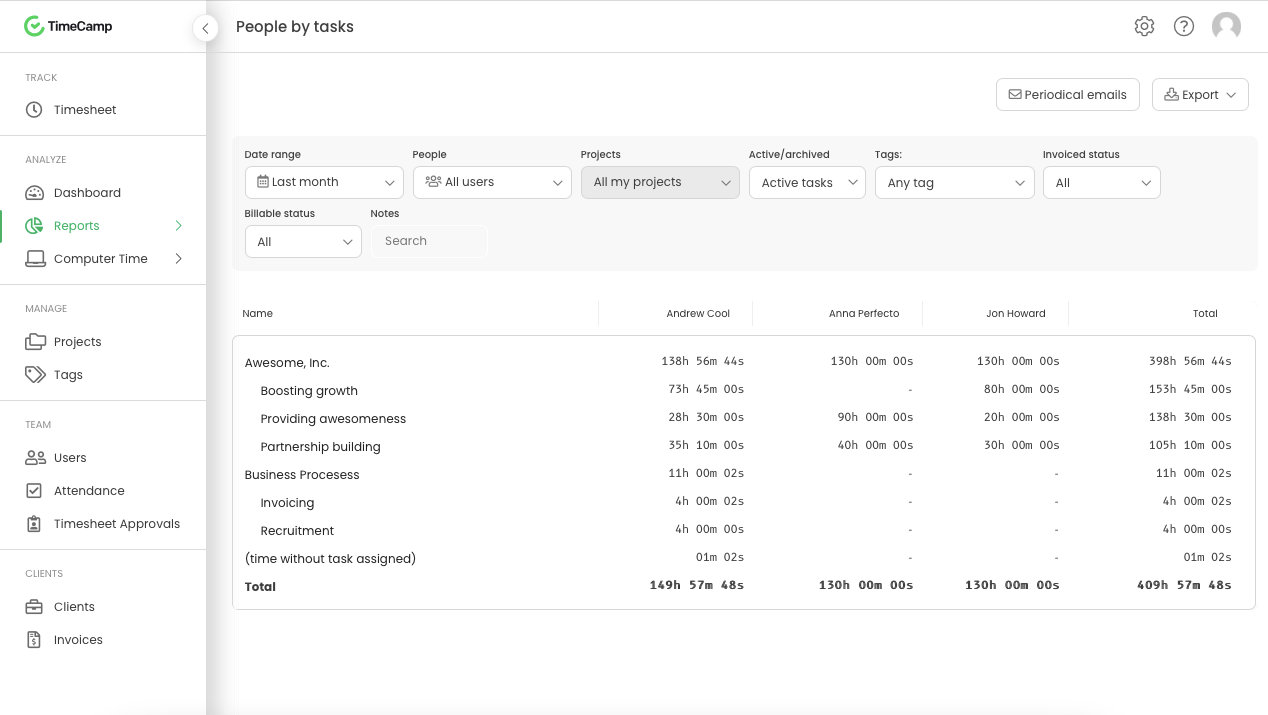  |




