
Boingnet vs. Keap
| Product | Rating | Most Used By | Product Summary | Starting Price |
|---|---|---|---|---|
 Boingnet | N/A | N/A | Boingnet provides a marketing automation solution that is geared towards small to mid sized business, non-profit and agency marketing teams. The vendor says that their platform enables marketers to generate powerful cross-channel marketing campaigns that deliver results. | $25 per month |
 Keap | Score6 out of 10 | N/A | Keap is a small business-focused, comprehensive sales and marketing platform which combines basic contact management, CRM, marketing automation, and e-commerce capabilities into a single, subscription-based SaaS product. | $199 per month |
| Boingnet | Keap | |||||||||||||||
|---|---|---|---|---|---|---|---|---|---|---|---|---|---|---|---|---|
| Editions & Modules |
|
| ||||||||||||||
| Offerings |
| |||||||||||||||
| Entry-level Setup Fee | No setup fee | Optional | ||||||||||||||
| Additional Details | Boingnet offers training, HTML, data management and custom development services to marketing teams and agencies at affordable rates | All plans with 1 user and 500 contacts. The price is $30.00 for each additional user. | ||||||||||||||
| More Pricing Information | ||||||||||||||||
| Boingnet | Keap | |
|---|---|---|
| Considered Both Products | No answer on this topic | No answer on this topic |
| Key User Insights | ||
| Would buy again | ||
No answers on this topic | 88% Would buy again 71 Answers | |
| Delivers good value for the price | ||
No answers on this topic | 93% Delivers good value for the price 70 Answers | |
| Happy with the feature set | ||
No answers on this topic | 88% Happy with the feature set 71 Answers | |
| Lived up to sales and marketing promises | ||
No answers on this topic | 91% Lived up to sales and marketing promises 63 Answers | |
| Implementation went as expected | ||
No answers on this topic | 94% Implementation went as expected 66 Answers | |
| Boingnet | Keap | ||||||||||||||||||||||||||||
|---|---|---|---|---|---|---|---|---|---|---|---|---|---|---|---|---|---|---|---|---|---|---|---|---|---|---|---|---|---|
| CRM Project Management |
| ||||||||||||||||||||||||||||
| Email & Online Marketing |
| ||||||||||||||||||||||||||||
| Lead Management |
| ||||||||||||||||||||||||||||
| Campaign Management |
| ||||||||||||||||||||||||||||
| Reporting & Analytics |
| ||||||||||||||||||||||||||||
| Platform & Infrastructure |
| ||||||||||||||||||||||||||||
| Boingnet | Keap | |
|---|---|---|
| Likelihood to Recommend | - | 7.2 |
| Likelihood to Renew | - | 9.0 |
| Usability | - | 9.0 |
| Availability | - | 9.1 |
| Performance | - | 9.1 |
| Support Rating | - | 9.0 |
| In-Person Training | - | 9.1 |
| Online Training | - | 8.6 |
| Implementation Rating | - | 8.0 |
| Configurability | - | 2.0 |
| Ease of integration | - | 1.0 |
| Product Scalability | - | 9.1 |
| Vendor post-sale | - | 6.0 |
| Vendor pre-sale | - | 1.0 |
| Boingnet | Keap | |
|---|---|---|
| Likelihood to Recommend | No answers on this topic |
|
| Pros | No answers on this topic |
|
| Cons | No answers on this topic | No answers on this topic |
| Likelihood to Renew | No answers on this topic |
|
| Usability | No answers on this topic |
|
| Reliability and Availability | No answers on this topic | No answers on this topic |
| Performance | No answers on this topic |
|
| Support Rating | No answers on this topic | No answers on this topic |
| In-Person Training | No answers on this topic |
|
| Online Training | No answers on this topic | No answers on this topic |
| Implementation Rating | No answers on this topic |
|
| Alternatives Considered | No answers on this topic | No answers on this topic |
| Scalability | No answers on this topic | No answers on this topic |
| Return on Investment | No answers on this topic |
|
| ScreenShots | Boingnet Screenshots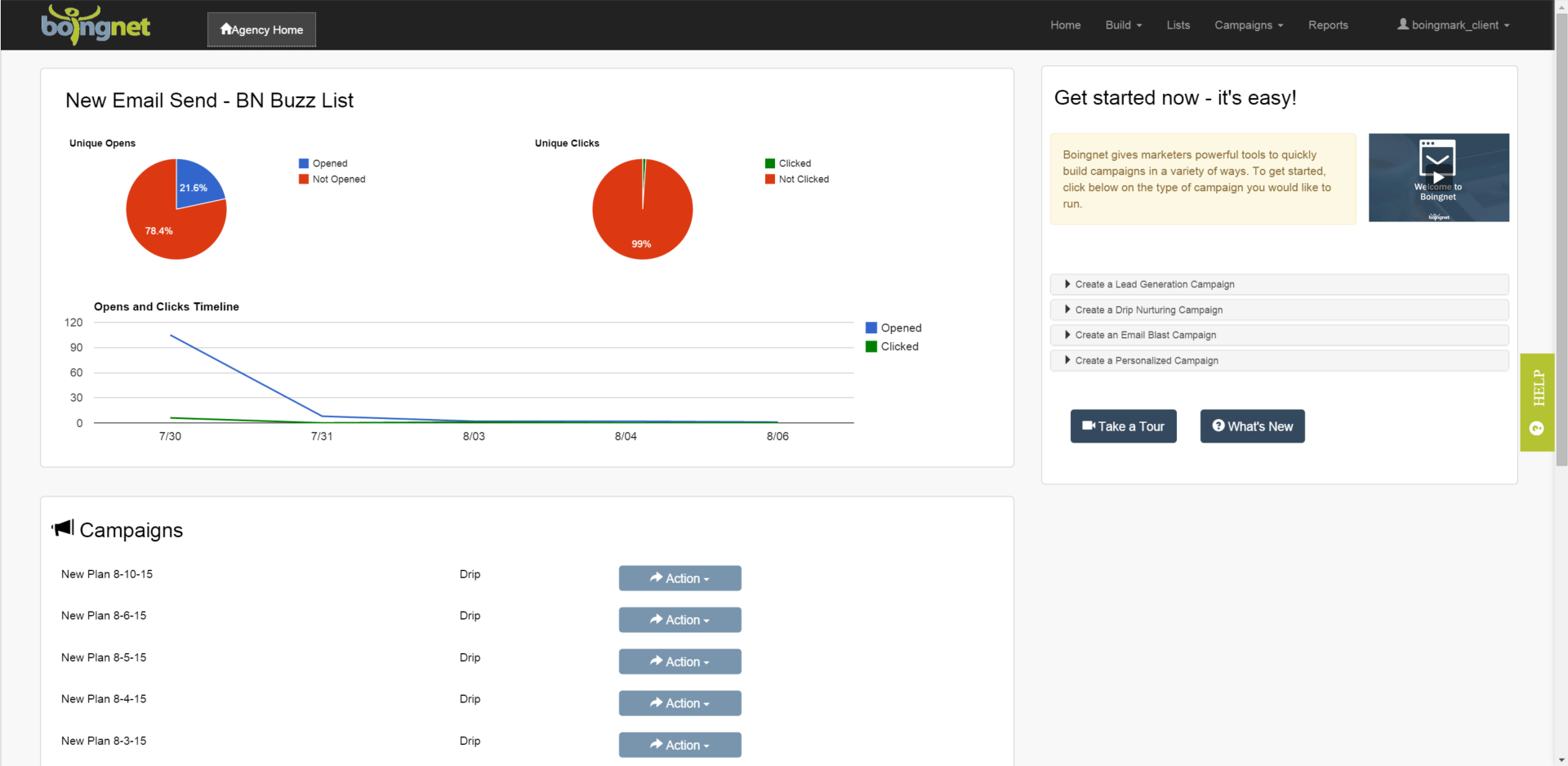 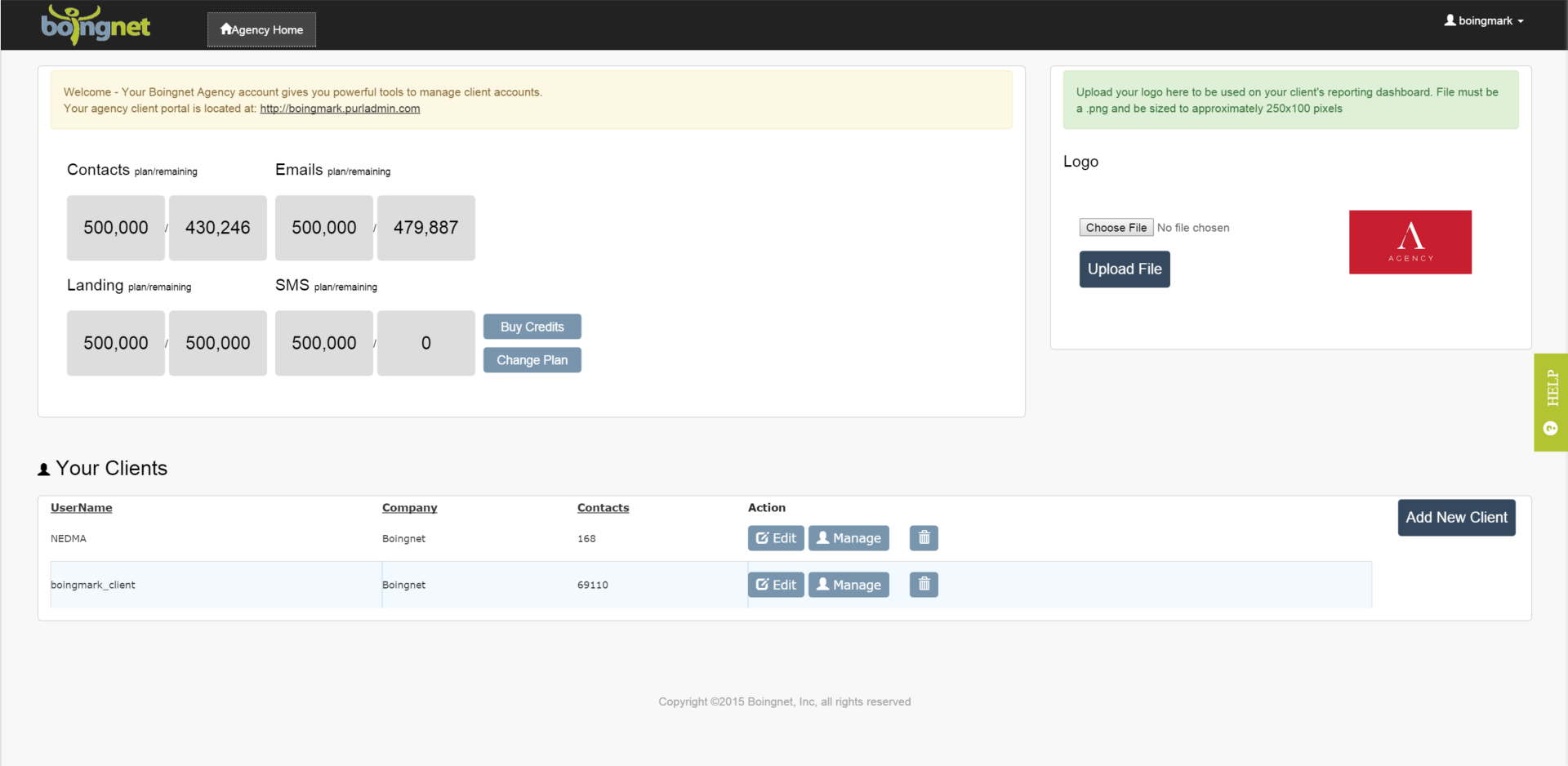   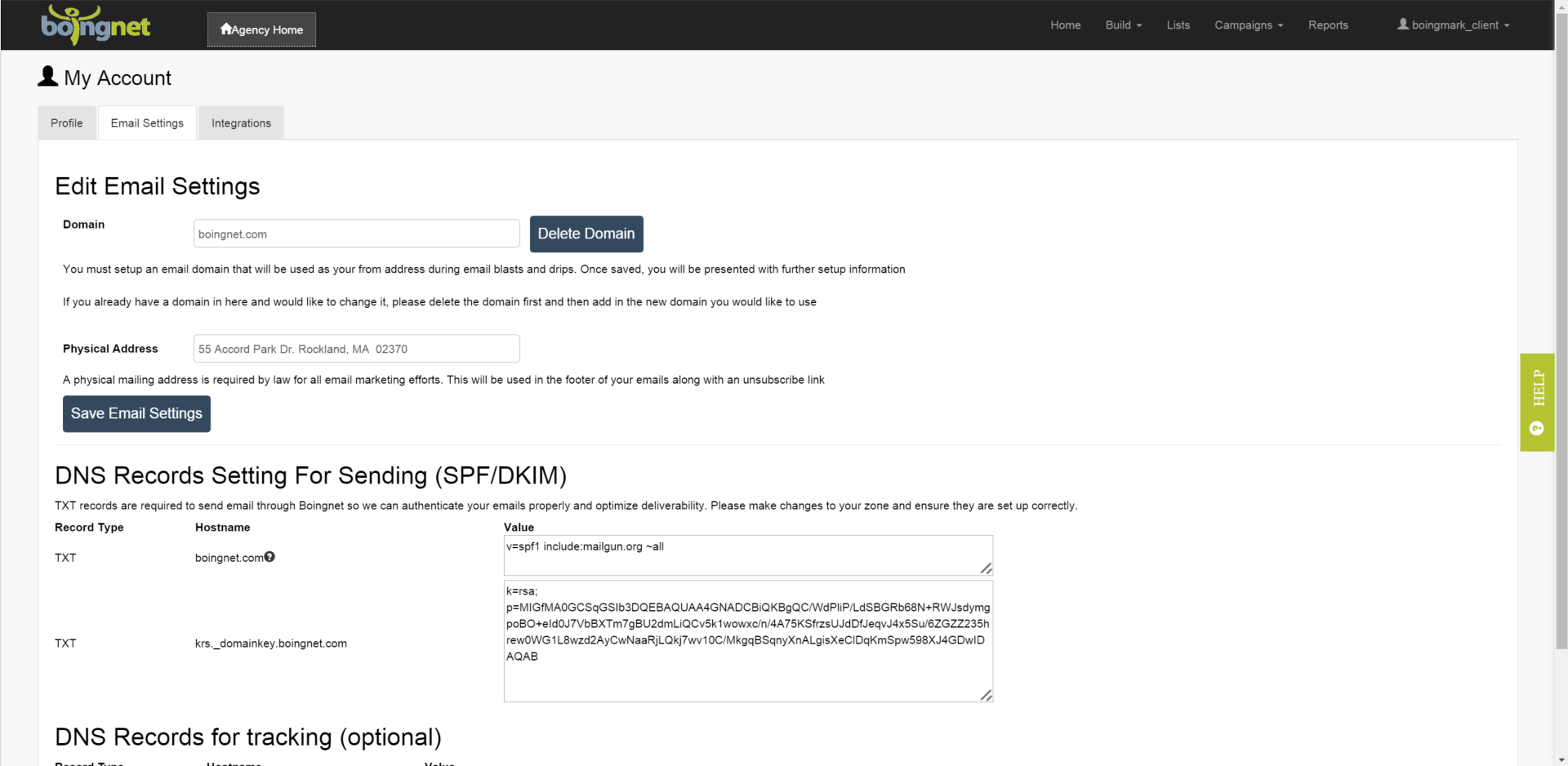 | Keap Screenshots 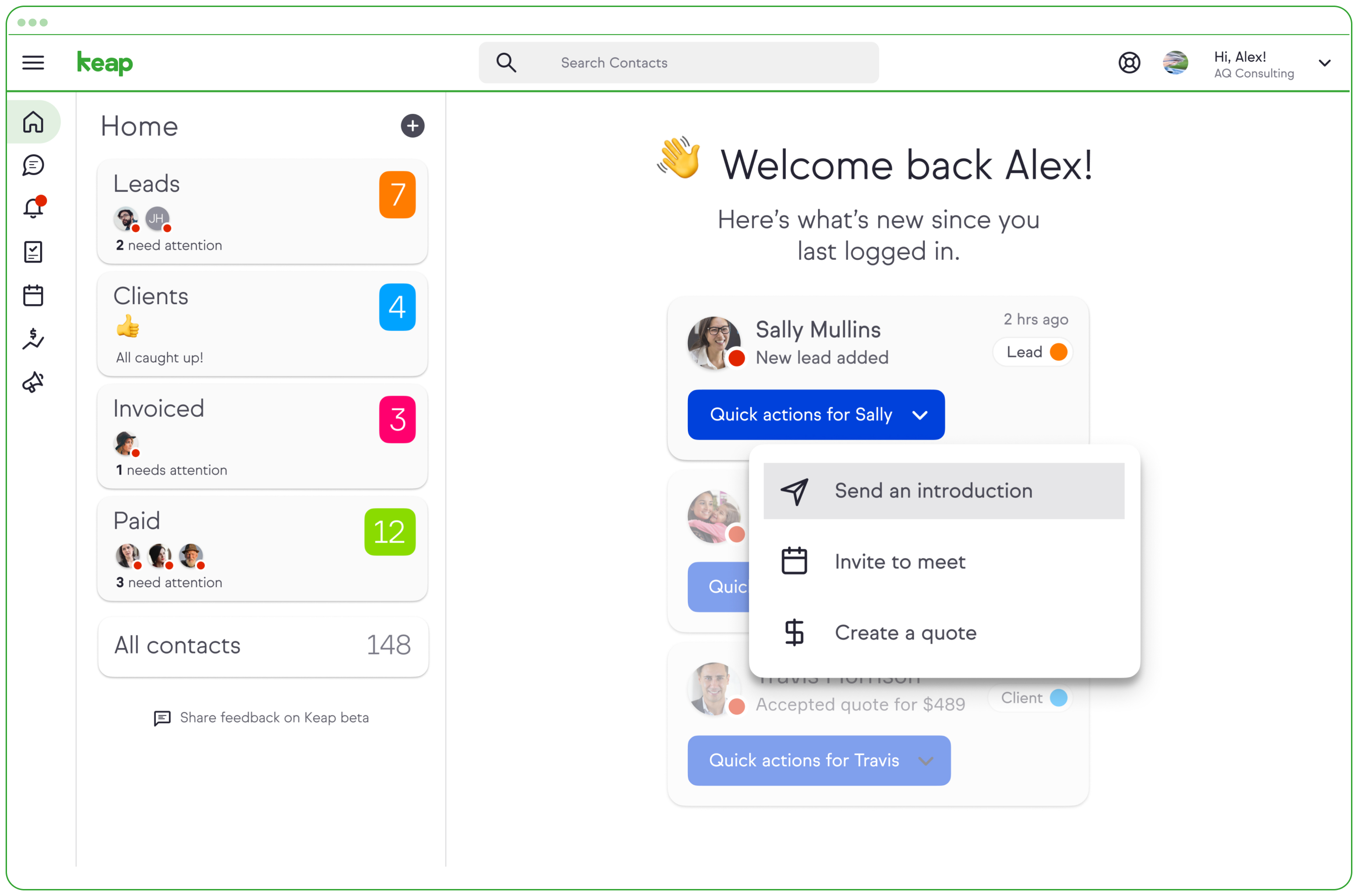  |




