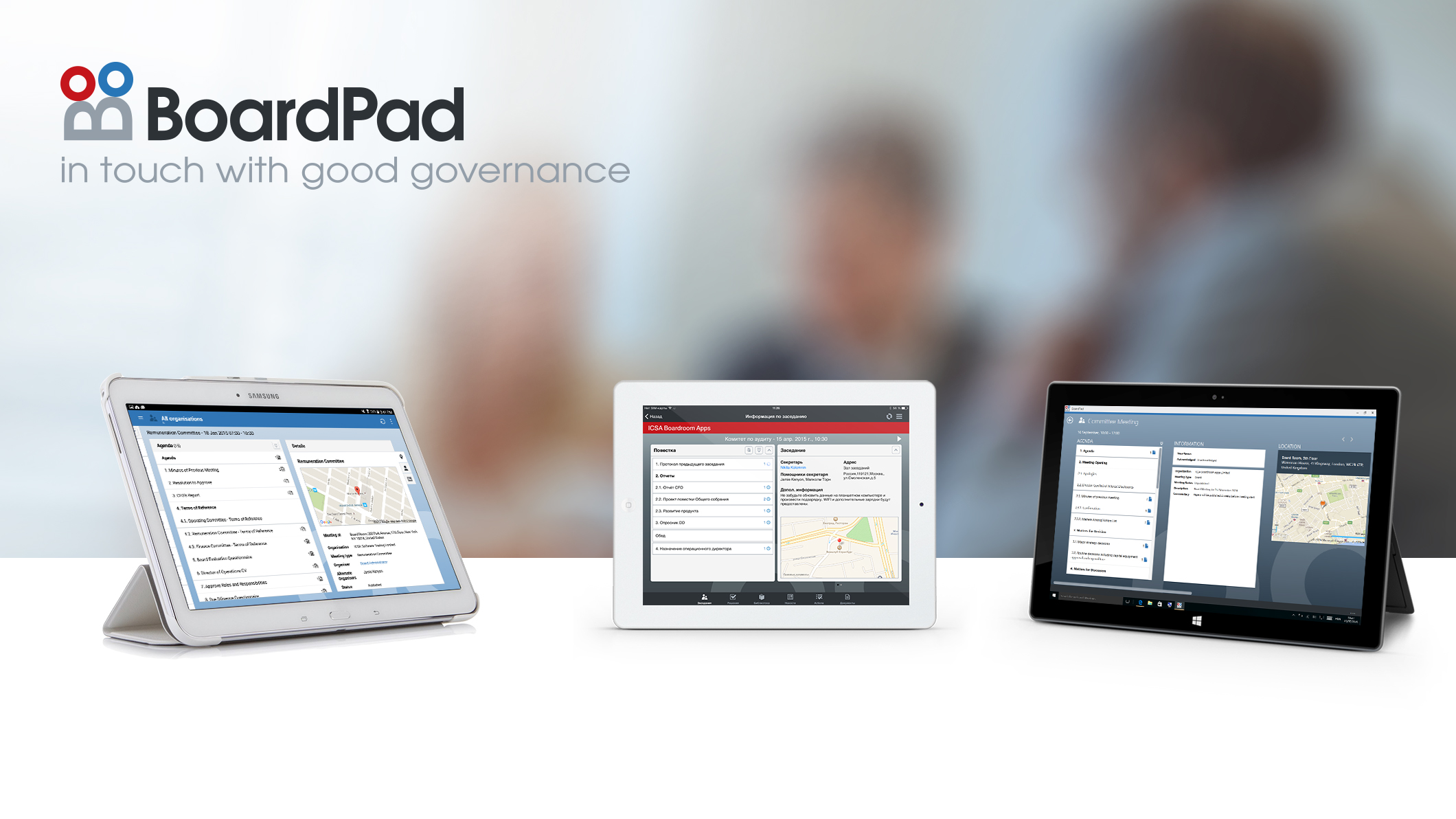
BoardPad was a meeting and document collaboration solution, with hosted and self-hosted options options. The product and company were acquired by Diligent in 2017. It has since been discontinued and is no longer supported.
N/A
tl;dv
N/A
N/A
tl;dv is an AI Meeting Assistant for recording, transcribing, and summarizing a team’s meetings. It integrates with CRMs, ticketing systems, knowledge management platforms, and over 5000 other tools.
Everyone is very busy and BoardPad takes the stress away of trying to find all the documents relevant to the meeting. It sends everything to the app, so you can find it straight away on your iPad. Excellent and effective navigation and sets tasks accordingly. Everyone is aware of the actions that [have] been assigned to them. Excellent piece of software that has made meetings more enjoyable.
A de minimis incentive was given to thank the reviewer for their time. The incentive was not used to bias or drive a particular response, nor was the incentive contingent on a positive endorsement. More Info
Strongly recommend for all Sales teams, Customer Success teams, Partnerships teams. Basically anywhere where there is an external stakeholder and you have a continuous cadence of meetings set for regular engagement. Have seen it be very productive as we have a lot to catch up on regular progress items based on previous discussions that would have happened. Great for the use case when you are not able to join the meeting at all and your tl;dv assistant basically gives you a complete download of the call.
A de minimis incentive was given to thank the reviewer for their time. The incentive was not used to bias or drive a particular response, nor was the incentive contingent on a positive endorsement. More Info
A de minimis incentive was given to thank the reviewer for their time. The incentive was not used to bias or drive a particular response, nor was the incentive contingent on a positive endorsement. More Info
A de minimis incentive was given to thank the reviewer for their time. The incentive was not used to bias or drive a particular response, nor was the incentive contingent on a positive endorsement. More Info
A de minimis incentive was given to thank the reviewer for their time. The incentive was not used to bias or drive a particular response, nor was the incentive contingent on a positive endorsement. More Info
A de minimis incentive was given to thank the reviewer for their time. The incentive was not used to bias or drive a particular response, nor was the incentive contingent on a positive endorsement. More Info
Its easy to use. It is expensive for Indian users though, hence we use it wisely out here. None the less I like the product and they are doing a very good job in building something which is true and meaningful to the end consumer
A de minimis incentive was given to thank the reviewer for their time. The incentive was not used to bias or drive a particular response, nor was the incentive contingent on a positive endorsement. More Info
tl;dv has an advantage over Gemini wherein it can follow a template if there is a preset. Gemini's greatest advantage is its Google integration, and how much more it can do with the LLM if I had follow-up questions
A de minimis incentive was given to thank the reviewer for their time. The incentive was not used to bias or drive a particular response, nor was the incentive contingent on a positive endorsement. More Info
A de minimis incentive was given to thank the reviewer for their time. The incentive was not used to bias or drive a particular response, nor was the incentive contingent on a positive endorsement. More Info