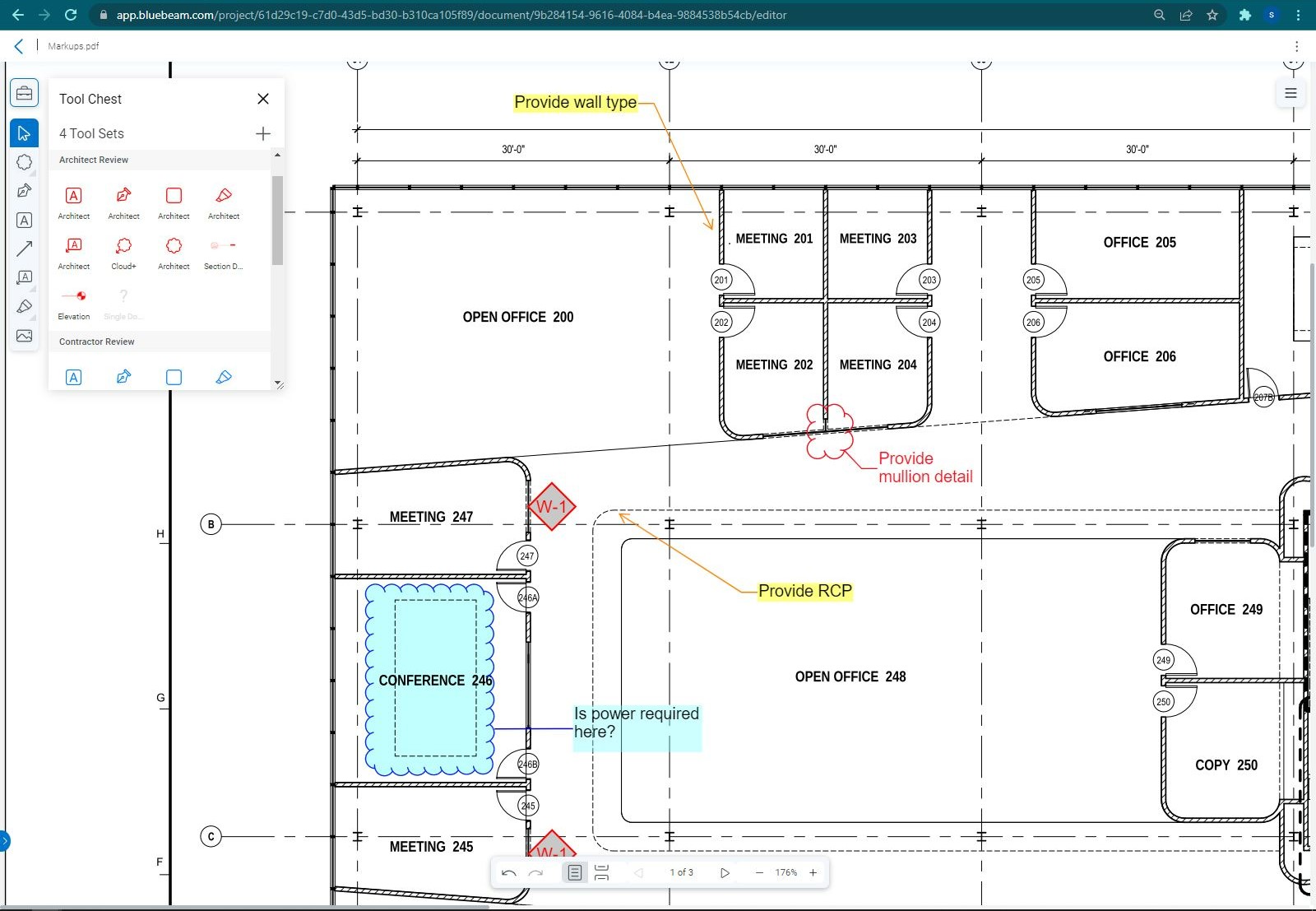
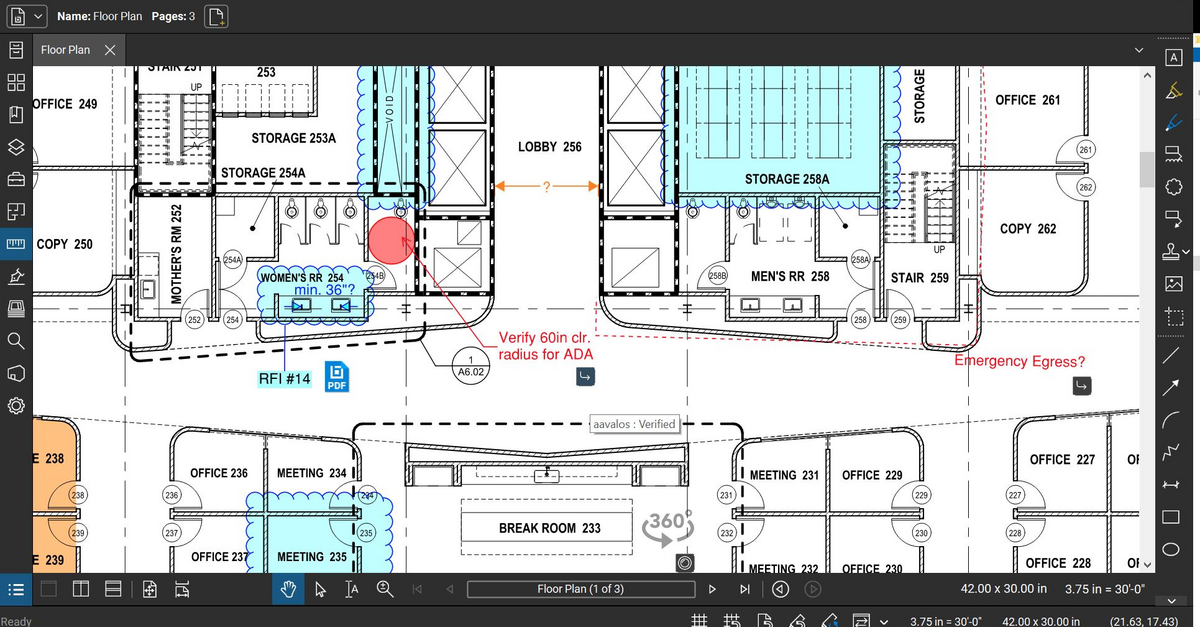
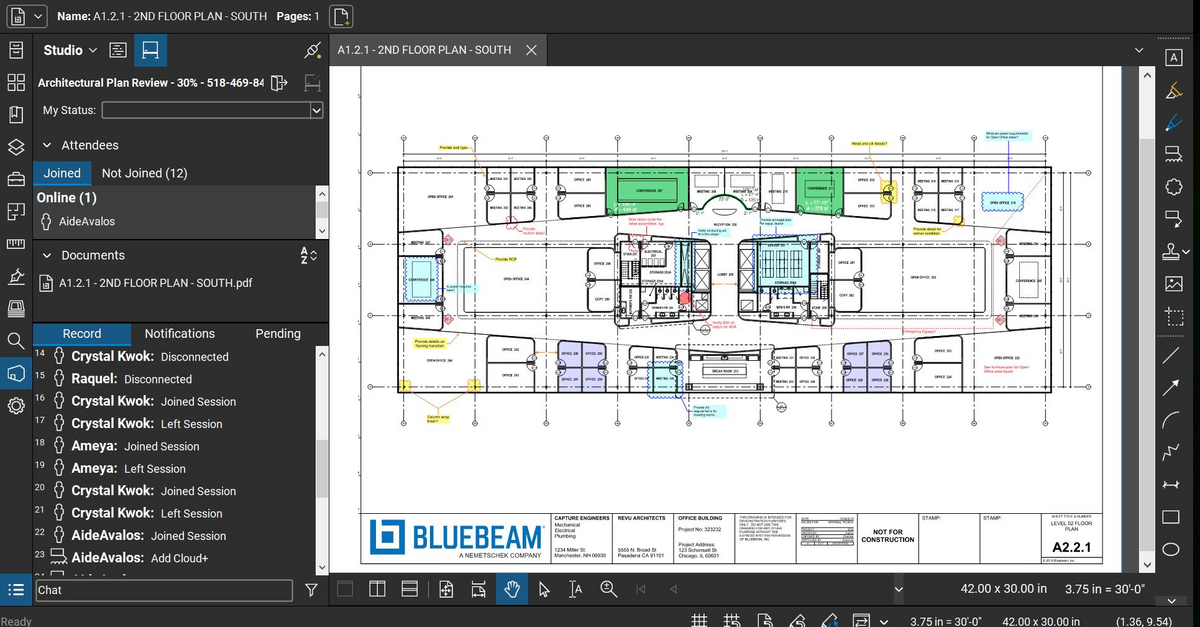
Bluebeam Revu is a PDF management, control, and editing tool. It enables collaboration and markup within shared documents across projects’ life cycles and has takeoff and bid creation capabilities.
$349
per seat
iManage Work
Score 8.1 out of 10
N/A
iManage Work is a document management solution formerly known as HP Worksite. iManage was divested from Hewlett-Packard in 2015 and is now an independent company, headquartered in Chicago.
N/A
Pricing
Bluebeam
iManage Work
Editions & Modules
Revu Standard
$349
per seat
Revu CAD
$449
per seat
Revu eXtreme
$599
per seat
No answers on this topic
Offerings
Pricing Offerings
Bluebeam
iManage Work
Free Trial
Yes
No
Free/Freemium Version
No
No
Premium Consulting/Integration Services
No
No
Entry-level Setup Fee
No setup fee
No setup fee
Additional Details
—
—
More Pricing Information
Community Pulse
Bluebeam
iManage Work
Features
Bluebeam
iManage Work
Reporting & Analytics
Comparison of Reporting & Analytics features of Product A and Product B
Bluebeam
8.7
Ratings
13% above category average
iManage Work
-
Ratings
Standard reports
9.00 Ratings
00 Ratings
Custom reports
8.00 Ratings
00 Ratings
Data exportability
9.00 Ratings
00 Ratings
Construction Project & Field Management
Comparison of Construction Project & Field Management features of Product A and Product B
Bluebeam
8.9
Ratings
16% above category average
iManage Work
-
Ratings
Plan distribution & viewing
8.90 Ratings
00 Ratings
Plan markups & sharing
9.20 Ratings
00 Ratings
Issue tracking & punchlists
8.50 Ratings
00 Ratings
Photo documentation
8.70 Ratings
00 Ratings
Jobsite reports
9.00 Ratings
00 Ratings
Document sharing
9.30 Ratings
00 Ratings
RFI tools
9.00 Ratings
00 Ratings
Collaboration & approvals
9.00 Ratings
00 Ratings
As-built drawings
8.90 Ratings
00 Ratings
Mobile app
7.90 Ratings
00 Ratings
Submittal design and management
8.90 Ratings
00 Ratings
Checklists
9.50 Ratings
00 Ratings
Change orders
9.00 Ratings
00 Ratings
Estimating
Comparison of Estimating features of Product A and Product B
As stated before, the mobile application is a great companion to the desktop version. Either one works great in viewing, editing and saving documents. While the measurement tool is handy to have, we have found the precision to be lacking when measuring scaled drawings (construction design drawings). While it is a good rough place to start for measurements, we wouldn't recommend relying on the precision of the measurements taken on something with a very large scale.
iManage is well suited to managing the large volume of documents and emails that are created on a daily basis. Lawyers can get dozens if not hundreds of e-mails a day, and we need something to do with them. Deleting them is often not practical, because you may require the information a year from now. Leaving them in Outlook is also impractical, because a large Inbox will slow Outlook down. Outlook has an archiving feature, but this doesn't really help for collaboration (and your colleagues are likely out of luck if you end up unavailable due to emergency). iManage is less well suited to small organizations (ex: sole practitioners and small firms) because it is does require a significant investment in implementing and maintaining the software. iManage Work is well suited for large law firms, because it is great for collaboration, including between different offices.
If you have several tabs open and you try to drag one out for a side by side view then you do not have all the modification options and you have to combine them back together.
There is a lag time when hitting the print option.
There is also a lag time when opening files, sometimes I think the window is frozen.
I wish the basic version also had basic file editing, as in editing a document as Adobe does.
The system can be fairly buggy. I have issues with freezing, and a lack of responsiveness each time I use it ( although not for long and does not prevent me from getting what I need to be done, it's just annoying).
It has a slightly larger learning curve to use than other more simplistic records managers
Bluebeam is a powerful PDF viewer and mark-up tool. We are more familiar with it than Adobe Acrobat Pro or other viewers, and it has more features geared towards construction document managers than Acrobat Pro does.
It has been what our firm has always used, and overall everyone seems to be pleased with it. It is user friendly and intuitive and it doesn't appear we have any intention of changing what we use for our purposes.
I'm constantly finding that Bluebeam Revu does more than I knew it could. And when I find something that it can't do, I've found that Bluebeam truly listens to its user base and will work to incorporate any good suggestion when feasible.
To me iManage is very intuitive and user friendly. The switch from the application vs the Outlook extension was an adjustment, but it was one I made pretty easily once it happened.
Its hard for me to give a rating on this one as we rarely have to use the support feature for Bluebeam. However, when we have used it, they have been ultra supportive in helping us get exactly what we needed. I know another engineer was trying to figure out a feature and the rep gave a detailed tutorial on how to complete the task
We had an issue a few years ago where a plug-in of some sort which allowed the viewing of PDFs got updated and then whenever some people previewed PDFs in iManage then Outlook would crash. My outlook crashed over 20 times in a single day once. It was a pretty bad time. I know one of our information technology professionals in another office worked non-stop with iManage to get it resolved, and it seemed like they did take the issue pretty seriously.
Bluebeam is a diverse program with many functions and tools, whereas competitive programs only specialize in one or few tasks. Although there are many tools within the program, users can still quickly learn how to use the program to best fit their needs. There is always a help tab for any assistance needed.
MS SharePoint requires a lot of time to integrate and efforts are expensive compared to iManage product. iManage is quick setup and well integrates with existing on-premise environments and integrates well with major iDP systems for authentications and manage RBAC systems for permissions via API calls.
A major positive aspect is being able to take your computer home without taking the entire set of paper drawings. They have made it so easy to navigate a set of drawings that I can work at home using only the digital drawings.
Collaboration with owners and architects has been a great feature. Setting up a Bluebeam studio and having everyone get in and mark things up, then having the architect be able to go in and see what markups have been added, has made the constructability review process much much better.
Even when not working on drawings, Bluebeam is a very good tool for working with standard PDF documents. The markup tools are very easy to use.
The negative aspect is the takeoff function because some people would like estimators to use the Bluebeam takeoff because it would make their job easier down the road; however, the actual act of doing a full scale takeoff in Bluebeam would require much more time.
Since our policy is that all client documents are saved into iManage, we have been able to keep an email retention policy for Exchange to 90days to delete. This has saved us significant resources in both Exchange management and hardware to support excessive email storage for archived databases or extremely large databases.
The ability to search documents quickly by text inside the documents allows to review previously created contracts and use similar language that is well suited to a new project over again without having to spend time manually opening and searching ourselves. The software does it for us.
We used to store old files at an offsite storage facility for a monthly fee. We have implemented a new procedure, where we now scan these old paper files into our iManage system, making them text searchable PDFs. Since the software has such robust searching capabilities, this makes the documents much more accessible when needed than requesting an offsite storage delivery and having to manually pull paper files. In addition, we have saved thousands of dollars a month by not storing paper files offsite any longer. If the searching were not so powerful, we would not done this because our old paper storage system worked well for us previously.