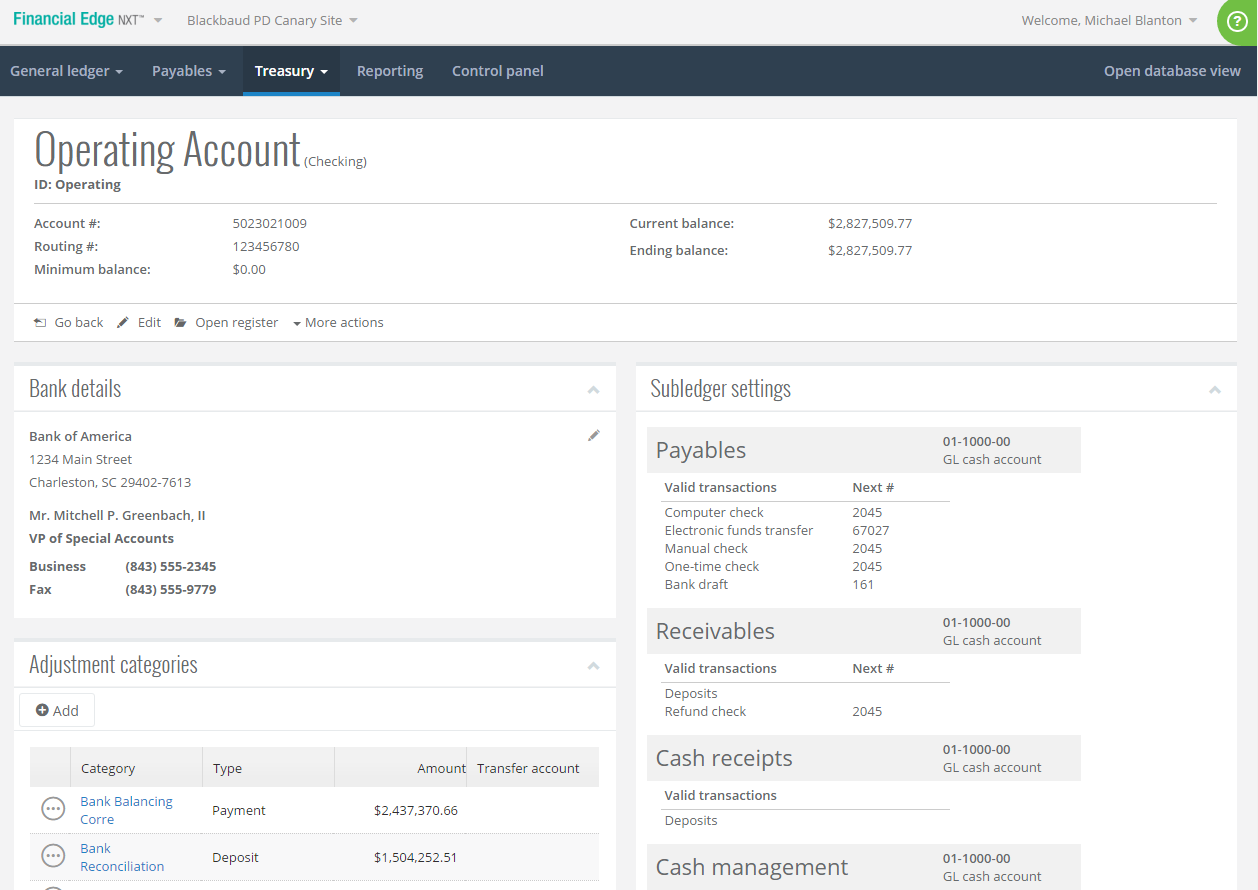
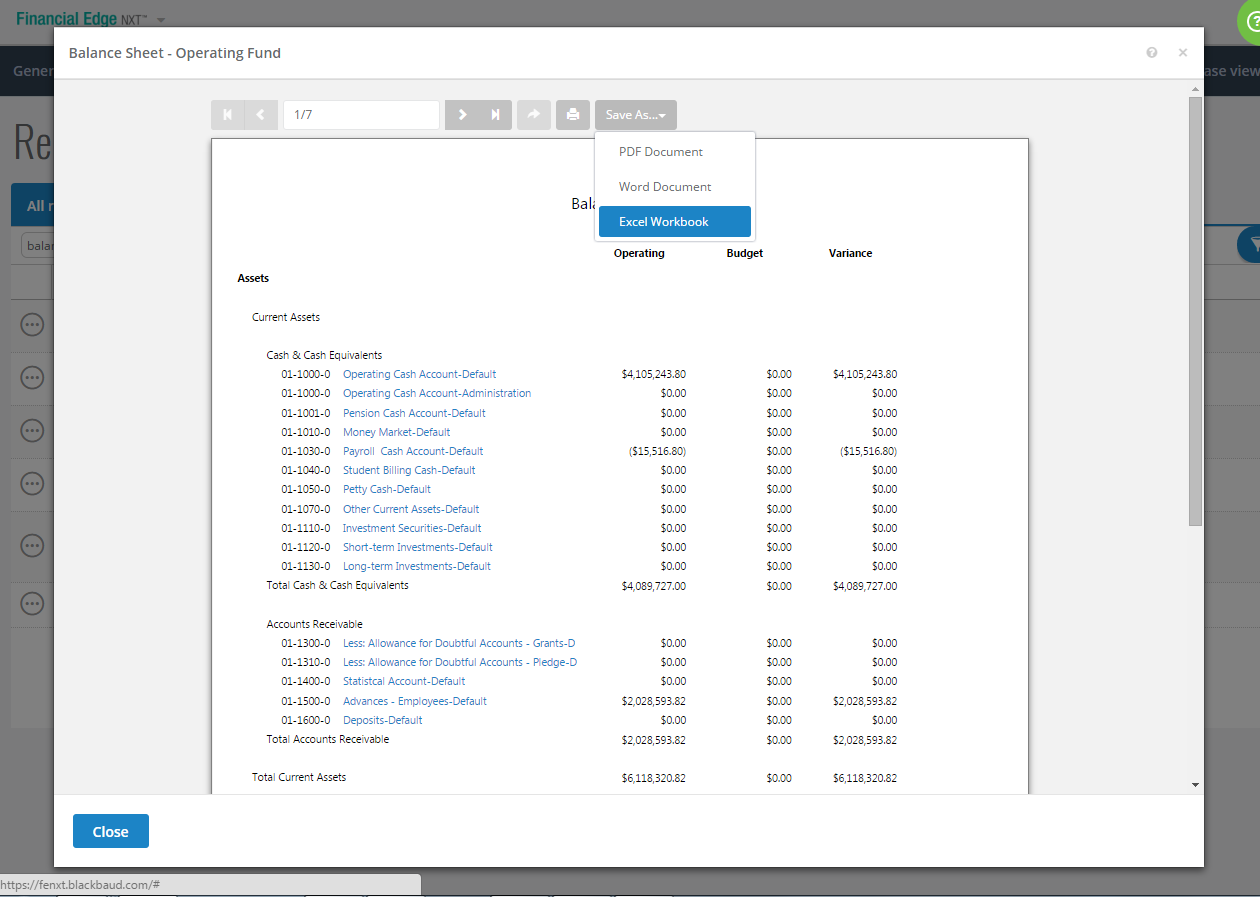
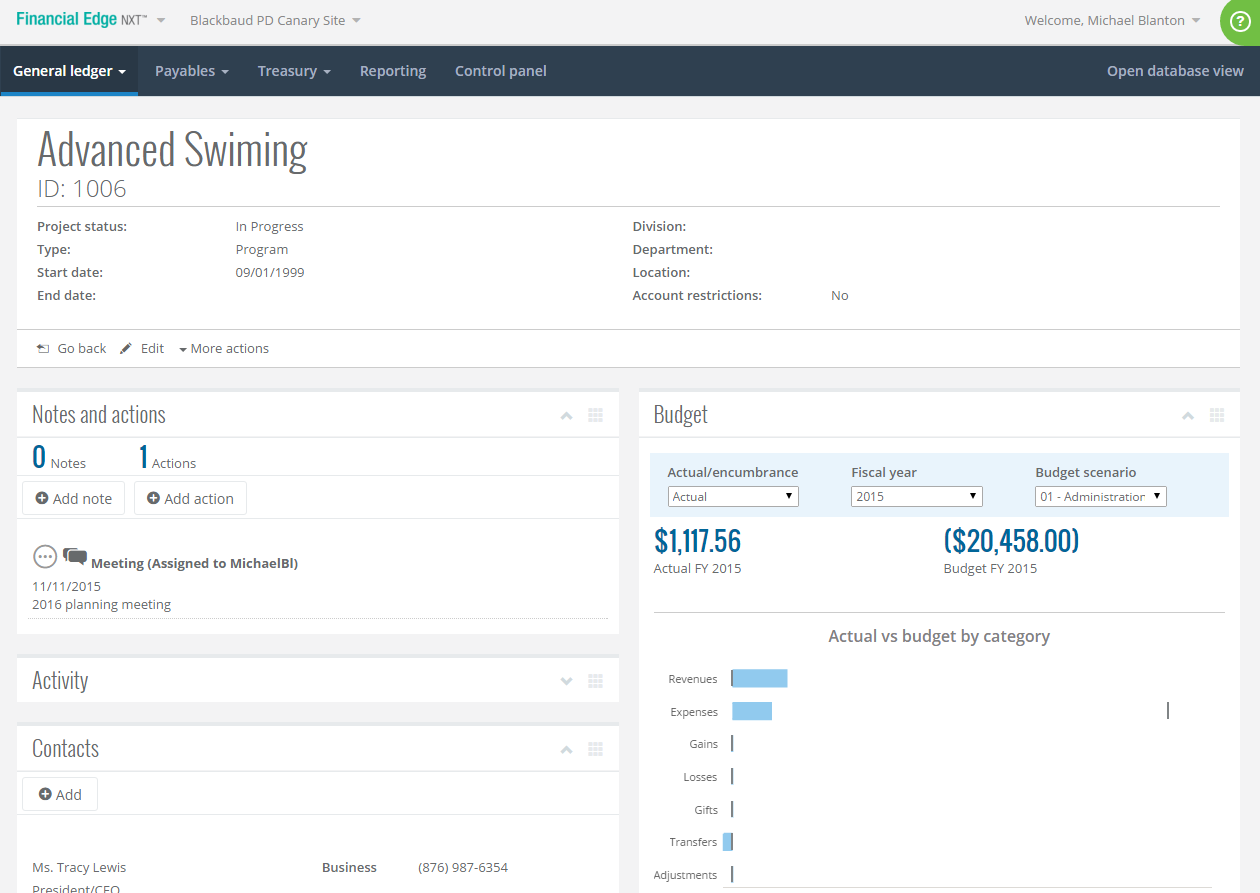
Financial Edge NXT is a cloud accounting solution tailored for nonprofits that provides a general ledger, projects, grants, endowments, accounts payable and receivable, fixed assets, banking, and more. It offers real-time reporting, with one-click drill-down functionality and export capability.
N/A
QuickBooks Desktop Pro
Score7.8 out of 10
N/A
Quickbooks Desktop Pro is accounting software from Intuit, Inc. It includes core accounting features, plus analytics and exportable reports. It is offered in on-premise and SaaS forms.
N/A
Pricing
Blackbaud Financial Edge NXT
QuickBooks Desktop Pro
Editions & Modules
No answers on this topic
No answers on this topic
Offerings
Pricing Offerings
Blackbaud Financial Edge NXT
QuickBooks Desktop Pro
Free Trial
No
No
Free/Freemium Version
No
No
Premium Consulting/Integration Services
Yes
No
Entry-level Setup Fee
Required
No setup fee
Additional Details
Blackbaud is currently offering the first six months of Financial Edge NXT free for new customers. Limited conditions apply.
A de minimis incentive was given to thank the reviewer for their time. The incentive was not used to bias or drive a particular response, nor was the incentive contingent on a positive endorsement. TR verified that a representative sample of customers was invited. More Info
Director of Financial Operations in Finance and Accounting at AlphaNet Inc. (Non-profit Organization Management, 51-200 employees)
Chose Blackbaud Financial Edge NXT
Financial Edge NXT is better-suited for a midsized organization like ours. We had outgrown Sage 50 - it was becoming quite slow and unstable, so we had to find another solution. Financial Edge NXT has proven to be quicker, and much more stable and reliable from the perspective …
A de minimis incentive was given to thank the reviewer for their time. The incentive was not used to bias or drive a particular response, nor was the incentive contingent on a positive endorsement. TR verified that a representative sample of customers was invited. More Info
A de minimis incentive was given to thank the reviewer for their time. The incentive was not used to bias or drive a particular response, nor was the incentive contingent on a positive endorsement. TR verified that a representative sample of customers was invited. More Info
Verified User
Chose Blackbaud Financial Edge NXT
We didn't, the only issue with Raisers Edge is they do handle donor management.
A de minimis incentive was given to thank the reviewer for their time. The incentive was not used to bias or drive a particular response, nor was the incentive contingent on a positive endorsement. More Info
A de minimis incentive was given to thank the reviewer for their time. The incentive was not used to bias or drive a particular response, nor was the incentive contingent on a positive endorsement. More Info
Database Administrator (Prev. Business Analyst) in Corporate at GPS Education Partners (Education Management, 11-50 employees)
Chose Blackbaud Financial Edge NXT
We previously used QuickBooks and while we were comfortable with the functionality and ease of use, we chose to move forward with Financial Edge and then the NXT version because of the integration with the other modules and being able to link all of the data together to reduce …
A de minimis incentive was given to thank the reviewer for their time. The incentive was not used to bias or drive a particular response, nor was the incentive contingent on a positive endorsement. More Info
The look of the reports and the platform is great. It's easy to lookup vendors and find some information. I wish the flow to navigate around the system was more intuitive. We tend to do more going back and forth to move to another vendor. It must be an easier solution. But that's the learning curve piece we need.
A de minimis incentive was given to thank the reviewer for their time. The incentive was not used to bias or drive a particular response, nor was the incentive contingent on a positive endorsement. TR verified that a representative sample of customers was invited. More Info
What I think the QuickBooks Desktop Pro is well suited: 1) Easy to use and effective to navigate while satisfying our financial and accounting functions' needs 2) We upgraded the version from the QuickBooks Desktop to Desktop Pro for its advanced functions and the ability to track the different projects/programs that are essential to organization.
A de minimis incentive was given to thank the reviewer for their time. The incentive was not used to bias or drive a particular response, nor was the incentive contingent on a positive endorsement. More Info
Uploading and inputting information is easy due to a clear format and outline.
Researching and finding past information is quick and easy to navigate due to searching and filtering options as well as the ability to name the files for quick searches.
Pulling project titles and accounts - you can have a large amount of projects and accounts and are able to know them through the system without having to memorize each individual title.
Being able to export a general ledger for an account to excel while still being formatted correctly.
Having the ability to filter in what transactions are pulled in the general ledger. You are able to easily look at all the activity or only activity in a certain time frame or other specific filters.
There is always access to help from Blackbaud services for any sort of difficulty.
Learning and the ability to attend Blackbaud classes are readily and easily available so you can increase your knowledge and ability to serve well in your organizations' role.
A de minimis incentive was given to thank the reviewer for their time. The incentive was not used to bias or drive a particular response, nor was the incentive contingent on a positive endorsement. TR verified that a representative sample of customers was invited. More Info
A de minimis incentive was given to thank the reviewer for their time. The incentive was not used to bias or drive a particular response, nor was the incentive contingent on a positive endorsement. More Info
Queries is not fully set up yet and could use more functionality within the reporting structure
Recurring payments do not seem to be moving forward and we have several annuities that run quarterly
Queue appears to be going away and report scheduling is coming, however, you cannot send to users outside of your organization. We run so many monthly reports that we used to have emailed out via queue that now we have to run them manually and save them to a sharepoint site for our campus partners to access.
A little concerned with printing checks once database view goes away since the one time I tried it the printing margins were totally off.
Integration of papersave products and cash receipts.
A de minimis incentive was given to thank the reviewer for their time. The incentive was not used to bias or drive a particular response, nor was the incentive contingent on a positive endorsement. More Info
QuickBooks Desktop Pro has been around for a few years and after an update[,] they force you to look at the changes/updates before you can use [them] after updating.
QuickBooks Desktop Pro does not have 2FA.
QuickBooks Desktop Pro should offer a way to store backups to a personal cloud without having to map a local network drive.
A de minimis incentive was given to thank the reviewer for their time. The incentive was not used to bias or drive a particular response, nor was the incentive contingent on a positive endorsement. More Info
BB seems to forcing changes on customers at a faster rate. This company needs stability because it is understaffed in accounting. There isn't time to drop everything and work up workarounds or even try to judge effects. There also isn't the time to find a replacement suite unless things get really bad.
A de minimis incentive was given to thank the reviewer for their time. The incentive was not used to bias or drive a particular response, nor was the incentive contingent on a positive endorsement. TR verified that a representative sample of customers was invited. More Info
I'd love to keep using it, and do intend to - though we've not been pleased with price increases over the past several years. In fact, we used to subscribe to the payroll service, but QuickBooks priced themselves out of reach for us, so we discontinued that. Currently, pricing would be the primary reason for NOT renewing, if we didn't.
A de minimis incentive was given to thank the reviewer for their time. The incentive was not used to bias or drive a particular response, nor was the incentive contingent on a positive endorsement. More Info
I don't have much to compare it to but if I speak of just the reporting options; sometimes there are so many options I spend more time finding the "perfect" report when a basic report with minimal columns is needed. But I know I can always add to the report if asked.
A de minimis incentive was given to thank the reviewer for their time. The incentive was not used to bias or drive a particular response, nor was the incentive contingent on a positive endorsement. TR verified that a representative sample of customers was invited. More Info
It is a great software that does everything a small business needs it to do, but there are just a few bugs and quirks that make additional software necessary. The slowness of the software occasionally might eventually be overshadowed by the quickness of cloud-based software though.
A de minimis incentive was given to thank the reviewer for their time. The incentive was not used to bias or drive a particular response, nor was the incentive contingent on a positive endorsement. More Info
A de minimis incentive was given to thank the reviewer for their time. The incentive was not used to bias or drive a particular response, nor was the incentive contingent on a positive endorsement. More Info
No one is perfect, but this support team is as close as it gets. They respond promptly and if the person I'm talking to doesn't have the answer they find someone that does. They also provide documentation and/or resources to support their responses to my questions. The online chat is awesome and usually all I need
A de minimis incentive was given to thank the reviewer for their time. The incentive was not used to bias or drive a particular response, nor was the incentive contingent on a positive endorsement. TR verified that a representative sample of customers was invited. More Info
They are awful. Intuit doesn't spend real money on support. They appear to have typically said, first-level script readers who are sending messages to the senior people for anything even a little bit difficult. Many of them don't speak particularly good English. Considering that they recently doubled (or, if you are paying annually, tripled) their pricing, and touted as one of the benefits that it includes [..] support, it's a real ripoff. However, we have to use the product because it is ubiquitous. I look forward to the day a competitor comes up with something good enough, which has excellent support, that matches all the features QuickBooks Desktop Pro currently has [...] or at least gives us a way to have all the functionality we currently have without excessive sacrifice [...] so that we can switch. I was very satisfied with QuickBooks for many years. This latest [rise] in price, and their sheer gall at touting the benefit of the 100 to 200% increase as being [the] inclusion of support, is what turned me so far against them.
A de minimis incentive was given to thank the reviewer for their time. The incentive was not used to bias or drive a particular response, nor was the incentive contingent on a positive endorsement. More Info
Best thing I ever did was to attend a two day training seminar on QuickBooks, I learned an immense amount in a short time with hands on training by experts. I strongly recommend such training for anyone using any part of the software. It will pay for itself in the first month.
The training is semi helpful if you have already been in the system. If you are completely new it does make it kind of hard since chart of accounts will be different among organizations. For a general idea it is helpful. One complaint on training would be that as FENXT is attempting to go fully to the web solution there were often times things that were moved or changed that even the trainer was unaware of and had to adapt on the fly.
A de minimis incentive was given to thank the reviewer for their time. The incentive was not used to bias or drive a particular response, nor was the incentive contingent on a positive endorsement. More Info
The implementation can be easy depending on how familiar you are with Blackbaud products. It is cloud based so there is not a need for IT involvement but you do need to know your business requirement.
A de minimis incentive was given to thank the reviewer for their time. The incentive was not used to bias or drive a particular response, nor was the incentive contingent on a positive endorsement. More Info
We implemented the software ourselves. The training we received on the software was done by taking a community course teaching us how to use QuickBooks. It allowed me to get started with some basics of how to use the program and have not needed much assistance since completing the course work.
A de minimis incentive was given to thank the reviewer for their time. The incentive was not used to bias or drive a particular response, nor was the incentive contingent on a positive endorsement. More Info
Prior to using Blackbaud Financial Edge NXT, a financial software package offered by Sage was used. Blackbaud Financial Edge NXT is much more user friendly, and integrates with the fundraising software used by the Foundation, Raiser's Edge. The integration has eliminated duplicate entry of donor information into the financial software. In addition, the add-in tools provided by Blackbaud Financial Edge NXT make journal entries a much more efficient process.
A de minimis incentive was given to thank the reviewer for their time. The incentive was not used to bias or drive a particular response, nor was the incentive contingent on a positive endorsement. TR verified that a representative sample of customers was invited. More Info
Zoho had great end-user support and it was almost as simple to learn and was as easy to use. But its reports were not as [customizable] as QuickBooks Desktop Pro, and its job cost and department accounting [were] more cumbersome than QuickBooks Desktop Pro was. In addition, while I like an underdog (Zoho) the fact is that it is easier to find staff that [is] comfortable with QuickBooks Desktop Pro than anything else on the market.
A de minimis incentive was given to thank the reviewer for their time. The incentive was not used to bias or drive a particular response, nor was the incentive contingent on a positive endorsement. More Info
Record accuracy has gone up with Blackbaud Financial Edge NXT. We are able to keep everything separate using both natural accounts and projects.
The AP module has increased our speed in issuing checks. We are able to easily review and see where approvals may be stuck in order to get checks out promptly.
The approval chains and easily viewed records of approvals have helped our auditors easily track processes for internal control walkthroughs.
A de minimis incentive was given to thank the reviewer for their time. The incentive was not used to bias or drive a particular response, nor was the incentive contingent on a positive endorsement. TR verified that a representative sample of customers was invited. More Info
QuickBooks Desktop Pro is a no hassle accounting solution that ticks a lot of boxes. It almost never disappoints and organizations will usually keep using it for many years. If anything, the only time I've seen an organization migrate away from it is if they have specific accounting needs, or if the organization has grown to the point that they need a more robust accounting solution. Even then, QuickBooks can usually be maintained within another accounting software system for specific functions, like A/R & A/P for example.
A de minimis incentive was given to thank the reviewer for their time. The incentive was not used to bias or drive a particular response, nor was the incentive contingent on a positive endorsement. More Info