B2W Estimate vs. On-Screen Takeoff®

Overview
ProductRatingMost Used ByProduct SummaryStarting Price
B2W Estimate
Score 9.0 out of 10
N/A
B2W Estimate is a construction and estimation software offering from B2W Software Inc.N/A
On-Screen Takeoff®
Score 7.3 out of 10
N/A
On-Screen Takeoff is a construction takeoff and estimating solution. It is intended to streamline takeoff, RFI, and bidding processes.N/A
Pricing
B2W EstimateOn-Screen Takeoff®
Editions & Modules
No answers on this topic
Offerings
Pricing Offerings
B2W EstimateOn-Screen Takeoff®
Free Trial
NoYes
Free/Freemium Version
NoNo
Premium Consulting/Integration Services
NoNo
Entry-level Setup FeeNo setup feeNo setup fee
Additional DetailsOn-Screen Takeoff® pricing varies based on licensing options and specific business needs. The annual subscription plans are designed to scale with project and team size. Available Subscription Options: •On-Screen Takeoff •On-Screen Takeoff with Takeoff Boost™ •On-Screen Takeoff and Quick Bid® •On-Screen Takeoff with Takeoff Boost and Quick Bid Each subscription is customized to match the subscriber's workflow requirements. A 14-day free trial is available.
More Pricing Information
Community Pulse
B2W EstimateOn-Screen Takeoff®
Features
B2W EstimateOn-Screen Takeoff®
Construction Project & Field Management
Comparison of Construction Project & Field Management features of Product A and Product B
B2W Estimate
8.1
Ratings
7% above category average
On-Screen Takeoff®
-
Ratings
Plan distribution & viewing7.00 Ratings00 Ratings
Plan markups & sharing8.00 Ratings00 Ratings
Issue tracking & punchlists6.00 Ratings00 Ratings
Jobsite reports8.00 Ratings00 Ratings
Document sharing8.00 Ratings00 Ratings
Collaboration & approvals10.00 Ratings00 Ratings
Change orders10.00 Ratings00 Ratings
Estimating
Comparison of Estimating features of Product A and Product B
B2W Estimate
8.5
Ratings
6% above category average
On-Screen Takeoff®
-
Ratings
Takeoff tools8.00 Ratings00 Ratings
Job costing8.00 Ratings00 Ratings
Cost databases8.00 Ratings00 Ratings
Bid creation10.00 Ratings00 Ratings
Best Alternatives
B2W EstimateOn-Screen Takeoff®
Small Businesses
FollowUp CRM
FollowUp CRM
Score 10.0 out of 10
Bluebeam
Bluebeam
Score 9.1 out of 10
Medium-sized Companies
InEight
InEight
Score 8.3 out of 10
InEight
InEight
Score 8.3 out of 10
Enterprises
InEight
InEight
Score 8.3 out of 10
InEight
InEight
Score 8.3 out of 10
All AlternativesView all alternativesView all alternatives
User Ratings
B2W EstimateOn-Screen Takeoff®
Likelihood to Recommend
10.0
(0 ratings)
9.0
(0 ratings)
Likelihood to Renew
-
(0 ratings)
10.0
(0 ratings)
Usability
-
(0 ratings)
6.0
(0 ratings)
Support Rating
-
(0 ratings)
8.2
(0 ratings)
Implementation Rating
-
(0 ratings)
7.0
(0 ratings)
User Testimonials
B2W EstimateOn-Screen Takeoff®
Likelihood to Recommend
We are long-term users of the B2W system. We believe it is the best choice for paving contractors. It is easy to learn and continues to offer even deeper ability as estimating prowess grows. The system allows us to update quotes that were given in the past and to stay on top of our costs as changes occur, so our data is up to date and accurate. Know your costs and you can make money!
Read full review
  • I would recommend On-Screen Takeoff to any contractor that is not using it for estimating purposes. It helps the process in so many ways.
  • I guess if it was something straightforward, it might not be the most cost-effective solution. For what we do, it is indispensable.
Read full review
Pros
  • Allows management to update costs for each individual item, equipment, labor, PR taxes, benefits, materials, etc.
  • Allows management to see how aggressive estimators have built an estimate to evaluate risk.
  • Allows monthly changes in fuel prices and liquid asphalt to quickly update the system for all.
  • Allows management to override margins for overhead and profit to match backlog and need for work versus budget.
Read full review
  • User-friendly and easy to learn. You can sit down and figure out how to do simple takeoffs and counts with minimal training.
  • It is very accurate and it is great that you can do several calculations for each condition you make.
  • The colors and shapes provide a great visible audit trail.
  • The layering feature helps from keeping the screen too busy if you are doing several conditions on one page.
  • The worksheet tab keeps tallies of all the takeoffs from each page nicely.
Read full review
Cons
  • We request changes to the software as issues crop up and the B2W process changes as needed.
  • A time-out function should be added to knock dormant users offline and allow other users access to the limited number of licenses the company owns.
Read full review
  • How documents are uploaded to the program. On-Screen Takeoff will locate the files from whatever path you originally save it to. Therefore, if you move the location of the document, OST will not be able to open your project until the path is redirected.
  • Taking off curved shapes.
  • If you could apply a unit cost to a quantity, it would eliminate the need to export takeoff to Excel.
  • It would be nice to be able to apply a different scale to the same page i.e. if there are two different details on a drawing at two different scales, I have to duplicate the sheet and make sure I make each sheet scale to the specific detail on the sheet.
Read full review
Likelihood to Renew
No answers on this topic
It provides invaluable communication, organization, and flexibility to generate a project overview both visually and by the numbers. In addition to the overview it makes getting into the project details easy and quick, so our takeoff is accurate and correct every time
Read full review
Usability
No answers on this topic
On Screen Takeoff is a valuable tool for what it does. Across the board it can keep track of the critical data and corresponding values without extra legwork. While powerful, it is prone to user error, and the problem can compound quickly if not realized up front. Overall a great project tool, but not without limitations
Read full review
Support Rating
No answers on this topic
I have had very few issues with the software which is probably the first sign that there is a good customer support team, since I am sure they are working and fixing problems for everyone when they get a report from somewhere. The few times I have had to reach out to support they have been knowledgeable and on top of helping me quickly get my issues resolved.
Read full review
Implementation Rating
No answers on this topic
Implementation was as simple as setting up the program and creating databases. Everything else was already in use and this was a supplement to the final organization of the system
Read full review
Alternatives Considered
No answers on this topic
OST is still the most efficient and quick way of doing 2D takeoff. The software mentioned above all have their positives and negatives and they all have things which are far superior to OST. But OST really takes the cake when it comes to usability and a simple and useful interface. It's just so easy to create a condition on the fly and start taking something off. When it comes to actual 2D takeoff, OST is by far the easiest and most efficient way of getting the work done.
Read full review
Return on Investment
  • We make money year after year by having accurate quotes and costs basis.
  • We have easily accessible records to look in the past at jobs won or lost.
Read full review
  • The main benefit for using this software is that our estimating takeoff productivity has gone way up from where it was before allowing us to compile bids and estimates in a quicker and more accurate way.
  • The ease of use has allowed us to reduce the time and investment we have had to put into training new hires on the software.
Read full review
ScreenShots

B2W Estimate Screenshots

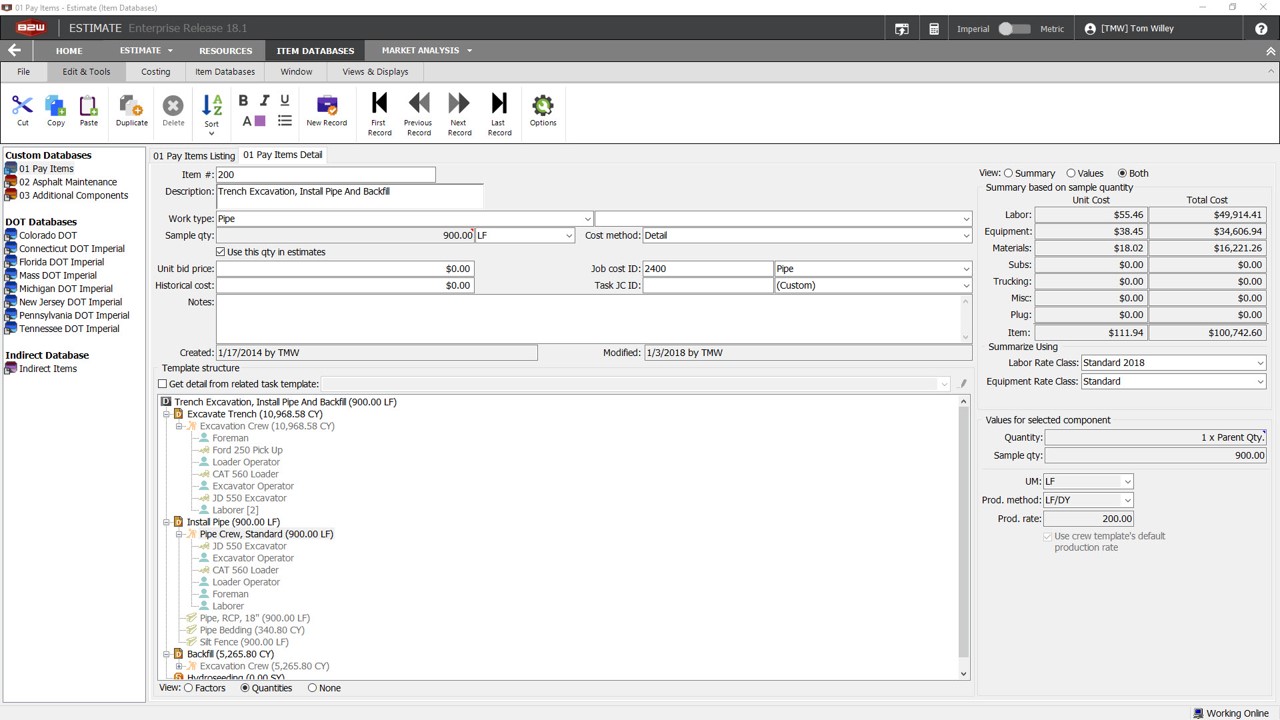
Screenshot of Custom DatabasesScreenshot of Item ListingScreenshot of Check WizardScreenshot of Bid PricingScreenshot of Bid FormsScreenshot of Sample Report

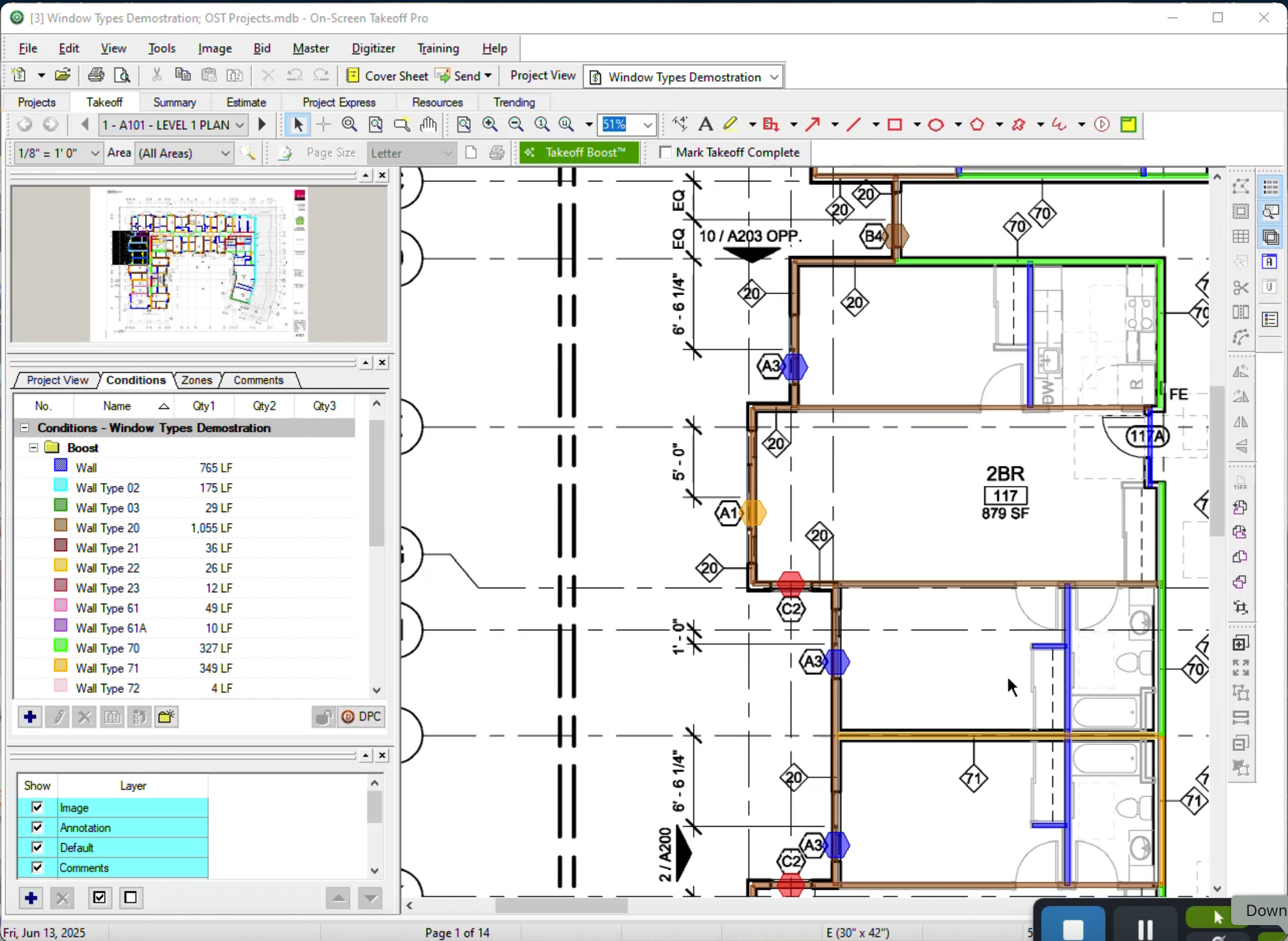
On-Screen Takeoff® Screenshots

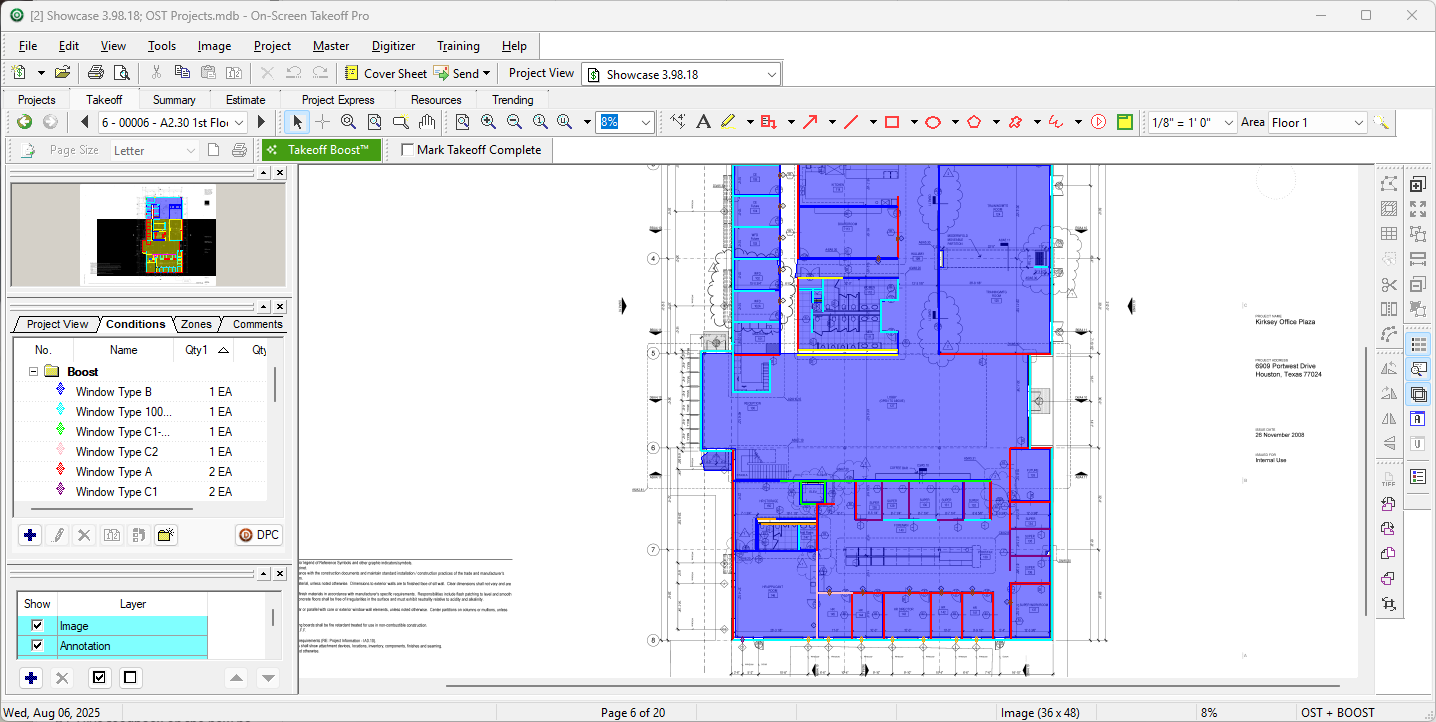
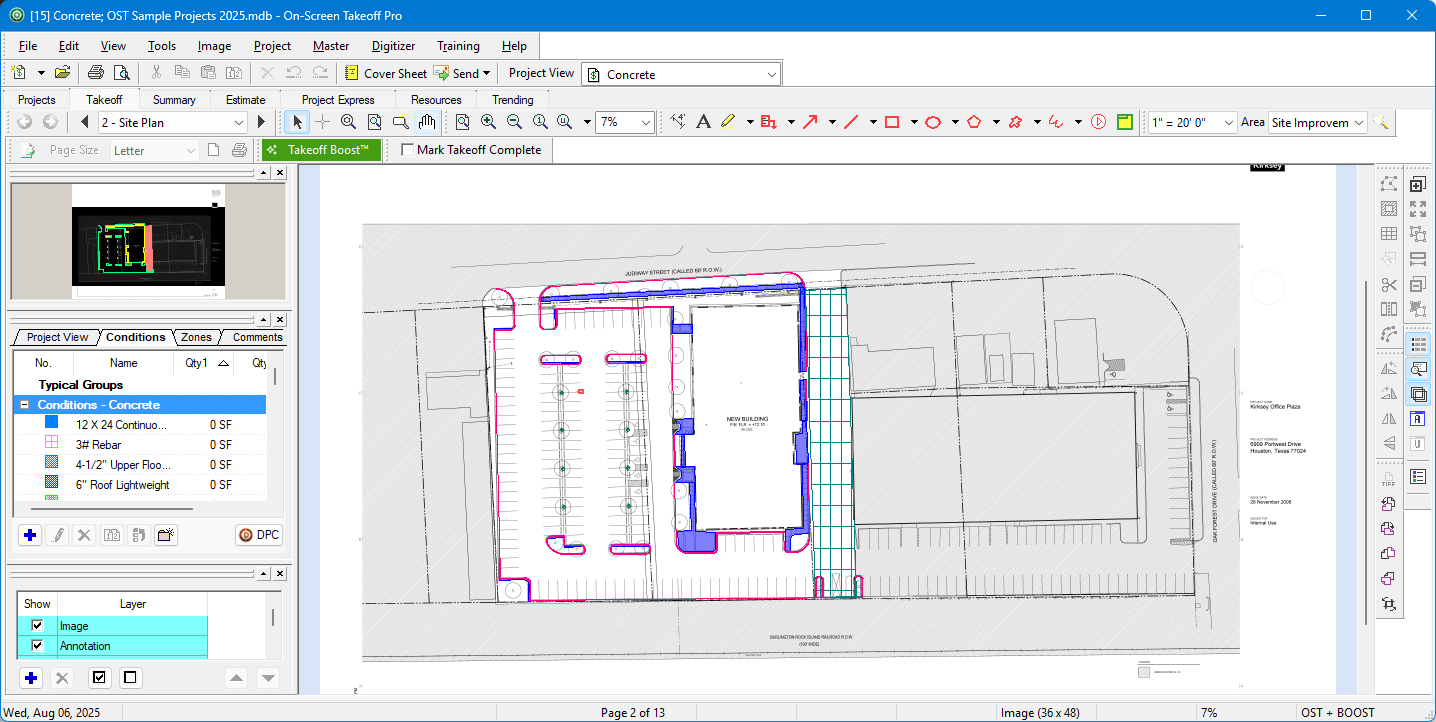
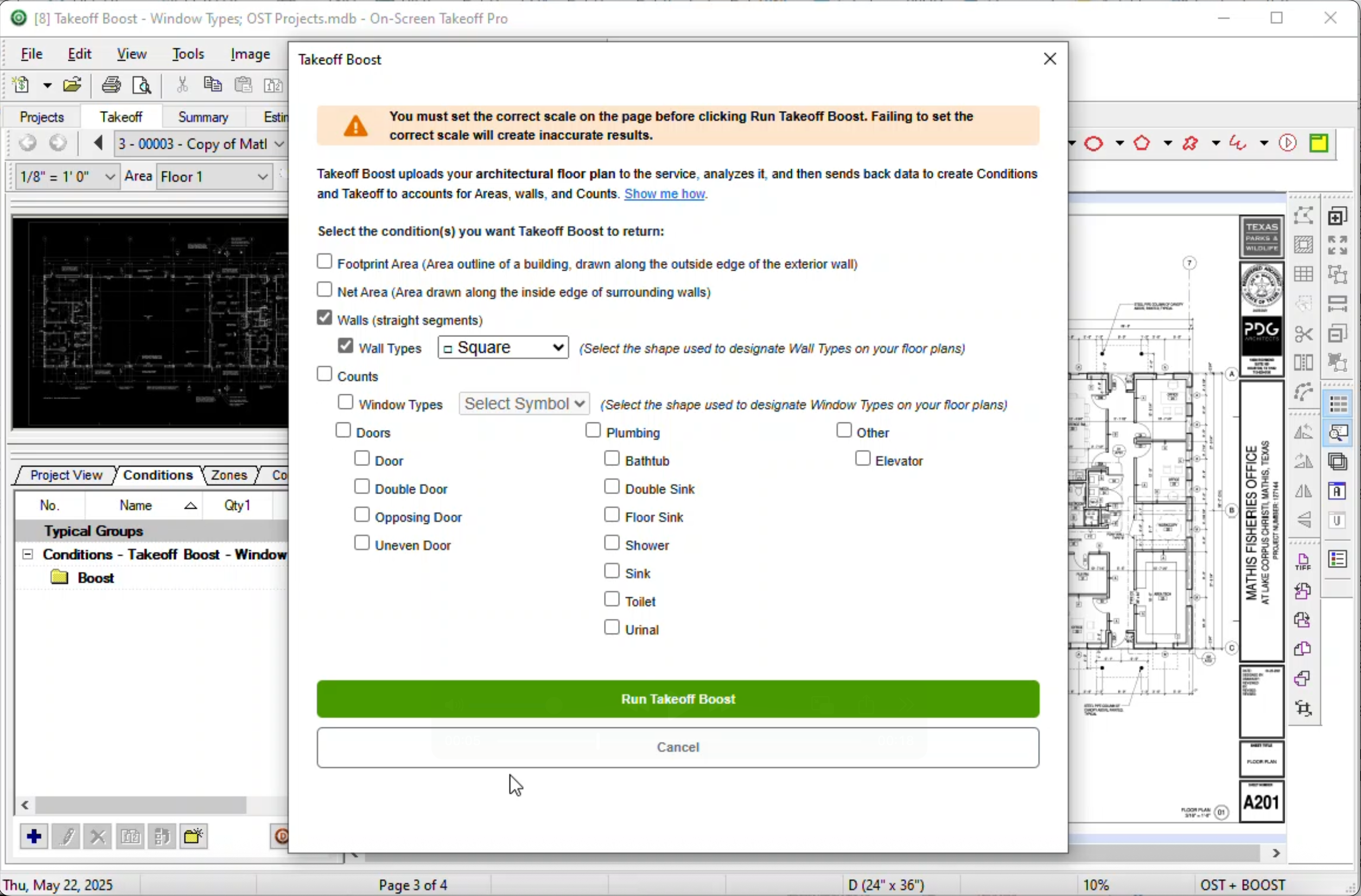
Screenshot of Screenshot of Screenshot of Screenshot of