TrustRadius: an HG Insights company

Assemble, from Autodesk vs. On-Screen Takeoff®

Save this comparison

Save this comparison

Add Product

Recommended Comparisons

    Overview
    ProductRatingMost Used ByProduct SummaryStarting Price

    Assemble, from Autodesk

    Score8.5 out of 10
    N/AAssemble Systems, from Autodesk, is a construction data management cloud that automates extraction of properties and parameters from a design model to assess BIM data necessary for mission-critical build processes. Assemble gives access to customize and manage design and construction data sets throughout the project lifecycle. Assemble Systems allows one to condition, query, and connect the data to key workflows, like bid management, estimating, project management, scheduling, site…N/A

    On-Screen Takeoff®

    Score7.3 out of 10
    N/AOn-Screen Takeoff is a construction takeoff and estimating solution. It is intended to streamline takeoff, RFI, and bidding processes.N/A
    Pricing
    Assemble, from AutodeskOn-Screen Takeoff®
    Editions & Modules
    No answers on this topic
    No answers on this topic
    Offerings
    Pricing Offerings
    Assemble, from AutodeskOn-Screen Takeoff®
    Free Trial
    YesYes
    Free/Freemium Version
    NoNo
    Premium Consulting/Integration Services
    NoNo
    Entry-level Setup FeeNo setup feeNo setup fee
    Additional DetailsOn-Screen Takeoff® pricing varies based on licensing options and specific business needs. The annual subscription plans are designed to scale with project and team size. Available Subscription Options: •On-Screen Takeoff •On-Screen Takeoff with Takeoff Boost™ •On-Screen Takeoff and Quick Bid® •On-Screen Takeoff with Takeoff Boost and Quick Bid Each subscription is customized to match the subscriber's workflow requirements. A 14-day free trial is available.
    More Pricing Information
    Features
    Assemble, from AutodeskOn-Screen Takeoff®
    Human Resource Management
    Comparison of Human Resource Management features of Assemble, from Autodesk and On-Screen Takeoff®
    Feature
    Assemble, from Autodesk
    6.9
    1 Ratings
    10% below category average
    On-Screen Takeoff®
    -
    Ratings
    Employee demographic data6.01 Ratings00 Ratings
    Employment history6.01 Ratings00 Ratings
    Job profiles and administration7.01 Ratings00 Ratings
    Workflow for transfers, promotions, pay raises, etc.7.01 Ratings00 Ratings
    Organizational charting7.01 Ratings00 Ratings
    Organization and location management8.01 Ratings00 Ratings
    Compliance data (COBRA, OSHA, etc.)7.01 Ratings00 Ratings
    Payroll Management
    Comparison of Payroll Management features of Assemble, from Autodesk and On-Screen Takeoff®
    Feature
    Assemble, from Autodesk
    7.9
    1 Ratings
    3% above category average
    On-Screen Takeoff®
    -
    Ratings
    Pay calculation8.01 Ratings00 Ratings
    Support for external payroll vendors8.01 Ratings00 Ratings
    Off-cycle/On-Demand payment8.01 Ratings00 Ratings
    Benefit plan administration7.01 Ratings00 Ratings
    Direct deposit files8.01 Ratings00 Ratings
    Salary revision and increment management8.01 Ratings00 Ratings
    Reimbursement management8.01 Ratings00 Ratings
    Asset Management
    Comparison of Asset Management features of Assemble, from Autodesk and On-Screen Takeoff®
    Feature
    Assemble, from Autodesk
    9.0
    1 Ratings
    23% above category average
    On-Screen Takeoff®
    -
    Ratings
    Tracking of all physical assets9.01 Ratings00 Ratings
    Reporting & Analytics
    Comparison of Reporting & Analytics features of Assemble, from Autodesk and On-Screen Takeoff®
    Feature
    Assemble, from Autodesk
    9.8
    1 Ratings
    25% above category average
    On-Screen Takeoff®
    -
    Ratings
    Dashboards10.01 Ratings00 Ratings
    Standard reports10.01 Ratings00 Ratings
    Custom reports9.01 Ratings00 Ratings
    Data exportability10.01 Ratings00 Ratings
    Construction Project & Field Management
    Comparison of Construction Project & Field Management features of Assemble, from Autodesk and On-Screen Takeoff®
    Feature
    Assemble, from Autodesk
    9.2
    1 Ratings
    18% above category average
    On-Screen Takeoff®
    -
    Ratings
    Plan distribution & viewing9.01 Ratings00 Ratings
    Plan markups & sharing8.01 Ratings00 Ratings
    Photo documentation9.01 Ratings00 Ratings
    Jobsite reports8.01 Ratings00 Ratings
    Collaboration & approvals9.01 Ratings00 Ratings
    As-built drawings9.01 Ratings00 Ratings
    Submittal design and management10.01 Ratings00 Ratings
    Checklists10.01 Ratings00 Ratings
    Meeting Minutes10.01 Ratings00 Ratings
    Specifications10.01 Ratings00 Ratings
    Change orders9.01 Ratings00 Ratings
    Estimating
    Comparison of Estimating features of Assemble, from Autodesk and On-Screen Takeoff®
    Feature
    Assemble, from Autodesk
    6.3
    1 Ratings
    24% below category average
    On-Screen Takeoff®
    -
    Ratings
    Job costing7.01 Ratings00 Ratings
    Cost databases6.01 Ratings00 Ratings
    Cost calculator6.01 Ratings00 Ratings
    Bid creation6.01 Ratings00 Ratings
    Best Alternatives
    Assemble, from AutodeskOn-Screen Takeoff®
    Small Businesses
    CMiC Construction Platform
    Score7.2 out of 10
    PlanSwift, by ConstructConnect
    Score9 out of 10
    Medium-sized Companies
    Autodesk Build
    Score8.2 out of 10
    Sage Estimating
    Score7.7 out of 10
    Enterprises
    InEight
    Score8.3 out of 10
    No answers on this topic
    All AlternativesView all alternativesView all alternatives
    User Ratings
    Assemble, from AutodeskOn-Screen Takeoff®
    Likelihood to Recommend
    8.0
    (1 ratings)
    9.0
    (15 ratings)
    Likelihood to Renew
    -
    (0 ratings)
    10.0
    (1 ratings)
    Usability
    -
    (0 ratings)
    6.0
    (1 ratings)
    Support Rating
    -
    (0 ratings)
    8.2
    (5 ratings)
    Implementation Rating
    -
    (0 ratings)
    7.0
    (1 ratings)
    User Testimonials
    Assemble, from AutodeskOn-Screen Takeoff®
    Likelihood to Recommend
    Autodesk
    This program is well suited for AutoCAD Inventor and other AutoCAD products as well. If you are using any other software besides AutoCAD and Autodesk then you will have a hard time integrating all the components and building the assembly out of other software-created components because it will lose some details and some commands may cause an error.
    Incentivized
    Read full review
    ConstructConnect
    I think most of the reasoning was just provided on the previous pros and cons questions. On-Screen Takeoff (OST) is well suited for doing either quick takeoffs or getting into an elaborate, detailed takeoff. All though the viewing tools are quick and easy, I would still very much prefer using BlueBeam for looking through an overall set of drawings. With all of the hyperlink and bookmark functions of BlueBeam, OST doesn't compare and I rarely use OST unless I'm actually doing a takeoff.
    Incentivized
    Read full review
    Pros
    Autodesk
    • Railing
    • Piping structure
    • Machine structure
    Incentivized
    Read full review
    ConstructConnect
    • The biggest thing for me is that it is so easy to use, which allows it to be used widely throughout our organization without a lot of intense training.
    • Another great thing is that it does not matter how big or little the scope of the take off may be, it works just as well for a whole 12 story building take off as it does for a stretch of sidewalk.
    Incentivized
    Read full review
    Cons
    Autodesk
    • Components handling
    • Ram management
    • Assembly parameters
    Incentivized
    Read full review
    ConstructConnect
    • It would be nice if you could select an object that occurs on multiple sheets, copy, and paste it into change orders or alternates.
    • If you could search for where a certain condition is being used (which sheet) and go directly to that page or pages, that would be cool.
    Incentivized
    Read full review
    Likelihood to Renew
    Autodesk
    No answers on this topic
    ConstructConnect
    It provides invaluable communication, organization, and flexibility to generate a project overview both visually and by the numbers. In addition to the overview it makes getting into the project details easy and quick, so our takeoff is accurate and correct every time
    Incentivized
    Read full review
    Usability
    Autodesk
    No answers on this topic
    ConstructConnect
    On Screen Takeoff is a valuable tool for what it does. Across the board it can keep track of the critical data and corresponding values without extra legwork. While powerful, it is prone to user error, and the problem can compound quickly if not realized up front. Overall a great project tool, but not without limitations
    Incentivized
    Read full review
    Support Rating
    Autodesk
    No answers on this topic
    ConstructConnect
    I have had very few issues with the software which is probably the first sign that there is a good customer support team, since I am sure they are working and fixing problems for everyone when they get a report from somewhere. The few times I have had to reach out to support they have been knowledgeable and on top of helping me quickly get my issues resolved.
    Incentivized
    Read full review
    Implementation Rating
    Autodesk
    No answers on this topic
    ConstructConnect
    Implementation was as simple as setting up the program and creating databases. Everything else was already in use and this was a supplement to the final organization of the system
    Incentivized
    Read full review
    Alternatives Considered
    Autodesk
    No answers on this topic
    ConstructConnect
    Being able to train individuals in a single afternoon on the program and trusting them to get you something usable as soon as possible is quite invaluable. It is also something that I feel is unique to this program. It is just easier.
    Incentivized
    Read full review
    Return on Investment
    Autodesk
    • Costing is not accurate.
    Incentivized
    Read full review
    ConstructConnect
    • The software has more than paid for itself because the company has been able to save lots of money when awarding to subs since it is easy to verify quantities to qualify their bids.
    • Less of a chance of under-ordering products since the visible audit trail improves accuracy. Also you spend less since you aren't ordering more than you should be.
    Incentivized
    Read full review
    ScreenShots

    On-Screen Takeoff® Screenshots

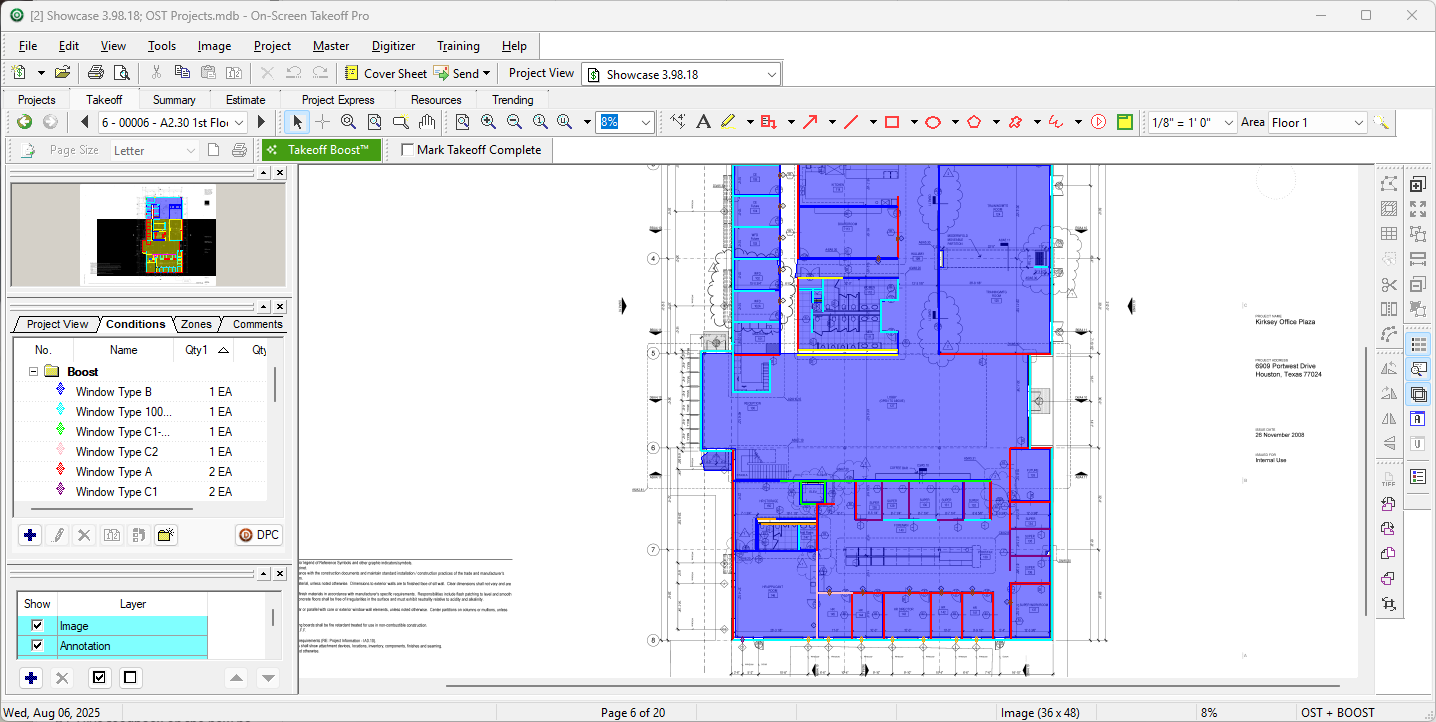
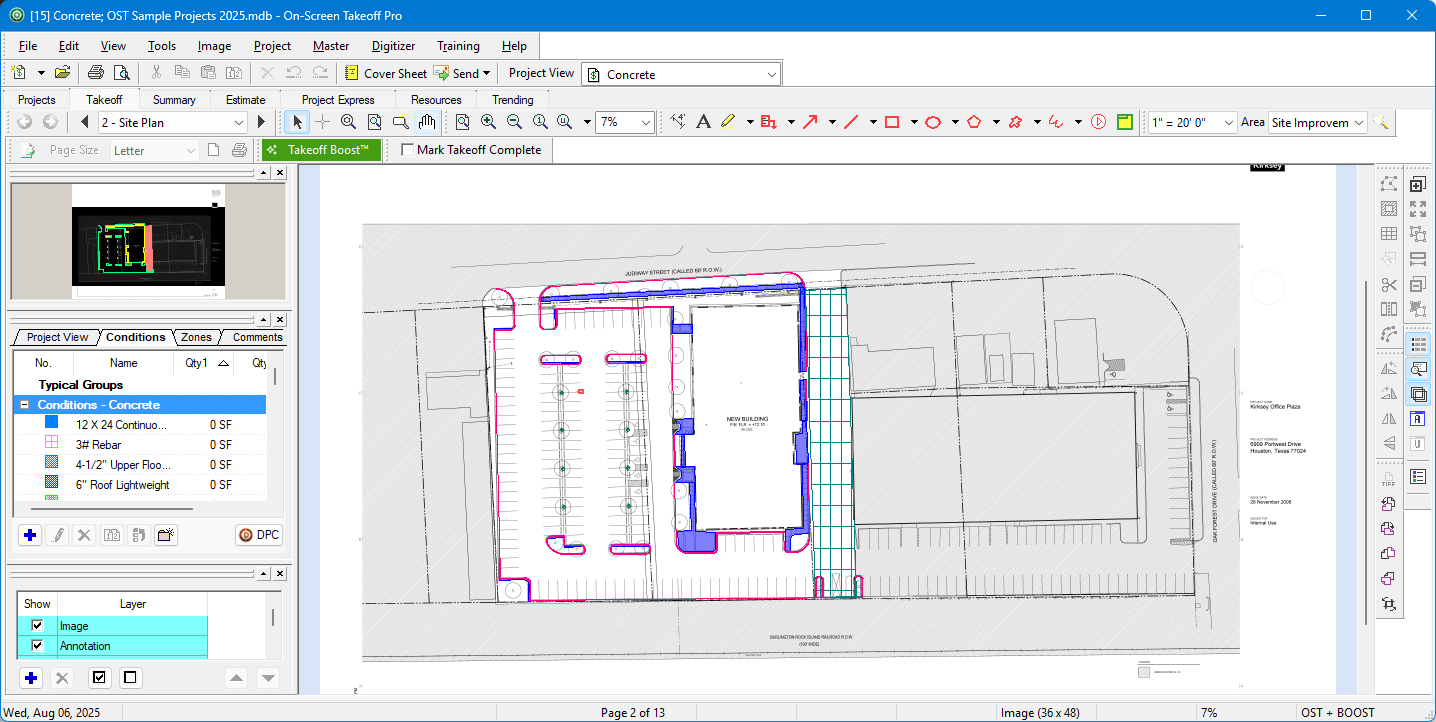
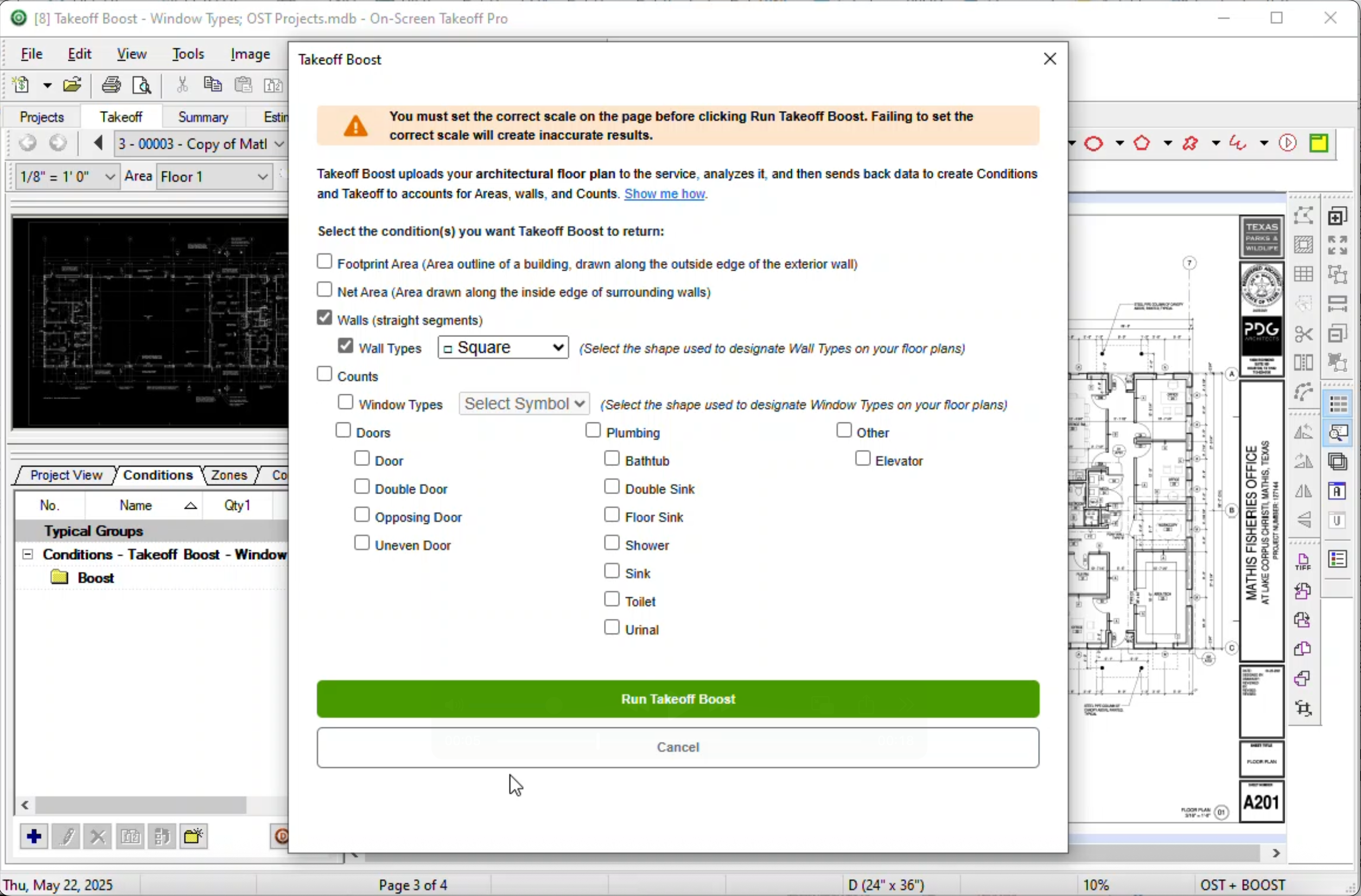
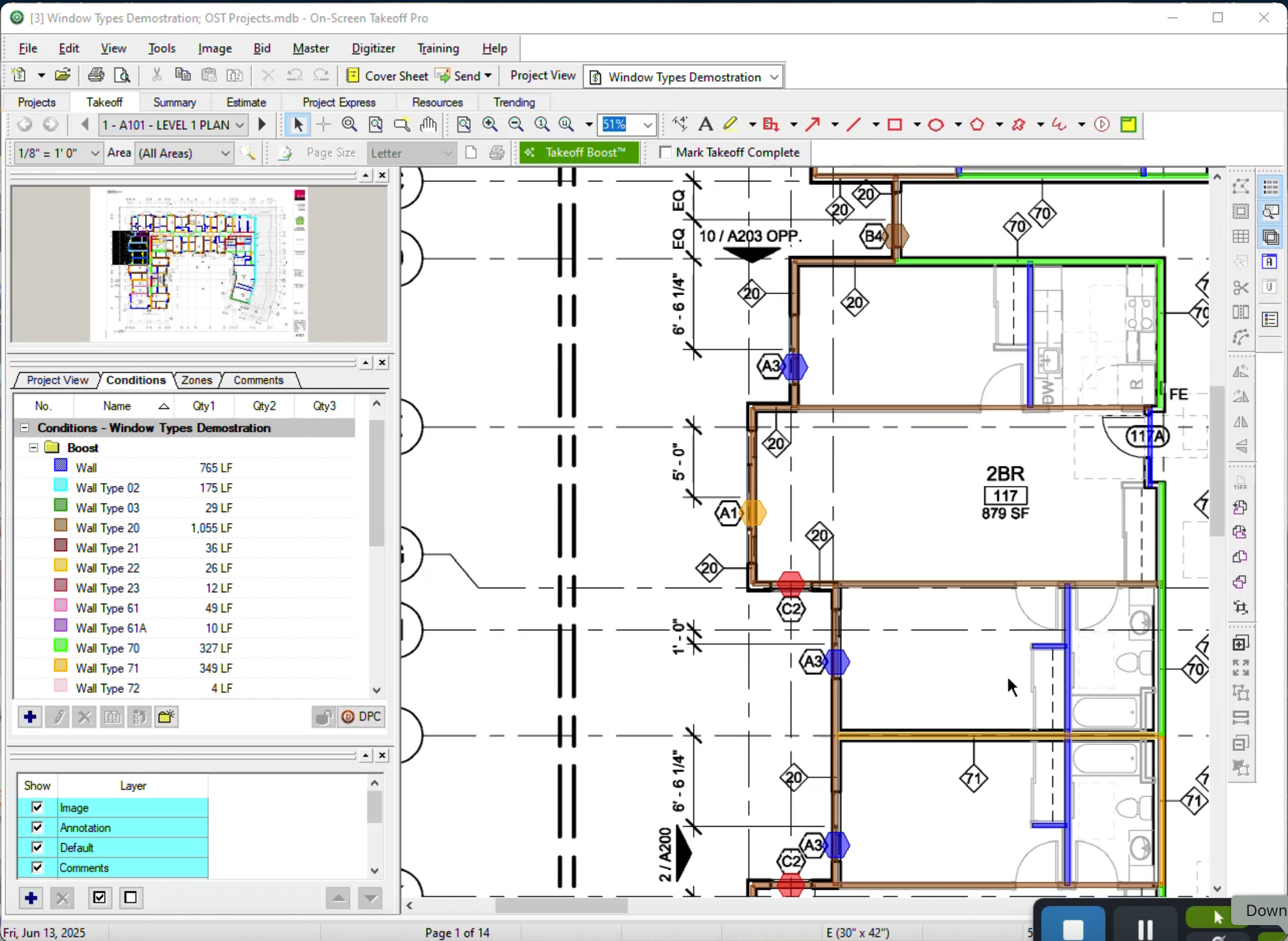
    Product screenshotProduct screenshotProduct screenshotProduct screenshot