
Atlassian Jira vs. WEEEK
Atlassian Jira vs. WEEEK
| Product | Rating | Most Used By | Product Summary | Starting Price |
|---|---|---|---|---|
 Atlassian Jira | N/A | Atlassian Jira is a project management tool, featuring an interactive timeline for mapping work items, dependencies, and releases, Scrum boards for agile teams, and out-of-the-box reports and dashboards. | $9 per month per user | |
 WEEEK | N/A | WEEEK helps managers set tasks for team members and track their productivity, and helps team members not forget about anything. The service helps users to keep track of tasks from all projects on one screen, and provides information about important events with a notification system, and so on. WEEEK is available FREE for individual usage with limitations on the amount of projects (up to 7 projects). It can also be leveraged for free in a team, with an additional limit on the number of… | $0 per month per user |
| Atlassian Jira | WEEEK | |||||||||||||||
|---|---|---|---|---|---|---|---|---|---|---|---|---|---|---|---|---|
| Editions & Modules |
|
| ||||||||||||||
| Offerings |
| |||||||||||||||
| Entry-level Setup Fee | No setup fee | $2.90 | ||||||||||||||
| Additional Details | Higher volume teams may qualify buyers for a discount. | WEEEK is totaly free for teams of up to 5 people. | ||||||||||||||
| More Pricing Information | ||||||||||||||||
| Atlassian Jira | WEEEK |
|---|
| Atlassian Jira | WEEEK | |||||||||||||||||||||||||||||||||||||||||||||
|---|---|---|---|---|---|---|---|---|---|---|---|---|---|---|---|---|---|---|---|---|---|---|---|---|---|---|---|---|---|---|---|---|---|---|---|---|---|---|---|---|---|---|---|---|---|---|
| Project Management |
| |||||||||||||||||||||||||||||||||||||||||||||
| Professional Services Automation |
|
| Atlassian Jira | WEEEK | |
|---|---|---|
| Likelihood to Recommend | 9.6 (0 ratings) | - (0 ratings) |
| Likelihood to Renew | 9.0 (0 ratings) | - (0 ratings) |
| Usability | 9.3 (0 ratings) | - (0 ratings) |
| Availability | 5.3 (0 ratings) | - (0 ratings) |
| Performance | 8.0 (0 ratings) | - (0 ratings) |
| Support Rating | 8.8 (0 ratings) | - (0 ratings) |
| Online Training | 8.0 (0 ratings) | - (0 ratings) |
| Implementation Rating | 9.0 (0 ratings) | - (0 ratings) |
| Ease of integration | 7.7 (0 ratings) | - (0 ratings) |
| Atlassian Jira | WEEEK | |
|---|---|---|
| Likelihood to Recommend | 
|  No answers on this topic |
| Pros |
| No answers on this topic |
| Cons |
| No answers on this topic |
| Likelihood to Renew |
| No answers on this topic |
| Usability |
| No answers on this topic |
| Reliability and Availability |
| No answers on this topic |
| Performance |
| No answers on this topic |
| Support Rating |
| No answers on this topic |
| In-Person Training |
| No answers on this topic |
| Online Training |
| No answers on this topic |
| Implementation Rating |
 Bo Acimovic Director E-Commerce | No answers on this topic |
| Alternatives Considered |
| No answers on this topic |
| Scalability |
| No answers on this topic |
| Return on Investment |
| No answers on this topic |
| ScreenShots | WEEEK Screenshots  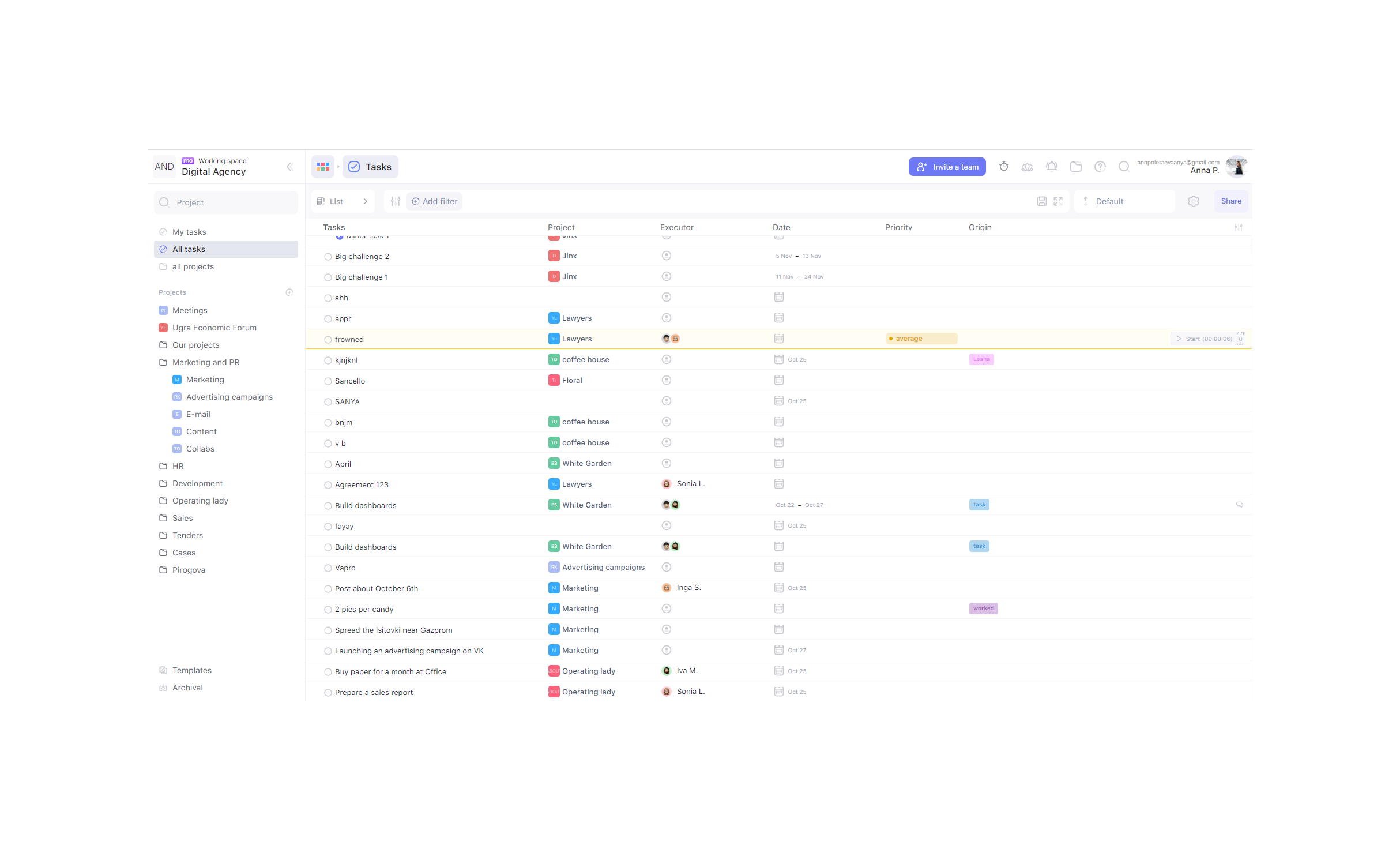   |