Atlassian Jira is a project management tool, featuring an interactive timeline for mapping work items, dependencies, and releases, Scrum boards for agile teams, and out-of-the-box reports and dashboards.
$9
per month per user
Coda by Grammarly
Score 8.9 out of 10
N/A
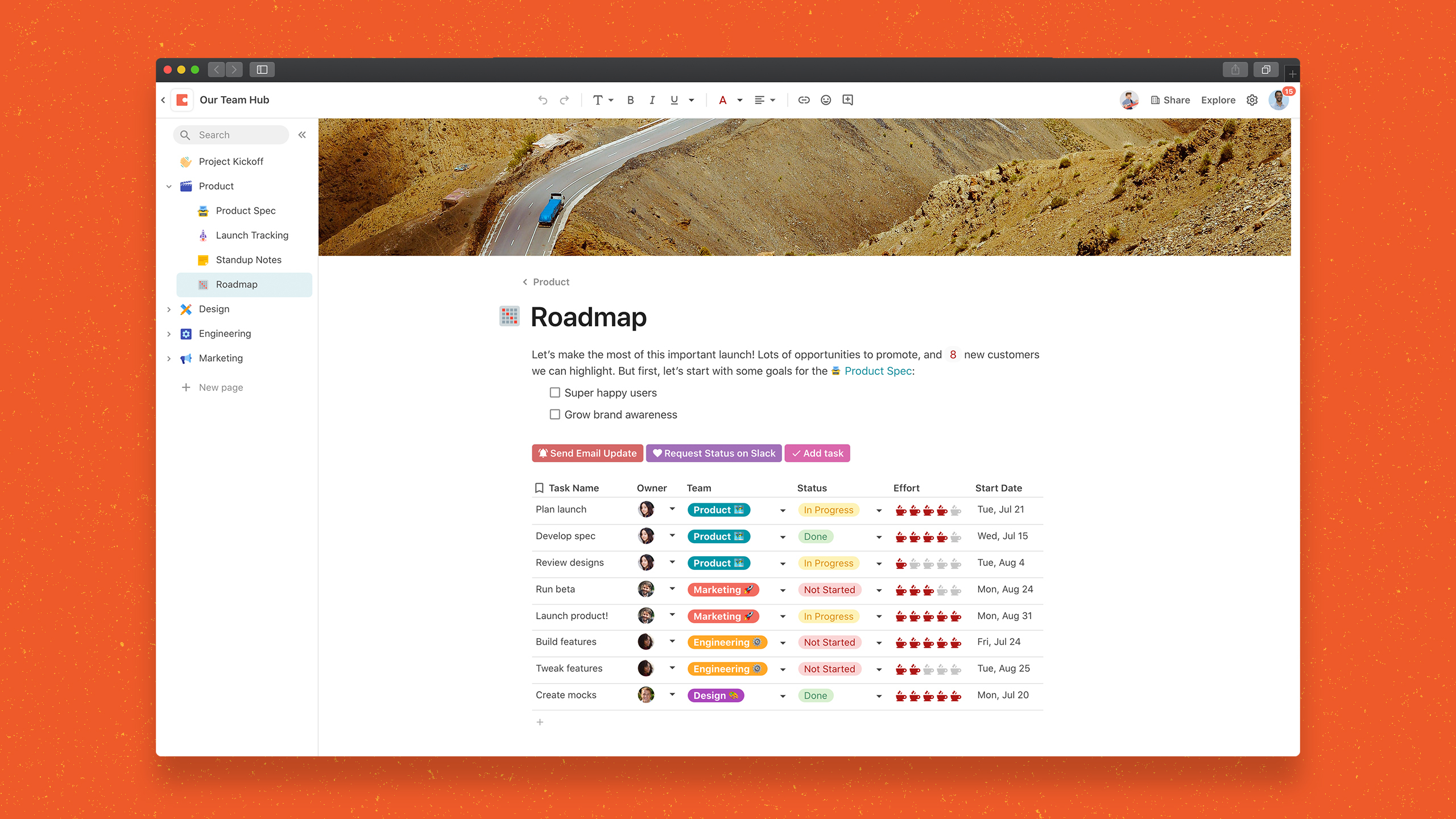
Coda, acquired by Grammarly in early 2025, is a template-based document creation and collaboration solution, supporting a variety of use cases.
$0
per month
Pricing
Atlassian Jira
Coda by Grammarly
Editions & Modules
Standard
$9
per month per user
Premium
$17
per month per user
Enterprise
Contact Sales
per year
Free
$0.00
per month
Pro
$10.00
per month per doc maker; unlimited editors (paid annually)
Team
$30.00
per month per doc maker; unlimited editors (paid annually)
Enterprise
Custom Pricing
Offerings
Pricing Offerings
Atlassian Jira
Coda by Grammarly
Free Trial
Yes
Yes
Free/Freemium Version
Yes
Yes
Premium Consulting/Integration Services
No
No
Entry-level Setup Fee
No setup fee
No setup fee
Additional Details
Higher volume teams may qualify buyers for a discount.
With Coda, you only pay for Doc Makers.
Often one person creates a doc, others edit it, and some simply observe from afar. Instead of charging for everyone, we only charge for the people who create docs.
Interested in enterprise pricing? Visit coda.io/enterprise
More Pricing Information
Community Pulse
Atlassian Jira
Coda by Grammarly
Features
Atlassian Jira
Coda by Grammarly
Project Management
Comparison of Project Management features of Product A and Product B
Atlassian Jira
9.5
Ratings
22% above category average
Coda by Grammarly
-
Ratings
Task Management
9.70 Ratings
00 Ratings
Resource Management
9.40 Ratings
00 Ratings
Gantt Charts
9.30 Ratings
00 Ratings
Scheduling
10.00 Ratings
00 Ratings
Workflow Automation
10.00 Ratings
00 Ratings
Team Collaboration
10.00 Ratings
00 Ratings
Support for Agile Methodology
8.70 Ratings
00 Ratings
Support for Waterfall Methodology
9.00 Ratings
00 Ratings
Document Management
8.90 Ratings
00 Ratings
Email integration
9.50 Ratings
00 Ratings
Mobile Access
9.00 Ratings
00 Ratings
Timesheet Tracking
10.00 Ratings
00 Ratings
Change request and Case Management
10.00 Ratings
00 Ratings
Budget and Expense Management
9.30 Ratings
00 Ratings
Professional Services Automation
Comparison of Professional Services Automation features of Product A and Product B
Jira facilitates software development, bug tracking, and sprints. It's ideal for structured workflows, issue management, and customer communication. However, more straightforward tools might be more efficient for highly creative, unstructured tasks or tiny, agile teams with quick visual overviews. Jira's complexity can be overkill for basic task lists.
Coda is great to build a place for your users to go to and see information. It is easy to navigate through and the variety of content creation is great. However, it is not always easy to create what you want and there is a lot of playing around and learning. Coda also sometimes misses some functionality which is expected. For example, downloading a list of users that have access to the platform. Being able to send push notifications when a new page has been created etc. Overall it is a good tool to use just be prepared to invest time!
One source of truth: It's incredibly easy to keep everything organized and easy to find.
Being able to show different views of the same information throughout your doc makes it really easy to customize the information.
In general, I love the "coding" aspect of it, and being able to do advanced functions has helped us create some really interesting automation and streamline our process.
JIRA is highly integrated into our organization. Nearly every department uses it, and many have multiple JIRA projects set up to track different types of work. We rolled out JIRA in a staged manner, but it continued to be adopted by more and more people and departments because it continues to show results. I expect we will continue to renew our JIRA license for years to come
Coda is definitely something that has been proven to drive positive impact in our organization. We have many divisions that can benefit from this that we have yet to explore. It would definitely be worth renewing.
Atlassian Jira is relatively easy to use, but there are several ways to configure it, which can make it more complicated if you configure it incorrectly. Keeping the customizations and complexity limited to being the project would be suggested to ensure you don't lose in-built Atlassian Jira features, then change the configuration as you find things aren't meeting your exact needs.
There is a little bit of a learning curve on where to point and click to add in different elements and make edits. But it is still very manageable once you get the hang of it. I do still have some issues with some of my connected pages updating each other when I don't want them to sync. So I'll end up editing one page, and it will make the same edits on another page.
Did not face any issues and whenever they plan maintanance they update all of us very well in advance also so in that view we are good with the product stability.
Performance is really good though it holds lot of data it loads quickly especially search operation also get the results very quickly as needed hence its good
We haven't done any integrations - the initial part of our experience we found that for docs with complex formulas, the page tends to load slowly but in recent months, Coda has improved and optimized the loading times in general and we generally don't find any problems in terms of speed anymore.
I have not had a chance to contact JIRA's customer support. It does offer extensive documentation, although it often feels too technical for me. There is also a JIRA training app that lets you take little lessons and quizzes on different areas (e.g., JIRA basics, agile). I did find it a helpful way to teach myself.
Mainly due to timezone differences. I think Coda's support in general is well implemented and executed. They know their stuff and are helpful. But since I'm not in the same timezone, solution rates are slower for me, and that's not something I prefer. I work in customer service, too, and more often than not, time is important. Shortening the solution time would be a much greater experience.
Had received training from our own internal user so it was good and also very easy to understand topics and many tasks in the UI are self explanatory and we can do by our own
One of their strong points i stheir documentation. Almost all of the basic set up needed within JIRA is available online through atlassian and its easy to find and very precise. The more critical issues need to be addressed as well and hence the rating of 8 instead of a 9.
Take your time implementing Jira. Make sure you understand how you want to handle your projects and workflows. Investing more time in the implementation can pay off in a long run. It basically took us 5 days to define and implement correctly, but that meant smooth sailing later on.
I'm relatively inexperienced but this experience is meaningful. It would have been nice to have some guidance from Coda so that we understood more on Coda's purpose and potential.
Jira is more feature-rich than Trello and also has better integration with other tools. Trello is a lot more focused on work tracking, while Jira can do a lot more than that. Both can also be combined, although they're often considered mutually exclusive alternatives—I've seen cases where companies choose to use either one or the other, but I haven't met an actual case of a company using both.
For general use cases, Google Docs or Airtable are often a better starting place. But if things get complex or you're constantly pairing the two together, consider graduating to Coda to save yourself long-term headaches. Notion is great for personal use, but the powerful automation and collaboration features in Coda make it a better fit for teams in my experience so far.
I think scalability is definitely good here since it's based on number of doc makers. Implementation into each dept becomes simpler. That being said, due to the nature of our work, we find it easier that we have a "super user" and then a team of other doc makers. This would make the doc creation and management more efficient.
JIRA has increased the teams' productivity and efficiency; the sprint timelines have improved by 15-20%.
JIRA's integration with tools like Bitbucket and Confluence has improved functional collaboration, leading to faster decision-making and issue resolution by approximately 10-15%.
Additional functionality requires additional third-party plugins, which require additional costs; the requirements of these plugins increase the costs by approximately 15%.