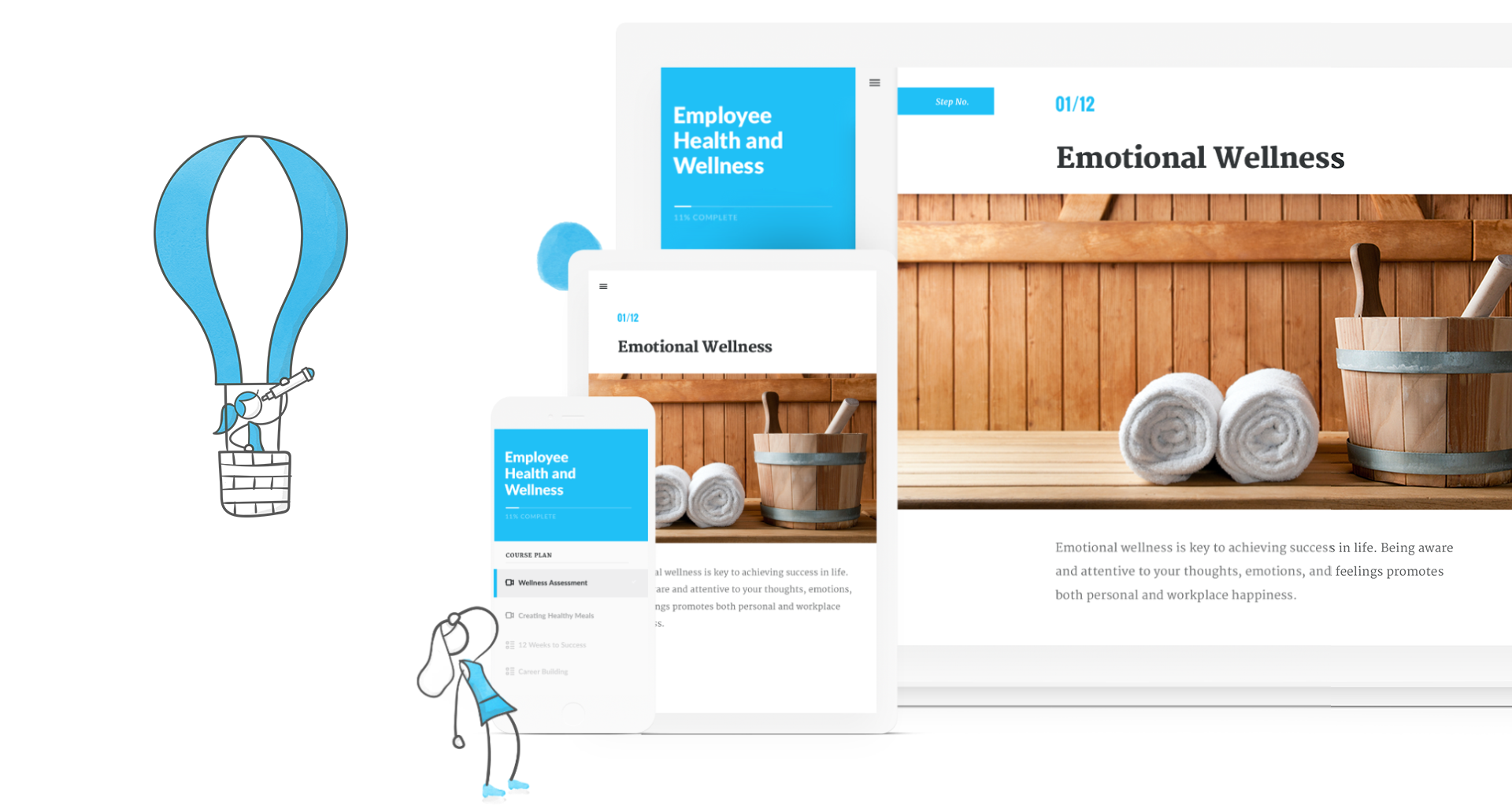
Articulate 360 is an e-learning platform for creating workplace training. Users can build engaging courses with AI-enhanced authoring, simplify collaboration, and quickly share content. A subscription includes robust onboarding resources and access to a community of 1.5M pros.
$1,124
per year
Go1
Score 8.9 out of 10
N/A
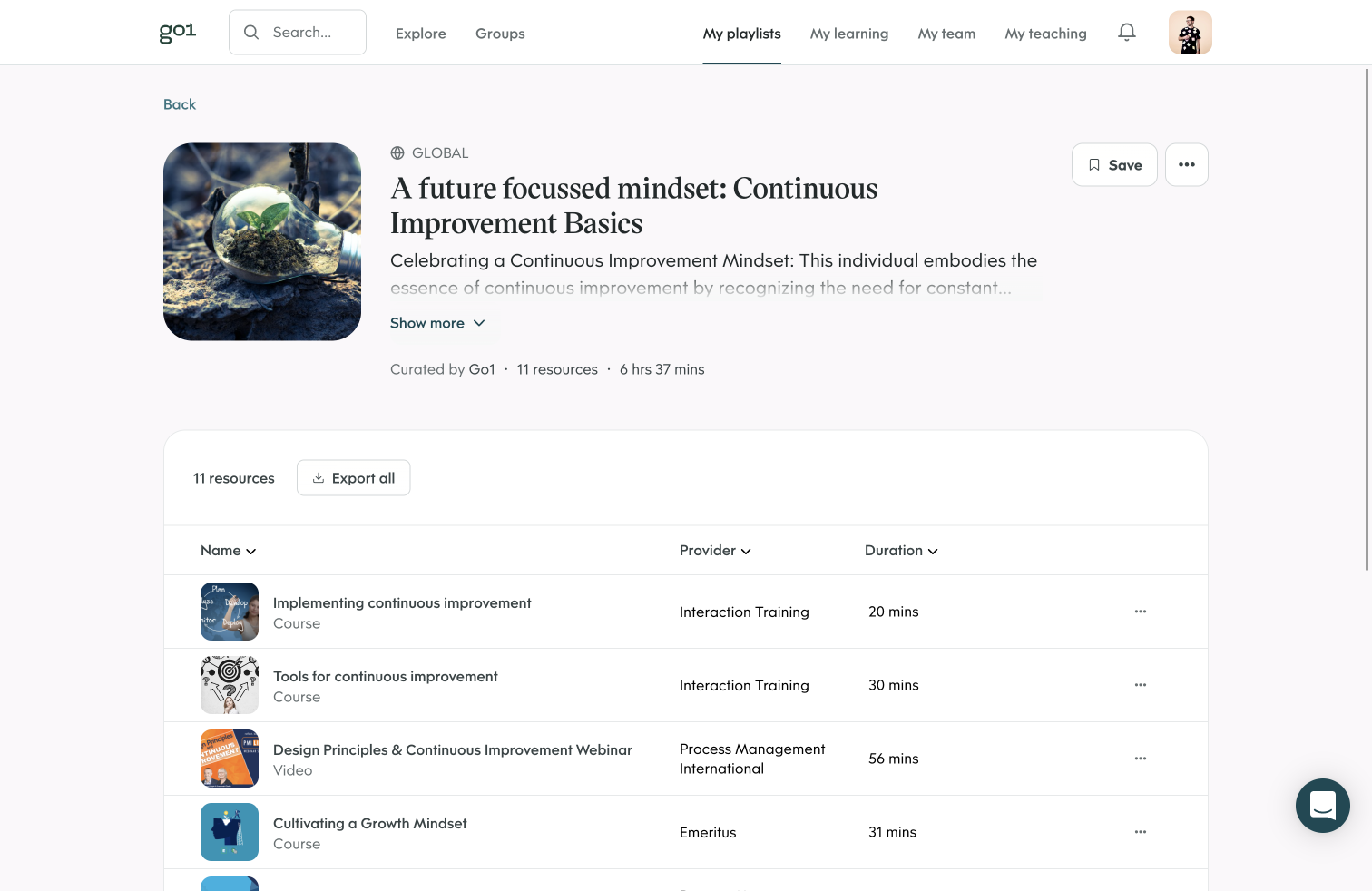
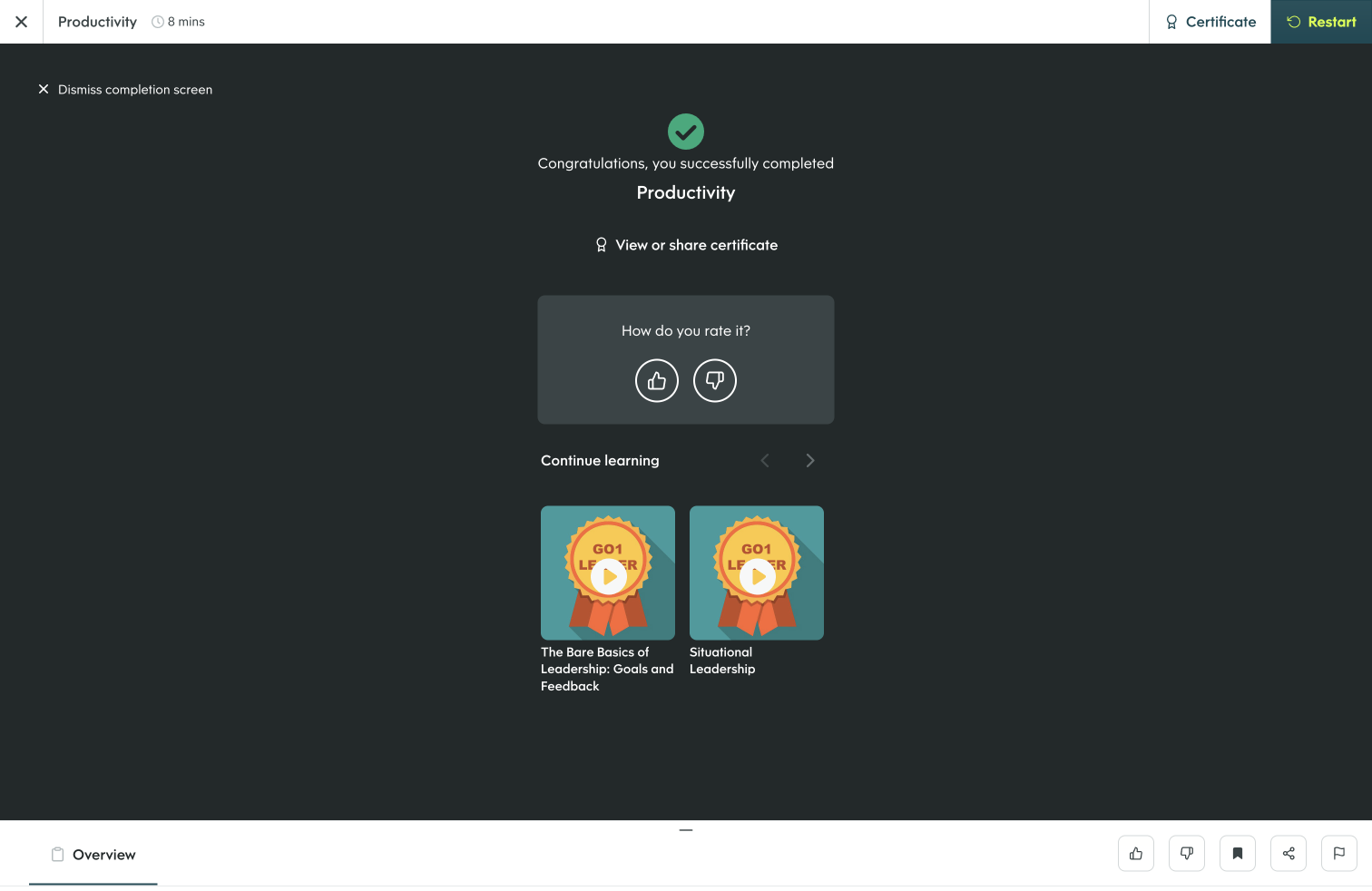
The Go1 platform upskills organizations with relevant content for employees, curated from their content library and delivered through the tools employees already use. Go1 offers skill-aligned content from audio to video, and from compliance to business, and tech. Its integrations with HR tech providers and workplace apps allow teams to take advantage of the Go1 library through an existing solution. Go1 brings learning…
N/A
Pricing
Articulate 360
Go1
Editions & Modules
Articulate 360 Standard - Academic - Teams Plan
$1,124
per year
Articulate 360 Standard - Personal Plan
$1,199
per year
Articulate 360 AI - Personal Plan
$1,449
per year
Articulate 360 Standard - Teams Plan
$1,499
per year
Articulate 360 AI - Teams Plan
$1,749
per year
Content Hub
Please Contact
Connect
Please Contact
Offerings
Pricing Offerings
Articulate 360
Go1
Free Trial
Yes
No
Free/Freemium Version
No
No
Premium Consulting/Integration Services
No
No
Entry-level Setup Fee
Optional
No setup fee
Additional Details
If you’re new to Articulate 360, you can try it out free of charge for 30 days. After the trial period is over, you can subscribe to one of our packages.
Articulate 360 is available on the Articulate website and through Articulate Authorized Resellers.
Articulate provides for simple, custom interactive training modules. There isn't much wrong with this software that I have found. Using Rise 360 for quick turnaround or fully customized training with Storyline 360. Articulate has made the possibilities limited only to my imagination. Their simple and well-thought-out toolbars make starting from scratch a breeze.
Go1 is a great solution for SMEs looking to implement their first LMS. The cost per person is reasonable and the content available is vast. The Account Managers do a great job at working with the business to ensure a smooth launch, with loads of additional content to drive usage (email templates, schedules, etc).
It just seems to be very intuitive for instructional designers, especially nowadays from what I'm seeing with the new AI. But it's very intuitive. It's better than any other tool authoring tool that I've tried. I think it's just really outstanding in the industry and that's evidenced by every year. Demo Fest, like 95% of the best examples are all done in Articulate products.
The most hiccups that I've recently experienced are honestly involved with AI and just my trying to learn AI and figure out how we can maximize that for our business case. The AI voiceover is what I'm specifically curious about and trying to learn more. So in regards to the AI, there's still some shuffling needs to be done. SSML that needs to be added for it to read correctly. There is a very large amount of voices and dialects, which I think is beneficial. It was also a little overwhelming in trying to play around with it and find that right part. So just continuing to look through the community and find the guidance that I need to essentially make the audio, make the voiceover work better and read the words correctly. For example, one of my most popular courses that I sell is Record Your Time and it kept reading, it records your time, and I could not figure out how to make those words. We've submitted a ticket, you guys have been very helpful, but we can't really figure out how to make those little nuances work with the complex English language.
The integration from Go1 to SF can be improved with more attention to detail that can make a big impact in the operational cost of running the integration. Many information and configuration in the target system that should be available to pre-filling or can be pre-configured to allow better automated integration that is time efficient.
The reporting can be improved and further automated; this include in an integrated scenario.
It goes without saying that Artculate's products are the easiest to use and offer a great deal of functions with flexibility. Once an eLearning author uses the product it becomes tempting to not use other methods, but one would be wise not to limit him or herself to a single learning authoring platform. On the other hand, if given a single choice of a tool for rapid eLearning development, Articulate's Storyline would be a top choice.
Overall, Articulate is fairly easy to use and intuitive. They have excellent training materials in the training videos on the website, as well as good technical support. Someone with limited expertise doing content creation would be able to immediately pick up functions and get started in the software. I was able to create my first course within an hour or so of opening it up.
I rate the overall support for Articulate 360 with a 9. On the one hand because of the smooth and accurate support from Articulate's support team (usually within 24 hours) and on the other because of the commitment / use of a community (e-learning Heroes) where I have all kinds of insights from other helpful users.
The online training options given by the online tutorials, forums, and "E-Learning Heroes" community are simply awesome. Examples galore, easy to understand descriptions including step-by-step guides, images, occasionally videos, and the "Articulate Insiders" sub-community give you more materials to learn about Storyline than you are likely to be able to read.
It is pretty straight forward and easy to implement is you are already creating eLearning. If you have old courses created in other versions of Articulate I recommend you update them to the new version even though it is not necessary (especially From Storyline3 to 360) but if you don't you may find difficulty opening and keeping things straight
For me, since I had used Articulate prior to using Lectora, I found Lectora to be very archaic. It was cumbersome to create triggers, and I had issues getting my scenarios to play correctly. My company switched to Articulate after my request, and I was able to recreate all of our modules into Storyline. Now I am able to manage our scenarios with efficiency and ease. Articulate products are intuitive and very easy to understand
Go1 has the biggest volume of content in the most varied formats. This allows us to tailor content for accessibility and neurodiversity purposes, skillsets, job roles and interests. We chose Go1 because they don't use pushy corporate sales and use a much softer sales pitch, as the product speaks for itself. This friendly tone of marketing was a major factor in choosing them over pushier, less personal brands
Definitely more accessible course creation. How we're able to add accessibility features into our trainings is unparalleled with captioning, with voice overing, with alternate texts for images. There's so many ways that it creates our trainings to be more accessible for our audience.