Arcserve backup appliances are presented by the vendor as combining enterprise-ready software and industrial-grade hardware united, to create turnkey backup appliances for disaster recovery (DR) and application availability – now with Sophos Intercept X Advanced for defense against malware, exploits, and ransomware.
N/A
NovaBACKUP
Score3 out of 10
N/A
NovaBACKUP is a backup and restore solution for businesses and service providers backed by decades of in-house data protection and backup expertise to help users simplify and securely back up their critical data. NovaBACKUP offers the following local and cloud backup and recovery software solutions for businesses: NovaBACKUP PC Agent with 1,000 GB of Cloud Storage for PCs NovaBACKUP Server Agent starts with 250 GB of Cloud Storage for…
$149.95
per year
Pricing
Arcserve Appliances
NovaBACKUP
Editions & Modules
No answers on this topic
NovaBACKUP PC Agent (with 1,000 GB Cloud)
149.95 /year
per year
NovaBACKUP Server (with 250 GB Cloud)
399.95 /year
per year
NovaBACKUP Managed Backup
Call for Pricing
SaaS Service, Usage-based
Offerings
Pricing Offerings
Arcserve Appliances
NovaBACKUP
Free Trial
No
Yes
Free/Freemium Version
No
No
Premium Consulting/Integration Services
No
Yes
Entry-level Setup Fee
No setup fee
Optional
Additional Details
—
All server backup products include setup assistance plus, one year of NovaCare for local technical phone support, remote recovery assistance, and upgrade protection.
Very good for quick onsite file and email restores. The built-in granular email restore tool is honestly amazing. The file restore options are similarly useful allowing the restoration of a single file or email from any restore point, making those little restore jobs super quick. It might not be the best for a bare metal restore however, as while it does have this functionality, it requires some additional setup of a server before a backup to allow this to work.
A de minimis incentive was given to thank the reviewer for their time. The incentive was not used to bias or drive a particular response, nor was the incentive contingent on a positive endorsement. More Info
Provide data protection for small to media size clients. Sends comprehensive email reports upon job completion. Physical to Virtual Migrations. Backing up physical and virtual machines. Alerting on backup job success or failure. Support is could be a little better, but it is adequate. The application is frequently updated and supports the latest operating systems from Microsoft and VMware.
A de minimis incentive was given to thank the reviewer for their time. The incentive was not used to bias or drive a particular response, nor was the incentive contingent on a positive endorsement. More Info
A de minimis incentive was given to thank the reviewer for their time. The incentive was not used to bias or drive a particular response, nor was the incentive contingent on a positive endorsement. More Info
A de minimis incentive was given to thank the reviewer for their time. The incentive was not used to bias or drive a particular response, nor was the incentive contingent on a positive endorsement. More Info
Scalability. Main issue is each appliance has a finite space for backups, and can't be increased on the box itself without replacing it with another appliance completely.
Onboard interface. Doesn't have an interface that's accessible via the web natively. While that's great for security, it is a little awkward if you need to access it from offsite.
A de minimis incentive was given to thank the reviewer for their time. The incentive was not used to bias or drive a particular response, nor was the incentive contingent on a positive endorsement. More Info
A de minimis incentive was given to thank the reviewer for their time. The incentive was not used to bias or drive a particular response, nor was the incentive contingent on a positive endorsement. More Info
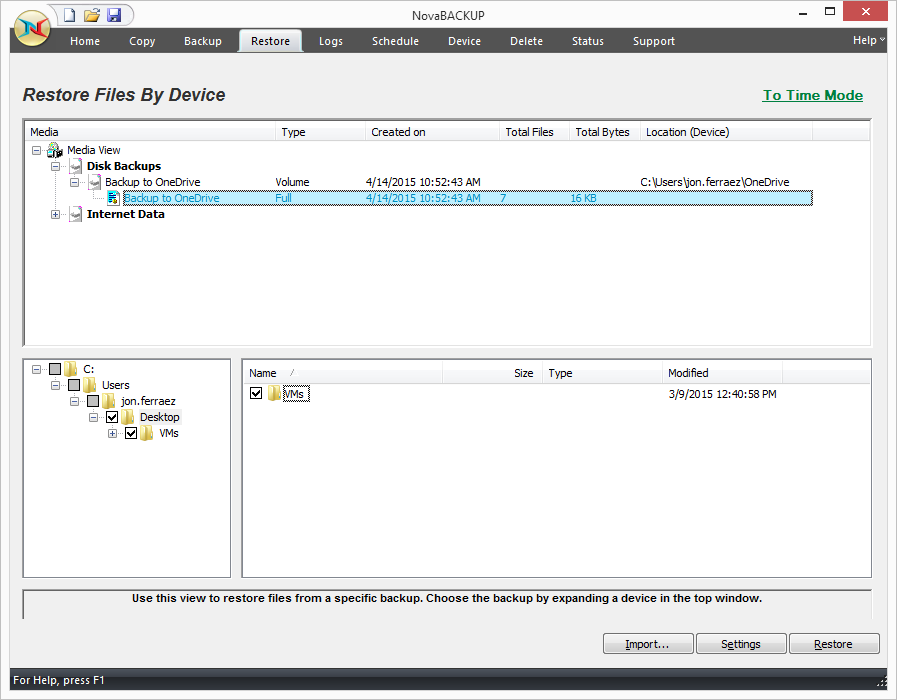
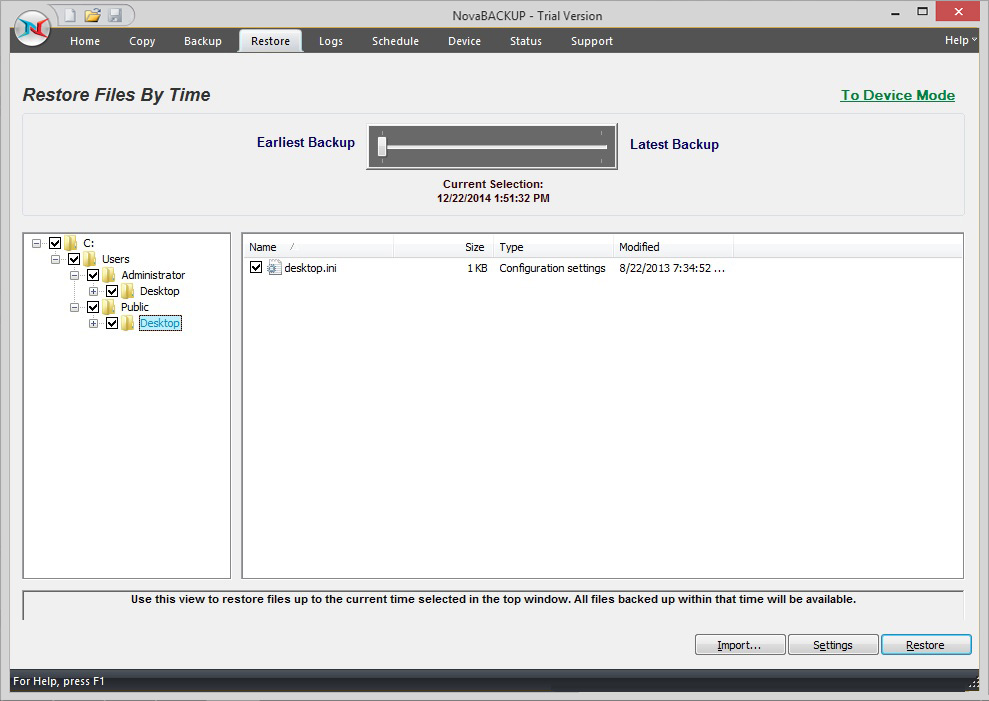
It's very easy to use. Plug it in, run through the wizard and you're pretty much set. Hardly ever have to go back in and check on it. Everything can be scheduled fairly granularly. The console is simple and laid out well. While doing a restore takes a number of steps, it is not hard to follow what you're doing. A few things couple be displayed better, but the built in help options do explain things well enough.
A de minimis incentive was given to thank the reviewer for their time. The incentive was not used to bias or drive a particular response, nor was the incentive contingent on a positive endorsement. More Info
[I] have only used it a couple of times, but they've always been responsive and solved the issues I've had. Time to get to a person was fairly low, under 10 minutes each time.
A de minimis incentive was given to thank the reviewer for their time. The incentive was not used to bias or drive a particular response, nor was the incentive contingent on a positive endorsement. More Info
Barracuda had the best console of the three we evaluated. Cloud hosted it was the easiest to access. However, it took forever to do the initial seeding backup, and then the nightly backups ran over into the next day. It was just so slow to do the backups - we never even tried a restore. The resulting backups also seemed to take up a significant amount of the appliances space, it was almost 3/4 full from the get go. Unitrends did not have natively a granular email restore option, it had a third-party option, but that was not something we were interested in. It also took a long time to run the backups. Arcserve was the fastest by far, [as] it did not fill up as much (way better deduplication) and it had a built-in granular email restore. While I wish it had a cloud console, overall it had the most important features we were looking for.
A de minimis incentive was given to thank the reviewer for their time. The incentive was not used to bias or drive a particular response, nor was the incentive contingent on a positive endorsement. More Info
Not as polished as Veeam, but a lot cheaper when backing up data from over 10 servers. Otherwise, if you are backing up just one server, and don't need much in the way of support, the Veeam Community edition is a very cost-effective backup solution. When comparing the support and cost of Novabackup for a small to mid-size business, it is a very reliable solution.
A de minimis incentive was given to thank the reviewer for their time. The incentive was not used to bias or drive a particular response, nor was the incentive contingent on a positive endorsement. More Info
A de minimis incentive was given to thank the reviewer for their time. The incentive was not used to bias or drive a particular response, nor was the incentive contingent on a positive endorsement. More Info
A de minimis incentive was given to thank the reviewer for their time. The incentive was not used to bias or drive a particular response, nor was the incentive contingent on a positive endorsement. More Info