Archie vs. SmartDraw

Overview
ProductRatingMost Used ByProduct SummaryStarting Price
Archie
Score 9.4 out of 10
Mid-Size Companies (51-1,000 employees)
Archie is a solution for offices and shared workspaces around the globe, offering a suite of tools including meeting room and desk booking, visitor management, coworking management software and workspace planning and analytics. The solution is tailored to all organizations, from small businesses to large enterprises, and the feature set includes: visual floor plans, employee lookup, visitor logs, check-in and check-out tracking, meeting room scheduling, desk booking, seat…N/A
SmartDraw
Score 5.9 out of 10
N/A
SmartDraw is a diagramming and flow chart building tool from SmartDraw Software in San Diego, California.
$119.40
per year per user (3 minimum)
Pricing
ArchieSmartDraw
Editions & Modules
No answers on this topic
Team
$119.40
per year per user (3 minimum)
Individual
$131.40
per year single user
Enterprise
Contact Sales
Offerings
Pricing Offerings
ArchieSmartDraw
Free Trial
NoYes
Free/Freemium Version
NoNo
Premium Consulting/Integration Services
NoNo
Entry-level Setup FeeNo setup feeNo setup fee
Additional Details
More Pricing Information
Community Pulse
ArchieSmartDraw
Best Alternatives
ArchieSmartDraw
Small Businesses
SmartDraw
SmartDraw
Score 5.9 out of 10
OmniGraffle
OmniGraffle
Score 9.1 out of 10
Medium-sized Companies
SmartDraw
SmartDraw
Score 5.9 out of 10
OmniGraffle
OmniGraffle
Score 9.1 out of 10
Enterprises
SmartDraw
SmartDraw
Score 5.9 out of 10
OmniGraffle
OmniGraffle
Score 9.1 out of 10
All AlternativesView all alternativesView all alternatives
User Ratings
ArchieSmartDraw
Likelihood to Recommend
9.4
(0 ratings)
2.8
(0 ratings)
Likelihood to Renew
9.6
(0 ratings)
-
(0 ratings)
Usability
9.6
(0 ratings)
-
(0 ratings)
Support Rating
-
(0 ratings)
8.4
(0 ratings)
Implementation Rating
10.0
(0 ratings)
-
(0 ratings)
User Testimonials
ArchieSmartDraw
Likelihood to Recommend
It definitely helps saving time and keeping our office more organized. Personally I find the app easy to use, which is the most important thing, but also noticed there are fewer schedule conficts for example when it comes to meeting rooms.
Read full review
As a developer i use it extensively for sharing ideas specially related for system design and application flows. Entire team finds it comfortable to use it, understand it and make changes swiftly. We use it for High Level System design. While discussing the only missing thing we find about it is the integration of an ide for Low Level Design but in my opinion this tool isn't made for that purpose.
Read full review
Pros
  • Their customer service team is always helpful and fast in replying via chat or email.
  • The platform is exceptionally easy to use and customize to our needs.
  • It integrates with Microsoft Teams and Outlook
Read full review
  • Provides examples to work off of--these are helpful when you don't know exactly where to start.
  • Provides a number of stylistic options without making things too complex, so you can be creative without getting overwhelmed.
  • Provides a wide variety of templates, meets a wide variety of needs.
Read full review
Cons
  • The program is quite automatic, although it took me some time to adjust to the many processes that our organization has in place.
Read full review
  • A month-to-month plan would be ideal for users that don't have a need to create many projects
  • The sidebar navigation can be a little confusing with all of the tools listed.
  • Offering customizable plans with only the feature you need would simplify navigation
Read full review
Likelihood to Renew
Because they deliver way more than we expected
Read full review
No answers on this topic
Usability
I give Archie a 10, since I really love using it. It does exactly what it promises with no hiccups. It's a well-designed product, created with a user in mind. It's also well integrated into other products, like Slack and Google Calendar. Aside from some minor improvements, it's a great solution.
Read full review
No answers on this topic
Support Rating
No answers on this topic
They are always very helpful, we get computers every two years and I have to call them to move the license from one computer to another and they do it with a smile in their voice!
Read full review
Implementation Rating
It helps with Visitors management and Meeting Room Management of our Organization
Read full review
No answers on this topic
Alternatives Considered
The price is better, and the web interface is easier to navigate
Read full review
As noted in first question, SmartDraw has them beat in every category I can think of (except for price; but need to keep in mind the old adage "you get what you pay for"!). This product allows for VASTLY-improved uploading of data than the Lucidchart product, and customer service is real, tangible service... they understand that when you have a question and need an answer, waiting 2 or 3 days for an email response is not acceptable.
Read full review
Return on Investment
  • Increase in our revenue after adding different levels of membeship
  • We can now open rooms to external bookings without affecting our regular members
  • It helped us optimize our physical resources better
Read full review
  • SmartDraw has provided good return for our internal purposes. Using it to understand an organization's structure and inner workings has been valuable. On the client side, creating steps and businesses processes has also been a big plus. It has helped decrease confusing reporting structures and has provided a detailed map for individuals to understand where they fit within their organization.
  • Unfortunately, SmartDraw has been somewhat inefficient with some of the more complex projects on our plate and has really deterred certain employees from even wanting to use it.
Read full review
ScreenShots

Archie Screenshots

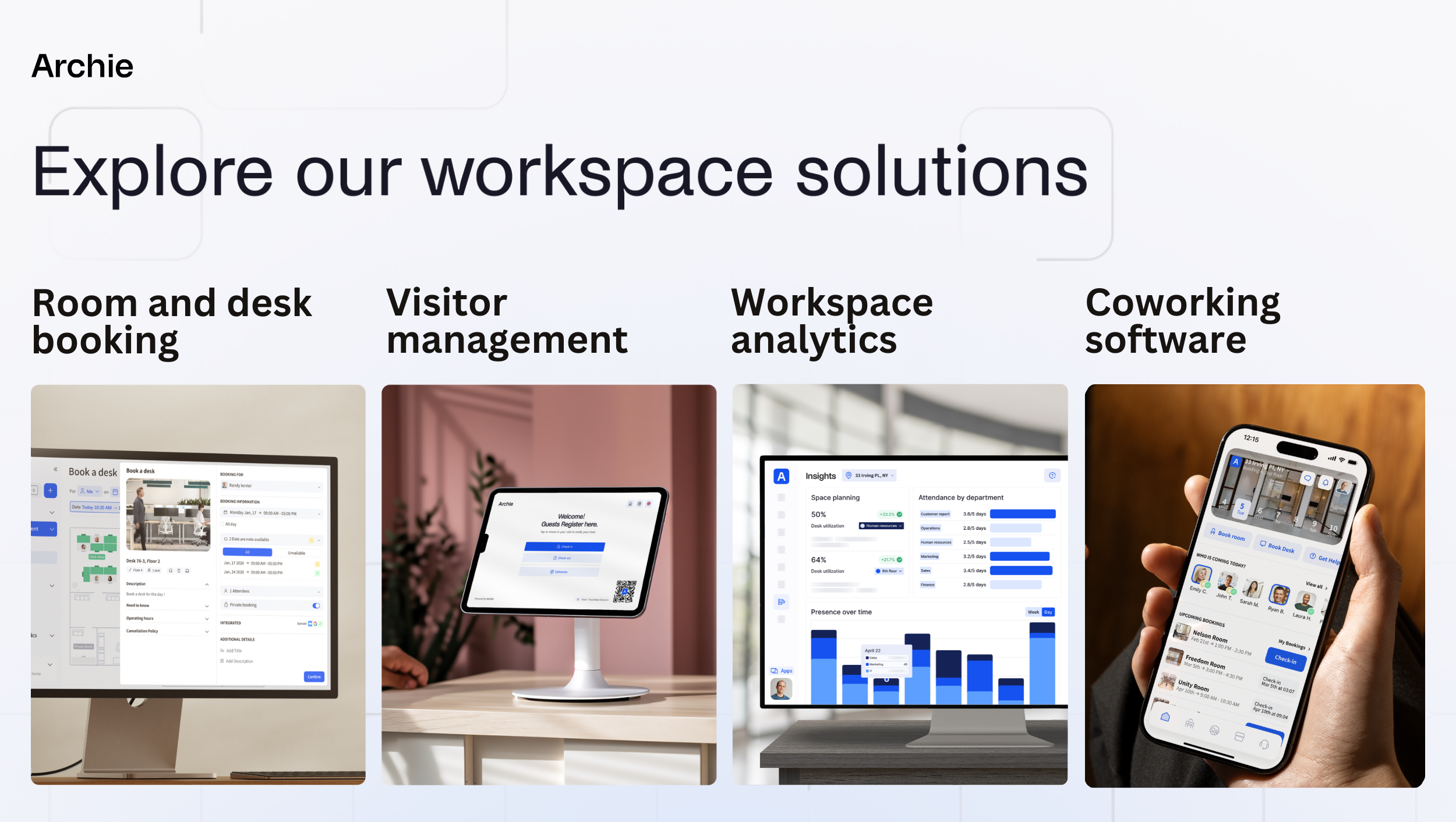
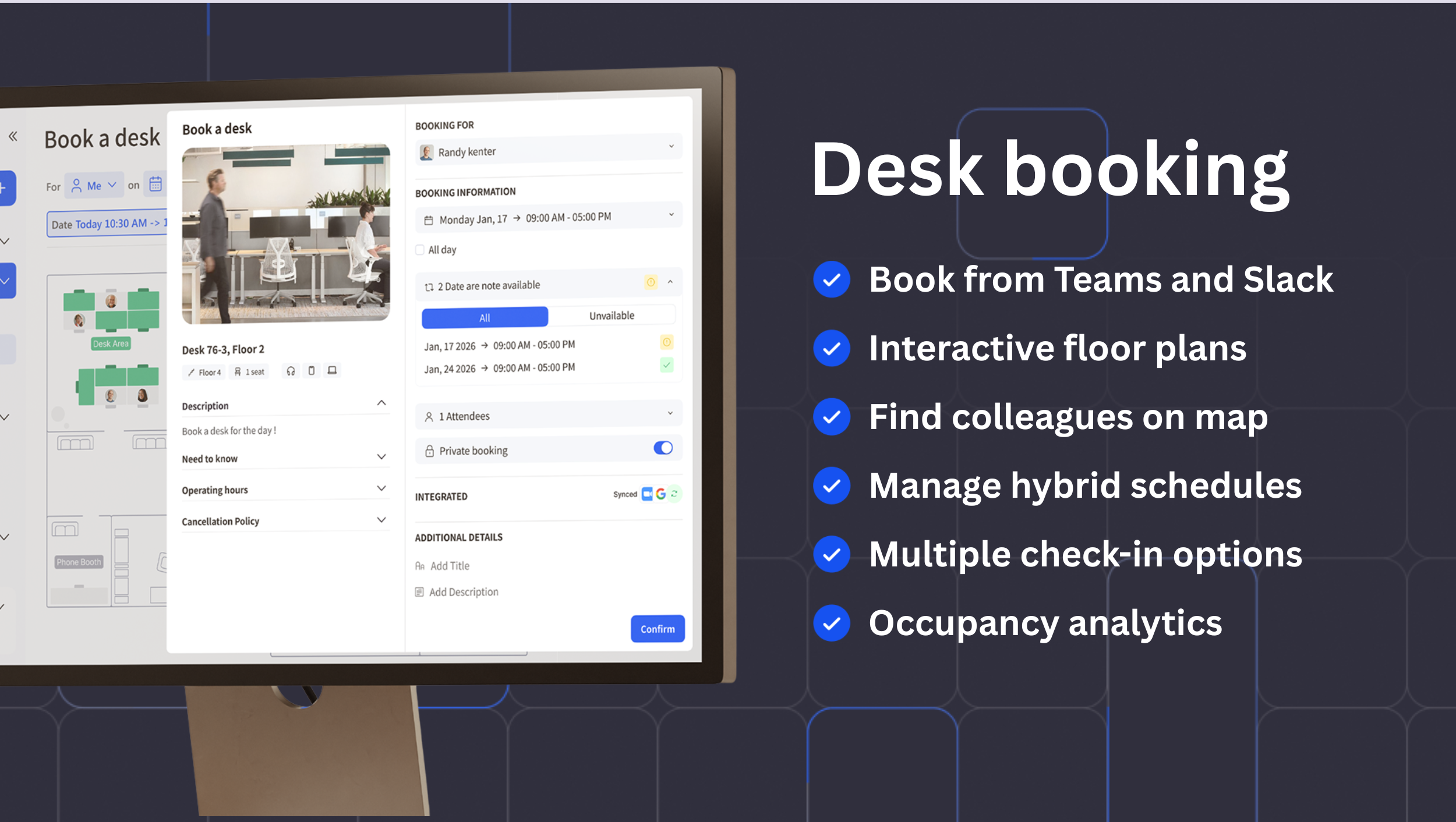
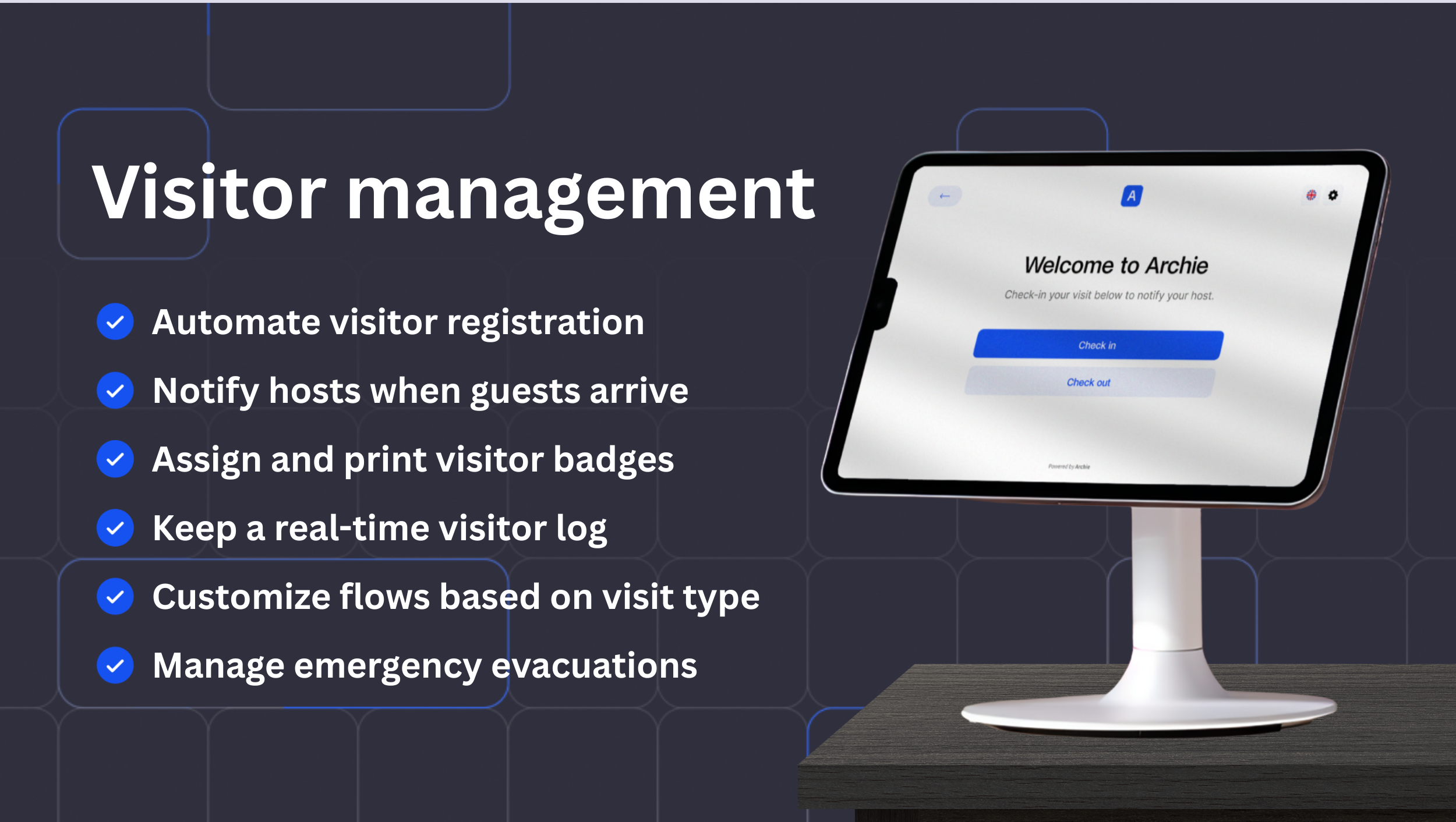
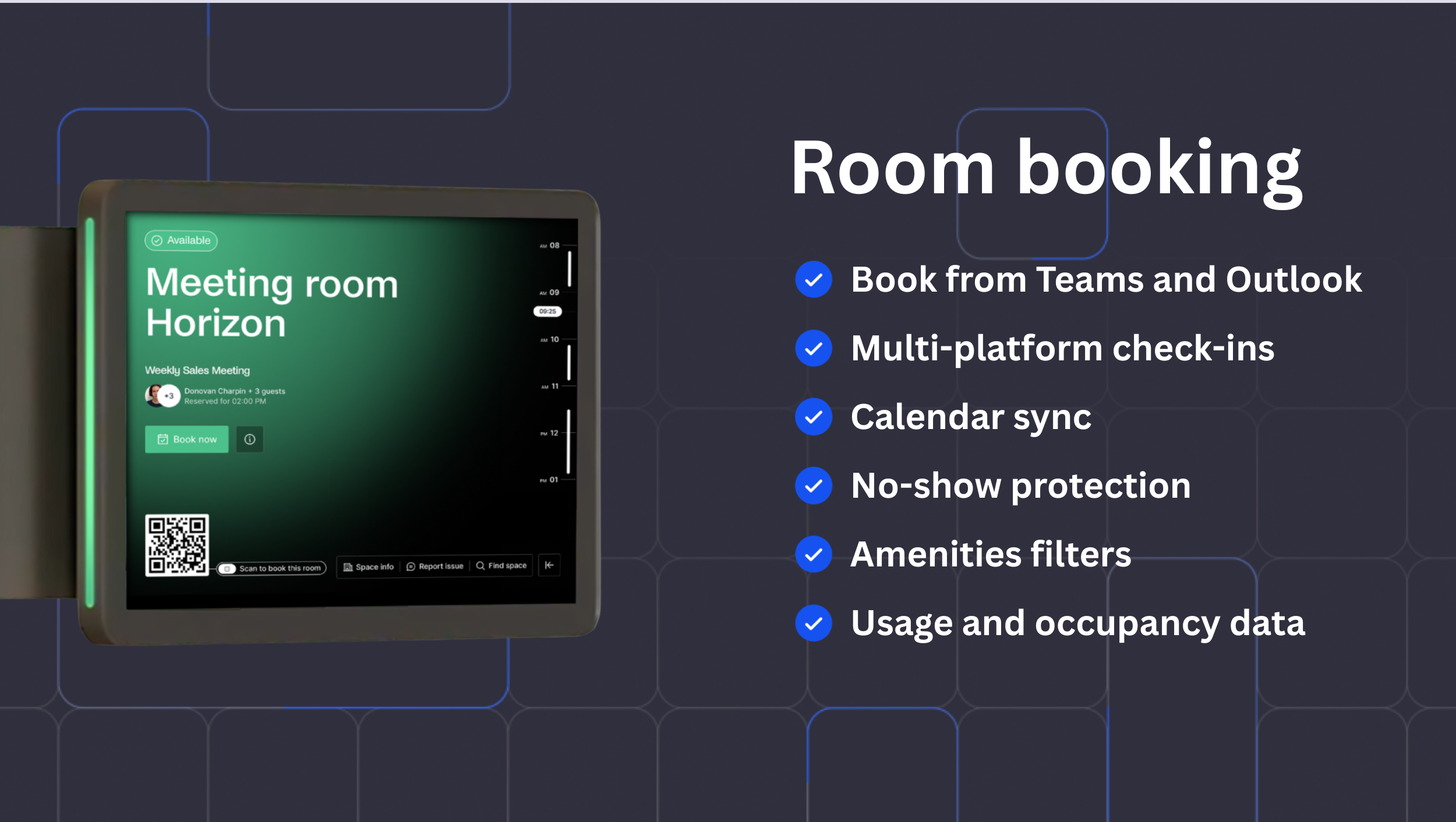
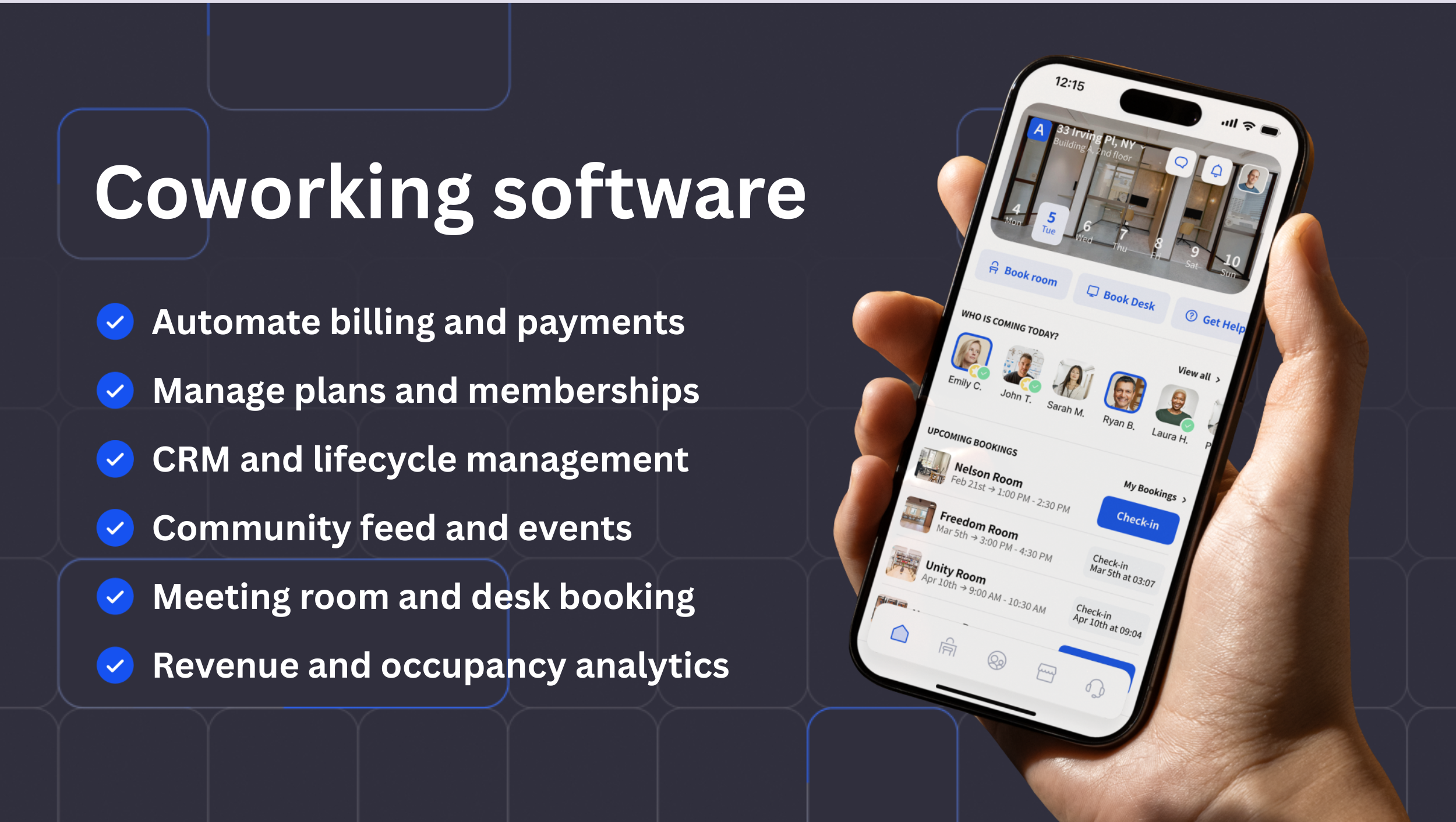
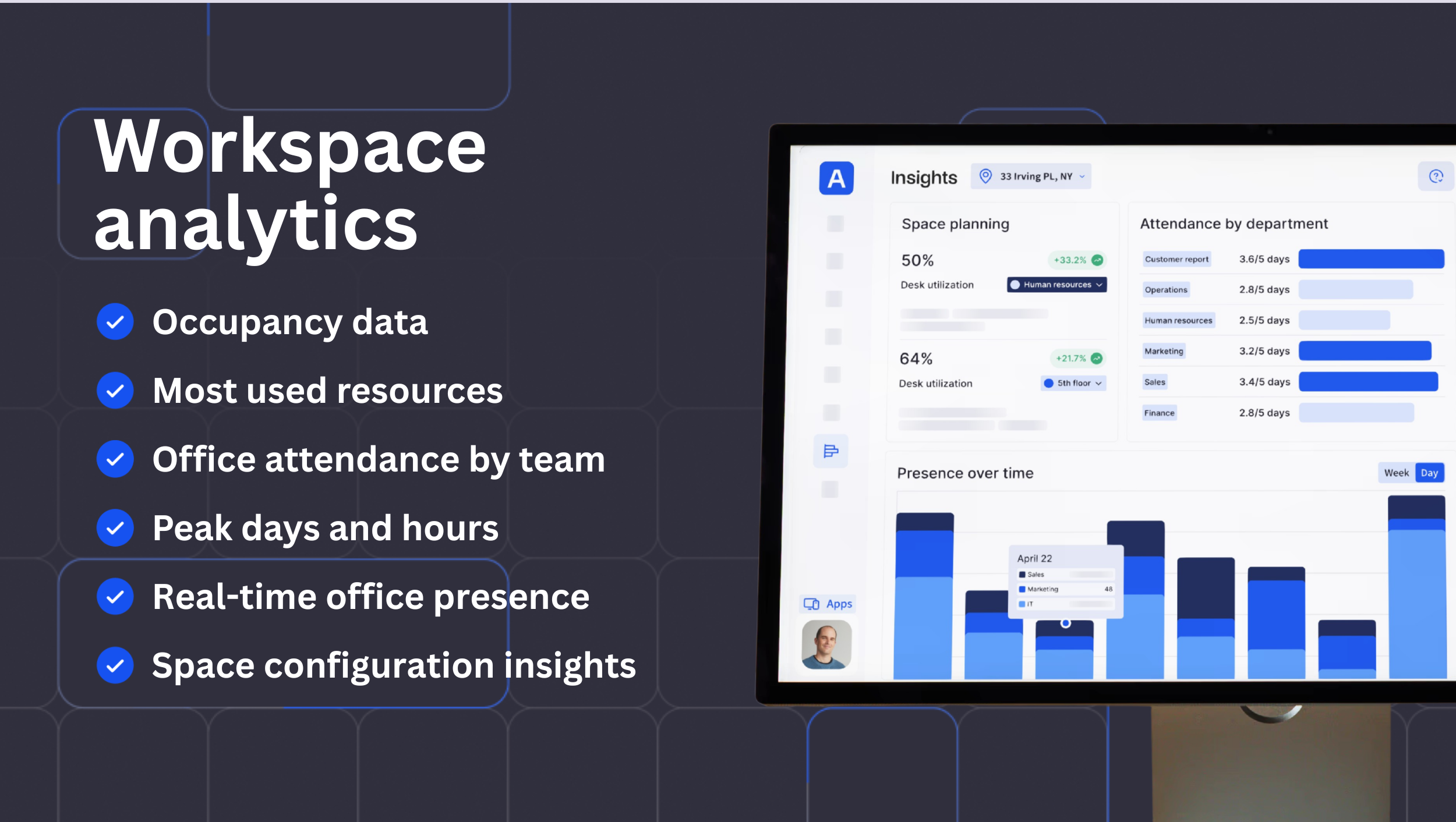
Screenshot of room and desk booking, visitor management, coworking, and workspace analytics.Screenshot of the desk booking interface.Screenshot of the welcoming kiosk.Screenshot of the room booking interface.Screenshot of the mobile app.Screenshot of some of the available workforce analytics.

SmartDraw Screenshots

Screenshot of where to create diagrams, including: flowcharts and swimlanes, organizational charts, mind maps, CAD drawings & floor plans, project charts, network diagrams, and wireframes & mockups.Screenshot of a workspace that combines brainstorming with technical diagrams. SmartDraw can be used to visualize processes, organizations, roadmaps, and even generate diagrams from data.Screenshot of SmartDraw's templates and tools used to make flowcharts, swimlanes, and process maps.Screenshot of the org chart tool, used to document organizational structure and work as a team to plan for growth or manage change. Data can be imported to generate a chart automatically.Screenshot of the CAD drawing and floor plan tools, used to design a home or optimize office space to improve traffic flow in a retail space.Screenshot of an example of the built-in templates for landscapes, gardens, backyards used to design outdoor spaces. Users can drag-and-drop flowers, shrubs, and other plants, or add sprinkler systems, lights, and walkways, and apply photo-realistic textures for a professional finish.