Apple Remote Desktop (ARD), from Apple, is a remote administration tool for managing Apple computers running OS X across a network.
N/A
Getscreen.me
Score 9.7 out of 10
N/A
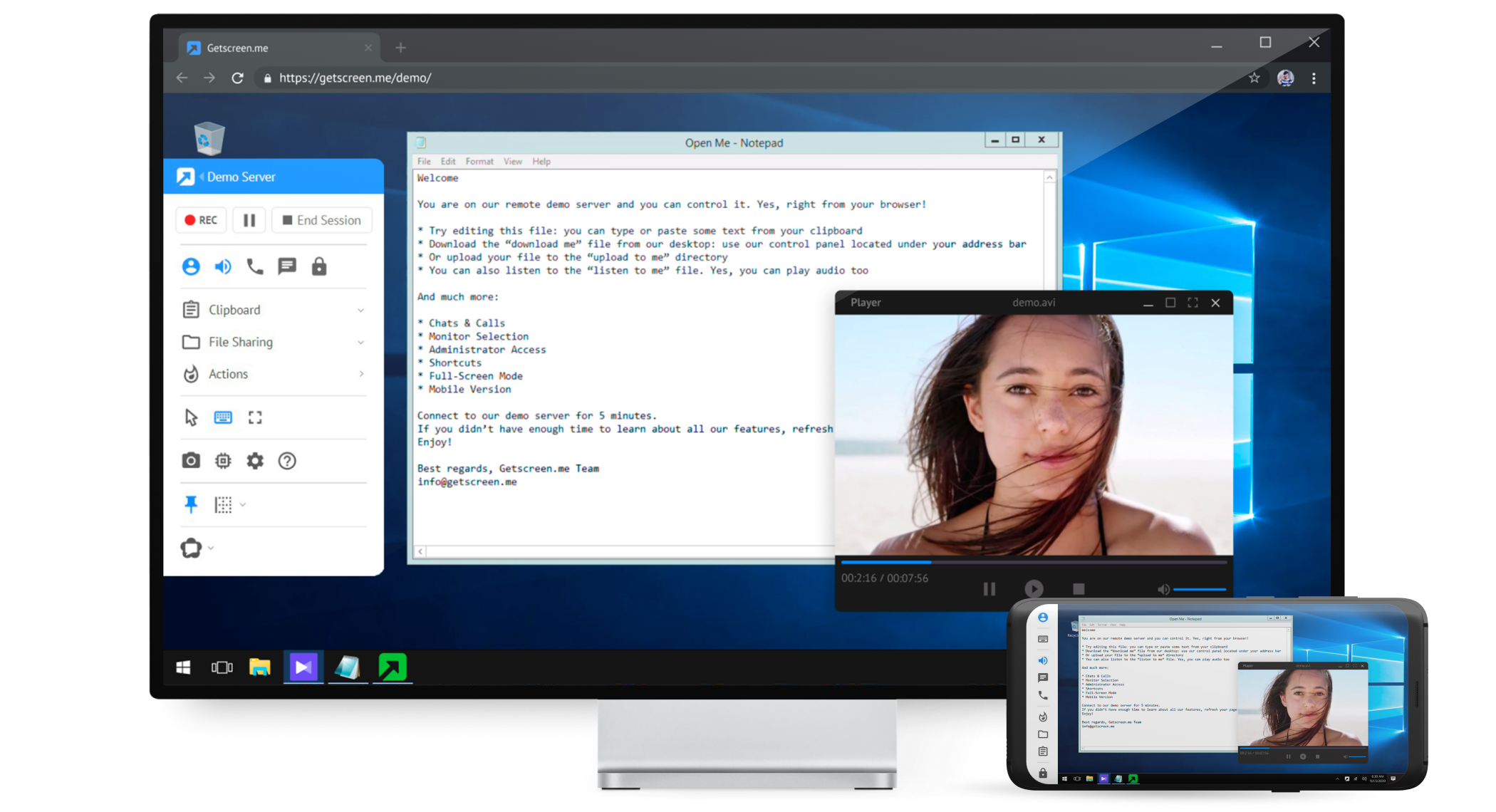
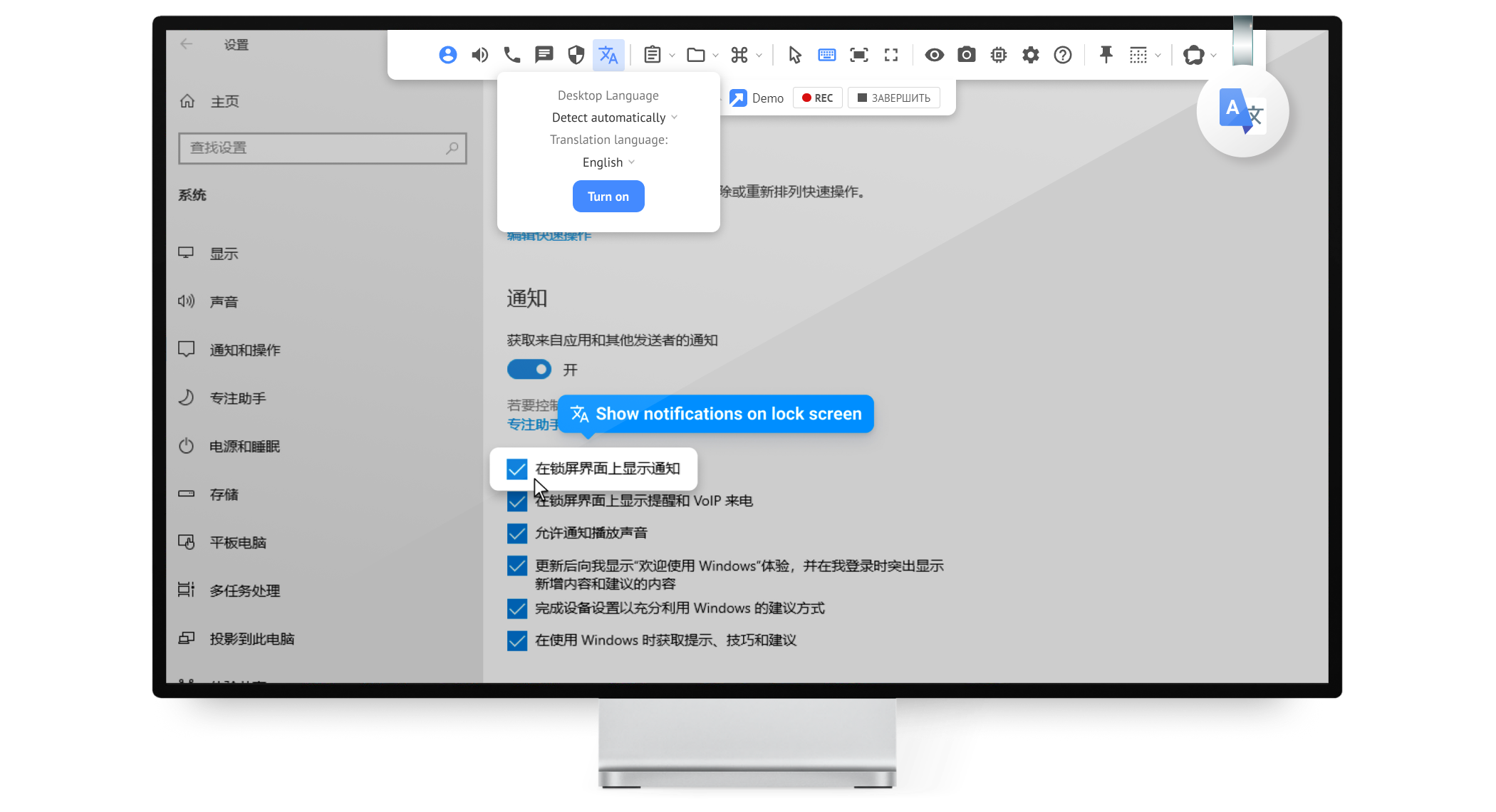
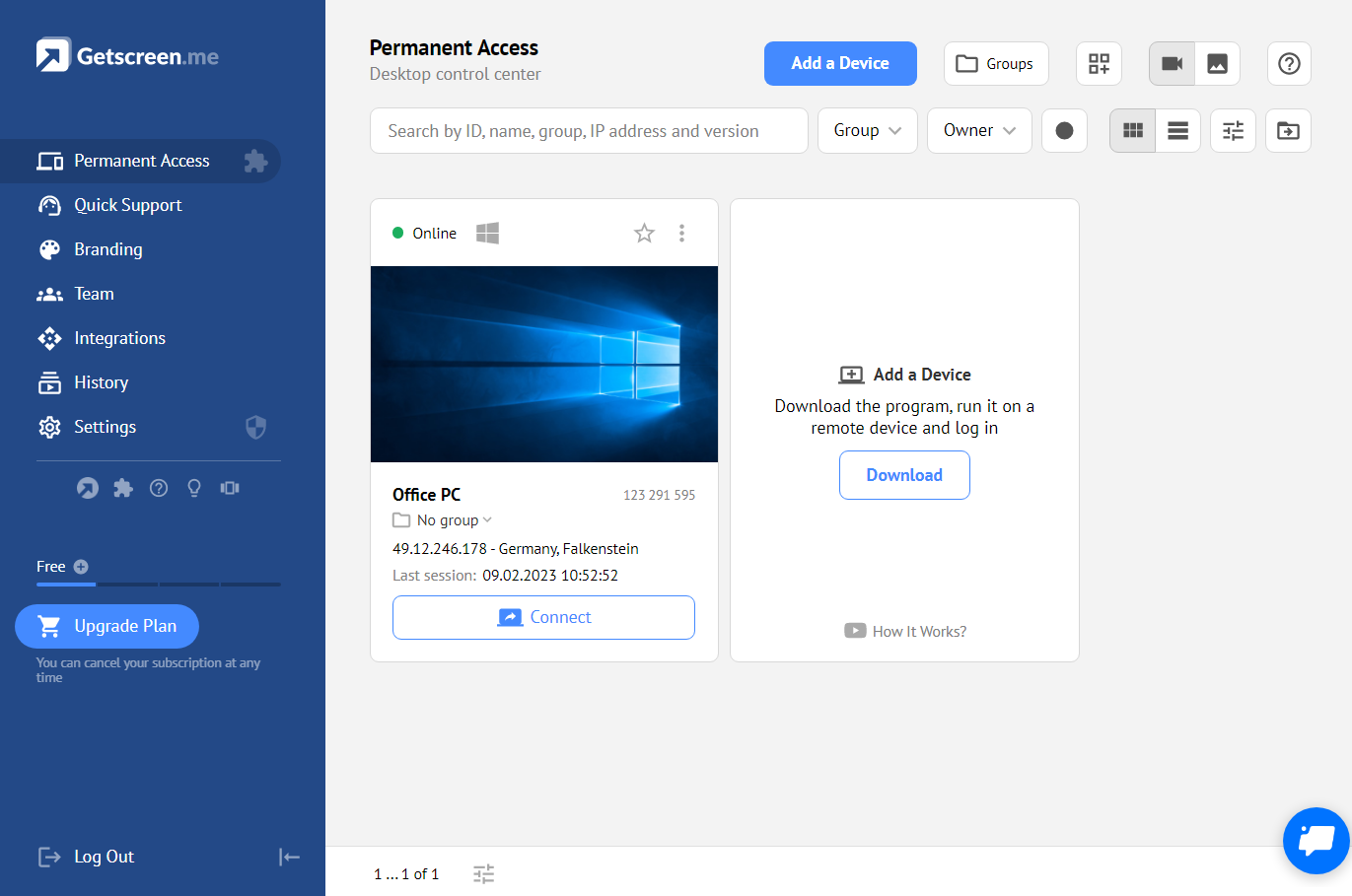
Getscreen.me is a cloud-based software for administration, technical support and remote work. Service provides remote desktop access from a browser, without any installation. It has permanent access and boasts quick support and instantaneous connection, with computers in the user's personal cabinet. The service works over the HTTPS protocol, which includes AES encryption.
$0
Pricing
Apple Remote Desktop
Getscreen.me
Editions & Modules
No answers on this topic
Free
$0
Standard
$5
per month per user, per device
Advanced
$8
per month per user, per device
Enterprise
$10
per month per user, per device
Offerings
Pricing Offerings
Apple Remote Desktop
Getscreen.me
Free Trial
No
Yes
Free/Freemium Version
No
Yes
Premium Consulting/Integration Services
No
No
Entry-level Setup Fee
No setup fee
No setup fee
Additional Details
—
16% discount with an annual subscription
More Pricing Information
Community Pulse
Apple Remote Desktop
Getscreen.me
Features
Apple Remote Desktop
Getscreen.me
Remote Administration
Comparison of Remote Administration features of Product A and Product B
Apple Remote Desktop
8.0
Ratings
1% below category average
Getscreen.me
9.2
Ratings
13% above category average
Screen sharing
8.90 Ratings
9.90 Ratings
File transfer
9.00 Ratings
9.90 Ratings
Instant message
9.30 Ratings
10.00 Ratings
Secure remote access with Smart Card authentication
ARD for me is based on a LAN, but can be used over WAN via VPN, but the latency makes ARD a less ideal tool. There are other cross platform tools that can do what ARD does which to me add value when managing a mixed environment
It's well suited for IT employees who want to have an easy way to connect to other empoyees or customers. the quck conenct functionallity is easy to use and setup. Unfortunitly in germany some customers got slow internet and the performance from getscreen.me is not so great compaired to other remote desktop software.
It is a fairly unique tool in the level of integration it has with Apple Desktop products. It definitely needs some engineering attention, and it should be expanded to the iOS arena. It is not perfect, but it is very useful and fills an otherwise fairly empty niche in the support toolkit realm. The built-in screen sharing app in macOS handles the direct screen control or viewing function fairly well, but it does not have all of the other mass control features that Apple Remote Desktop supplies.
Once it is set up, it is quite straightforward to use. However, currently, it requires both a script to run to set up permissions and controls, AND a command from the MDM to authorize it to be active. The MDM management command is manual. This is not conducive to an automated workflow, and sometimes gets forgotten. Then, the endpoint is not contactable until someone realizes that the MDM command was not sent or was not successful.
For what we need it to do, it just works. And I'm sure that we're not even using it to the full extent of what it's capable and designed to do. If we had the need, Getscreen.me has many more features that we could implement. If the need arises in the future, it's great knowing that we already have a tool to utilize.
When I did reach out at the early days of using Getscreen.me I got a pretty prompt response, and all of my questions were answered. Since then, I have never needed to contact support. This is a GOOD thing!
I would feel much more comfortable having one of these alternative solutions as our Remote Desktop management tools. Each has their drawbacks and expenses associated with them, but we simply have too large of a deployment to not be considering alternatives. If it is the only solution you can afford, it is OK to start here. I could see where this would have a return on investment, but it is really only suitable for a very small and localized scale. If employees are at all mobile, the duct taping of products necessary (VPN, distribution points, script repositories) would be very cumbersome.
While TeamViewer is a more mature/developed product. TeamViewer has more features and the interface is very similar but TeamViewer feels better. While TeamViewer currently takes the lead by a small margin for us, Getscreen.me is a very capable application for our needs. For the price/performance we prefer Getscreen.me.
Apple Remote Desktop has a positive return on investment because for the expense to the school, the value it brings to teachers is important. The return on improved student performance is very difficult to measure financially, but there is a definite return.
The overall objective of education is to increase student learning, ARD does that phenomenally. Parents see the tool used and are impressed at what the capabilities of the tool can do and how it impacts how active their students are as well as how well they can learn.
One negative impact is that teachers rely too much on this tool rather than on actually teaching sometimes.