Anthropic is an AI research company whose product, Claude, is an AI assistant available for a variety of business tasks. Boasting a 100K+ token windows, Claude can handle complex multi-step instructions over large amounts of content.
$20
per month
Zoom AI Companion
Score 0.0 out of 10
N/A
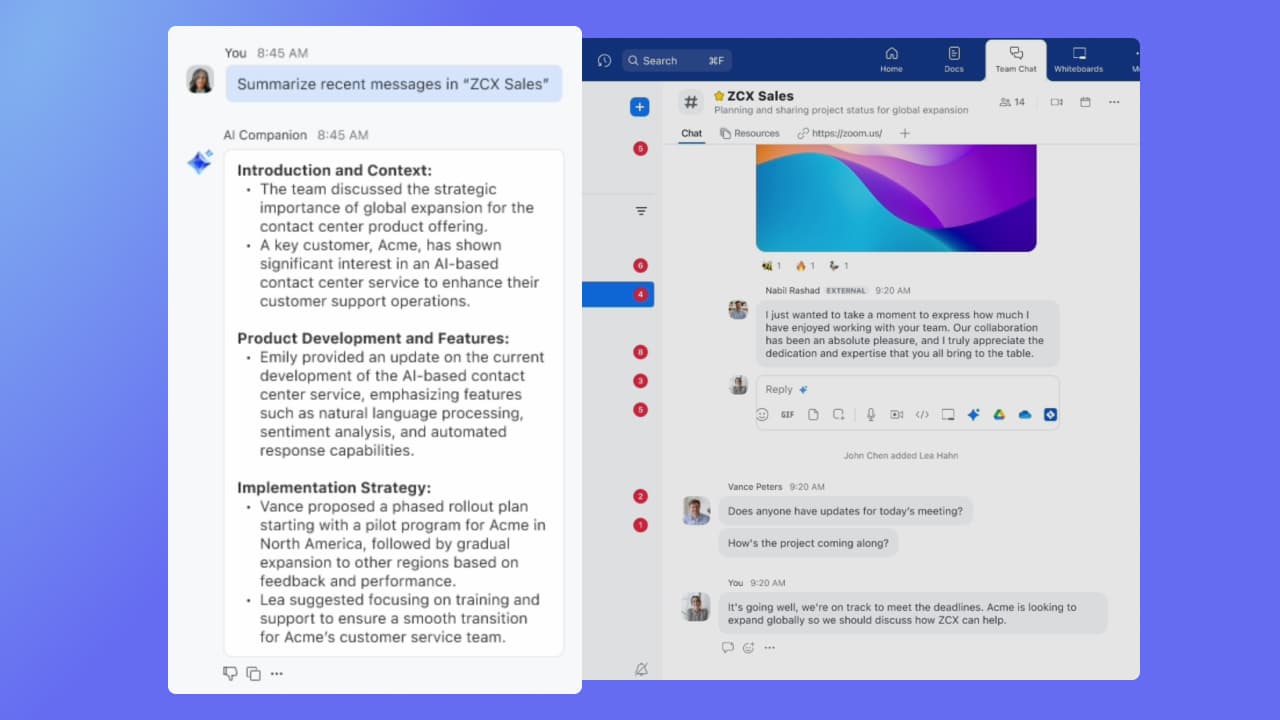
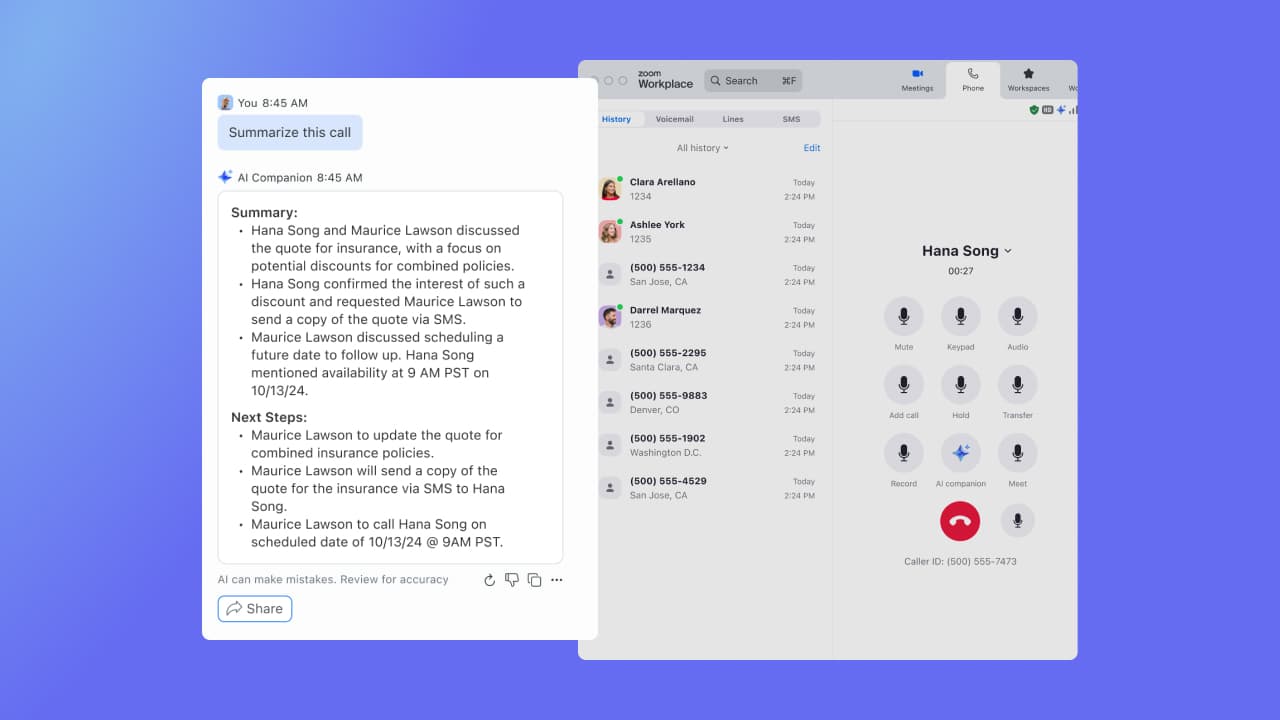
Zoom Custom AI Companion gives admins the ability to customize AI Companion outputs by accessing an organization’s internal data sources, as well as third-party applications within Zoom AI Studio for expanded knowledge, helping users drive decisions, actions, and complete tasks.
N/A
Pricing
Anthropic Claude
Zoom AI Companion
Editions & Modules
Pro
$20
per month
Team - Standard
$30
per month per seat (minimum 5)
Team - Premium
$150
per month per seat (minimum 5)
Max
from $100
per month
Enterprise
Contact Sales
No answers on this topic
Offerings
Pricing Offerings
Claude
Zoom AI Companion
Free Trial
No
No
Free/Freemium Version
Yes
No
Premium Consulting/Integration Services
No
No
Entry-level Setup Fee
No setup fee
No setup fee
Additional Details
Discount available for annual billing and Pro, Max and Standard Team plans. Claude Code included in higher tier service. Usage-based billing available with API access plans with discount for batch processing.
—
More Pricing Information
User Testimonials
Anthropic Claude
Zoom AI Companion
Likelihood to Recommend
Claude is well suited to help build documentation, strategic plans, and document analysis very well. I just recently had a client ask me for Terms & Conditions of a new service offering we are developing. I had Claude look at some existing artifacts we have already created and added some additional key points, to develop our T&C. Claude helped streamline the process in a few hours, that could have take several days to weeks to fine tune
I think Zoom Workplace is great for work calls. One bug or thing that I don't like about Zoom is I can't actually share the software application while screen sharing. For example, I can't show a whiteboard when I'm screen sharing when I'm using it from the desktop application, so it forces me to have to use the browser, which I don't love
Large meeting rooms that our marcomms team is able to navigate and problem solve with quickly and easily.
Ability to schedule meetings with internal and external team members for workshops. Provides us with several tools to communicate and share ideas without having to even turn your mic on.
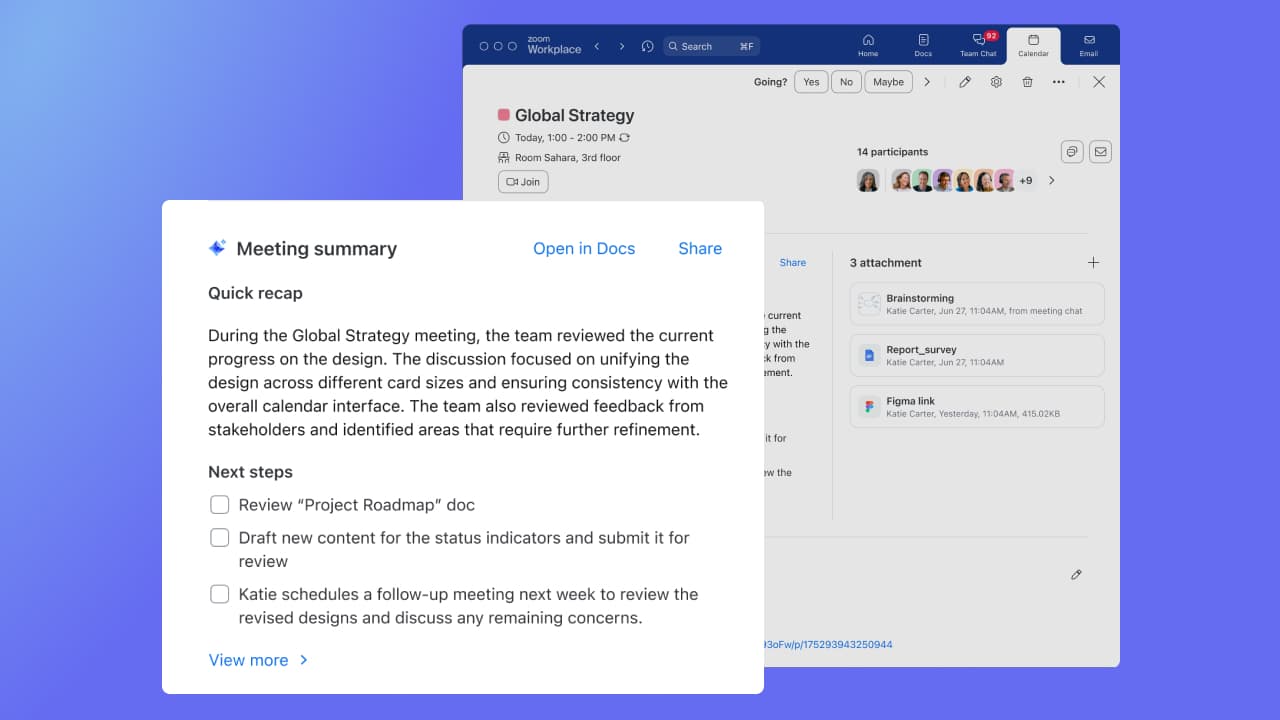
AI companion to remember points that were made and provide a summary to those who were unable to attend after the meeting.
Claude is a trusted platform from our perspective. We have been using this platform (paid version) more and more the past few months. The value returned is more than worth it. As more integrations points happen, we see Claude being a long term part of our ecosystem. Data creation, analysis, and assessments can be a tedious process. Claude delivers robust and efficient outcomes that help us for on higher level tasks.
It's really easy to use - the AI icon is everywhere all over the place in the Zoom client so it's easy to be able to leverage AI whenever you need it, and similarly in the meeting it's easy to find and to use. I don't have complaints here that I can think of
Anthropic Claude is just as good as any of the aforementioned platforms. We were using ChatGPT primarily before Claude. We have leaned more to Claude in recent months, but use other solutions to keep a balanced approach to research and analysis. We plan to keep Claude as a core component of our tech stack moving forward, as it has proven value time and time again.
Compared to Microsoft Teams, Zoom AI Companion is a clear pioneer in this remote and virtual collaboration platform, leading the way. It is possible to have a remote meeting on both Microsoft Teams and Zoom AI Companion. But Zoom AI Companion provides more productivity and time savings to users. Zoom AI Companion continues to enhance its features to provide value to the product.
ROI is immediate in the consulting space. We draft documents for clients often and have the ability to produce exponential output with Claude.
Claude has allowed us to develop HTML and java code based on our requirements for a client. It has also helped identify bad code and shortened our development lifecycle
Claude has turned into a value added platform that we rely on to verify information and provide suggestions. We look at Claude as a strategic technology partner