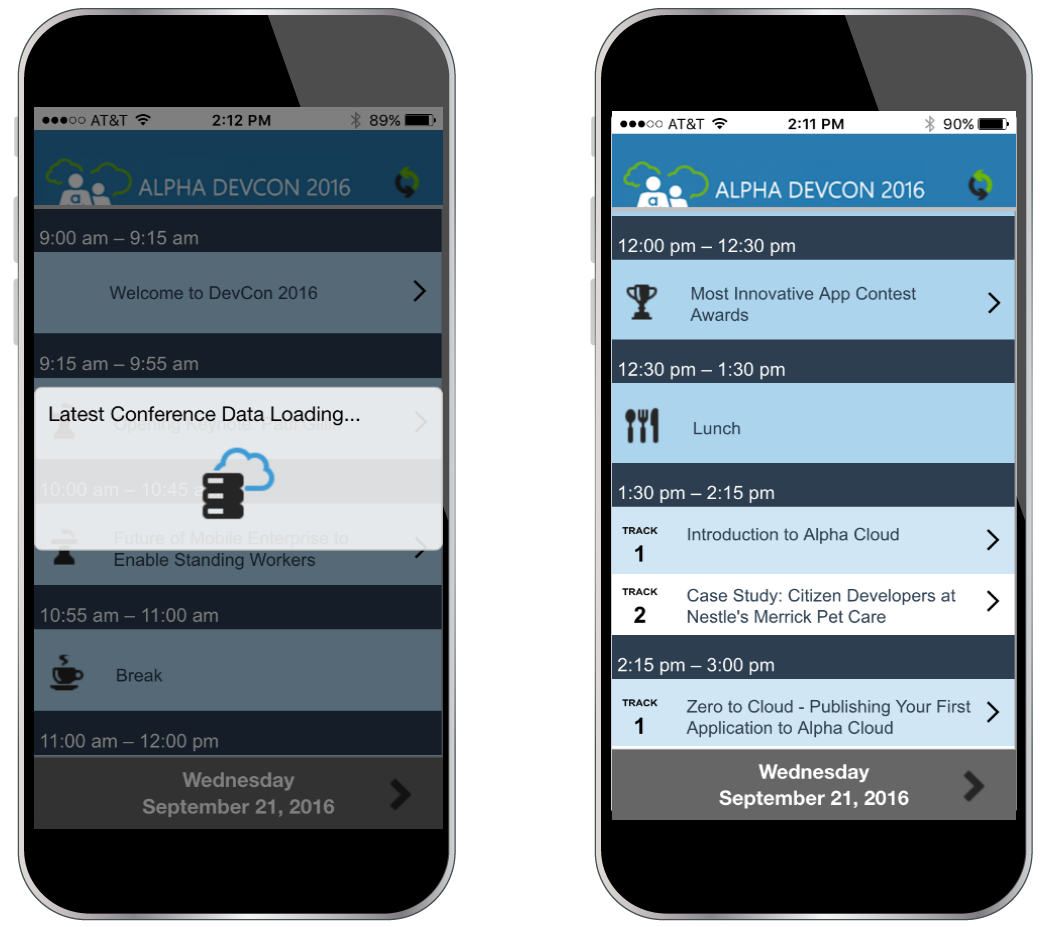
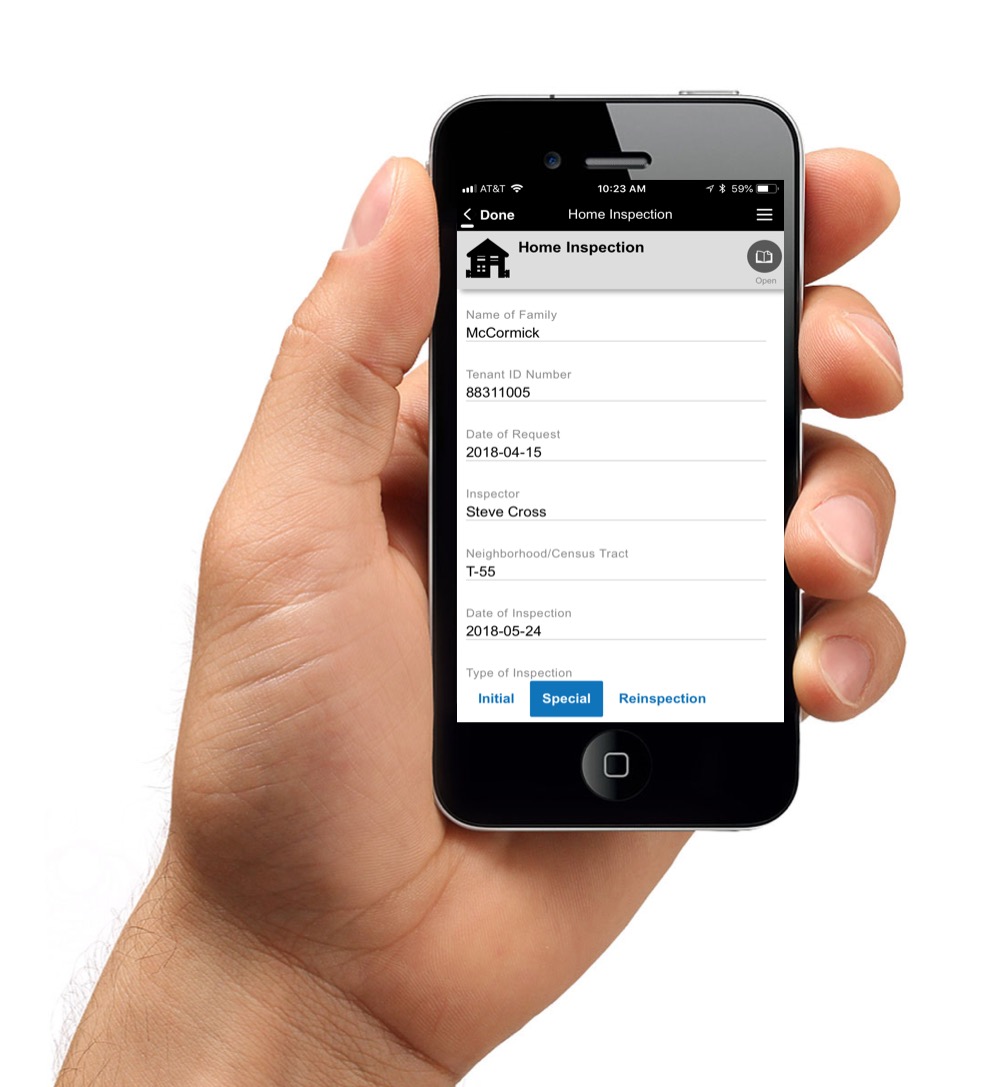
The Alpha platform is a unified mobile and web app development and deployment environment with distinct "no-code" and "low-code" components. The vendor says that using the Alpha TransForm no-code environment, business users and developers can take full advantage of all the capabilities of the smartphone to turn any form into a mobile app in minutes, and power users can add advanced app functionality with Alpha TransForm's built-in programming language. IT developers can use the…
$35
Microsoft Access
Score7.7 out of 10
N/A
Microsoft Access is a database management system from Microsoft that combines the relational Microsoft Jet Database Engine with a graphical user interface and software-development tools.
A de minimis incentive was given to thank the reviewer for their time. The incentive was not used to bias or drive a particular response, nor was the incentive contingent on a positive endorsement. More Info
Proprietor in Information Technology at GJ Stats (Information Technology & Services, 1-10 employees)
Chose Alpha Anywhere
I stopped evaluating alternate products several years ago as Alpha Anywhere has continued to develop and keep up with technological advances to my satisfaction. Having made the decision to focus development with Alpha Anywhere, I have not looked back and continue to develop at …
A de minimis incentive was given to thank the reviewer for their time. The incentive was not used to bias or drive a particular response, nor was the incentive contingent on a positive endorsement. More Info
A de minimis incentive was given to thank the reviewer for their time. The incentive was not used to bias or drive a particular response, nor was the incentive contingent on a positive endorsement. More Info
The speed of development from concept, through development and delivery of the end product is so impressive [with Alpha Anywhere]. There is an impressive array of genies and helper functions meaning that you can focus on what matters, the end user experience. It is not a "No code" solution but it is a very impressive "low code" solution which allows detailed access under the hood to tweak the applications to your own needs and the needs of your clients.
Microsoft Access can be easily implemented with training. It doesn't require expert level skill for basic reporting functions - but can be scaled to a complex database with sophisticated users. Its appropriate to consider if excel needs to be used to create reports, or if there are data entry needs - with corresponding reports.
A de minimis incentive was given to thank the reviewer for their time. The incentive was not used to bias or drive a particular response, nor was the incentive contingent on a positive endorsement. More Info
Our company had been creating small business applications since the 1980's, when we used DBase IV (don't laugh... that's what was available). Then, we got more "sophisticated" with Microsoft Access. Clearly, we would always be limited with what we can do with those two programs. By accident, during an Internet search, we saw and ad for Alpha Anywhere (back then, it was called Alpha V). After working with the 30 free trial for just two weeks, we retired Access, for good. The best part was Alpha's flexibility in its use of "back end" data tables. That allowed us to use existing Access tables as we redesigned the front-end program (Alpha ships with its own DBF system, but we prefer SQL-Based tables). You can choose, SQL Server, MySQL, Oracle, Access, Paradox (actually, too many to name) for your tables. You can even create links to Excel spreadsheets or QuickBooks Tables. It's outstanding!
Alpha allows developers to create very large and very complex programs. However, it's also a great choice for RAD (Rapid Application Development) for those who need to be up and running quickly or for less experienced programmers. Actually, the interface truly allows for "codeless" development of your application (more on that later). That means you can design a fully functional application, without typing a single line of code. They have some examples on their website.
My favorite part of Alpha is that it is constantly adding features and functions that allow us to do more with our applications. In fact, one of my biggest problems is that I need more time to learn and practice the added features as fast as they are introduced
Prior to Alpha Anywhere, we never considered creating/developing "mobile" applications (for tablets, smartphones, etc.). Alpha created a unique "panel" system that makes those application work great... and allows for the design of very sophisticated Apps.
A de minimis incentive was given to thank the reviewer for their time. The incentive was not used to bias or drive a particular response, nor was the incentive contingent on a positive endorsement. More Info
A de minimis incentive was given to thank the reviewer for their time. The incentive was not used to bias or drive a particular response, nor was the incentive contingent on a positive endorsement. More Info
Microsoft Access has not really changed at all for several years. It might be nice to see some upgrades and changes.
The help info is often not helpful. Need more tutorials for Microsoft Access to show how to do specific things.
Be careful naming objects such as tables, forms, etc. Names that are too long can get cut off in dialog boxes to choose a table, form, report, etc. So, I wish they would have resizable dialog boxes to allow you to see objects with long names.
I wish it could show me objects that are not in use in the database for current queries, tables, reports, forms, and macros. That way unused objects can be deleted without worrying about losing a report or query because you deleted the underlying object.
A de minimis incentive was given to thank the reviewer for their time. The incentive was not used to bias or drive a particular response, nor was the incentive contingent on a positive endorsement. More Info
I and the rest of my team will renew our Microsoft Access in the future because we use and maintain many different applications and databases created using Microsoft Access so we will need to maintain them in the future. Additionally, it is a standard at our place of work so it is at $0 cost to us to use. Another reason for renewing Microsoft Access is that we just don' t have the resources needed to extend into a network of users so we need to remain a single-desktop application at this time.
Microsoft Access is easy to use. It is compatible with spreadsheets. It is a very good data management tool. There is scope to save a large amount of data in one place. For using this database, one does not need much training, can be shared among multiple users. This database has to sort and filtering features which seem to be very useful.
A de minimis incentive was given to thank the reviewer for their time. The incentive was not used to bias or drive a particular response, nor was the incentive contingent on a positive endorsement. More Info
A de minimis incentive was given to thank the reviewer for their time. The incentive was not used to bias or drive a particular response, nor was the incentive contingent on a positive endorsement. More Info
While I have never contacted Microsoft directly for product support, for some reason there's a real prejudice against MS Access among most IT support professionals. They are usually discouraging when it comes to using MS Access. Most of this is due to their lack of understanding of MS Access and how it can improve one's productivity. If Microsoft invested more resources towards enhancing and promoting the use of MS Access then maybe things would be different.
A de minimis incentive was given to thank the reviewer for their time. The incentive was not used to bias or drive a particular response, nor was the incentive contingent on a positive endorsement. TR verified that a representative sample of customers was invited. More Info
Alpha Anywhere is a full-stack IDE. It’s no code and low code, but you can also custom code if you need to. About 10% of our application is no code. 80% is low code and 10% is custom code.
Crystal is easier for report writing, but isn't a database solution. Salesforce is lovely, but much more expensive than an old copy of Microsoft Office. For a small budget, [Microsoft] Access was really the only viable option. I only wish it was easier to write complex reports.
A de minimis incentive was given to thank the reviewer for their time. The incentive was not used to bias or drive a particular response, nor was the incentive contingent on a positive endorsement. More Info
Allows for a great return on investment since you can quickly become very productive and complete more projects and applications in a shorter period of time with hand coding and the normal programming headaches of PHP, C#, Angular, etc.
You can afford to take on more and smaller projects since they will require far less time to complete than more traditional development environments.
Alpha Anywhere is continuously updated coming out with new features and capabilities on essentially a daily basis. Continuous improvement and frequent updates allows you to always stay ahead of the curve and competitors.
Alpha Anywhere allows you to offer lower cost solutions that will be completed in less time and that will be much easier to support and maintain.
A de minimis incentive was given to thank the reviewer for their time. The incentive was not used to bias or drive a particular response, nor was the incentive contingent on a positive endorsement. More Info
A de minimis incentive was given to thank the reviewer for their time. The incentive was not used to bias or drive a particular response, nor was the incentive contingent on a positive endorsement. More Info