Adobe Real-Time Customer Data Platform vs. Google Tag Manager

Overview
ProductRatingMost Used ByProduct SummaryStarting Price
Adobe Real-Time CDP
Score 8.2 out of 10
N/A
Adobe's Real-Time Customer Data Platform allows marketers to collect, normalize, and unify known and pseudonymous consumer and professional data into real-time profiles. These person or account-based profiles then power B2B, B2C, and hybrid customer experiences at scale.N/A
Google Tag Manager
Score 8.8 out of 10
N/A
From Google, the Google Tag Manager is a tag management application that facilitates creating, embedding, and updating tags across websites and mobile apps, thus gaining the benefits of data standardization and speed of deployment. Google touts an agency friendly system with multiple user access, and tools to improve tags performance like debugging, and rules, macros or automated tag firing. The Google Tag Manager also integrates with Google product DoubleClick. Moreover, Google Tag Manager is…N/A
Pricing
Adobe Real-Time Customer Data PlatformGoogle Tag Manager
Editions & Modules
No answers on this topic
Offerings
Pricing Offerings
Adobe Real-Time CDPGoogle Tag Manager
Free Trial
NoNo
Free/Freemium Version
NoNo
Premium Consulting/Integration Services
YesNo
Entry-level Setup FeeOptionalNo setup fee
Additional DetailsAdobe offers three tiers of Real-Time CDP tailored for any type of business wanting to power their customer experience management strategy with unified customer data. The Business-to-Consumer Edition is for B2C brands wanting to personalize experiences for consumers. The Business-to-Business Edition is for B2B brands wanting to personalize experiences for leads and accounts. The Business-to-Person Edition is for combined B2C and B2B brands wanting to personalize experiences for the same person across all lines of business.
More Pricing Information
Community Pulse
Adobe Real-Time Customer Data PlatformGoogle Tag Manager
Features
Adobe Real-Time Customer Data PlatformGoogle Tag Manager
Security
Comparison of Security features of Product A and Product B
Adobe Real-Time Customer Data Platform
-
Ratings
Google Tag Manager
4.5
55 Ratings
56% below category average
Role-based user permissions00 Ratings4.555 Ratings
Tag Management
Comparison of Tag Management features of Product A and Product B
Adobe Real-Time Customer Data Platform
-
Ratings
Google Tag Manager
6.6
66 Ratings
17% below category average
Tag library00 Ratings7.061 Ratings
Tag variable mapping00 Ratings7.053 Ratings
Ease of writing custom tags00 Ratings6.065 Ratings
Rules-driven tag execution00 Ratings5.060 Ratings
Tag performance monitoring00 Ratings7.855 Ratings
Page load times00 Ratings6.047 Ratings
Mobile app tagging00 Ratings8.332 Ratings
Library of JavaScript extensions00 Ratings6.036 Ratings
Data Management & Integrity
Comparison of Data Management & Integrity features of Product A and Product B
Adobe Real-Time Customer Data Platform
-
Ratings
Google Tag Manager
6.2
66 Ratings
25% below category average
Event tracking00 Ratings8.063 Ratings
Mobile event tracking00 Ratings6.045 Ratings
Data distribution management00 Ratings7.040 Ratings
Universal data layer00 Ratings7.057 Ratings
Automated error checking00 Ratings3.045 Ratings
Best Alternatives
Adobe Real-Time Customer Data PlatformGoogle Tag Manager
Small Businesses
Bloomreach - The Agentic Platform for Personalization
Score 8.7 out of 10
Adobe Experience Platform Launch
Score 5.1 out of 10
Medium-sized Companies
Bloomreach - The Agentic Platform for Personalization
Score 8.7 out of 10
Adobe Experience Platform Launch
Score 5.1 out of 10
Enterprises
Bloomreach - The Agentic Platform for Personalization
Score 8.7 out of 10
Tealium Customer Data Hub
Score 8.3 out of 10
All AlternativesView all alternativesView all alternatives
User Ratings
Adobe Real-Time Customer Data PlatformGoogle Tag Manager
Likelihood to Recommend
-
(0 ratings)
8.5
(70 ratings)
Likelihood to Renew
-
(0 ratings)
7.0
(7 ratings)
Usability
-
(0 ratings)
7.0
(15 ratings)
Availability
-
(0 ratings)
9.1
(1 ratings)
Support Rating
-
(0 ratings)
2.0
(12 ratings)
Online Training
-
(0 ratings)
7.3
(1 ratings)
Implementation Rating
-
(0 ratings)
9.8
(2 ratings)
User Testimonials
Adobe Real-Time Customer Data PlatformGoogle Tag Manager
Likelihood to Recommend
Adobe
In any scenario where we have a unique offline and online 'Person ID,' we are able to see great results with profile stitching within CDP. In cases where we do not have a unique Person ID between datasets, we find ourselves at a point where we would need to change our architecture to have the same Person ID to see results.
Read full review
Google
I use Google Tag Manager (GTM) daily and create tags/triggers for all of our client's websites. It is easy to set up but for some of my tasks, the process does get repetitive so it'd be nice to have a default setting I can use when I have to create accounts, and then tweak/add things to them as needed. It is a great way to collect data and have code on the site without having to log into the site builder all the time. It makes it convenient to make edits or add code after our client's sites go live with us.
Read full review
Pros
Adobe
  • Real time segmentation and profiling on high volume of customer data
  • Integration of various customer data sources, ranging from CRM, Web Analytics, EDL and other custom sources
  • Data governance of customer data in the platform, down to attribute based access controls
  • Activation across paid media, marketing automation and experience optimization platforms
  • Easy to use interface for marketers
Read full review
Google
  • Selecting elements on a site [object, class, cookie, etc] (to later fire an event, send some data, etc) is very easy with triggers. Want to add an event when someone clicks on a button? Super easy. It was many many DOM selectors and you can even add custom functions if you need to do something more specific
  • In general, firing events in different circumstances is very easy mixing triggers and tags. You can track almost any element of the DOM and do whatever you want with it.
  • Testing is a great functionality. Only you can see what's on the site and you can debug it easily by seeing which events or tags were triggered and all the DOM elements involved (and why they matched the trigger).
  • Working in environments (staging, production) and versioning is easy to do, deploying changes in 2 clicks.
Read full review
Cons
Adobe
  • Some features that are not yet released to all customers are necessary to manage cases like device sharing
  • The methodology of how data is stored and manage is relatively unique and requires some ramp-up to fully understand
  • There are some areas, like deduplication, where the platform doesn't provide the flexibility one would expect
Read full review
Google
  • There are several good integrations, but there can always be more. Native tracking for call tracking solutions, analytics providers, non-Google advertisers would be top of my list.
  • Documentation is just dreadful. Luckily there are some awesome folks out there doing crowdsourced tutorials (shout out to Simo Ahava) but by and large the Google Tag Manager instructions are worth what you pay for them.
Read full review
Likelihood to Renew
Adobe
Adobe Real-Time Customer Data Platform quickly becomes a must-have once you are through the "build it" phase. Direct integration with a wide variety of disparate systems makes it a difficult proposition to remove once users are trained in its various systems and fully bought into the strategy behind its use. Support for a wide range of teams is helpful in adoption and continued use of Adobe Real-Time Customer Data Platform - everyone in data engineering, martech, frontend marketing can find a use case to pursue.
Read full review
Google
Google Tag Manager makes tracking traffic to our websites effortless, which enables our developers to focus on other tasks. Setting up a new instance takes only minutes and additional scripts can be added/modified without touching the source code of a site in production. This enables our marketing directors to coordinate tests and experiments with minimal effort.
Read full review
Usability
Adobe
Activation - great Segmentation - in UI, there should be the possibility of writing advanced code Tags. Both Mobile and Desktop Data Ingestion - might be pain in the ass. Changing one customer attribute is time-consuming. It should be some super admin or some feature. One user can change some customers' attributes easily. Data Transformation - Maybe there are some modules for that in AJO?
Read full review
Google
No difficult obstacle to overcome but Google Tag Manager can still be difficult for many users to deploy. Sure the basic HTML script can be deployed quite easily, but when you start to require triggers, variables, etc, it can be a little daunting.
Read full review
Support Rating
Adobe
No answers on this topic
Google
GTM does not provide support. This is one of GTM's biggest issues but it's due to the level of customization for each website. If your team thinks they would heavily rely on the need for a support staff it is probably better to invest in a paid service with a team that can support your needs.
Read full review
Online Training
Adobe
No answers on this topic
Google
I thought there was a little bit too much emphasis on AdWords stuff, not enough on the generic application of GTM.
Read full review
Implementation Rating
Adobe
No answers on this topic
Google
Planning and communication will help greatly with an in-house implementation. If there are large teams, try to limit the number of people involved to 1-2 developers (back-end dev may be necessary depending on your platform), one analytics marketer and one project manager.
Read full review
Alternatives Considered
Adobe
Its my favorite tool in the entire Adobe Experience Platform ecosystem. I thought that its important to be connected with your customers and the best way to do it its to have a really good description to reveal what they like and prefer, that's the most important thing, so that's why I like Adobe Real-Time CDP
Read full review
Google
We moved to GTM from a standard Google Analytics implementation. GTM is much more flexible and easier to make changes, especially as the changes relate to multiple sites and environments. While there is a learning curve when figuring out how to use GTM, I believe the change has been worth it because it helps us understand at a more fundamental level how our tracking works and gives us a lot more control over what we track and how.
Read full review
Return on Investment
Adobe
  • it has allowed us to gain more insights into our profiles
  • we have been able to manage our schemas with ease
Read full review
Google
  • GTM is very useful to determine if a particular element on the site is useful (i.e. is it being watched, is it being clicked, does it help customers navigate through more pages). As an SEO person, I can use this information to decide what to optimize for but also to track progress and see improvements in engagement.
  • With the use of Google Tag Manager, I was able to easily inject an A/B testing tool which lead to several improvements in lead generation.
Read full review
ScreenShots

Adobe Real-Time CDP Screenshots

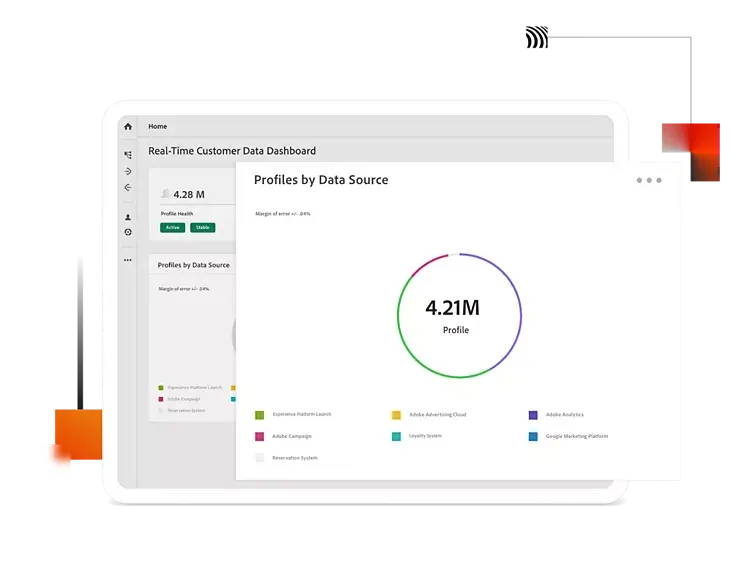
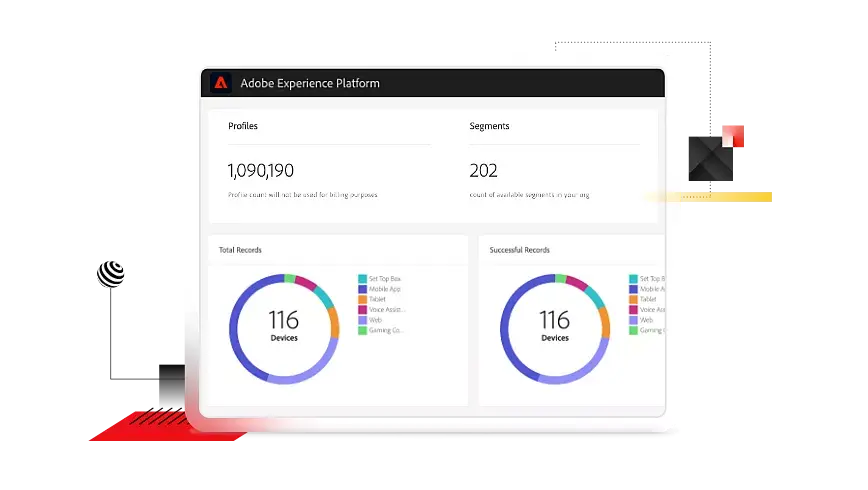
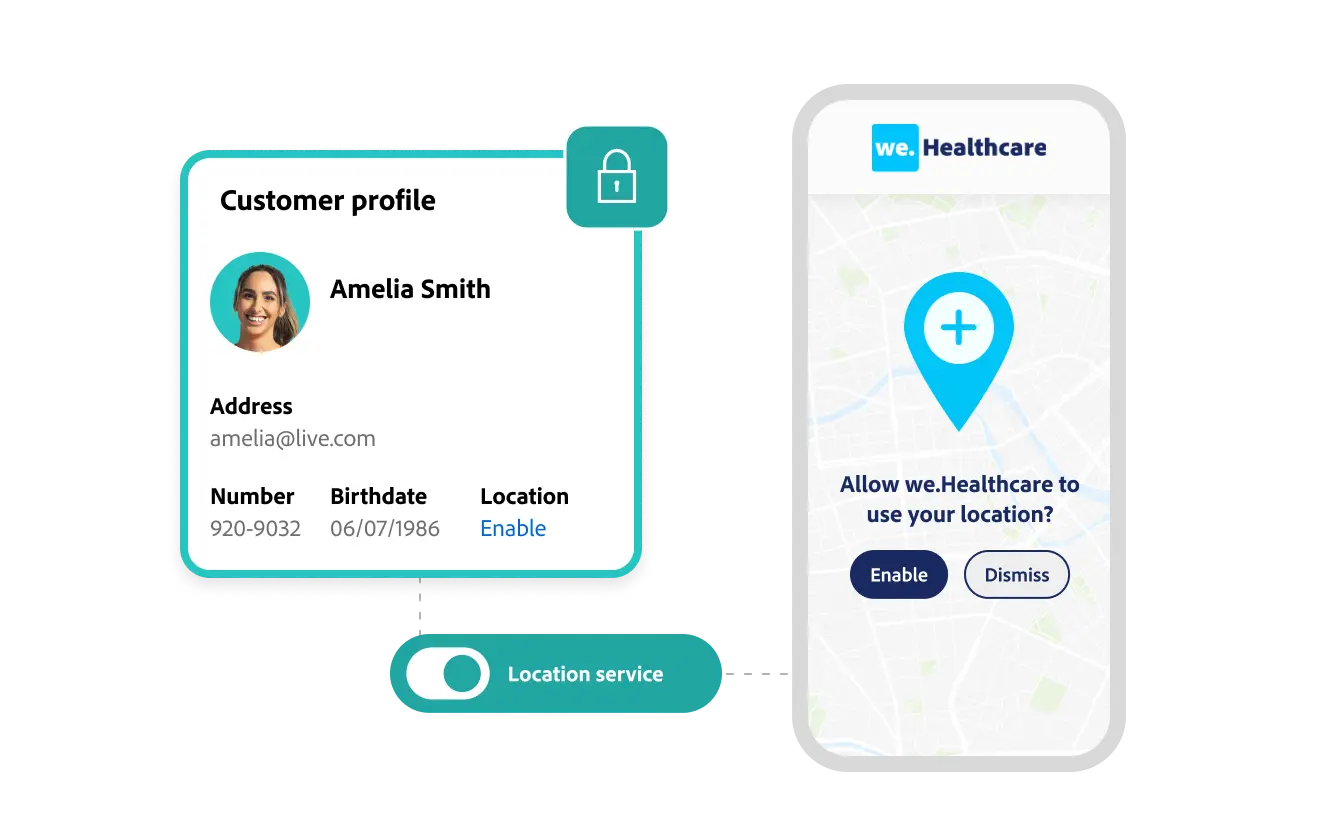
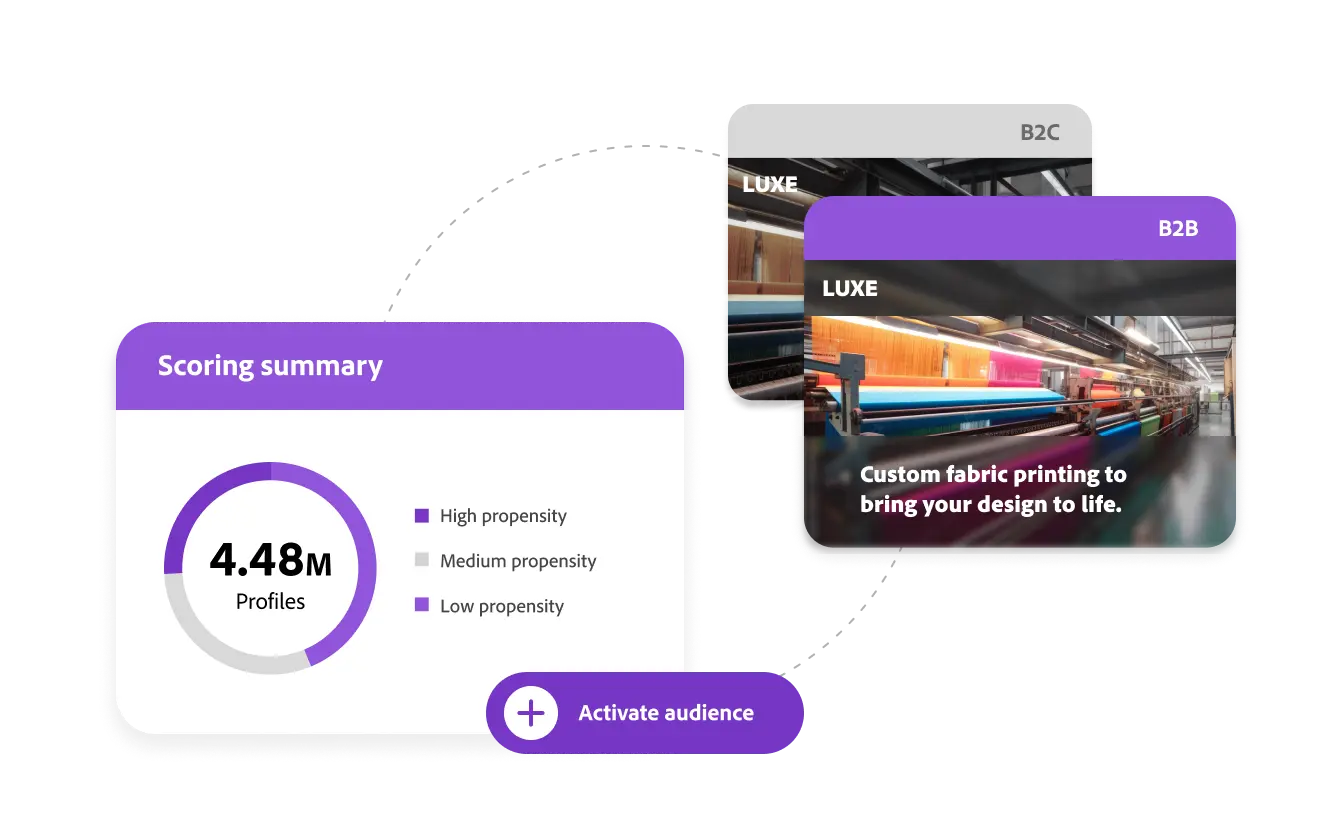
Screenshot of Adobe Real-Time Customer Data Platform Profiles by Data SourceScreenshot of Adobe Real-Time Customer Data Platform Profiles and SegmentsScreenshot of Adobe Real-Time Customer Data Platform Customer ProfileScreenshot of Adobe Real-Time Customer Data Platform Scoring Summary