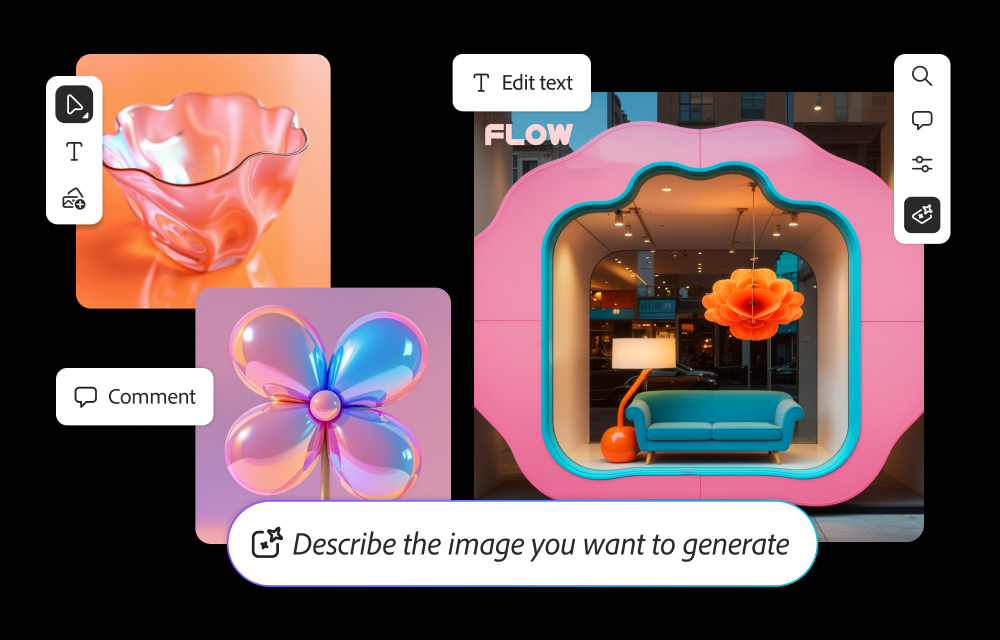
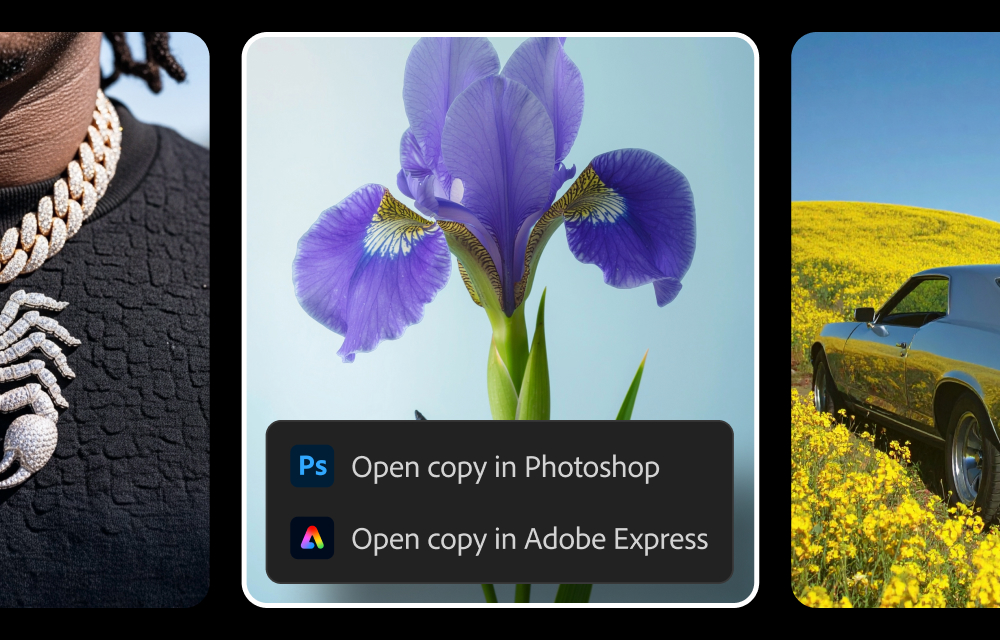
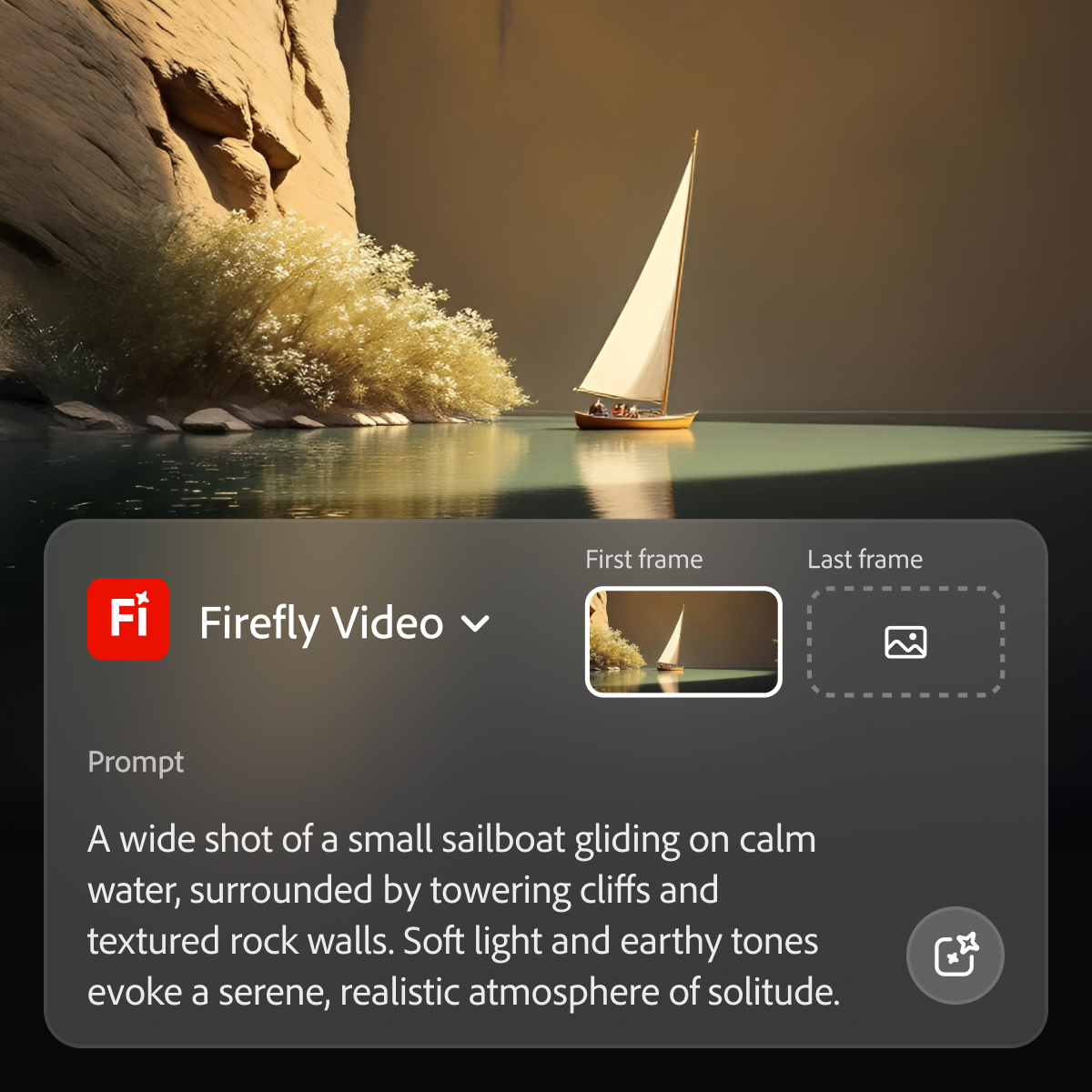
Adobe's Firefly models and services power generative AI features in Adobe creative apps, with features that can be used in Photoshop, Premiere Pro (beta), and the Firefly web app.
$9.99
per month (1 user & 2000 generative credits per month)
Assembo.ai
N/A
N/A
Assembo is an AI tool that automatically generates retail-ready photos for ecommerce products with a click of a button. This service helps thousands of e-commerce store owners to help sell more products.
As I mentioned before, Adobe Firefly is a good AI generation tool, however it has both its pros and cons. If you are in a fast-paced scenario, streamlining your work and/or looking for momentary inspiration to get a project done is ideal; since it is integrated within the same Adobe suite (at least in Photoshop, Illustrator and Premiere Pro along with After Effects in beta) and usually saves you time in searches in browsers as well as in other services that, although they can help, are not fully integrated into the suite. However, as a downside, it must be clarified that since it is not perfect in content generation, you tend to waste some time trying to properly generate the prompt necessary for the optimal generation of the desired result. It is essential to clarify that it is also tiring that the prompt is not generated at all, causing you to fall behind in delivery times as well as in the quality of the material that was requested to be generated.
A de minimis incentive was given to thank the reviewer for their time. The incentive was not used to bias or drive a particular response, nor was the incentive contingent on a positive endorsement. TR verified that a representative sample of customers was invited. More Info
Generative fill is a real time-saver, enabling us to modify images to suit our needs quickly and easily.
Text to image is an effective and fun tool to use, enabling us to create hard-to-find images for projects, or to create fantasy-like images that would otherwise require lots of manual effort to generate.
Firefly enables non-designers and artists to generate ideas, helping them to brief the design team in more detail.
A de minimis incentive was given to thank the reviewer for their time. The incentive was not used to bias or drive a particular response, nor was the incentive contingent on a positive endorsement. TR verified that a representative sample of customers was invited. More Info
Has mild compatibility issues depending on what software or needs you have pre existing.
While it does have deep customization, the areas it can apply to are bit narrow. It’s good quality, but we still find a few missing features and often supplement with human interaction.
Has a bit of a problem with file size uploads, which is tough in media related tasks.
A de minimis incentive was given to thank the reviewer for their time. The incentive was not used to bias or drive a particular response, nor was the incentive contingent on a positive endorsement. TR verified that a representative sample of customers was invited. More Info
Adobe Firefly is a very useful tool. It is compatible with my other graphic design tools in the Adobe Suite. It performs well and I have an understanding of many of its capabilities. Due to those factors alone, I find that I am able to incorporate it into my workflow pretty seamlessly.
A de minimis incentive was given to thank the reviewer for their time. The incentive was not used to bias or drive a particular response, nor was the incentive contingent on a positive endorsement. TR verified that a representative sample of customers was invited. More Info
I’m giving Adobe Firefly a 6 because, while it’s great for quickly generating design options, it has its limitations. It’s user-friendly for basic tasks and definitely helps speed things up, but when we need more customization or a specific style, it can feel a bit restrictive. The collaboration tools are also somewhat limited, which can be challenging for larger teams working together. Overall, it’s a helpful tool, but there’s room for improvement in advanced features and team collaboration.
A de minimis incentive was given to thank the reviewer for their time. The incentive was not used to bias or drive a particular response, nor was the incentive contingent on a positive endorsement. TR verified that a representative sample of customers was invited. More Info
A de minimis incentive was given to thank the reviewer for their time. The incentive was not used to bias or drive a particular response, nor was the incentive contingent on a positive endorsement. TR verified that a representative sample of customers was invited. More Info
As I have noted in previous answers, the integration of Adobe Firefly is already done for you. It is part of the Adobe Suite and works seamlessly with all other Adobe products. If you don't happen to use Adobe products, it works just like any other AI image creation tool in that you can save and download your creations to edit in whatever software tools you prefer.
A de minimis incentive was given to thank the reviewer for their time. The incentive was not used to bias or drive a particular response, nor was the incentive contingent on a positive endorsement. TR verified that a representative sample of customers was invited. More Info
Midjourney was not in this list but that is the most similar to Firefly in my opinion. I find that Adobe Firefly and Midjourney have a lot of overlap. The generative fill options on Photoshop and Illustrator also include very similar use cases with generating photography and extending areas of a photo to imagine outside of the crop.
A de minimis incentive was given to thank the reviewer for their time. The incentive was not used to bias or drive a particular response, nor was the incentive contingent on a positive endorsement. TR verified that a representative sample of customers was invited. More Info
Overall, we have eliminated one of our paid stock subscriptions since we can get a good bit of image support through Adobe AI integrations
We are still at a bit of a break-even with firefly if you consider the credits cost and the additional "touchup" time needed when the AI generated image is not quite there.
Again, I think in 2-3 years, Firefly will be a bigger part of our daily workload. Right now, its more of a novelty that can help with quick fixes, an icon, a background pattern...just moving towards less stock resources and towards generating our own through ai
A de minimis incentive was given to thank the reviewer for their time. The incentive was not used to bias or drive a particular response, nor was the incentive contingent on a positive endorsement. TR verified that a representative sample of customers was invited. More Info