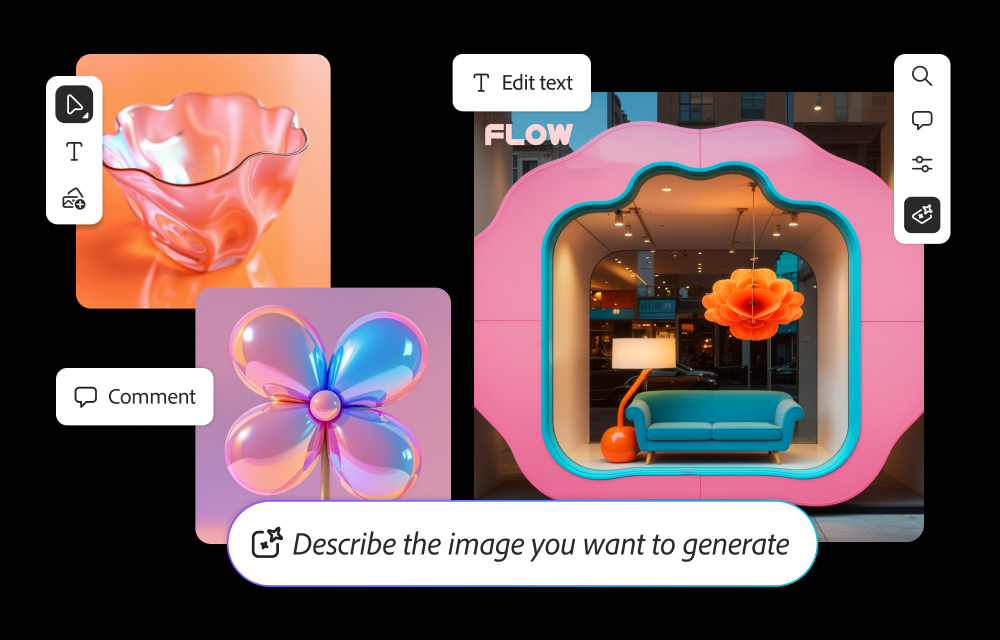
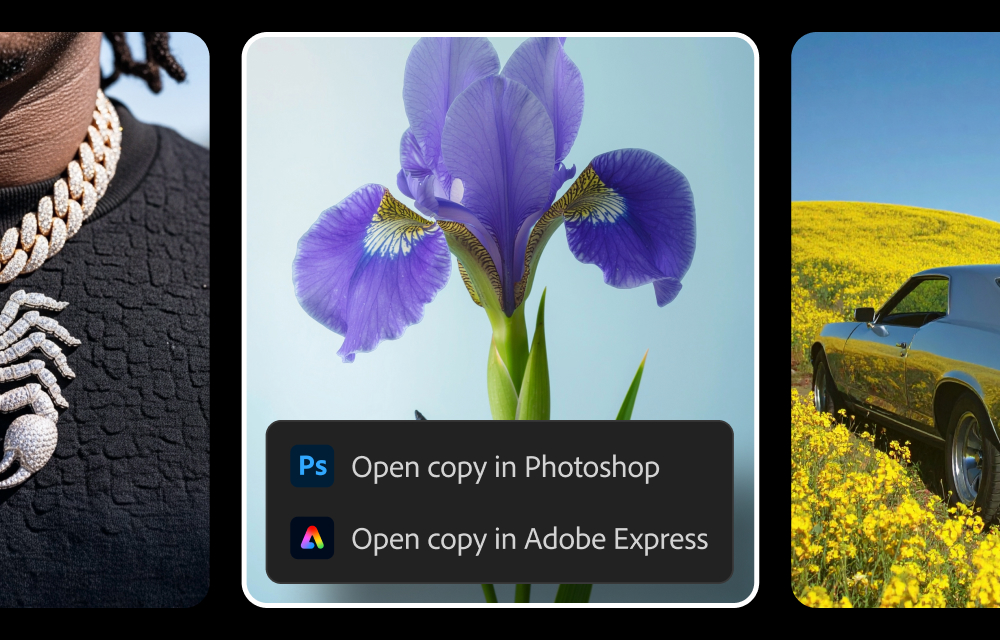
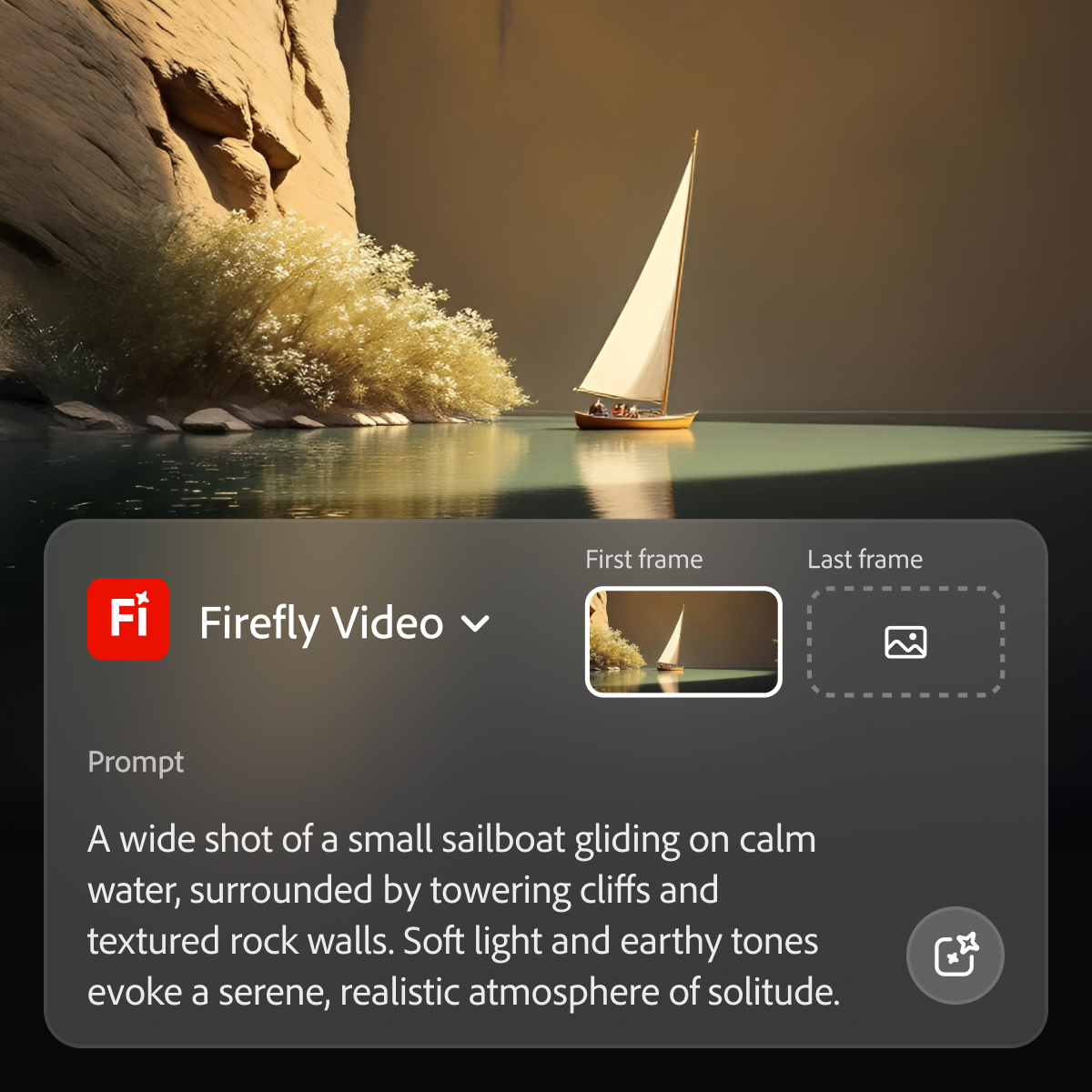
Adobe's Firefly models and services power generative AI features in Adobe creative apps, with features that can be used in Photoshop, Premiere Pro (beta), and the Firefly web app.
$9.99
per month (1 user & 2000 generative credits per month)
Pricing
Adobe Firefly
Editions & Modules
No answers on this topic
Offerings
Pricing Offerings
Adobe Firefly
Free Trial
Yes
Free/Freemium Version
No
Premium Consulting/Integration Services
No
Entry-level Setup Fee
No setup fee
Additional Details
—
More Pricing Information
Community Pulse
Adobe Firefly
Considered Both Products
Adobe
Verified User
Chose Adobe Firefly
Adobe Firefly has more advanced generative AI capabilities if you are looking to create something specific
A de minimis incentive was given to thank the reviewer for their time. The incentive was not used to bias or drive a particular response, nor was the incentive contingent on a positive endorsement. More Info
Verified User
Chose Adobe Firefly
Photoshop provides a far more extensive and complete set of features, largely due to it being a far older product that has been through decades more development time with feed back from creatives and artists to build on. Adobe Firefly is still extremely new and dare I say, in …
A de minimis incentive was given to thank the reviewer for their time. The incentive was not used to bias or drive a particular response, nor was the incentive contingent on a positive endorsement. More Info
A de minimis incentive was given to thank the reviewer for their time. The incentive was not used to bias or drive a particular response, nor was the incentive contingent on a positive endorsement. TR verified that a representative sample of customers was invited. More Info
Verified User
Chose Adobe Firefly
Adobe expertise is reflected on Firefly. There are several tools and options that other AI platforms are unable to provide.
A de minimis incentive was given to thank the reviewer for their time. The incentive was not used to bias or drive a particular response, nor was the incentive contingent on a positive endorsement. TR verified that a representative sample of customers was invited. More Info
Verified User
Chose Adobe Firefly
Both have been unable to achieve what we would like
A de minimis incentive was given to thank the reviewer for their time. The incentive was not used to bias or drive a particular response, nor was the incentive contingent on a positive endorsement. TR verified that a representative sample of customers was invited. More Info
Social Media Designer in Corporate at DSouza DSigns (Design, 1-10 employees)
Chose Adobe Firefly
I think compared to its competitors it is a lot more high-quality because it integrates to all of the Adobe suite applications directly in which is something that I utilize quite a lot. For the other external applications they don't integrate like that. But I think it is still …
A de minimis incentive was given to thank the reviewer for their time. The incentive was not used to bias or drive a particular response, nor was the incentive contingent on a positive endorsement. TR verified that a representative sample of customers was invited. More Info
Animation and VFX Engineer in Product Management at ENZO (Marketing & Advertising, 1-10 employees)
Chose Adobe Firefly
I don't know of other generative AI models integrated within other services. However, I have other generative AI references that, although they did not appear in the list generated by you, here I include one about some that I have used. DALLE-E MidJurney AWS Generative AI …
A de minimis incentive was given to thank the reviewer for their time. The incentive was not used to bias or drive a particular response, nor was the incentive contingent on a positive endorsement. TR verified that a representative sample of customers was invited. More Info
Senior Art Director at COOLA (Consumer Goods, 51-200 employees)
Chose Adobe Firefly
Midjourney was not in this list but that is the most similar to Firefly in my opinion. I find that Adobe Firefly and Midjourney have a lot of overlap. The generative fill options on Photoshop and Illustrator also include very similar use cases with generating photography and …
A de minimis incentive was given to thank the reviewer for their time. The incentive was not used to bias or drive a particular response, nor was the incentive contingent on a positive endorsement. TR verified that a representative sample of customers was invited. More Info
Digital Experience Coordinator in Marketing at York St John University (Higher Education, 201-500 employees)
Chose Adobe Firefly
Honestly it's more to do with specific purpose and my love for the brand. I use a wide range of Adobe products and always have done. Plus comparing ChatGPT against Firefly is a tough ask as ChatGPT is more focused on text based solutions.
A de minimis incentive was given to thank the reviewer for their time. The incentive was not used to bias or drive a particular response, nor was the incentive contingent on a positive endorsement. TR verified that a representative sample of customers was invited. More Info
Verified User
Chose Adobe Firefly
I’ve tried other design tools like Canva and Midjourney, which are both great in their own ways. Canva is excellent for quick, easy-to-use templates and basic design needs, and it’s very beginner-friendly. Midjourney, on the other hand, has impressive AI capabilities for …
A de minimis incentive was given to thank the reviewer for their time. The incentive was not used to bias or drive a particular response, nor was the incentive contingent on a positive endorsement. TR verified that a representative sample of customers was invited. More Info
Director | E-Learning Design and Development in Professional Services at 4pt Ltd. (E-Learning, 1-10 employees)
Chose Adobe Firefly
I found that when using ChatGPT for generating images, the whole end result looked amateurish. Image quality was loose and not at all photo realistic. Although neither engine can generate text on an image to a useable standard, Firefly has far superior image rendering and the …
A de minimis incentive was given to thank the reviewer for their time. The incentive was not used to bias or drive a particular response, nor was the incentive contingent on a positive endorsement. TR verified that a representative sample of customers was invited. More Info
Verified User
Chose Adobe Firefly
Photoshop at the end of the day can do a lot more than Adobe firefly, and probably most of the other software on the market for media generation. However, Adobe PhotoShop requires extensive training for results and quite a bit more of training for excellent results. That would …
A de minimis incentive was given to thank the reviewer for their time. The incentive was not used to bias or drive a particular response, nor was the incentive contingent on a positive endorsement. TR verified that a representative sample of customers was invited. More Info
Commercial Art Teacher at NDN All-Stars (Sports, 51-200 employees)
Chose Adobe Firefly
While ChatGPT is sort of the leader, in my opinion, Firefly is more accessible and seems a little for user friendly. Particularly if you are at all familiar with any other Adobe design products. I have only used a trial version of kittl so I am not all that familiar with …
A de minimis incentive was given to thank the reviewer for their time. The incentive was not used to bias or drive a particular response, nor was the incentive contingent on a positive endorsement. TR verified that a representative sample of customers was invited. More Info
Verified User
Chose Adobe Firefly
I cannot get the product list to Midjourney/Discord, but that is the AI we started on before dabbling in Firefly. TBH, Firefly is sorely lacking in the creativity department compared to MJ. Results are often childish and a bit off until you really get the hang of the prompts …
A de minimis incentive was given to thank the reviewer for their time. The incentive was not used to bias or drive a particular response, nor was the incentive contingent on a positive endorsement. TR verified that a representative sample of customers was invited. More Info
Chief Creative Officer and Head of Product in Product Management at Alegra Learning (E-Learning, 11-50 employees)
Chose Adobe Firefly
Firefly is really the only one that is embedded into a complementary product, so it has a huge edge right there. However, it doesn't seem to be on par yet with Midjourney or Dall-E when it comes to results of your prompts, but it's better than the other ones I listed.
A de minimis incentive was given to thank the reviewer for their time. The incentive was not used to bias or drive a particular response, nor was the incentive contingent on a positive endorsement. TR verified that a representative sample of customers was invited. More Info
Interior Designer in Professional Services at EOP Architects (Architecture & Planning, 11-50 employees)
Chose Adobe Firefly
Adobe Firefly biggest difference from Adobe Illustrator's generative image tools is not being vector-based like Illustrator. Firefly is a little more pared down in it's interface and a little easier to pick up use, but is also therefore more limited in user settings. Overall, …
A de minimis incentive was given to thank the reviewer for their time. The incentive was not used to bias or drive a particular response, nor was the incentive contingent on a positive endorsement. TR verified that a representative sample of customers was invited. More Info
Verified User
Chose Adobe Firefly
This works a lot better than Canva's image generator, and seems to return much more relevant images, even when using the exact same prompt. Canva's function also doesn't have all the specific filters, styles etc, to help you narrow down the exact style of image you need. Canva …
A de minimis incentive was given to thank the reviewer for their time. The incentive was not used to bias or drive a particular response, nor was the incentive contingent on a positive endorsement. TR verified that a representative sample of customers was invited. More Info
Design Lead at Brazilian National Research and Education Network (RNP) (Computer Networking, 501-1000 employees)
Chose Adobe Firefly
Adobe Firefly provides images of much higher quality than the CoPilot image generator and without credit limitations, allowing for more continuous experimentation. Although I haven’t used Shutterstock’s AI yet, I no longer see the need to rely on image banks for most of our …
A de minimis incentive was given to thank the reviewer for their time. The incentive was not used to bias or drive a particular response, nor was the incentive contingent on a positive endorsement. TR verified that a representative sample of customers was invited. More Info
Verified User
Chose Adobe Firefly
Adobe Firefly couples well with the other Adobe Apps we use for our organisation, so the overall subscription includes other products we can leverage. We find that FireFly produces the same, if not better results that it's AI competitors such as ChatGPT and Google Gemini.
A de minimis incentive was given to thank the reviewer for their time. The incentive was not used to bias or drive a particular response, nor was the incentive contingent on a positive endorsement. TR verified that a representative sample of customers was invited. More Info
Verified User
Chose Adobe Firefly
Adobe Firefly is as easy, if not easier to use versus its competitors in the creative space. However, because it is so easy, it lacks the ability to tweak its settings to the degree a creative would expect. The biggest benefits is its integration into Adobe PhotoShop and it's …
A de minimis incentive was given to thank the reviewer for their time. The incentive was not used to bias or drive a particular response, nor was the incentive contingent on a positive endorsement. TR verified that a representative sample of customers was invited. More Info
Verified User
Chose Adobe Firefly
I like Adobe Firefly because if you are already familiar with the platform, it's easier to integrate into photoshop and the creative cloud suite. There are also more options that something like Dalle with Chat GPT. If it is something you do for a living, I'd recommend this over …
A de minimis incentive was given to thank the reviewer for their time. The incentive was not used to bias or drive a particular response, nor was the incentive contingent on a positive endorsement. TR verified that a representative sample of customers was invited. More Info
Verified User
Chose Adobe Firefly
I think Adobe Firefly has a little more cutting edge image creation technology behind it, and in comparison was able to generate better looking images on our test prompts faster than it did in DALL-E with CoPilot. CoPilot still worked pretty well, but Firefly has a lot of tools …
A de minimis incentive was given to thank the reviewer for their time. The incentive was not used to bias or drive a particular response, nor was the incentive contingent on a positive endorsement. TR verified that a representative sample of customers was invited. More Info
Verified User
Chose Adobe Firefly
ChatGPT is able to take my words and create something very close to what I'm asking. FireFly isn't that good at doing that
A de minimis incentive was given to thank the reviewer for their time. The incentive was not used to bias or drive a particular response, nor was the incentive contingent on a positive endorsement. TR verified that a representative sample of customers was invited. More Info
As I mentioned before, Adobe Firefly is a good AI generation tool, however it has both its pros and cons. If you are in a fast-paced scenario, streamlining your work and/or looking for momentary inspiration to get a project done is ideal; since it is integrated within the same Adobe suite (at least in Photoshop, Illustrator and Premiere Pro along with After Effects in beta) and usually saves you time in searches in browsers as well as in other services that, although they can help, are not fully integrated into the suite. However, as a downside, it must be clarified that since it is not perfect in content generation, you tend to waste some time trying to properly generate the prompt necessary for the optimal generation of the desired result. It is essential to clarify that it is also tiring that the prompt is not generated at all, causing you to fall behind in delivery times as well as in the quality of the material that was requested to be generated.
A de minimis incentive was given to thank the reviewer for their time. The incentive was not used to bias or drive a particular response, nor was the incentive contingent on a positive endorsement. TR verified that a representative sample of customers was invited. More Info
Generative fill is a real time-saver, enabling us to modify images to suit our needs quickly and easily.
Text to image is an effective and fun tool to use, enabling us to create hard-to-find images for projects, or to create fantasy-like images that would otherwise require lots of manual effort to generate.
Firefly enables non-designers and artists to generate ideas, helping them to brief the design team in more detail.
A de minimis incentive was given to thank the reviewer for their time. The incentive was not used to bias or drive a particular response, nor was the incentive contingent on a positive endorsement. TR verified that a representative sample of customers was invited. More Info
Has mild compatibility issues depending on what software or needs you have pre existing.
While it does have deep customization, the areas it can apply to are bit narrow. It’s good quality, but we still find a few missing features and often supplement with human interaction.
Has a bit of a problem with file size uploads, which is tough in media related tasks.
A de minimis incentive was given to thank the reviewer for their time. The incentive was not used to bias or drive a particular response, nor was the incentive contingent on a positive endorsement. TR verified that a representative sample of customers was invited. More Info
Adobe Firefly is a very useful tool. It is compatible with my other graphic design tools in the Adobe Suite. It performs well and I have an understanding of many of its capabilities. Due to those factors alone, I find that I am able to incorporate it into my workflow pretty seamlessly.
A de minimis incentive was given to thank the reviewer for their time. The incentive was not used to bias or drive a particular response, nor was the incentive contingent on a positive endorsement. TR verified that a representative sample of customers was invited. More Info
I’m giving Adobe Firefly a 6 because, while it’s great for quickly generating design options, it has its limitations. It’s user-friendly for basic tasks and definitely helps speed things up, but when we need more customization or a specific style, it can feel a bit restrictive. The collaboration tools are also somewhat limited, which can be challenging for larger teams working together. Overall, it’s a helpful tool, but there’s room for improvement in advanced features and team collaboration.
A de minimis incentive was given to thank the reviewer for their time. The incentive was not used to bias or drive a particular response, nor was the incentive contingent on a positive endorsement. TR verified that a representative sample of customers was invited. More Info
A de minimis incentive was given to thank the reviewer for their time. The incentive was not used to bias or drive a particular response, nor was the incentive contingent on a positive endorsement. TR verified that a representative sample of customers was invited. More Info
As I have noted in previous answers, the integration of Adobe Firefly is already done for you. It is part of the Adobe Suite and works seamlessly with all other Adobe products. If you don't happen to use Adobe products, it works just like any other AI image creation tool in that you can save and download your creations to edit in whatever software tools you prefer.
A de minimis incentive was given to thank the reviewer for their time. The incentive was not used to bias or drive a particular response, nor was the incentive contingent on a positive endorsement. TR verified that a representative sample of customers was invited. More Info
Midjourney was not in this list but that is the most similar to Firefly in my opinion. I find that Adobe Firefly and Midjourney have a lot of overlap. The generative fill options on Photoshop and Illustrator also include very similar use cases with generating photography and extending areas of a photo to imagine outside of the crop.
A de minimis incentive was given to thank the reviewer for their time. The incentive was not used to bias or drive a particular response, nor was the incentive contingent on a positive endorsement. TR verified that a representative sample of customers was invited. More Info
Overall, we have eliminated one of our paid stock subscriptions since we can get a good bit of image support through Adobe AI integrations
We are still at a bit of a break-even with firefly if you consider the credits cost and the additional "touchup" time needed when the AI generated image is not quite there.
Again, I think in 2-3 years, Firefly will be a bigger part of our daily workload. Right now, its more of a novelty that can help with quick fixes, an icon, a background pattern...just moving towards less stock resources and towards generating our own through ai
A de minimis incentive was given to thank the reviewer for their time. The incentive was not used to bias or drive a particular response, nor was the incentive contingent on a positive endorsement. TR verified that a representative sample of customers was invited. More Info