Adobe Bridge vs. WoodWing Assets

Overview
ProductRatingMost Used ByProduct SummaryStarting Price
Adobe Bridge
Score 8.9 out of 10
N/A
Adobe Bridge is a creative digital asset manager that lets you preview, organize, edit, and publish multiple creative assets (including Adobe Photoshop, InDesign, Illustrator, After Effects, and Dimension files) with thumbnails and rich previews. Edit metadata. Add keywords, labels, and ratings to assets. Organize assets using collections, and find assets using powerful filters and advanced metadata search features. Collaborate with Libraries and publish to Adobe Stock from Bridge.N/A
WoodWing Assets
Score 9.0 out of 10
Enterprise companies (1,001+ employees)
Elvis DAM is a scalable digital asset management (DAM) solution, offering Filtered Search, Collaboration features, Image Editing, Metadata management, Approval Process control, Version control and Asset Sharing.N/A
Pricing
Adobe BridgeWoodWing Assets
Editions & Modules
No answers on this topic
Offerings
Pricing Offerings
Adobe BridgeWoodWing Assets
Free Trial
NoYes
Free/Freemium Version
NoNo
Premium Consulting/Integration Services
NoNo
Entry-level Setup FeeNo setup feeNo setup fee
Additional Details
More Pricing Information
Community Pulse
Adobe BridgeWoodWing Assets
Features
Adobe BridgeWoodWing Assets
Reporting & Analytics
Comparison of Reporting & Analytics features of Product A and Product B
Adobe Bridge
9.9
Ratings
33% above category average
WoodWing Assets
-
Ratings
Dashboards10.00 Ratings00 Ratings
Standard reports10.00 Ratings00 Ratings
Custom reports10.00 Ratings00 Ratings
Data exportability9.30 Ratings00 Ratings
Content analytics10.00 Ratings00 Ratings
DAM Features
Comparison of DAM Features features of Product A and Product B
Adobe Bridge
9.2
Ratings
10% above category average
WoodWing Assets
-
Ratings
Uploading assets10.00 Ratings00 Ratings
Downloading assets10.00 Ratings00 Ratings
Categories9.30 Ratings00 Ratings
Asset storage9.30 Ratings00 Ratings
Asset sharing8.30 Ratings00 Ratings
Asset search8.30 Ratings00 Ratings
Tagging system9.00 Ratings00 Ratings
Content editing8.30 Ratings00 Ratings
Embed codes9.00 Ratings00 Ratings
Metadata9.70 Ratings00 Ratings
Collections9.00 Ratings00 Ratings
User access9.00 Ratings00 Ratings
DAM Integrations9.00 Ratings00 Ratings
DAM API10.00 Ratings00 Ratings
Workflow automations9.70 Ratings00 Ratings
Related asset discovery8.70 Ratings00 Ratings
User Ratings
Adobe BridgeWoodWing Assets
Likelihood to Recommend
9.3
(0 ratings)
9.0
(0 ratings)
Usability
9.0
(0 ratings)
10.0
(0 ratings)
Support Rating
-
(0 ratings)
8.0
(0 ratings)
User Testimonials
Adobe BridgeWoodWing Assets
Likelihood to Recommend
I love to use it when I need to rename a group of photos from one of my photographers because they named the files incorrectly. My team seems happy to use it from now and then in combination with InDesign and Photoshop
Read full review
WoodWing Assets work exceptionally well in companies where they have a large number of digital files, that they need to manage and search. Media, advertising and marketing companies benefit significantly when using Assets to manage their digital images, video and content as the most approved as well as latest versions are automatically kept of every digital file. Companies that have a small number of digital files, with probably less than 10 staff, probably don't need a system to manage their actual digital files, provided they are in a structured folder base, that everyone can access.
Read full review
Pros
  • selecting files then process them in photoshop
  • use as a sales tool for clients viewing
  • Finding files, it is our go to directory
  • easy to go to servers and acroos the companies computers.
Read full review
  • Faster Load Times
  • Improves your SEO efforts by decreasing browser load times
  • Saves your server resources by caching assets
Read full review
Cons
  • It took me a while to figure out how to get Bridge to work faster. Apparently, you need it to cache your entire library and once that library is cached then it can refer to those files quickly.
  • It takes up more space on your computer and you should consider buying a computer with plenty of space and a great graphics card to help this program work at its best.
  • I wish it would recognize that firewall software and virus protection software isn't its enemy and work with them running all the time. This error doesn't always occur for me, but when it does, I am annoyed.
Read full review
  • Can be a bit expensive when compared to other CDN alternatives such as AWS or Cloudinary
  • Learning curve involved for the user interface/dashboards
  • Lacks more advanced manipulation of assets that can be served dynamically
Read full review
Usability
Adobe Bridge is useful as a jumping off point for file organization within the CC environment. It is a little slow and clunky at times but is useful for preliminary photography selection development including contact sheets, file renaming, and the overall selection process.
Read full review
It is incredibly easy. For an idea on the onboarding or training of a basic user, this is the only system we know of that training takes literally 1 hour, and the basic user is fully up to speed. Very intuitive user experience. Easy ability to share files (simply right click). Easy ability to search for all digital files, and even content within the digital files, if you cant remember what the file name was - just this feature alone saved us hours everyday
Read full review
Support Rating
No answers on this topic
WoodWing support has been good, they do feedback quickly when reporting an issue and do keep you up to date with where they are in the process of resolving the support issue. The support team is knowledgeable and take the time to fully understand the issue. I do feel they should have an online support ability to assist with basic user issues, as opposed to having to log a ticket every time, but that would be the only reason I have not given them a 10.
Read full review
Alternatives Considered
Okay so I've actually tried to use Lightroom. Photoshop is its own beast and doesn't have the catalog that Bridge of Lightroom has. Lightroom is not as powerful with being able to check between images, finding files, etc. I wanted to love it, but Bridge won hands down with all the time it has saved me so I can get back to my children instead of complaining that it takes me so much time to narrow down images
Read full review
Overall Elvis DAM is a great product although when you compare the solution to other providers of similiar asset CDNs such as Amazon's AWS, Rackspace CDN or Cloudinary it can get quite expensive. This is especially true if you have a team that is at the larger enterprise level in which case you are charged by the user.
Read full review
Return on Investment
  • Convenience and ease in seeing all images at a glance and being able to select chosen images for use in Photoshop and XD
  • Saved us time through the batch rename functionality
Read full review
  • Easy to implement and execute
  • Reduced our bandwidth and overall web operating costs
  • Improved customer satisfaction with faster speed load times
Read full review
ScreenShots

WoodWing Assets Screenshots

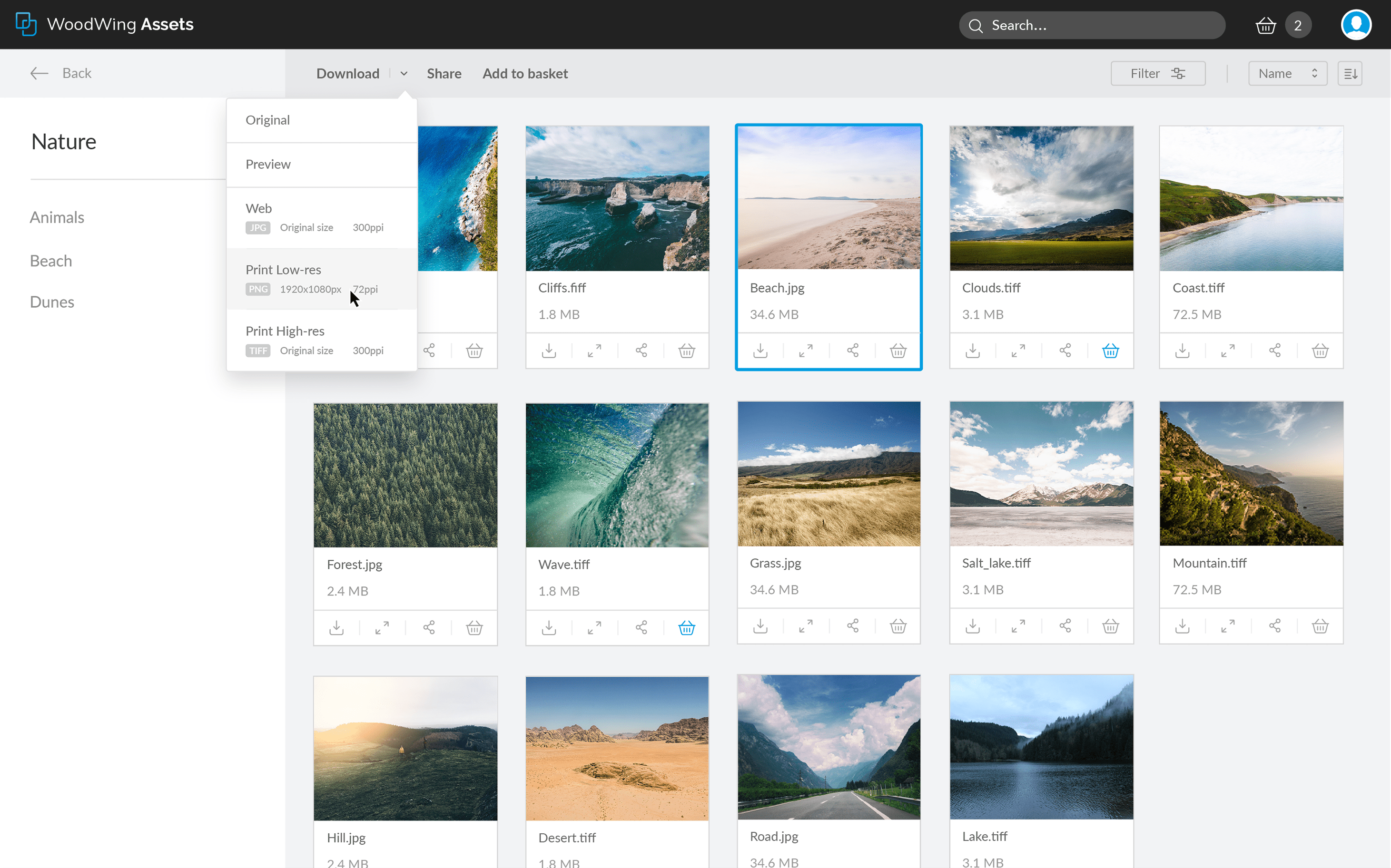
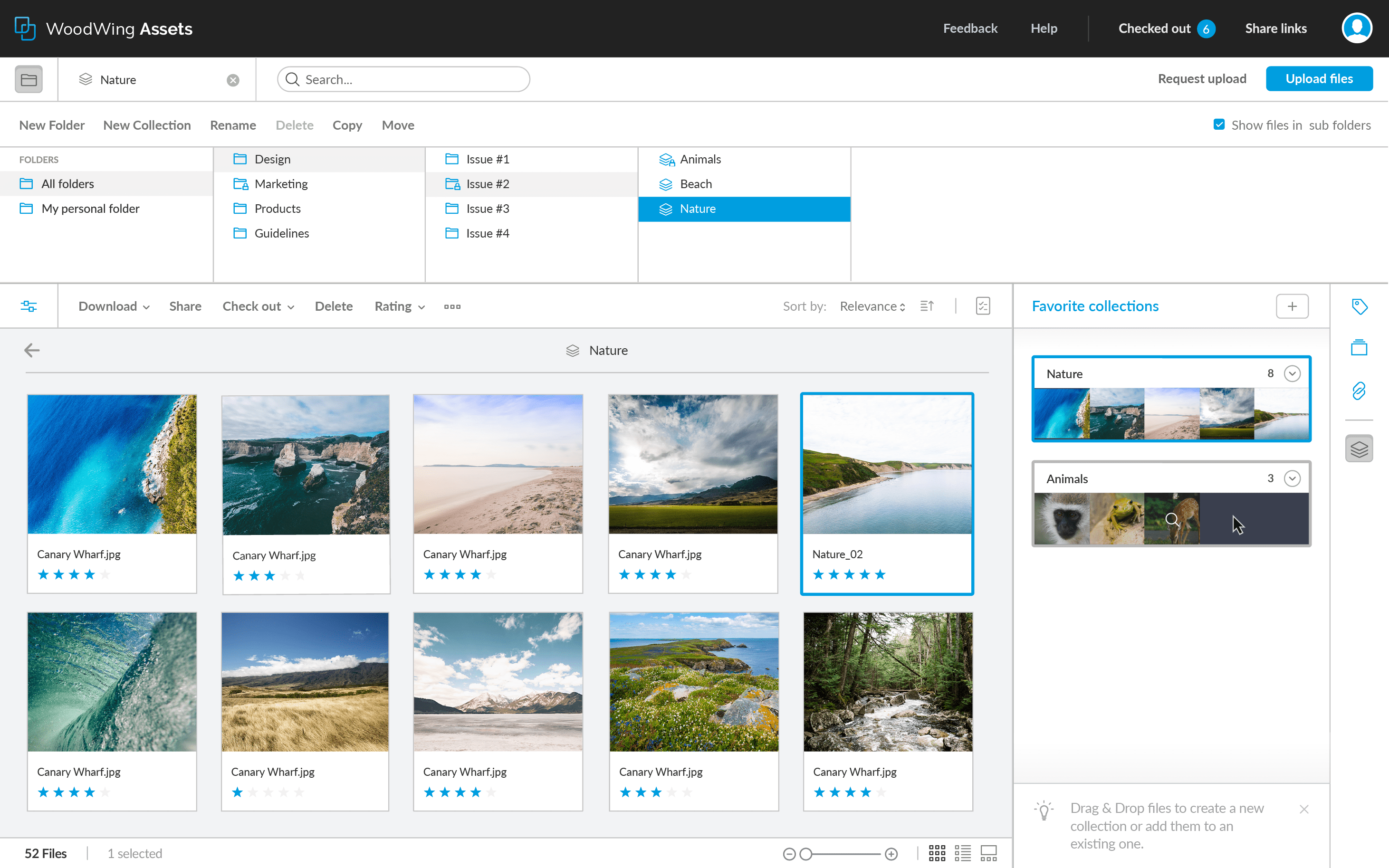
Screenshot of WoodWing Assets (previously called Elvis DAM)Screenshot of Easy file renditionScreenshot of Automatic file versioningScreenshot of Folder and collections file organizationScreenshot of High resolution zoomScreenshot of Sharelinks and brand portal