
4me.com vs. Jira Service Management
| Product | Rating | Most Used By | Product Summary | Starting Price |
|---|---|---|---|---|
 4me.com | Score10 out of 10 | Mid-Size Companies (51-1,000 employees) | Next-Generation Enterprise Service Management Built for the world’s most demanding enterprises. 4me® combines ITSM with ESM and SIAM capabilities making it possible for all internal departments, such as IT, HR and Facilities, to work seamlessly with each other, as well as with external managed service providers. The vendor describes… | $0 per user per month |
 Jira Service Management | Score7.9 out of 10 | N/A | Jira Service Management (formerly Jira Service Desk, now including features from the former Mindville Insight, acquired by Atlassian in June 2020) is a service desk software that is purpose-built for IT, service, and support teams. The software provides everything IT and support teams need out-of-the-box for service request, incident, problem and change management. Jira Service Management integrates seamlessly with Jira Software so that IT and development teams can work better together. Users… | $0 per month |
| 4me.com | Jira Service Management | |||||||||||||||
|---|---|---|---|---|---|---|---|---|---|---|---|---|---|---|---|---|
| Editions & Modules |
|
| ||||||||||||||
| Offerings |
| |||||||||||||||
| Entry-level Setup Fee | Optional | No setup fee | ||||||||||||||
| Additional Details | — | — | ||||||||||||||
| More Pricing Information | ||||||||||||||||
| 4me.com | Jira Service Management | |
|---|---|---|
| Considered Both Products | No answer on this topic | No answer on this topic |
| Key User Insights | ||
| Would buy again | ||
No answers on this topic | 97% Would buy again 38 Answers | |
| Delivers good value for the price | ||
No answers on this topic | 97% Delivers good value for the price 32 Answers | |
| Happy with the feature set | ||
No answers on this topic | 97% Happy with the feature set 38 Answers | |
| Lived up to sales and marketing promises | ||
No answers on this topic | 96% Lived up to sales and marketing promises 24 Answers | |
| Implementation went as expected | ||
No answers on this topic | 96% Implementation went as expected 26 Answers | |
| 4me.com | Jira Service Management | |||||||||||||||||||||||||
|---|---|---|---|---|---|---|---|---|---|---|---|---|---|---|---|---|---|---|---|---|---|---|---|---|---|---|
| Incident and problem management |
| |||||||||||||||||||||||||
| ITSM asset management |
| |||||||||||||||||||||||||
| Change management |
| |||||||||||||||||||||||||
| 4me.com | Jira Service Management | |
|---|---|---|
| Small Businesses |  Agiloft Service Desk (discontinued) Score9 out of 10 | Agiloft Service Desk (discontinued) Score9 out of 10 |
| Medium-sized Companies |  ManageEngine ServiceDesk Plus Score9.2 out of 10 | ManageEngine ServiceDesk Plus Score9.2 out of 10 |
| Enterprises |  Ivanti Neurons for ITSM Score4.5 out of 10 | Ivanti Neurons for ITSM Score4.5 out of 10 |
| All Alternatives | View all alternatives | View all alternatives |
| 4me.com | Jira Service Management | |
|---|---|---|
| Likelihood to Recommend | 10.0 | 7.3 |
| Likelihood to Renew | - | 10.0 |
| Usability | 10.0 | 8.0 |
| Support Rating | - | 9.1 |
| 4me.com | Jira Service Management | |
|---|---|---|
| Likelihood to Recommend |
|
|
| Pros |
|
|
| Cons |
|
|
| Usability |
|
|
| Support Rating | No answers on this topic |
|
| Alternatives Considered | No answers on this topic |
|
| Return on Investment |
|
|
| ScreenShots | 4me.com Screenshots      | Jira Service Management Screenshots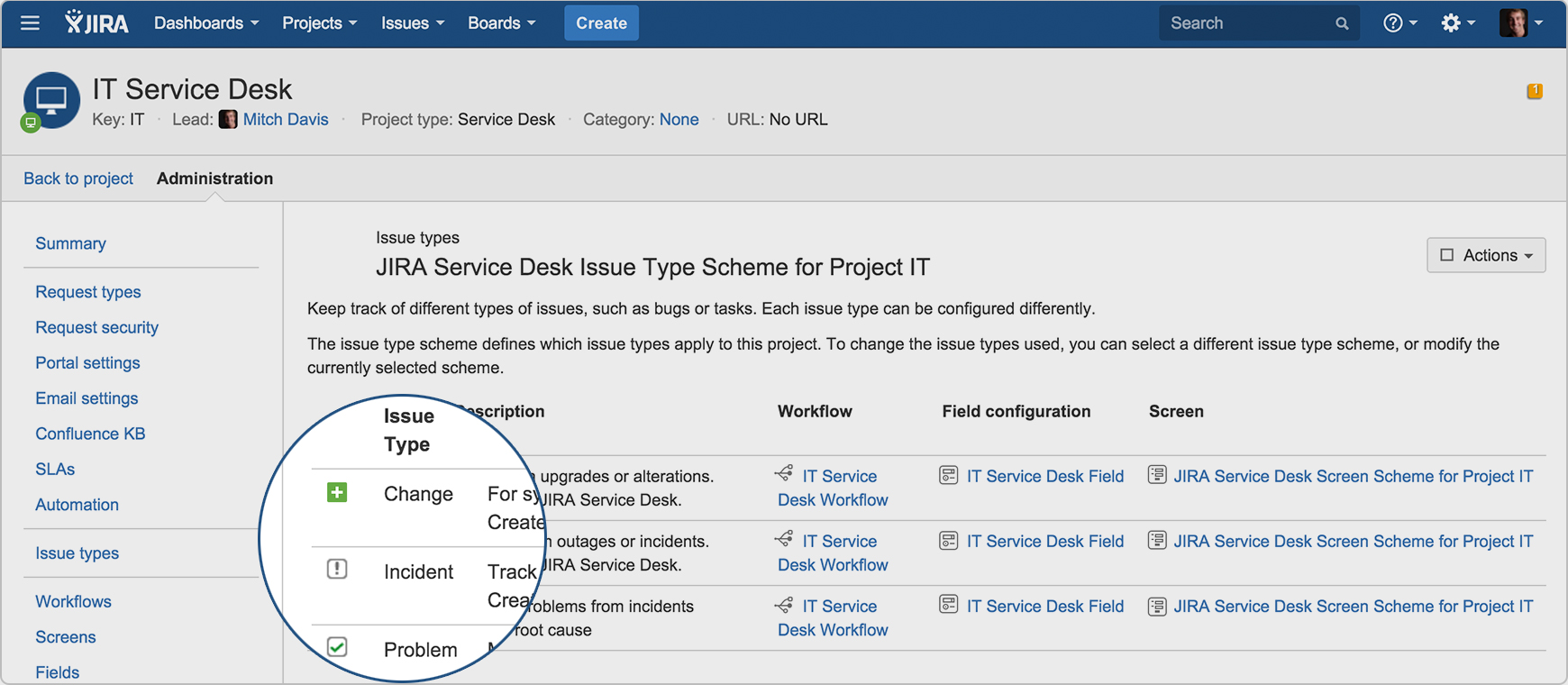  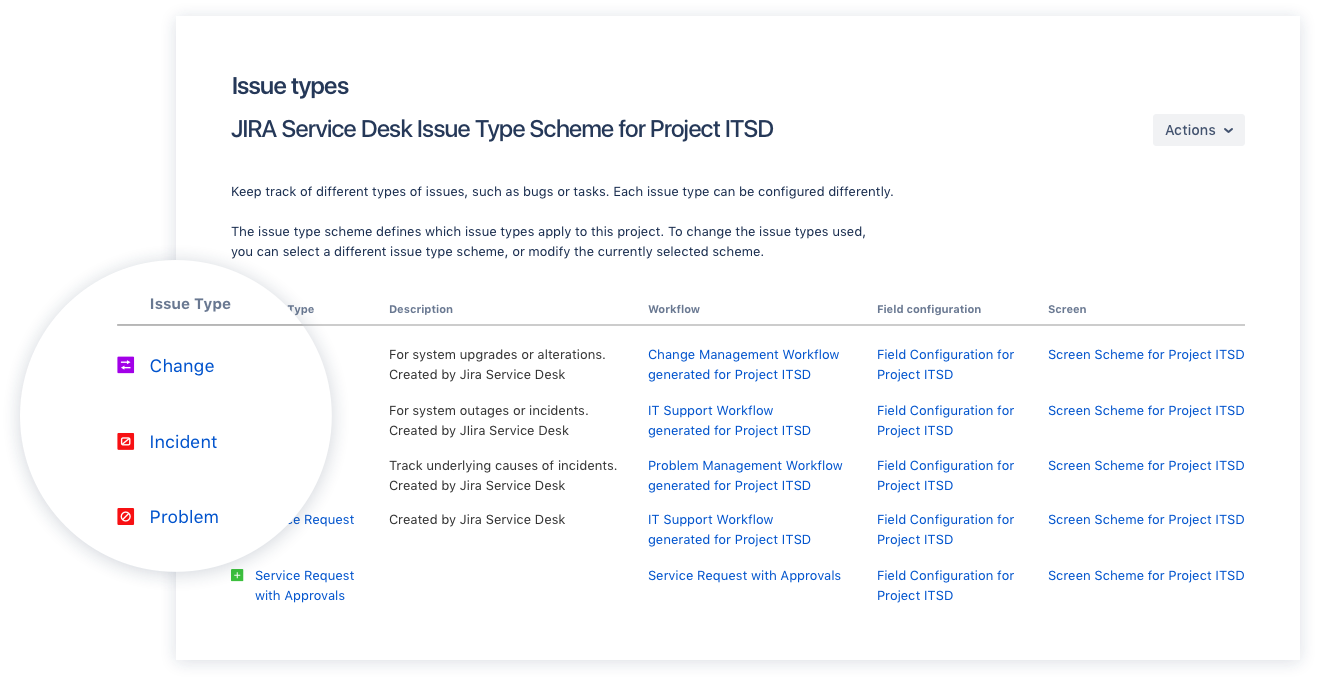  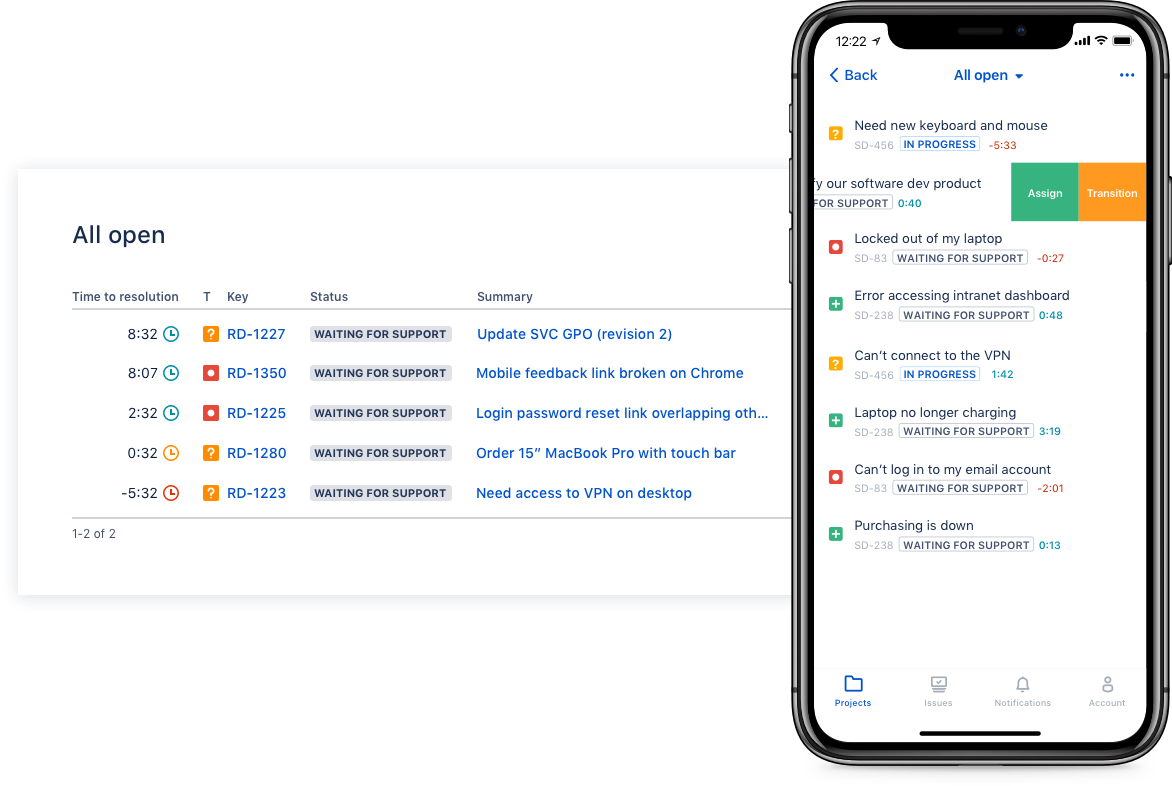  |


