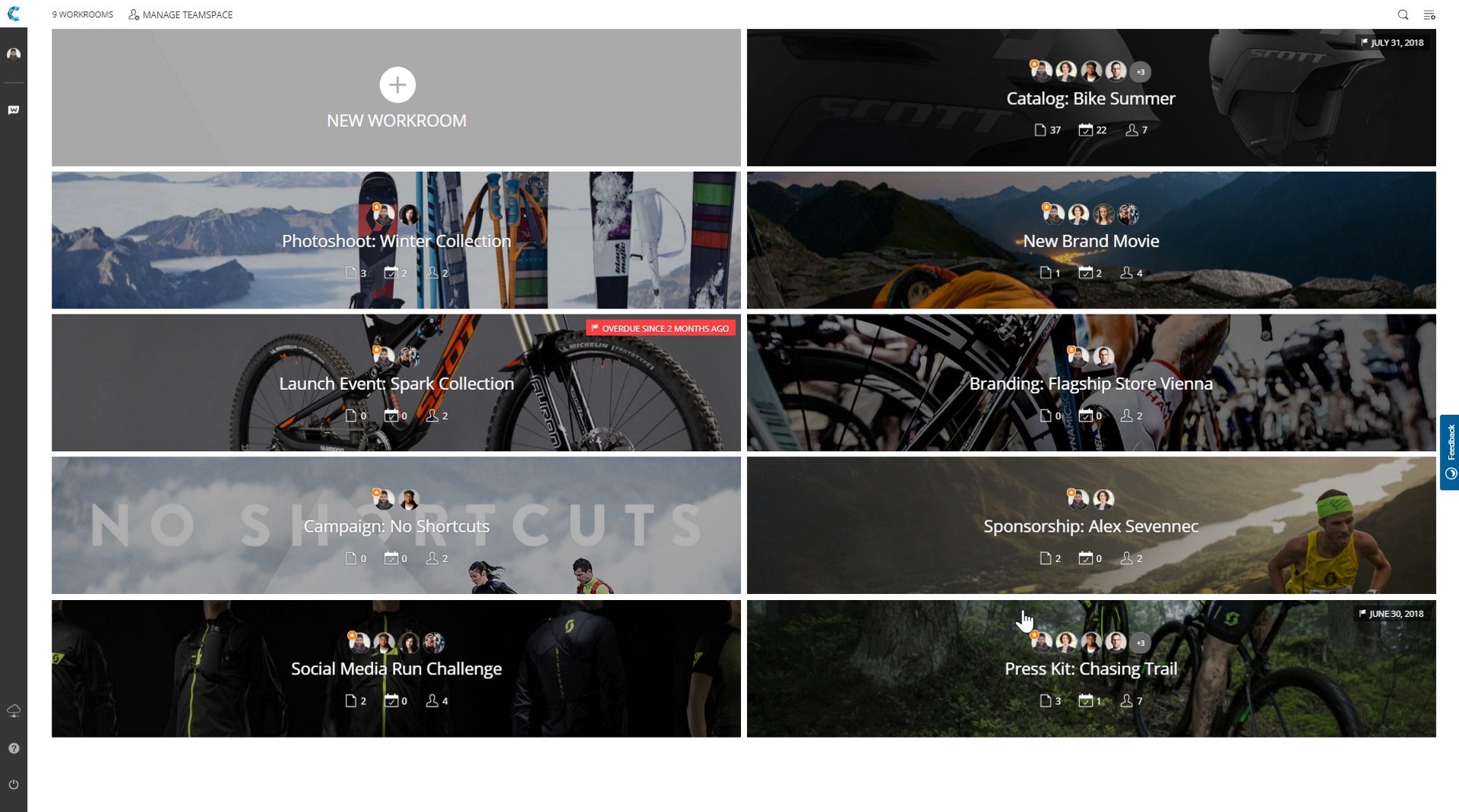


Workrooms is great!
Use Cases and Deployment Scope
I used WorkRooms on a daily basis. I have started to use it about 2 years ago. This software solved many of my issues i was having. I was really looking for a service like this. Simple to use but also having plenty of advanced options. You can give this to anyone and they will be able to work with it.
Pros
- Being easy to use
- Cheap
- Clean interface
Cons
- Finding it online
- Downloading it
- Subscribing/buying
Return on Investment
- More productivity
- More spare time
- Not accessible on phones
Alternatives Considered
Avii Workspace