

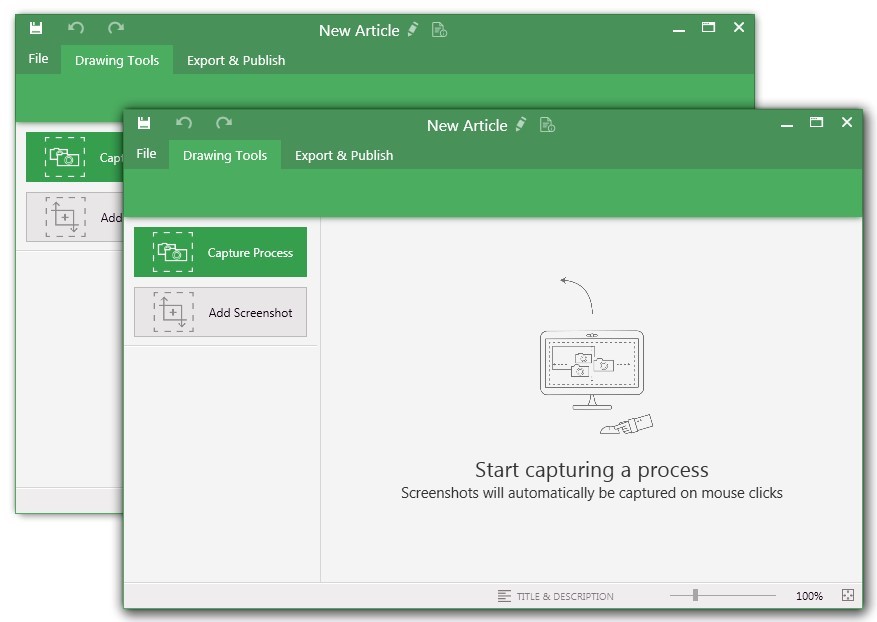


UiPath Task Capture at a glance

Pros
- Documenting the Process
- Create Diagram
- Process Workflow
Cons
- It will be good if it is available in web instead of installing on the local device
- Some little changes can be done in the interface to be updated as per trend in market
- Can make the login procedure simple so that it will be good for the new users
Most Important Features
- Documenting the Process
- Capture Process
- Process Workflow
Return on Investment
- Increase efficiency
- Reduces time
- Cost savings
Alternatives Considered
UiPath Document Understanding, UiPath Enterprise RPA Platform and UiPath Process Mining (formerly ProcessGold)
Other Software Used
UiPath Document Understanding, UiPath Enterprise RPA Platform, UiPath Process Mining (formerly ProcessGold)


