




Saves you time and money!

Use Cases and Deployment Scope
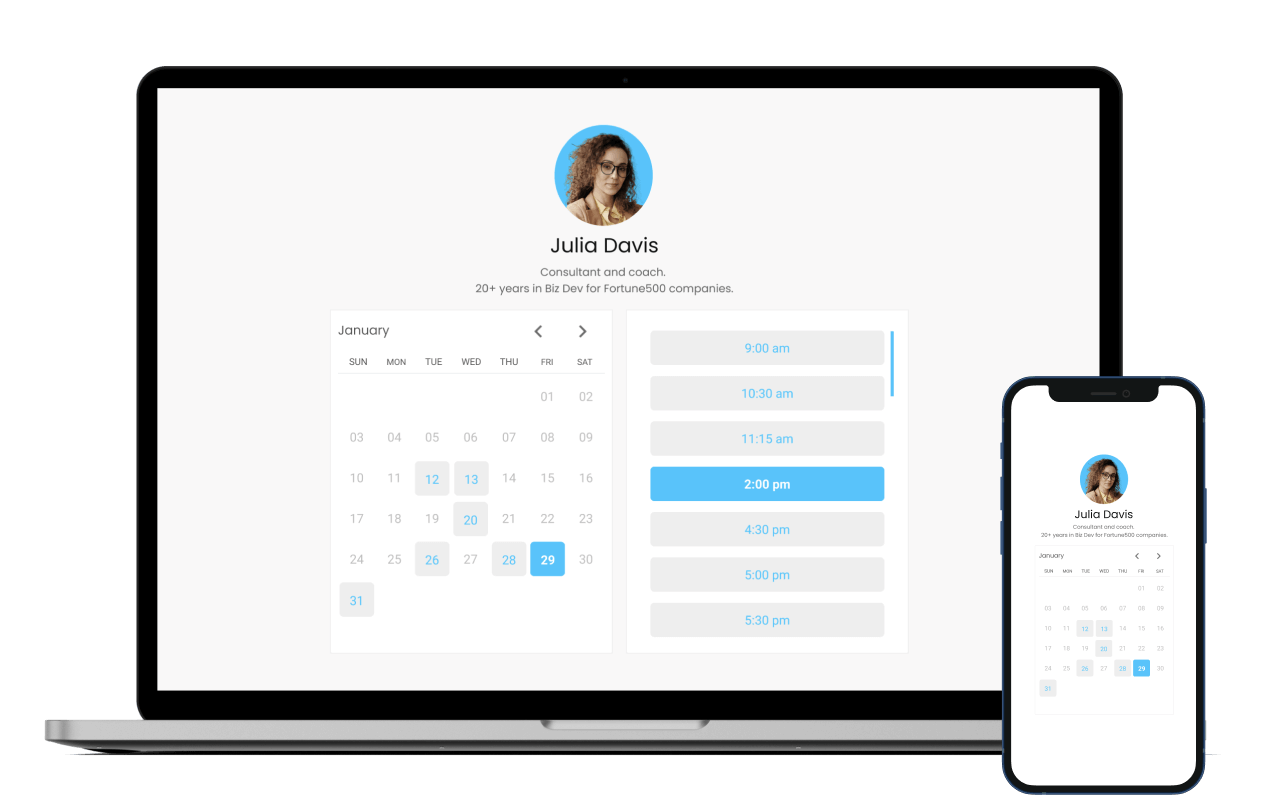
I use MeetFox to provide virtual contact with clients and or business associates. I also use it to manage my calendar appointments. I find that the value add is having virtual meetings and calendar management all in one product. I also looked at zoom and acuity separately and found that MeetFox provides the best value for my business needs. My primary purpose is to use MeetFox as the main delivery service for my business needs. So having an all-in-one product provides a great value for my business.
Pros
- Great price options.
- Ability to coordinate calendars to video scheduling and web integration.
- Logo and White label options.
- Ability to set up various meeting types.
- Ability to have small private group coaching calls.
- Great video quality.
- Easy to learn and easy user interface for clients.
- Attractive email signature options.
- Zoom integration for large meetings.
- Ability to record meetings.
- Timely meeting reminder notifications.
Cons
- Increase bandwidth to accommodate groups larger than 15.
- More options on customizing time availability for meetings.
Most Important Features
- Easy to use interface for subscribers and clients.
- Combination of calendar management and video conferencing.
- Small group meeting grips with video recording.
- Great pricing options.
- Ability to embed into email and website pages.
- Clean look and feel.
- Timely meeting reminders for me and clients.
Return on Investment
- Combined two subscription services into one saving me time and money.
- Ability to offer my clients an intimate connection with coaching meetings.
- Allows me the versatility I need to create multiple meeting types and coordinate all my meetings.
- Is simple to set up and easy to use.
Alternatives Considered
Zoom, Acuity Scheduling and a Squarespace company
Other Software Used
Thinkific, QuickBooks Desktop Pro, Boardable, Filmora, MailerLite, Canva


