TrustRadius: an HG Insights company

IFTTT

Score6.7 out of 10

54 Reviews and Ratings

What is IFTTT?

IFTTT is a marketing automation software solution offered by IFTTT. It is scaled for non-technical users and less complex, generally two-step connectors and API’s.

Media

IFTTT Platform

Drive customer engagement and grow your business. IFTTT powers the connections your customers want, without requiring costly in-house integrations.
IFTTT for consumers

Our products have attracted early adopters and tech-savvy consumers across every industry category. There is a strong probability that your future and most engaged customers are already part of our 17 million consumer ecosystem. Extend customer lifetime value, drive engagement, and acquire new customers with reliable, accessible, and secure tools powered by your integrations and services.
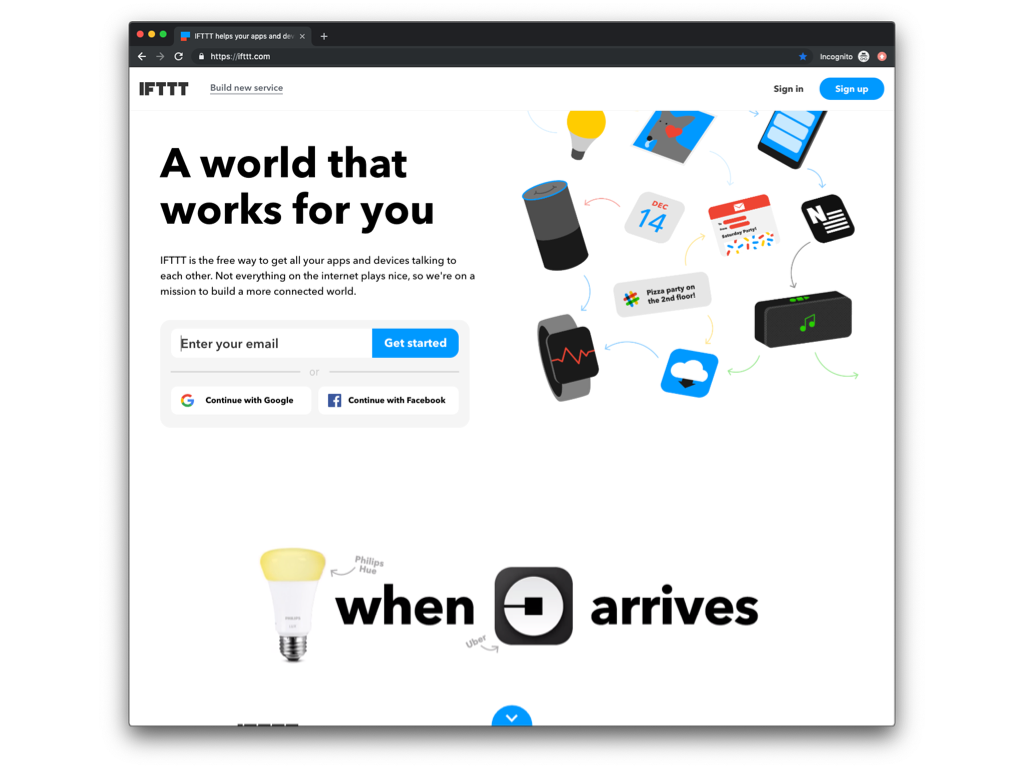
ING Australia on IFTTT
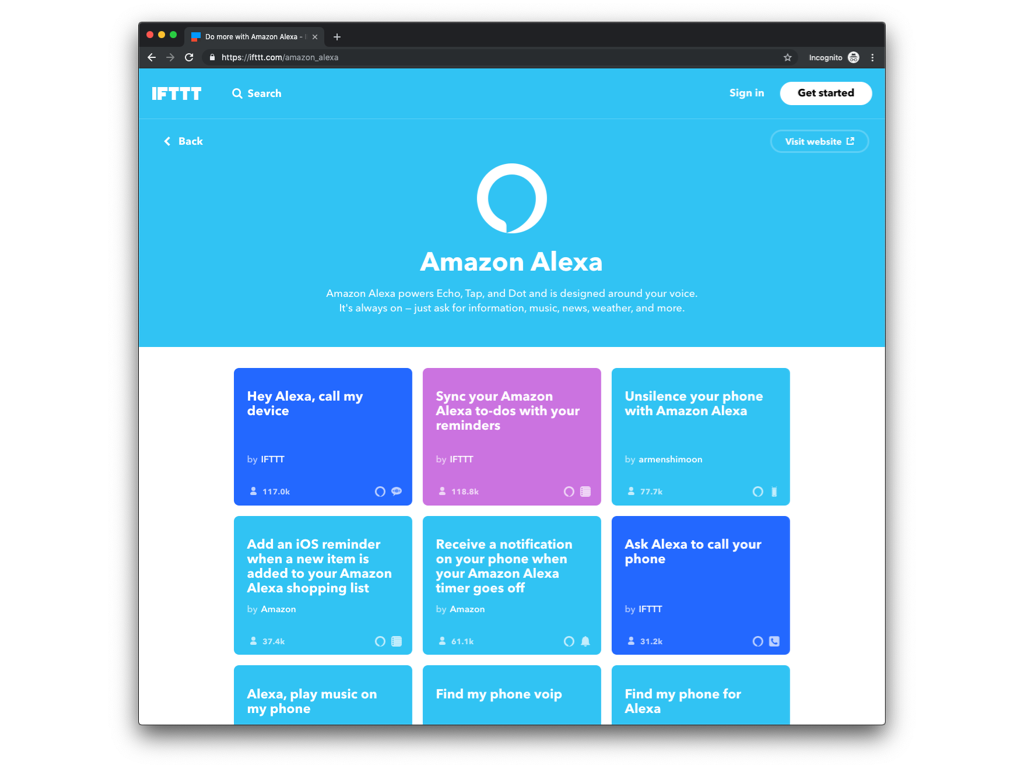
Amazon Alexa on IFTTT
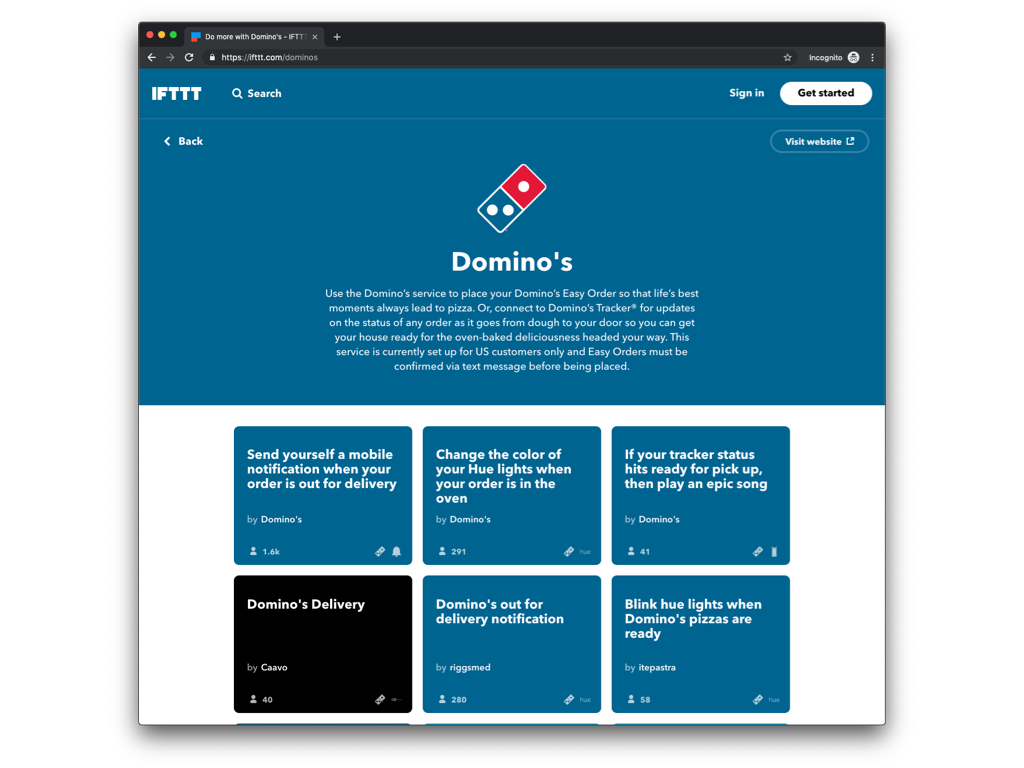
Domino's on IFTTT

1 / 5

Top Performing Features

  • Pre-built connectors

    Pre-built, tested connectors to a wide variety of applications such as ERP, CRM, HCM, Marketing Automation, etc.

    Category average: 8.3

  • Data security features

    Data security features include rights management, LDAP integration, password encryption, etc.

    Category average: 7.8

  • Support for real-time and batch integration

    Software supports both real-time and batch integrations

    Category average: 7.6

Areas for Improvement

  • Monitoring console

    Central console for monitoring resource utilization, system health, ability to start and stop processes, etc.

    Category average: 7.5

  • Connector modification

    Provision for modification of pre-built connectors to suit specific environments

    Category average: 7.5

  • Data quality services

    Software includes capability to perform data profiling, deduplication, cleansing etc.

    Category average: 7.9

IFTTT for Enterprise Integration

Pros

  • Very simple interface.
  • Connects to a multitude of services and sensors.
  • Allows integration between services that would normally require expensive custom solutions.

Cons

  • The interface is sometimes too simple.
  • There are some clunky issues when you want to do more than one event at a time.
  • Not open for full customization.

Return on Investment

  • This has been a great positive ROI as we no longer have to build custom integrations between services.
  • Our time to live integrations has been considerably shortened.
  • We have been able to find new services just by exploring what IFTTT has to offer.

Usability

Alternatives Considered

Microsoft Flow

Other Software Used

Microsoft Flow, Datamatics RPA TruBot

If you read this then you will use IFTTT

Pros

  • The large library of applets and services allows for many options and uses
  • The user interface is straight forward and simple to use
  • Apps for mobile devices allows for additional features and event triggers
  • Ability to make your own applets or connect your own software with the IFTTT Platform and tools
  • Free

Cons

  • Sometimes the Android application can be a bit buggy
  • Android application drains the battery
  • Sometimes the applications can already do what IFTTT applets are designed to do

Return on Investment

  • Setting up automation between platforms saves us time.
  • We are more consistent with some of our actions, decreasing downtime due to errors.
  • Employees are pleased they can use the tools they like, and still get the information from company provided tools.

Alternatives Considered

Zapier

Reprogramming the Web

Pros

  • Save our iOS contacts to a team shared Google spreadsheet
  • Create an iOS reminder on my iPhone when a card (task) is assigned to me on Trello
  • Log our Uber trips to a Google spreadsheet

Cons

  • The website section "Activity" tends to get very crowded over time. It would benefit from some search and filter functionalities.
  • Some services lack ingredients. "Ingredients" are attributes passed from one service to another to enhance IFTTT's power. However, some services (like Evernote's notes, for example) currently have too few ingredients available.
  • It is not possible to link more than two services. It would be great, for example, to have an option to take a mail message and post in multiple social networks and blogs with the same applet.

Return on Investment

  • IFTTT greatly reduced the time synchronizing contacts among member of our team.
  • It made easier to record information from a number of different sources on a daily basis.
  • IFTTT helped to gather, record and relay relevant information for our project managers and their teams.

Alternatives Considered

Zapier

Other Software Used

Zapier, Unity, Prezi

Usability

IFTTT manages social media so well it deserves a raise!

Pros

  • IFTTT manages a number of social media accounts quite well. Being able to login to one platform with access to all your accounts is great.
  • IFTTT is easy to set up. IFTTT has a number of crowd sourced and created formulas that you can use, or if you're looking for something specific you can create your own. This allows for an endless number of combinations and ways to engage with the program.
  • IFTTT doesn't require constant upkeep. Once you have things setup you can forget about it and it just works.

Cons

  • IFTTT can occasionally cause some confusion because of the massive amounts of possible ways you can set it up. The customization and flexibility are great, but sometimes it can be a bit overwhelming.
  • Every once in a while IFTTT slows down and I have to manually have the formulas check before they run.
  • I have not, as of yet, figured out a way to incorporate more than one account of each type on the IFTTT platform.

Return on Investment

  • IFTTT was a free program for us and has worked wonders.
  • The time that it saves us when it posts across platforms is great because we only have to post one picture and caption and it goes out to all of our social media accounts.
  • IFTTT has definitely helped us to communicate more and in better ways.

Alternatives Considered

Hootsuite Free

Other Software Used

Adobe Photoshop, Adobe Premiere Pro, Final Cut Pro X, Skype, Slack, Dropbox, Google Drive

IFTTT - Save Time and Automate!

Pros

  • Their UX and UI for creating recipes is brilliant. So easy to use and very well thought out.
  • I love that you can search for recipes other users have created and implement those if you choose to do so. It saved me so much time vs. having to figure certain recipes on my own.
  • Their notification and syncing options are spot on. I love how much I can customize what I want to see. Their variety of apps is also phenomenal and I love that they're adding new integrations/apps every week.

Cons

  • There are some apps/recipes that are very basic where I wish the integrations would go a bit deeper. I wish there was a bit more control over which fields you could sync into and more actions available to take.
  • Sometimes when I've created a recipe I would get an error message that it automatically turned off, but no info on why the recipe stopped running.
  • Their recipes are easy to implement, but sometimes it can be hard to understand what exactly a recipe will do. Perhaps having a video of a recipe in action could help better explain a recipe's actions.

Return on Investment

  • IFTTT saved our organization time and resources through various social media recipes for marketing.
  • IFTTT allowed us to accomplish tasks quicker through internal automations with Gmail and other everyday apps.
  • IFTTT's recipes allowed us to send automatic emails and other triggers with constituents, with developed great relationships and strengthened the brand of our customer service.

Alternatives Considered

Zapier

Other Software Used

Evernote, Todoist, Final Cut Pro X