TrustRadius: an HG Insights company

Adobe Journey Optimizer

Score7.5 out of 10

17 Reviews and Ratings

What is Adobe Journey Optimizer?

Adobe Journey Optimizer is a customer engagement solution, enabling brands to orchestrate and deliver personalized customer engagement across all channels — including email, web, app, mobile, and more — in the moments that matter to customers.

Media

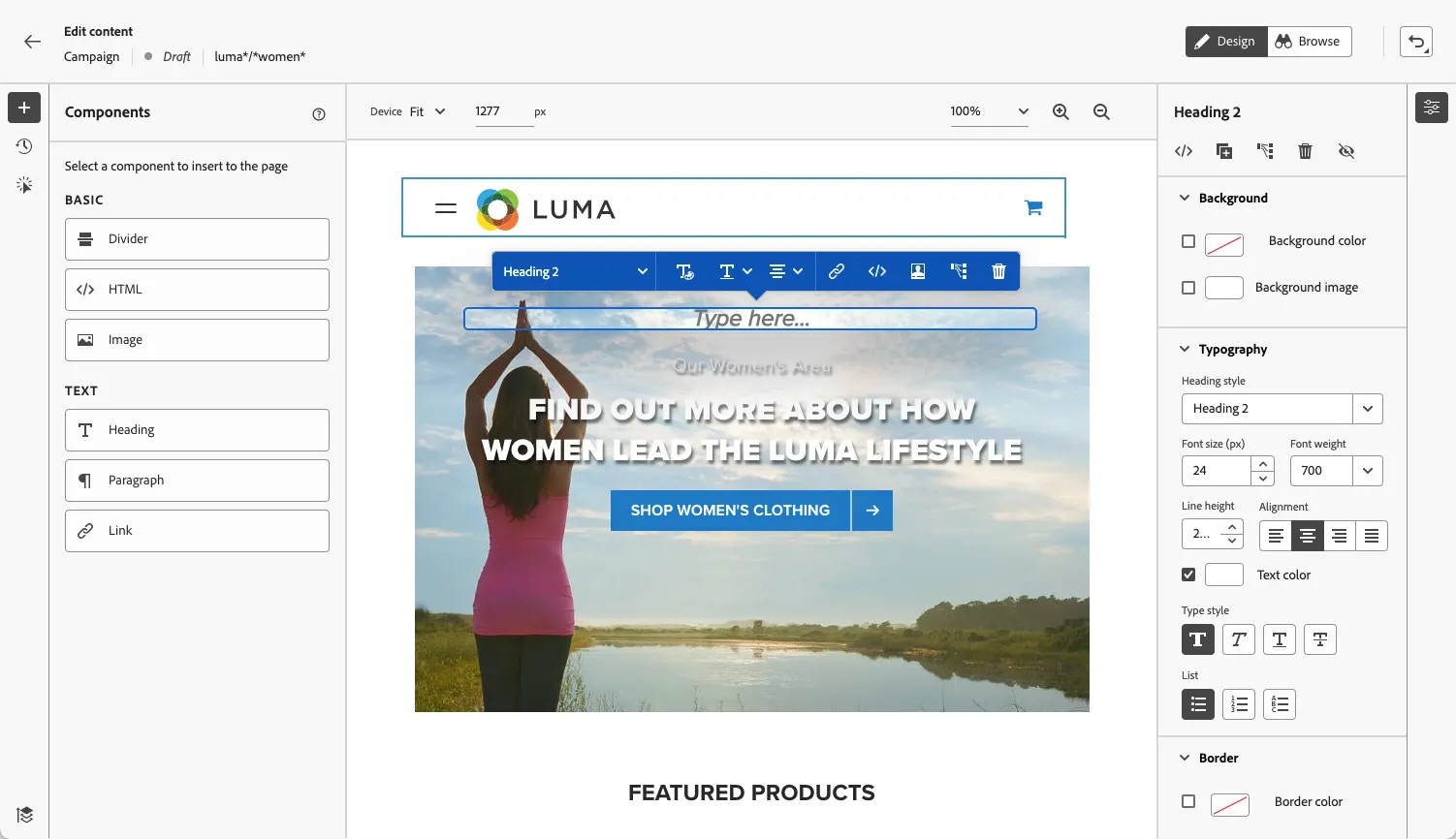
Screenshot of Channel Setup in Adobe Journey Optimizer
Screenshot of Content Accelerator in Adobe Journey Optimizer
Screenshot of In App Message Designer in Adobe Journey Optimizer
Adobe Journey Optimizer
Screenshot of Profiles Dashboard in Adobe Journey Optimizer
Screenshot of SMS Journey in Adobe Journey Optimizer
Screenshot of Web Design Experience in Adobe Journey Optimizer

1 / 7

Screenshot of Channel Setup in Adobe Journey Optimizer

Adobe Journey Optimizer continuous improvement of what is already excellent

Use Cases and Deployment Scope

Adobe Journey Optimizer has revolutionized business journeys. Now, with real-time events and hyper-personalization, we can offer excellence in communication, with a wealth of features for all channels.

A Adobe Journey Optimizer revolucionou as jornadas das empresas, agora com eventos em tempo real e a experiência da hiperpersonalização podemos oferecer excelência em comunicação, com riqueza de recursos para todos os canais.

Pros

  • content personalization
  • personalized real-time experience
  • Centralized customer journey

Cons

  • I would like to have a count on the journey
  • evaluate via API several times a day

Return on Investment

  • Multichannel onboarding journey improving the engagement of freshmen in the business, resulting in a decrease in the dropout rate.
  • Separate business of anticipation of receivables from suppliers that used to be manual and now I have connected this entire operation via the S3 connector, less manual work and significant gains in conversions and payments

Usability

Alternatives Considered

Adobe Experience Platform, Adobe Customer Journey Analytics and Adobe Real-Time Customer Data Platform

Other Software Used

Adobe Experience Platform, Adobe Real-Time Customer Data Platform, Adobe Customer Journey Analytics

Real-time engagement with Adobe Journey Optimizer

Use Cases and Deployment Scope

I’ve mainly used Adobe Journey Optimizer for email campaigns and triggering messages based on live customer behavior and it has also helped us connect channels like email and push to create personalized and real-time interactions. It’s also given us the ability to follow up instantly when a customer browses a product or leaves something in their cart.

Pros

  • i like how easy it is to create impactful campaigns even if you're not super technical
  • it unifies real-time customer data and helps trigger cross-channel experiences
  • the templates are super helpful when I’m not sure how to structure messages

Cons

  • What I dislike is that it has a bit of a learning curve — it’s powerful, but not very beginner-friendly at first.
  • Adobe Journey Optimizer is complicated to implement correctly and completely; honestly, without consultants doing most of it, I don’t think we could’ve done it ourselves.

Return on Investment

  • it's helped us improve conversion rates by reacting faster and more accurately to customer behavior
  • we’ve seen higher retention and better campaign performance with less manual effort
  • it’s reduced the time we spend setting up and managing campaigns

Usability

Other Software Used

Bloodhound API Microgateway, Adobe Campaign, Vasion Print

Adobe Journey Optimizer Consolidation of Martech Stack

Use Cases and Deployment Scope

Adobe Journey Optimizer (AJO from here on out) was meant to replace a series of discrete marketing functions: Email, SMS, and Push notification for our mobile apps. It was meant to plug and play with our existing Adobe Real Time CDP, taking advantage of the rich data already present in the Adobe ecosystem, as well as allowing the organization to save on costs associated with maintaining all of these marketing tools.

Pros

  • Email Segmentation
  • Customization (Offer Decisioning)
  • Flexibility with existing Adobe products

Cons

  • Requires heavy Adobe-centric tech stack
  • Requires FTE resources dedicated to maintaining / expanding implementation
  • Certain features require a degree of frontend code knowledge (HTML, CSS)
  • License limits - Capacity, number of engageable profiles can present issues during heavy windows of use

Return on Investment

  • Increased awareness of customer journey - in conjunction with Customer Journey Analytics (CJA)
  • Consolidation of Martech stack (many vendors to one)
  • Immediate access to advanced tools and products rolled out by Adobe
  • Increased conversion rates through omnichannel targeting
  • More effective suppression and exclusion - tie user behavior to marketing preference in a durable way

Usability

Alternatives Considered

Marigold Engage by Sailthru, Braze and Attentive Mobile

Other Software Used

OneTrust Privacy Automation, OneTrust Privacy Automation, Snowflake

AJ-oh boy

Use Cases and Deployment Scope

Adobe Journey Optimizer is used to create communication plans, Emails, and Customer Journeys through a series of communications that you wish to share with customers. From its interface, we can craft fully responsive custom communications, feature graphics, branding, and messaging. Additionally, you can select and create audiences for your communications that target the exact individuals you need.

Pros

  • Customize email communications
  • Target desired audiences
  • Design custom emails
  • Preview and test email communications prior to sending

Cons

  • Multiple "clicks" required to complete tasks
  • Too many options lead to decision paralysis
  • Unable to export email drafts as PDFs for easy sharing and proofing

Return on Investment

  • Improved Email deliverability
  • Improved Email open rates
  • Customized email automations and settings

Usability

Review on Adobe Journey Optimizer

Use Cases and Deployment Scope

I use AJO for creating journeys and campaigns for North America, also I create audiences where those campaigns are going to read to send the different actions like emails, SMS and Push notifications. I use it to export audiences as well to different groups and the business problems the product addresses is the right communication with client, using the right channel and program campaigns suitable for each customer

Pros

  • The interface is very user friendly
  • lets you upload an already created HTML correctly
  • Gives an estimate for audiences created before publishing them

Cons

  • It doesn´t keep the last search you sis in the journeys and you have to enter the search parameter every time
  • there is a window of time during the day that the audiences give out errors and you can´t see the estimates
  • I should be able to select STO in campaigns, not only in journeys
  • I should be able to select the email parameters when using campaigns

Return on Investment

  • Improved the engagement when building a good audience
  • improved the open rate
  • increased the already created audiences and prospects

Usability

Alternatives Considered

Adobe Experience Platform and Adobe Acrobat Reader

Other Software Used

Figma, Jira Work Management