QuickBooks Online is a SaaS version of the QuickBooks product. It contains all of the features found in the local version. Higher-priced plans include greater automation, payment management, inventory and time tracking, and analytics features.
$38
per month
Zoho Invoice
Score8.8 out of 10
N/A
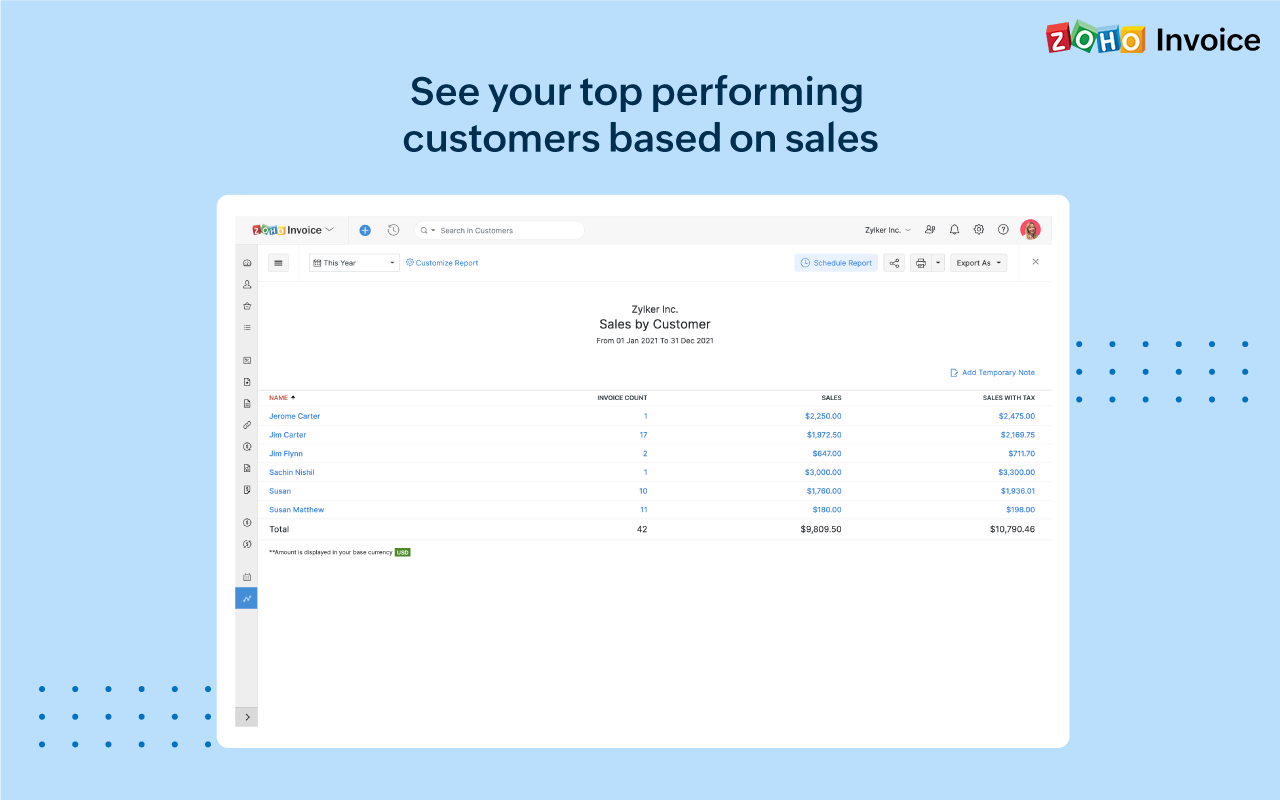
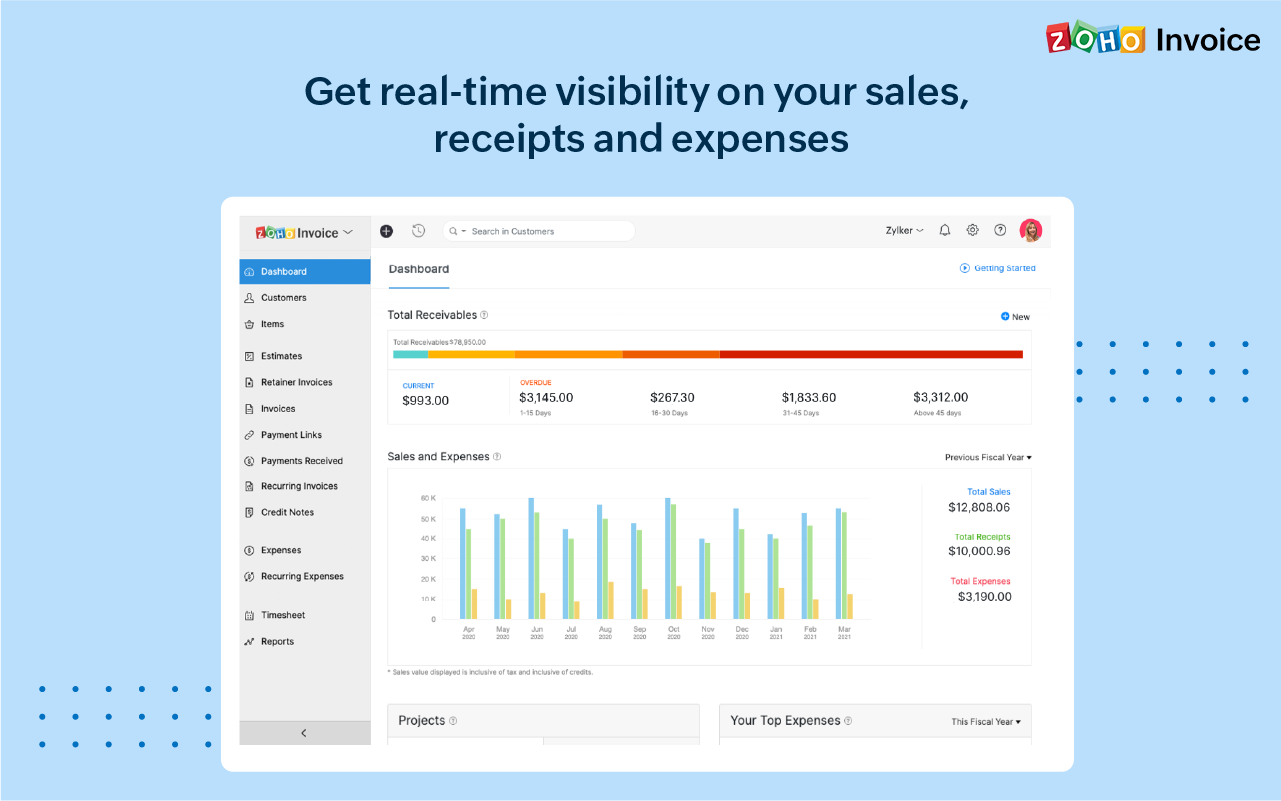
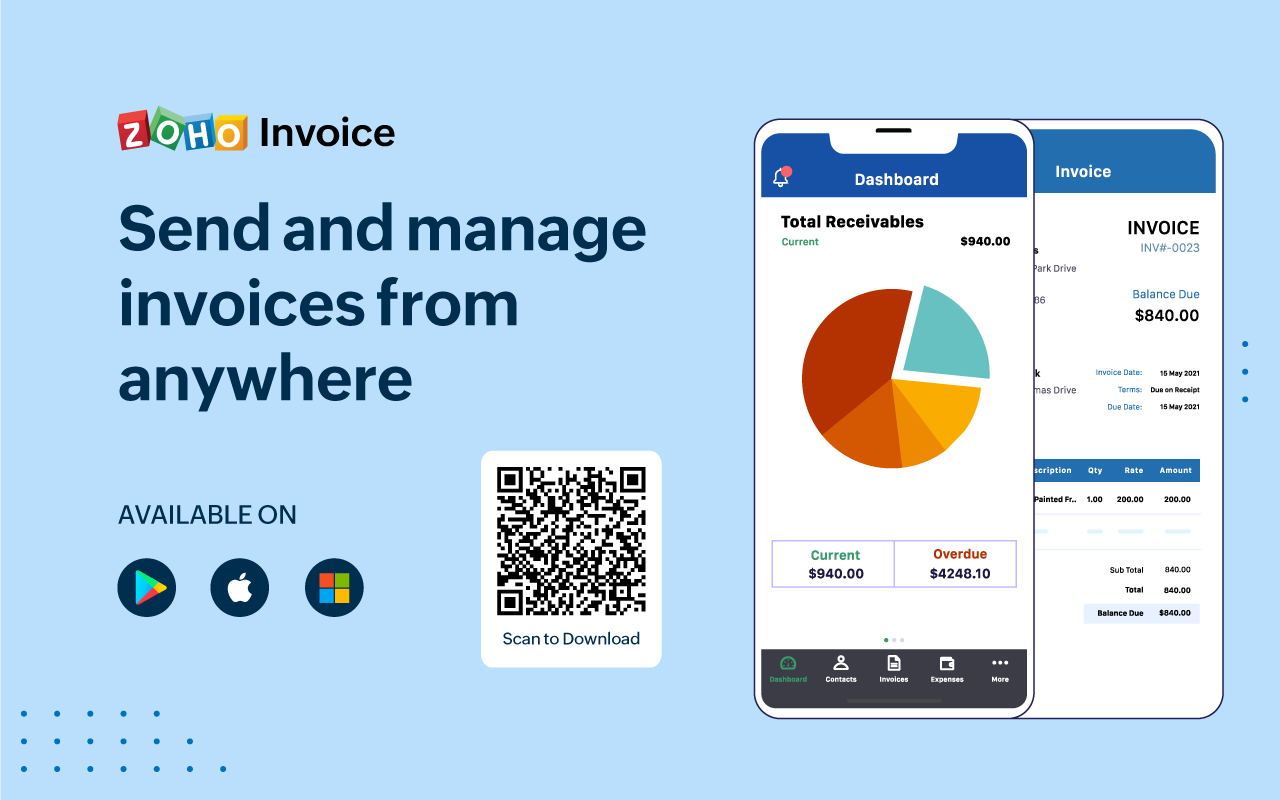
Zoho Invoice is a cloud-based invoicing solution designed to help small businesses with invoicing, tracking expenses, and accepting online payments. Key features include project billing, time tracking, reporting, customizable templates, and a client portaI. Teams using Zoho Invoice can track estimates, convert them to invoices, and send reminders to clients to complete their outstanding payments. Additionally, users can create tasks, collect advance payments for projects, and keep…
$0
Per Organisation, Per Month
Pricing
QuickBooks Online
Zoho Invoice
Editions & Modules
Simple Start
$38
per month
Essentials
$75
per month
Plus
$115
per month
Advanced
$275
per month
Free
$0
Per Organisation, Per Month
Offerings
Pricing Offerings
QuickBooks Online
Zoho Invoice
Free Trial
Yes
No
Free/Freemium Version
No
Yes
Premium Consulting/Integration Services
Yes
No
Entry-level Setup Fee
No setup fee
Required
Additional Details
—
Zoho Invoice is a completely free product. It has no contracts, no ads, and no hidden fees
Consultant / Account Executive in Corporate at Givenly (Management Consulting, 1-10 employees)
Chose Zoho Invoice
Zoho Invoice is easier to use, for pure invoicing and time tracking, then QuickBooks Online and O365. QuickBooks Online is more robust, but with that comes the admin overhead to learn, update and maintain. O365 requires manual creation of invoices, or searching out available …
A de minimis incentive was given to thank the reviewer for their time. The incentive was not used to bias or drive a particular response, nor was the incentive contingent on a positive endorsement. More Info
Zoho Invoice streamlines invoicing, payments, and customer interactions, improving financial health and saving time, money, and energy. It ensures billing accuracy, reduces errors, and streamlines client billing by tracking goals and streamlining invoice generation. Zoho Invoice focuses on automation and invocation management to efficiently complete multiple tasks. Zoho Invoice has all the features needed for an invoicing system, but it could be better at integrating with other CRM platforms and simplifying taxation.
Workflows for accounts payable invoice review are terrific.
Bill payment allows you to pay vendors online via ACH or check without having to write a physical check, which reduces admin time.
The cloud based login lends well to a remote or hybrid work environment for staff.
QuickBooks Online allows you to pre-configure vendors' general ledger expense accounts. This helps with general ledger coding accuracy and consistency.
QuickBooks Online integrates with Rippling HRIS, Coast, Capital One, JPMorgan Chase, etc., which lends well to an efficient month-end closing and reduced administrative time.
A de minimis incentive was given to thank the reviewer for their time. The incentive was not used to bias or drive a particular response, nor was the incentive contingent on a positive endorsement. TR verified that a representative sample of customers was invited. More Info
A de minimis incentive was given to thank the reviewer for their time. The incentive was not used to bias or drive a particular response, nor was the incentive contingent on a positive endorsement. More Info
The upsells have gotten worse over time and are on every screen in the most awkward positions. I don't need a constant reminder to upgrade, especially on a very old account that's paid thousands over the years.
The interface has never been especially intuitive, but I was an old Quicken user and it was somewhat familiar. Over time, it's gotten worse, and in the last 2 years, the program seems to move things more often than I would expect.
The software constantly adds features that I don't want and want to turn off, but the interface is so difficult to use that I find myself skipping it. Imagine seeing a message that the system recognized invoices that hadn't been paid so it prepared reminder notices for you that can be sent at the click of a button. Who thinks using canned reminders that you've never seen is a good thing?
A lot of functionality seems to derive from connecting your bank accounts to QBO. I don't want Intuit to have an always-on connection to any bank accounts, even checking.
A de minimis incentive was given to thank the reviewer for their time. The incentive was not used to bias or drive a particular response, nor was the incentive contingent on a positive endorsement. TR verified that a representative sample of customers was invited. More Info
Time tracking, though easy enough, could be simplified. Having the ability to change default settings when entering time could save a few keystrokes.
The ability to automatically take unbilled hours and pull into a new invoice seems to be there, but it is a bit cumbersome. It also defaults to too much detail. Having the ability to customize would be great.
The ability to auto-BCC yourself on all invoices sent out would be a nice feature.
A de minimis incentive was given to thank the reviewer for their time. The incentive was not used to bias or drive a particular response, nor was the incentive contingent on a positive endorsement. More Info
It like the product 'right out of the box' and I trust Intuit will continually improve it over the years based on my experience with their desktop products. The large providers of Apps makes customizing the entire package relatively easy and seamless for a wide variety of business types.
A de minimis incentive was given to thank the reviewer for their time. The incentive was not used to bias or drive a particular response, nor was the incentive contingent on a positive endorsement. More Info
Zoho invoice has changed my expectations of what services like this can be. Providing something as simple as invoicing for small businesses who are struggling to find places to cut costs at such a reasonable rate is life-changing for some businesses. I know it was for mine. We saved so much that we did not have to cut in other areas. That has helped to keep us in business and grow it as well.
A de minimis incentive was given to thank the reviewer for their time. The incentive was not used to bias or drive a particular response, nor was the incentive contingent on a positive endorsement. More Info
A de minimis incentive was given to thank the reviewer for their time. The incentive was not used to bias or drive a particular response, nor was the incentive contingent on a positive endorsement. More Info
In my experience, most representatives keep me on the phone for hours, literally, for a single issue and then usually cannot resolve it satisfactorily. I have 10 open cases that need resolution and, in my experience, there has been NO follow-up communication on any of them.
A de minimis incentive was given to thank the reviewer for their time. The incentive was not used to bias or drive a particular response, nor was the incentive contingent on a positive endorsement. More Info
The person in charge of QB needs to be very accurate with record keeping and is recommended to stay on top of tasks. The biggest issue we have is reconciliation, and those issues occur only when too much time has occurred between reconciliations
A de minimis incentive was given to thank the reviewer for their time. The incentive was not used to bias or drive a particular response, nor was the incentive contingent on a positive endorsement. More Info
Google Drive stored my invoices in one accessible location but required more time and maintenance. I didn't want to invest the time into building out sheet functions to carry over figures across sheets, so I researched invoicing options. I am already a fan of Zoho services, so it was an easy decision to try out their Invoicing site. Same login, the same level of support, free trial. No risk! I was pleased to find the solution on my first try.
A de minimis incentive was given to thank the reviewer for their time. The incentive was not used to bias or drive a particular response, nor was the incentive contingent on a positive endorsement. More Info
As we have grown along our professional path, we have also expanded our use of QB. The scalability is easy and features seem to be waiting for you until you need them. We have increased profits by over 10x from our first year in business to the current and have yet to find a reason to look elsewhere
A de minimis incentive was given to thank the reviewer for their time. The incentive was not used to bias or drive a particular response, nor was the incentive contingent on a positive endorsement. More Info
QuickBooks has given us a useful portal by which to get an overview of our financials.
QuickBooks has given us a relatively easy way to send out invoices quickly and efficiently.
Due to the customization limitations on QuickBooks, we've had to get creative in third-party implementations to better represent our brand and to track financials.
A de minimis incentive was given to thank the reviewer for their time. The incentive was not used to bias or drive a particular response, nor was the incentive contingent on a positive endorsement. More Info
Zoho Invoice has created a positive impact by allowing us to successfully organize and track online payments and invoices.
Zoho Invoice has saved us both time and money by making our invoicing business processes automatic and effortless.
Zoho Invoice has created a positive return on our investment many times over. It's increased business functions to help generate more profits in shorter periods of time.
A de minimis incentive was given to thank the reviewer for their time. The incentive was not used to bias or drive a particular response, nor was the incentive contingent on a positive endorsement. More Info