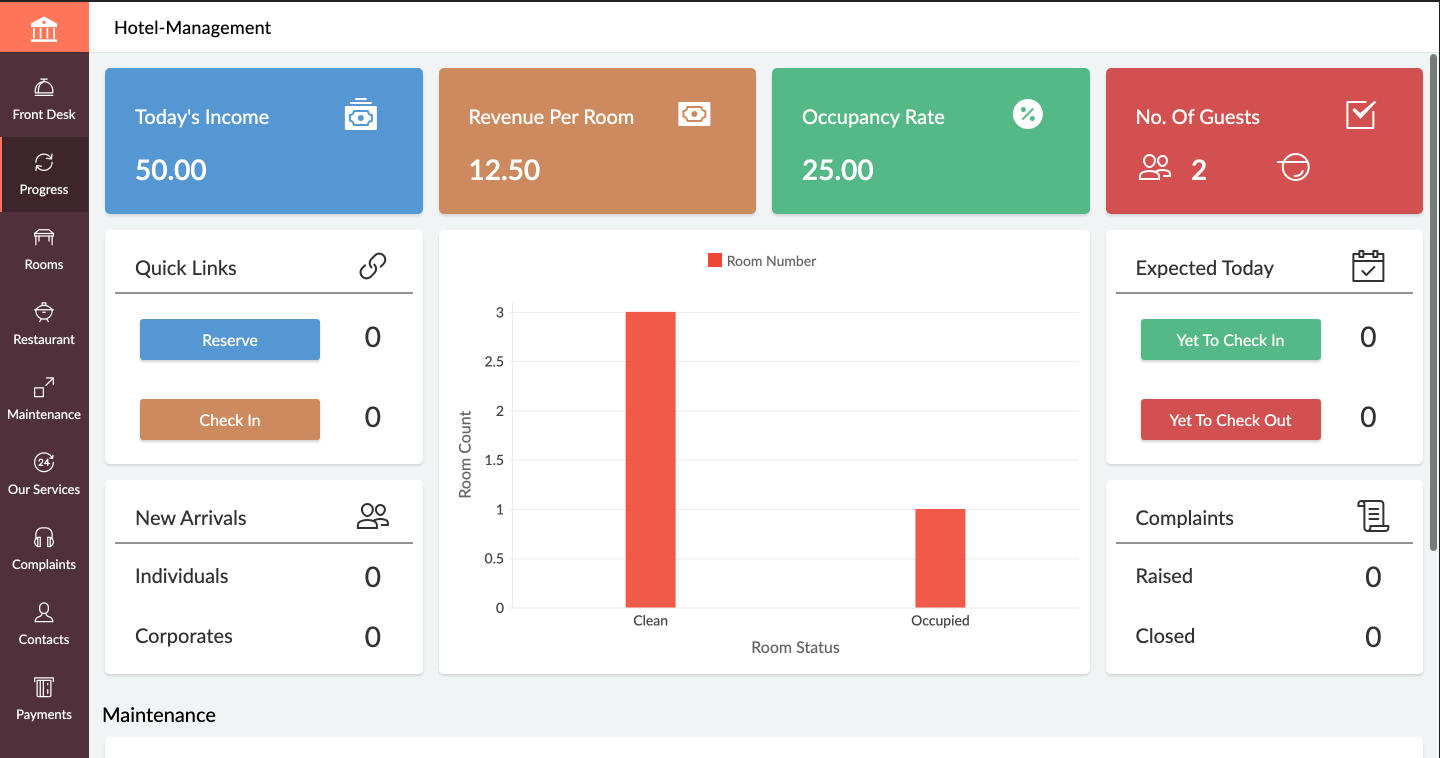
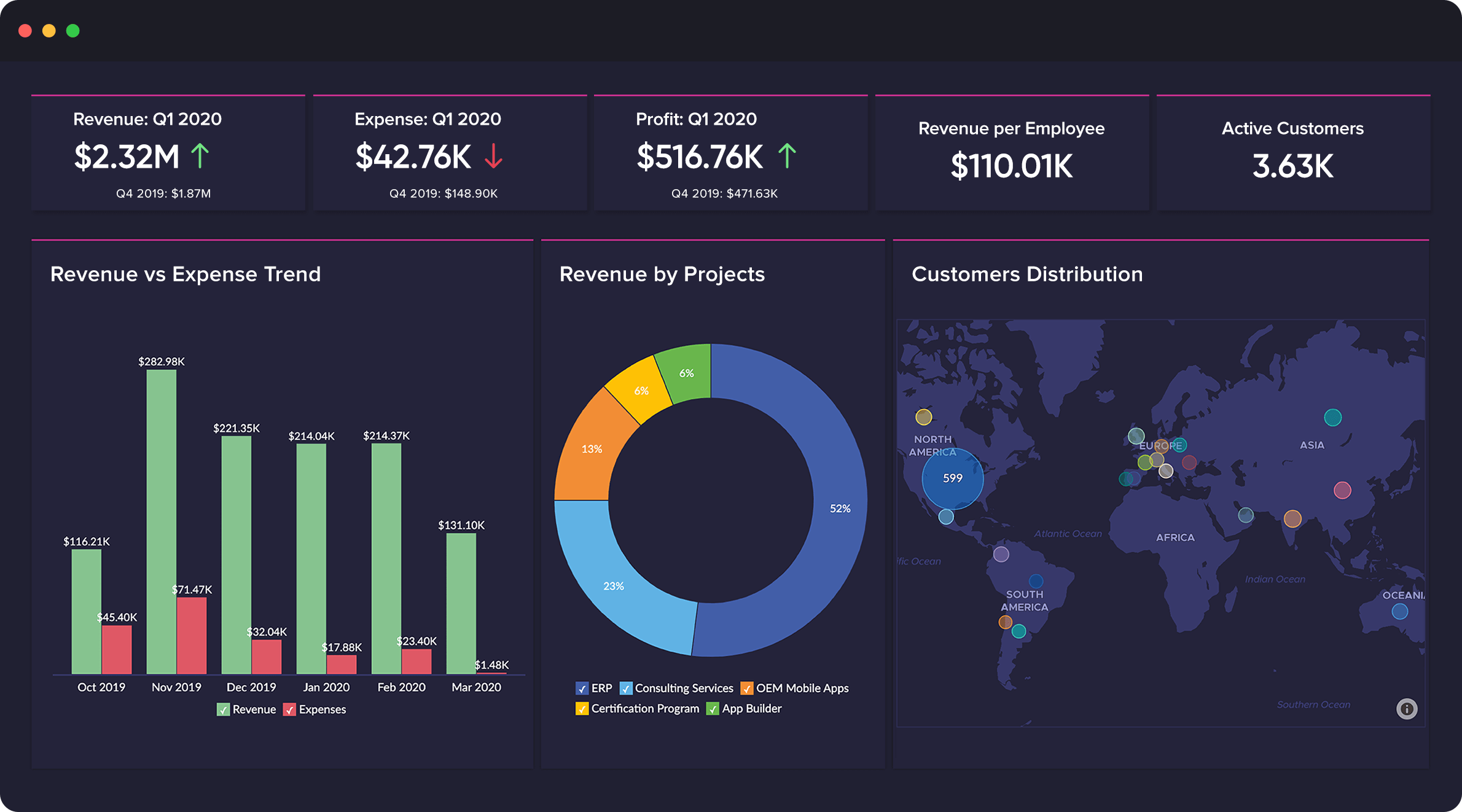
Zoho Creator is a low-code application development platform for building enterprise-class applications that run on mobile, tablet, and web. It is designed to allow users to create custom forms, configure workflows, build pages, and deploy apps quickly.
$8
per month per user
Zoho CRM Plus
Score 8.7 out of 10
N/A
Zoho Corporation offers Zoho CRM Plus, a customer experience management platform that features a virtual AI assistant, process automation and business rules engine, and customer behavior analytics.
$57
per month per user
Pricing
Zoho Creator
Zoho CRM Plus
Editions & Modules
Standard
$8
per month per user
Professional
$20
per month per user
Enterprise
$25
per month per user
Basic
$57
per month per user
Offerings
Pricing Offerings
Zoho Creator
Zoho CRM Plus
Free Trial
Yes
Yes
Free/Freemium Version
Yes
No
Premium Consulting/Integration Services
No
No
Entry-level Setup Fee
Optional
No setup fee
Additional Details
Add-ons:
Customer Portal: $100/month onwards
Premium Support : 20% of license fees
Enterprise support: 25% of license fees
—
More Pricing Information
Community Pulse
Zoho Creator
Zoho CRM Plus
Features
Zoho Creator
Zoho CRM Plus
Low-Code Development
Comparison of Low-Code Development features of Product A and Product B
If you are using some application of Zoho and want some more functionality into it, Use Zoho creator to develop a separate app as per requirement and integrate it with your Zoho App. Small organization can use creator to make apps but it can be used for small range of storage, For Large organization , it may be not feasible.
Starting with campaigns, once we send the campaign out, prospects who open it are moved into the sales funnel; the sales team then calls or emails the prospect. Our VOIP works in conjunction with Zoho CRM Plus, so phone calls are logged into the contact. And generates another call, letter, or appointment with the client on the Zoho calendar. Emails are sent through Gmail since Zoho CRM Plus does not work with Gmail. The client's email must be copied and pasted into Gmail. (responses are tracked in the Zoho CRM Plus). Once the sales team meets with the client and starts the process, it turns into an "opportunity" where all stages in the sale are tracked. We mail merge the contact info to the correct letter template, then download it into "Word," where the letter is proofed and corrected as necessary (Zoho merge does not allow you to work in "Word" 2019). When finalized, it is then uploaded back into Zoho CRM Plus under the Opportunity. The sale then continues through the process, and once signed off on, all the details of the job are logged into the Zoho CRM Plus. When the job is completed and closed out, Zoho CRM Plus automatically sends the client a thank you email. The client will then can biannual automatic emails reminding them to set up their bi-annual inspection.
I use Zoho Social the most. There is a feature called "Bulk Scheduler". By uploading a spreadsheet with a number of posts I can schedule out up to 300 social posts to our Facebook, LinkedIn, Twitter, and Google accounts at once. Then on the specified day and time, the posts go live. I typically only do a couple of weeks at a time so that I can keep the posts relevant to topics we are concerned with.
Pemco sells surgical instruments to hospitals. The end users are the surgeons. Surgeons may have privileges at multiple hospitals. In order for us to accurately reflect the information about our doctors and hospitals, Zoho CRM Plus has a "many-to-many" feature. This allows doctors to be associated with multiple hospitals, and hospitals to have many doctors associated.
I use the territory management feature to track sales by representatives. This is also a feature unique to Zoho CRM Plus. This helps us track commissions for the reps.
In the C5 Version, User Management was easy, but in C6 due to the by default integration of analytics, we at our end are not able to deactivate the users, which can be improved as to add new user, we need to have the control at our end.
While integrating with third party software's, creator should develop mechanism to use multiple applications using common points
Though the system is very easy to use and develop, UI customization option should be provided with similar low code facility
I think that Outlook integration with Zoho CRM is horrible. You have no control over where the emails get attached and IMAP does not always work as it should. One reason we are considering leaving the platform.
Having all emails show up on an account vs having to go to each contact would be great. It used to do this but no longer with IMAP.
Today Zoho Creator is included in our current plan from Zoho One, but if it was needed to pay apart it should be done because the software we created became very important for our team. The use of Zoho Creator contributes to endorse the Zoho One subscription year after year.
Its quite easy if one has the need, interest and passion to build applications and solutions through low-code. One example would be, that my finance head who has absolutely nothing to do with tech and apps, is now able to create apps and manage Zoho Creator all by himself. So its all about the interest and how much time we put to learn the tool. Having said that, its quite easy to learn the tool and create anything that's within our scope of knowledge.
I personally started off as a CRM novice. But in a matter of 2 months, I was writing my own custom workflows, playing with modules and fields, and training my sales and operations teams to manage leads and accounts. Simply put, the system is intuitive after a brief introduction. The level of customization is staggering until you change your mindset. Zoho CRM Plus excels where you're able to attack your goals as problems already solved in the platform — you just need to locate the feature to make what you want to happen... happen! I equate it to the Adobe Creative Suite. You don't pick the fun filter before you lay out what exactly you want to draw. With that mindset intact, you can dial in the system to meet your and your team's needs based on your proposed SOLUTIONS, not just leaning heavily into a single feature to "force" some ROI.
In an earlier comment, I mentioned Zoho's excellent uptime. I have been using the system for over 6 years, and have experienced only momentary outages, and of those, only a hand full over the years. It is extremely reliable
We do not integrate Zoho with other systems at this time, but rarely are searches, database exports, record edits or creation tasks ever slow enough to notice. It is quite usable
I recommend Zoho Creator very often. A lot of companies go big earlier than they need to and spend way too much on SalesForce & Marketo. I worked for a small company with some limited budget that pivoted to sell it's product to the Enterprise. Zoho Creator was incredibly easy to set up, intuitive to use, and contains all the most essential features that most users need and seek in SalesForce. We integrated with MailChimp & Unbounce and were able to be incredibly useful in acquiring leads, nurturing them, and tracking pipeline in Zoho Creator. Our small sales team found it very easy to use and loved it.
Every account representative I have worked with has been extremely helpful and nice. You can tell the account reps and support staff truly care about the product and want to provide you with the resources that you need. The response time is also fast for support inquiries and that has been a massive help for us.
Even if it is a easy to use platform, it got some issues on the implementation that could easily handle by IT teams. In our scenario this team don't exist anymore, and the business/marketing team had their expectations that it was quickier to be implemented. So, consider a professional help on this implementation could be cost more (of cource) but it would be helpful to manage the issues and expectations.
Trello is a very different kind of tool, and what it does is better in that it is far simpler. But there's no way Trello could ever maintain the same kind of data that Zoho Creator does. It's not really a fair comparison because Trello isn't intended to be the same kind of tool as Zoho Creator, however.
Zoho CRM is very customizable but compared to Salesforce it is a lot more buggy. Support is lacking but you get what you pay for. Overall we are happy but only because we are not paying a fortune!
Zoho is incredibly versatile. Much thought was put in to the way the platform functions. I've yet to face a situation where Zoho would not be able to do what I needed. That being said, because of its power, it can also be a bit intimidating technically. Simple needs are simple. More complex needs are ... more complex! Overall, it's a powerful, robust platform
With using Zoho Creator we are able to build apps that we may otherwise pay a pretty penny for. We may risk some features we could get from a 3rd party app but the fact that the data we do collect can easily syn with our CRM and Accounting systems makes up for this.
Negatively speaking, it takes time to fine tune and really craft your application. I am not a coder, nor do I have a coding background, so patience is key as you design and build out your application.
Cut down our CRM costs by 50% + without losing any functionality that we needed.
Helped us increase our win percentages by helping us following our unique sales and marketing processes. (doubled sales bookings up until COVID and then still grew 10% in the COVID year)