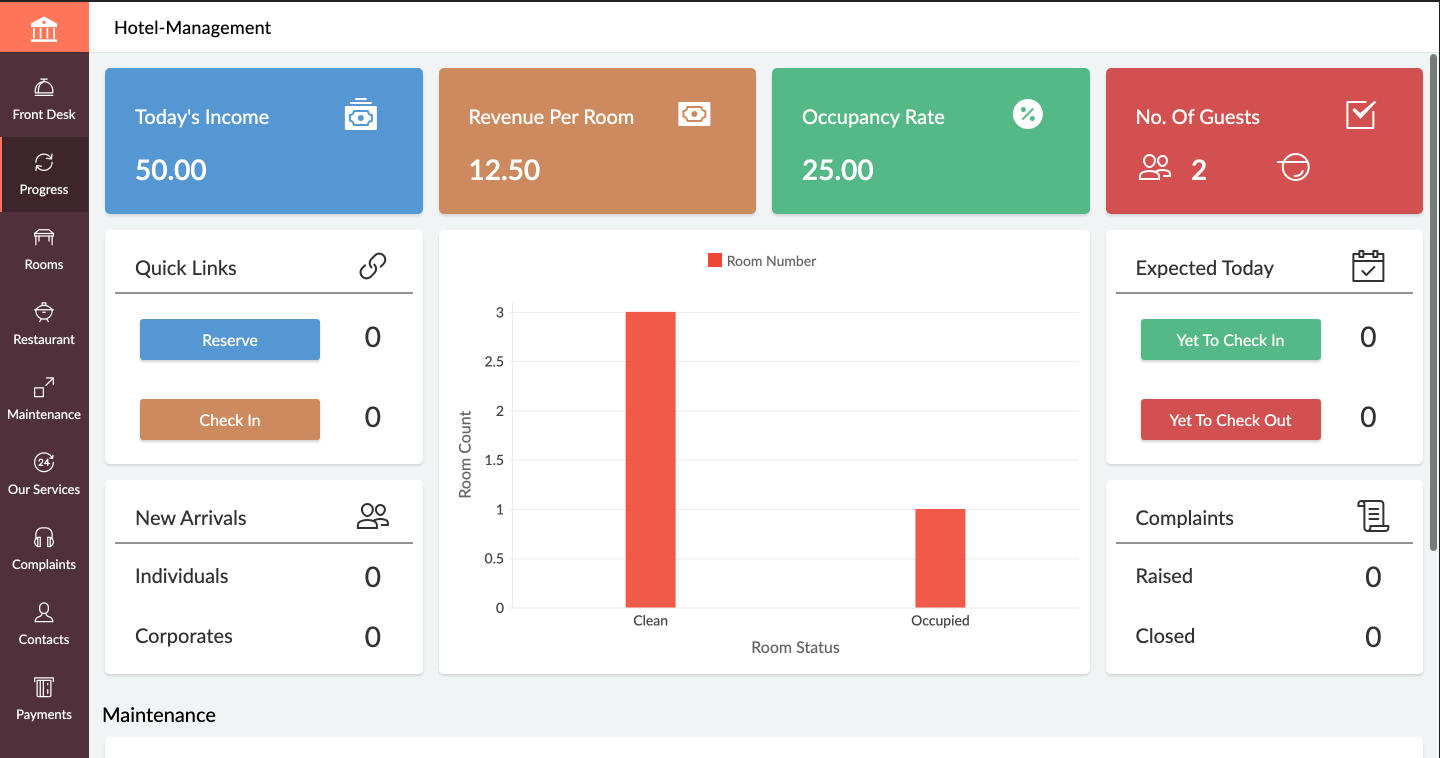
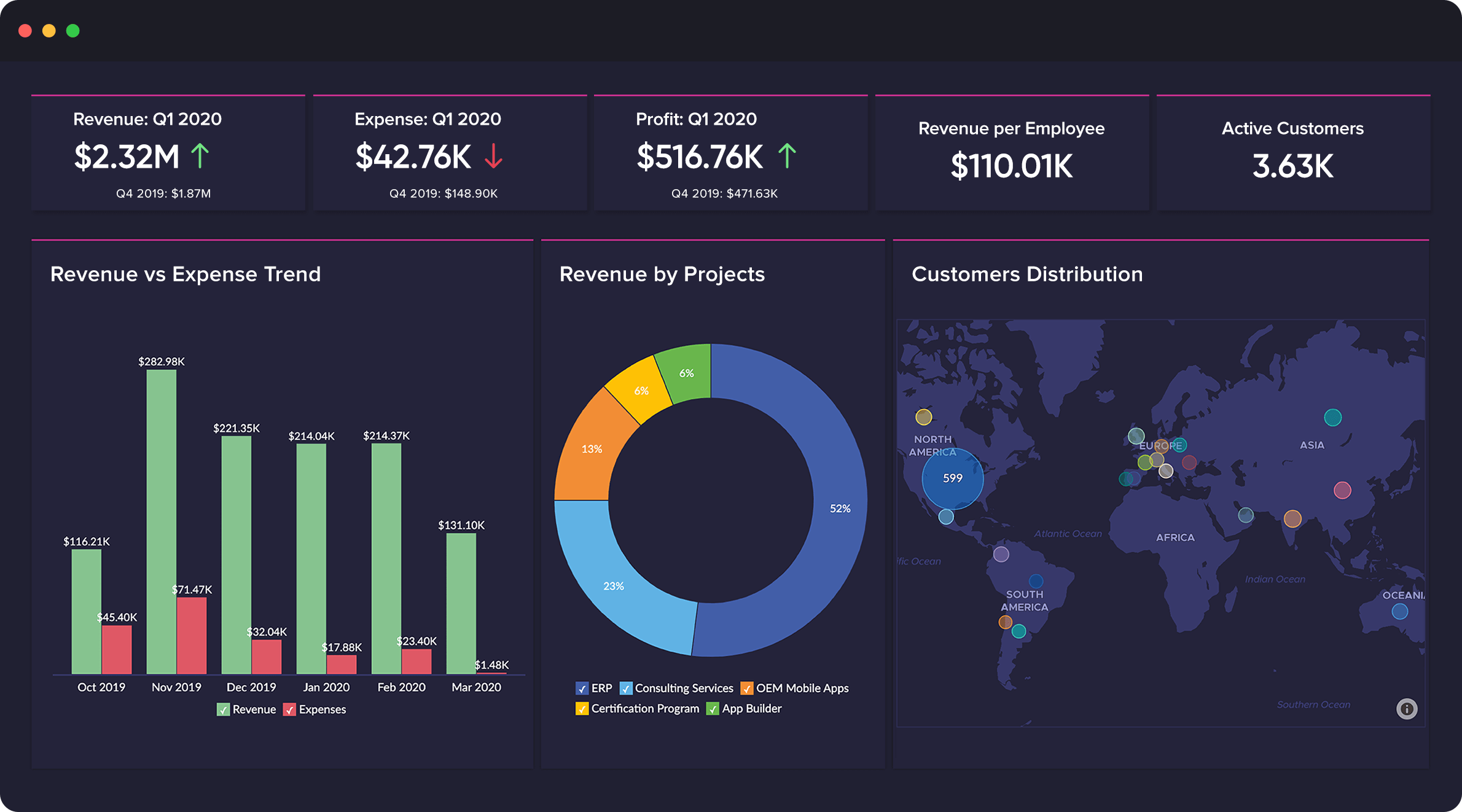
Zoho Creator is a low-code application development platform for building enterprise-class applications that run on mobile, tablet, and web. It is designed to allow users to create custom forms, configure workflows, build pages, and deploy apps quickly.
$8
per month per user
Zoho CRM
Score 8.7 out of 10
N/A
Zoho CRM is a simple, very low-cost CRM option for the smaller end of the SMB segment.
The product has several useful integrations with other products, including QuickBooks, and Google Apps and Google Docs.
The product also has an integrated project management module.
$14
Per User/Per Month
Pricing
Zoho Creator
Zoho CRM
Editions & Modules
Standard
$8
per month per user
Professional
$20
per month per user
Enterprise
$25
per month per user
Standard
$14.00
Per User/Per Month
Professional
$23.00
Per User/Per Month
Enterprise
$40.00
Per User/Per Month
Ultimate
$52.00
Per User/Per Month
Plus
$57.00
Per User/Per Month
Offerings
Pricing Offerings
Zoho Creator
Zoho CRM
Free Trial
Yes
Yes
Free/Freemium Version
Yes
Yes
Premium Consulting/Integration Services
No
No
Entry-level Setup Fee
Optional
$14 /user/month
Additional Details
Add-ons:
Customer Portal: $100/month onwards
Premium Support : 20% of license fees
Enterprise support: 25% of license fees
—
More Pricing Information
Community Pulse
Zoho Creator
Zoho CRM
Features
Zoho Creator
Zoho CRM
Low-Code Development
Comparison of Low-Code Development features of Product A and Product B
Zoho Creator
7.9
Ratings
6% below category average
Zoho CRM
-
Ratings
Visual Modeling
7.70 Ratings
00 Ratings
Drag-and-drop Interfaces
8.90 Ratings
00 Ratings
Platform Security
8.00 Ratings
00 Ratings
Platform User Management
7.80 Ratings
00 Ratings
Reusability
7.00 Ratings
00 Ratings
Platform Scalability
7.90 Ratings
00 Ratings
Sales Force Automation
Comparison of Sales Force Automation features of Product A and Product B
Zoho Creator
-
Ratings
Zoho CRM
8.5
Ratings
10% above category average
Customer data management / contact management
00 Ratings
8.50 Ratings
Workflow management
00 Ratings
8.30 Ratings
Territory management
00 Ratings
8.70 Ratings
Opportunity management
00 Ratings
8.70 Ratings
Integration with email client (e.g., Outlook or Gmail)
00 Ratings
8.70 Ratings
Contract management
00 Ratings
8.70 Ratings
Quote & order management
00 Ratings
8.10 Ratings
Interaction tracking
00 Ratings
8.10 Ratings
Channel / partner relationship management
00 Ratings
8.40 Ratings
Customer Service & Support
Comparison of Customer Service & Support features of Product A and Product B
Zoho Creator
-
Ratings
Zoho CRM
8.3
Ratings
10% above category average
Case management
00 Ratings
8.50 Ratings
Call center management
00 Ratings
8.00 Ratings
Help desk management
00 Ratings
8.50 Ratings
Marketing Automation
Comparison of Marketing Automation features of Product A and Product B
Zoho Creator
-
Ratings
Zoho CRM
8.5
Ratings
11% above category average
Lead management
00 Ratings
8.60 Ratings
Email marketing
00 Ratings
8.50 Ratings
CRM Project Management
Comparison of CRM Project Management features of Product A and Product B
Zoho Creator
-
Ratings
Zoho CRM
8.4
Ratings
10% above category average
Task management
00 Ratings
8.50 Ratings
Billing and invoicing management
00 Ratings
8.30 Ratings
Reporting
00 Ratings
8.50 Ratings
CRM Reporting & Analytics
Comparison of CRM Reporting & Analytics features of Product A and Product B
Zoho Creator
-
Ratings
Zoho CRM
8.5
Ratings
12% above category average
Forecasting
00 Ratings
8.40 Ratings
Pipeline visualization
00 Ratings
8.40 Ratings
Customizable reports
00 Ratings
8.60 Ratings
Customization
Comparison of Customization features of Product A and Product B
Zoho Creator
-
Ratings
Zoho CRM
8.3
Ratings
10% above category average
Custom fields
00 Ratings
8.40 Ratings
Custom objects
00 Ratings
8.20 Ratings
Scripting environment
00 Ratings
8.20 Ratings
API for custom integration
00 Ratings
8.40 Ratings
Security
Comparison of Security features of Product A and Product B
Zoho Creator
-
Ratings
Zoho CRM
8.4
Ratings
1% above category average
Single sign-on capability
00 Ratings
8.30 Ratings
Role-based user permissions
00 Ratings
8.40 Ratings
Social CRM
Comparison of Social CRM features of Product A and Product B
Zoho Creator
-
Ratings
Zoho CRM
8.3
Ratings
12% above category average
Social data
00 Ratings
8.30 Ratings
Social engagement
00 Ratings
8.30 Ratings
Integrations with 3rd-party Software
Comparison of Integrations with 3rd-party Software features of Product A and Product B
Zoho Creator
-
Ratings
Zoho CRM
8.7
Ratings
17% above category average
Marketing automation
00 Ratings
8.70 Ratings
Compensation management
00 Ratings
8.60 Ratings
Platform
Comparison of Platform features of Product A and Product B
If you are using some application of Zoho and want some more functionality into it, Use Zoho creator to develop a separate app as per requirement and integrate it with your Zoho App. Small organization can use creator to make apps but it can be used for small range of storage, For Large organization , it may be not feasible.
This is very useful and handy software for initial use and sometimes later on. Its low price and rich features make it one of the most suitable software for small and midsize organizations. Customer management and tracking make your daily tasks easier.
In the C5 Version, User Management was easy, but in C6 due to the by default integration of analytics, we at our end are not able to deactivate the users, which can be improved as to add new user, we need to have the control at our end.
While integrating with third party software's, creator should develop mechanism to use multiple applications using common points
Though the system is very easy to use and develop, UI customization option should be provided with similar low code facility
Need some way to switch a field type without losing the pre-existing data.
The settings controls should be broken out differently - I don't like that I can't keep some users from exporting all contact records (i.e., the entire Contacts module) because if the export function is turned off, the export function of Reports for those same modules is also blocked.
Frustrating that only 3 custom lookup fields are allowed per module in our license.
Today Zoho Creator is included in our current plan from Zoho One, but if it was needed to pay apart it should be done because the software we created became very important for our team. The use of Zoho Creator contributes to endorse the Zoho One subscription year after year.
We are generally very satisfied with the zoho crm. Some extras are just added to improve productivity but overall Zoho CRM is highly recommended over many competitors. You can start with a few clicks to configure your needs. As you become an expert, you will be able to activate and configure the modules and integrations that you require. I know we still have a lot to discover so we're sticking with Zoho CRM, we're not interested in new options at the moment
Its quite easy if one has the need, interest and passion to build applications and solutions through low-code. One example would be, that my finance head who has absolutely nothing to do with tech and apps, is now able to create apps and manage Zoho Creator all by himself. So its all about the interest and how much time we put to learn the tool. Having said that, its quite easy to learn the tool and create anything that's within our scope of knowledge.
Compared to our previous CRM, Zoho is a breeze. I can look up customers and reports with no issue. There are times when it may be difficult to find something, but I assume that is because I am not in Zoho every day like the sales team is. It does everything we need very simply, so I would definitely recommend it to others.
In an earlier comment, I mentioned Zoho's excellent uptime. I have been using the system for over 6 years, and have experienced only momentary outages, and of those, only a hand full over the years. It is extremely reliable
In my many years using Zoho, I think there were only 1 or 2 days when there was something happening and I was not able to log in. Sure, it wasn't fun and we all panicked a bit, but right after that, all was well and work-life continued. Being cloud based, I'm never worried about losing my iPhone, iPad or Laptop as I know I can log in anywhere on any device and workflow won't stop.
We do not integrate Zoho with other systems at this time, but rarely are searches, database exports, record edits or creation tasks ever slow enough to notice. It is quite usable
I don't recall every having any issues with a page not loading due to it being a Zoho issue. Anytime I've had any issues with something being wonky, I clear cache and that has always solved the problem. Or a simply computer reboot and we're back, hard at work. Look, I don't expect any product to delivery 100%, 100% of the time but if I had any consistent ongoing issues, I would have left many years ago. I still keep my eyes open to what is new but after a quick evaluation, I know Zoho will long be my home.
I recommend Zoho Creator very often. A lot of companies go big earlier than they need to and spend way too much on SalesForce & Marketo. I worked for a small company with some limited budget that pivoted to sell it's product to the Enterprise. Zoho Creator was incredibly easy to set up, intuitive to use, and contains all the most essential features that most users need and seek in SalesForce. We integrated with MailChimp & Unbounce and were able to be incredibly useful in acquiring leads, nurturing them, and tracking pipeline in Zoho Creator. Our small sales team found it very easy to use and loved it.
We did the training and that was a huge waste of money. The information provided was basic and the instructor was sloppy (he even forgot to turn off his mic when he used the restroom - no one should ever hear what we heard). I offered up a 9 because we were able to find what we needed on your website.
I attended a Zoho-Holics event in Austin, TX, several years ago, and it blew my mind. So many industries were represented using Zoho in so many different ways. It was unbelievable all that I learned from that experience, as there were features that I wasn't aware of that I immediately started using. Best of all, the trainers were patient and knowledgeable
There is an endless supply of YouTube videos from Zoho and the many Zoho partners/consultants. Plus, Zoho has it's own library of training videos and webinars to learn from plus an entire community at the ready to answer any questions. While Zoho has been available for many years, there are constantly new training videos and webinars available for the novice and the experienced users.
Even if it is a easy to use platform, it got some issues on the implementation that could easily handle by IT teams. In our scenario this team don't exist anymore, and the business/marketing team had their expectations that it was quickier to be implemented. So, consider a professional help on this implementation could be cost more (of cource) but it would be helpful to manage the issues and expectations.
This should have been a project run by IT and implemented by IT but instead was implemented by Sales team and managed by them. Since this was the case our implementation has had many issues. Starting at the company required me to dig in and correct a lot of stuff within the initial set up.
Trello is a very different kind of tool, and what it does is better in that it is far simpler. But there's no way Trello could ever maintain the same kind of data that Zoho Creator does. It's not really a fair comparison because Trello isn't intended to be the same kind of tool as Zoho Creator, however.
We required a full-featured corporate working tool, and Hubspot wasn't the most excellent alternative. We were guaranteed that Zoho CRM may fill up the holes in our earlier framework. Furthermore, Zoho is fantastically cost-effective for indeed the most minor endeavors, giving everything they need. All things considered, Zoho CRM has upgraded our client intelligent and assisted our operations.
Zoho is incredibly versatile. Much thought was put in to the way the platform functions. I've yet to face a situation where Zoho would not be able to do what I needed. That being said, because of its power, it can also be a bit intimidating technically. Simple needs are simple. More complex needs are ... more complex! Overall, it's a powerful, robust platform
We're still in the early stages of scaling this across departments. We have high aspirations of doing this, but it takes time to migrate to the new system and to help people get acquainted of doing their work in a different way thru Zoho.
With using Zoho Creator we are able to build apps that we may otherwise pay a pretty penny for. We may risk some features we could get from a 3rd party app but the fact that the data we do collect can easily syn with our CRM and Accounting systems makes up for this.
Negatively speaking, it takes time to fine tune and really craft your application. I am not a coder, nor do I have a coding background, so patience is key as you design and build out your application.