ziplogix Digital Ink vs. Zoho Sign

Overview
ProductRatingMost Used ByProduct SummaryStarting Price
ziplogix Digital Ink
Score 7.0 out of 10
N/A
ziplogix Digital Ink is an electronic signature software offering from ziplogix. It includes features such as specific design for the real estate industry and digitally signing documents.N/A
Zoho Sign
Score 9.2 out of 10
Small Businesses (1-50 employees)
Zoho Sign is a digital signing service that lets you execute contracts quickly without the hassles of transporting paper documents while ensuring security and legality. It works completely on cloud and integrates readily with your everyday apps. According to the vendor, Zoho Sign is perfect for anyone who needs to sign business documents but widely used for HR, legal, finance, HR, and sales functions. Documents that can be signed include:…
$0
per user
Pricing
ziplogix Digital InkZoho Sign
Editions & Modules
No answers on this topic
Free
$0.00
per user
Standard
$10.00
per user/ month
Professional
$15.00
per user/ month
Offerings
Pricing Offerings
ziplogix Digital InkZoho Sign
Free Trial
NoNo
Free/Freemium Version
NoYes
Premium Consulting/Integration Services
NoNo
Entry-level Setup FeeNo setup fee$10 per user
Additional Details
More Pricing Information
Community Pulse
ziplogix Digital InkZoho Sign
User Ratings
ziplogix Digital InkZoho Sign
Likelihood to Recommend
7.0
(0 ratings)
9.0
(0 ratings)
Usability
8.0
(0 ratings)
-
(0 ratings)
Support Rating
8.0
(0 ratings)
-
(0 ratings)
User Testimonials
ziplogix Digital InkZoho Sign
Likelihood to Recommend
Because it's built into the ZipForms software it's far easier than having to personally load most signatures if other software is used which isn't integrated automatically.
Read full review
If your business needs an electronic signing software, then I recommend Zoho Sign because it has all the great features. It ensures fast and secure document signing and, most importantly, it is legally binding.
Read full review
Pros
  • Fairly easy for the end user to click and sign
  • Signature lines, initials, and dates are often automatically populated
  • The software keep an archive of signed documents
Read full review
  • Shared organizational templates encourage corporate uniformity and standards.
  • Centralized retention of the executed agreements.
  • Orchestrated signing workflow with internal and external users.
Read full review
Cons
  • Doesn't always have auto-populated initial, signature, and date boxes
  • Sometimes the software is slow or non-responsive
  • Sometimes clients complain about error messages they get or don't seem to figure out they need to click somewhere to "finish signing"
Read full review
  • It integrates from sign to the CRM (in that order) poorly. To have the doc associated with the contact it can ONLY come from the CRM.
Read full review
Usability
it can do pretty much everything I need - just can be slow and cumbersome at times between pages.
Read full review
The UI is easy and using Zoho Sign is easy too.
Read full review
Support Rating
I've only had to reach out to customer service a couple of times for login issues, but they were helpful.
Read full review
No answers on this topic
Alternatives Considered
ZipLogix is a bit slower and more cumbersome of an interface than Adobe Sign, but again, automatic integration is key. Annoying that on Adobe Sign when adding a signature field it doesn't automatically add a date signed field, whereas ZipLogix DIgital Ink 1.0 does, but not 2.0
Read full review
Price is important but it has all the same features as some of the main brand names on the market which makes this package ideal for small businesses and larger ones looking at costs. The advantage we find is that we can edit forms with drop-down boxes and preset answers for the forms. Each entry field can be customized by data type and length or allow the client to enter their own answers.
Read full review
Return on Investment
  • Biggest advantage is the speed of use since already integrated into ZipForms
  • Free as a part of ZipForms
Read full review
  • Allowed us to appear more more professional by sending out a fillable document instead of emailing a PDF.
  • Saved us time by sending automated reminders to recipients reminding them to sign the document.
Read full review
ScreenShots

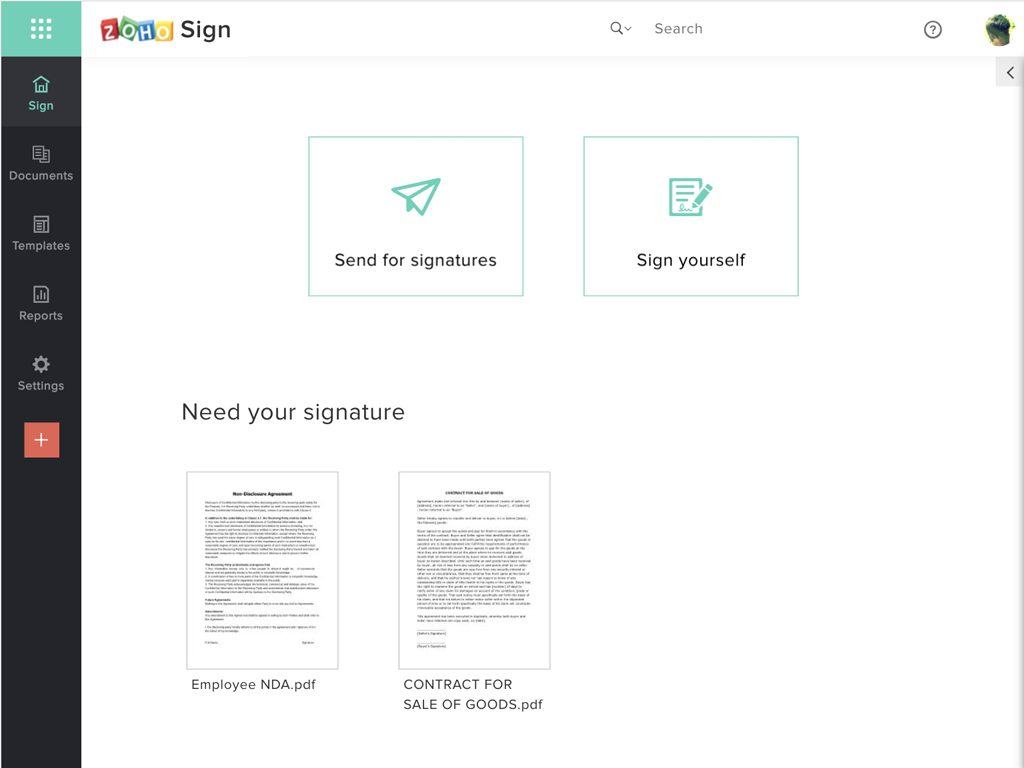
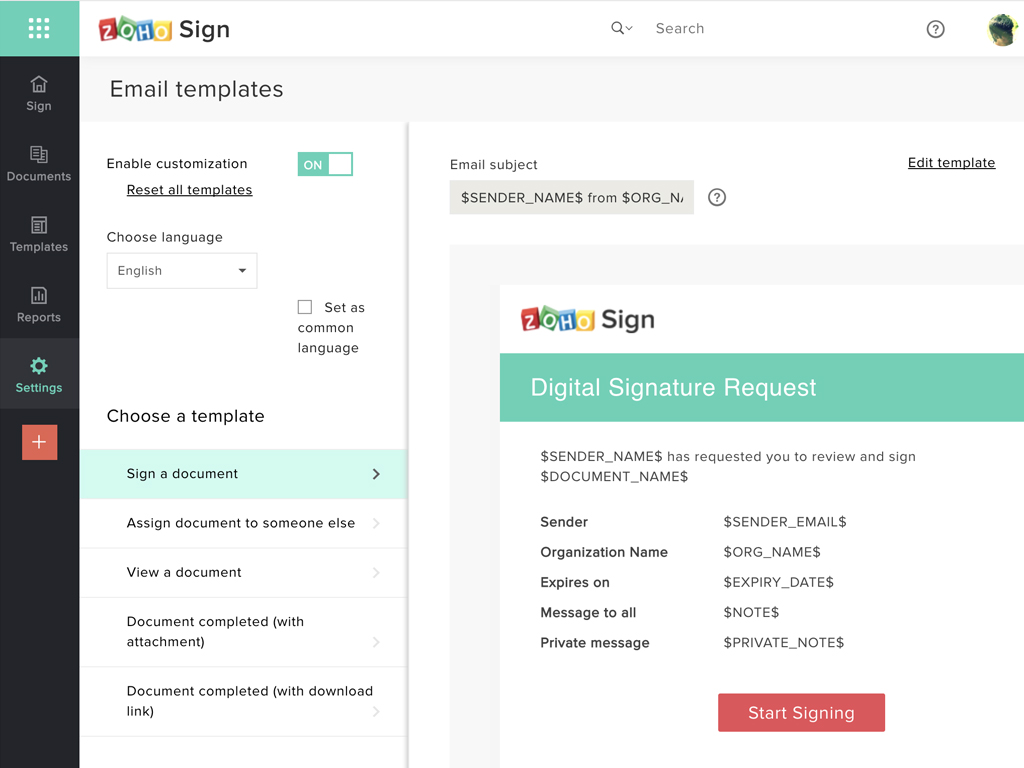
Zoho Sign Screenshots

Screenshot of Zoho Sign DashboardScreenshot of Sending documents for signatures using templatesScreenshot of All document sent using Zoho SignScreenshot of Rebranding email templates sent from Zoho Sign