Asana is a web and mobile project management app. With tasks, projects, conversations, and dashboards, Asana lets an entire team know who's doing what by when, enabling workload balancing. Users can also add integrations for GANTT charts, time tracking and more.
$13.49
per month per user
Zenkit
Score8 out of 10
N/A
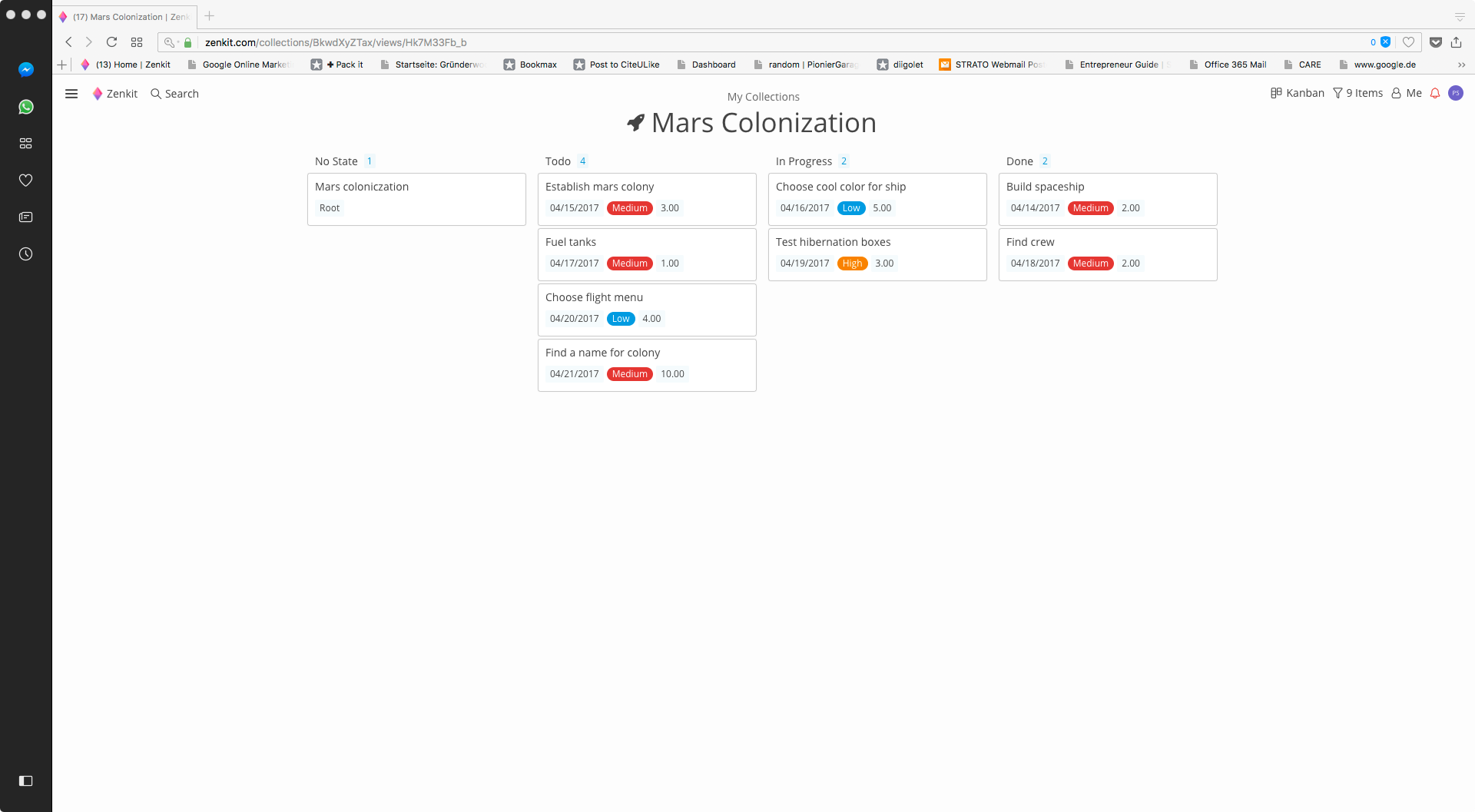
Zenkit is a collaborative SaaS platform for project management, database building and more. This solution enables users to follow their data through its entire lifecycle. Zenkit allows users to manage their data in any way they need to – build their own CRM, reporting system, or financial planner. Users can share their data and assign tasks to colleagues.
Director of Film in Marketing at Varsity Tutors (Internet, 501-1000 employees)
Chose Zenkit
More team members were already using Asana, so I migrated over to that. It also has robust reminders setup on their software. Many of the capabilities are similar to Zenkit, but the preference (as a company) is for Asana, so I switched over to it. Zenkit has a nice GUI and Is …
A de minimis incentive was given to thank the reviewer for their time. The incentive was not used to bias or drive a particular response, nor was the incentive contingent on a positive endorsement. More Info
Co-Founder and Managing Director in Research & Development at memetis GmbH (Mechanical Or Industrial Engineering, 11-50 employees)
Chose Zenkit
As described before, Zenkit adds a lot more flexibility to the things the other applications can do. But this also means that there is no predefined structure which might be helpful for some people. Zenkit is working on that and is releasing some apps building on the core, so …
A de minimis incentive was given to thank the reviewer for their time. The incentive was not used to bias or drive a particular response, nor was the incentive contingent on a positive endorsement. More Info
The usability of Asana is broad since it's available in a variety of platforms that are widely used nowadays. I think that it would be great for people who are constantly on the move and switching devices, since it has allowed me to work from my phone, too. I also think that Asana has proven itself to handle a large quantity of work
Zenkit is a good tool to manage your own projects and sharing progress with colleagues. If you are looking for a tool to accomplish this use case, Zenkit would be my first recommendation.
Through it, we were able to communicate and cooperate with the rest of the team to complete the work in the required manner and at the appropriate time.
A de minimis incentive was given to thank the reviewer for their time. The incentive was not used to bias or drive a particular response, nor was the incentive contingent on a positive endorsement. More Info
A de minimis incentive was given to thank the reviewer for their time. The incentive was not used to bias or drive a particular response, nor was the incentive contingent on a positive endorsement. More Info
A de minimis incentive was given to thank the reviewer for their time. The incentive was not used to bias or drive a particular response, nor was the incentive contingent on a positive endorsement. More Info
A de minimis incentive was given to thank the reviewer for their time. The incentive was not used to bias or drive a particular response, nor was the incentive contingent on a positive endorsement. More Info
It is very user-friendly. Takes a new employee an hour to start figuring out how the system works. That's an important factor. You don't want to encounter the issue where employees need a week to understand how the system works. For example, JIRA, I tried using it for a week and I still don't understand the complicated layout. Asana has a simple interface. Once you see it, you get it type of program.
A de minimis incentive was given to thank the reviewer for their time. The incentive was not used to bias or drive a particular response, nor was the incentive contingent on a positive endorsement. More Info
I haven't had to use their support so I can't rate it. The fact that I haven't needed them reflects the ease of use of the product. I would recommend that any new users schedule a complete demo of the product to ensure that they are using it to it's fullest (there's a lot of useful features).
A de minimis incentive was given to thank the reviewer for their time. The incentive was not used to bias or drive a particular response, nor was the incentive contingent on a positive endorsement. More Info
The support is always friendly and offers fast solutions if possible. Bugs were removed in the next hours after contacting the support. They have also a lot of tutorials and great documentation.
Asana is a top-tier project management software that helps us organize and track projects from start to finish. It allows us to apply tasks/to-dos to multiple projects without duplication, divide complex projects into smaller tasks, and track project progress. It also helps us organize work on Kanban boards or linear lists. It stands out from the crowd in a big way compared to the competition.
As described before, Zenkit adds a lot more flexibility to the things the other applications can do. But this also means that there is no predefined structure which might be helpful for some people. Zenkit is working on that and is releasing some apps building on the core, so that could improve over time.
A de minimis incentive was given to thank the reviewer for their time. The incentive was not used to bias or drive a particular response, nor was the incentive contingent on a positive endorsement. More Info
A de minimis incentive was given to thank the reviewer for their time. The incentive was not used to bias or drive a particular response, nor was the incentive contingent on a positive endorsement. More Info