WorkOtter PPM vs. Zoho Assist

Overview
ProductRatingMost Used ByProduct SummaryStarting Price
WorkOtter PPM
Score 9.1 out of 10
Mid-Size Companies (51-1,000 employees)
WorkOtter is presented by the vendor as a simple, flexible, and scalable project portfolio management (PPM) solution for IT, Engineering, and Professional Service PMOs. The software manages the lifecycle of work from ideas through project planning, control, lessons learned, and close. Projects can then be rolled up to Programs (multi project efforts) or Portfolios (Roadmaps with What If Scenarios). All features were designed to support Project Teams with simplicity and usability in mind.…
$10
per user per month
Zoho Assist
Score 8.4 out of 10
N/A
Zoho Assist from Zoho Corporation is a remote administration tool for SMBs and outsourced IT.
$12
per technician/per month
Pricing
WorkOtter PPMZoho Assist
Editions & Modules
Time/Status
$10
per user per month
Team
$20
per user, per month
Manager
$35
per user, per month
Remote Support - Standard
$12
per technician/per month
Unattended Access - Standard
$12
25 unattended computers/per month
Remote Support - Professional
$18
per technician/per month
Unattended Access - Professional
$18
25 unattended computers/per month
Remote Support - Enterprise
$28
per technician/per month
Offerings
Pricing Offerings
WorkOtter PPMZoho Assist
Free Trial
YesYes
Free/Freemium Version
NoYes
Premium Consulting/Integration Services
NoNo
Entry-level Setup FeeNo setup feeOptional
Additional DetailsTime/Status Tier is BEST FOR: Contractors, Consultants, Limited Team Members FUNCTIONALITY AVAILABLE:Timesheets, Adjust Estimate To Complete, Create Notes for PM and Team Members Team Tier is BEST FOR: Customers, Suppliers, Contractors, Consultants, Team Members FUNCTIONALITY INCLUDES TIME/STATUS PLUS: My Home Dashboards, Support Log Updates, Issue Updates, Changes, Timesheet & Expenses, Risks, Action Items Limited, Reporting, E-Mail Updates, Chat & Collaboration Manager Tier is BEST FOR: Project Managers, Program Managers, Executives, PMO Department Managers, Administrators FUNCTIONALITY INCLUDES TEAM PLUS: Project Management, Microsoft Project -Way Sync, Dashboard Reporting, Program Management, Resource Management, Portfolio Management, Workflow Management, Estimating and Templates
More Pricing Information
Community Pulse
WorkOtter PPMZoho Assist
Features
WorkOtter PPMZoho Assist
Project Management
Comparison of Project Management features of Product A and Product B
WorkOtter PPM
9.9
Ratings
26% above category average
Zoho Assist
-
Ratings
Task Management10.00 Ratings00 Ratings
Resource Management10.00 Ratings00 Ratings
Gantt Charts10.00 Ratings00 Ratings
Scheduling10.00 Ratings00 Ratings
Workflow Automation10.00 Ratings00 Ratings
Team Collaboration9.00 Ratings00 Ratings
Support for Agile Methodology10.00 Ratings00 Ratings
Timesheet Tracking10.00 Ratings00 Ratings
Change request and Case Management10.00 Ratings00 Ratings
Remote Administration
Comparison of Remote Administration features of Product A and Product B
WorkOtter PPM
-
Ratings
Zoho Assist
7.1
Ratings
13% below category average
Screen sharing00 Ratings6.60 Ratings
File transfer00 Ratings6.80 Ratings
Instant message00 Ratings3.70 Ratings
Secure remote access with Smart Card authentication00 Ratings10.00 Ratings
Access to sleeping/powered-off computers00 Ratings2.20 Ratings
Over-the-Internet remote session00 Ratings6.80 Ratings
Initiate remote control from mobile00 Ratings6.80 Ratings
Remote management of servers & workstations00 Ratings6.80 Ratings
Remote Active Directory® management00 Ratings4.40 Ratings
Centralized management dashboard00 Ratings8.90 Ratings
Session record00 Ratings9.70 Ratings
Annotations00 Ratings10.00 Ratings
Monitoring and Alerts00 Ratings7.10 Ratings
Multi-platform remote control00 Ratings9.00 Ratings
User Ratings
WorkOtter PPMZoho Assist
Likelihood to Recommend
10.0
(0 ratings)
6.8
(0 ratings)
Usability
-
(0 ratings)
8.7
(0 ratings)
Support Rating
-
(0 ratings)
9.3
(0 ratings)
User Testimonials
WorkOtter PPMZoho Assist
Likelihood to Recommend
I know it works well for IT but not sure how it would work for construction. I think construction has a different set of needs.
Read full review
We were previously using another remote support solution, but when their pricing increased significantly, we began looking for alternatives. That’s when we discovered Zoho Assist. It offers the same level of functionality and reliability as our previous provider—at a much more reasonable cost. I have already recommended Zoho Assist to multiple other IT professionals.
Read full review
Pros
  • It allows you to know when someone who is running late on another project is going to be late on your project.
  • It has a good reporting/analytics.
  • Easy to communicate with others on projects.
Read full review
  • One user's computer screen is black, no task bar and start button, after system crush, Unattended Access help me remote control it and use tools under quick Launch to change system settings and created new account for the user, so she can work few hours later.
  • One user computer need help vpn setup but it is not on Unattended Access list, so I create a temporarily Remote Support session, send the link to him by WhatsApp, after he download and install agent, I can connect and remote control it.
  • Sometimes user computer has randomly happening issue, I will connect it by Zoho Assist, record the remote screen, then will catch the issue and know it's triggered
  • sometimes I use video chat as a meeting tool with users
  • The file transfer by web client is useful for me, most of time is to upload files into user computer when it is not able to access our network drive
Read full review
Cons
  • I can't think of anything major that is missing. I understand it was challenging to integrate it with our commercial banking application but I wasn't involved in that process.
Read full review
  • Improve connection times, especially when I'm on the move and the areas that I go to have low bandwidth, which affect the performance of Zoho Assist in my device.
  • Allow Zoho Assist to be integrated to other applications
  • Increase file transfer limits
Read full review
Usability
No answers on this topic
The system works. It is well designed and implemented. If the product didn't work, I wouldn't waste my time or my resources on it, but it does. When I connect to a system, it is as if I am at my clients location, sitting at their keyboard. It just works.
Read full review
Support Rating
No answers on this topic
Support is terrible. Quick to initially respond with the boilerplate "The information provided by you should be sufficient for my development team to analyse this further. I shall also write back to you as soon as I get an update from them on this
regard." And then you will hear nothing more from them. Chase further and you'll get stock responses such as "Our development team are still looking into this," etc.
Read full review
Implementation Rating
No answers on this topic
Make it easier to deploy mulitple agents for different departments.
Read full review
Alternatives Considered
No answers on this topic
We also evaluated Intune remote support offering and TeamViewer. Those two performed worse than Zoho Assist, despite being more expensive, and their multi-platform support didn't match Zoho Assist either. So choosing the latter was a no-brainer for us.
Read full review
Return on Investment
  • I think it has really helped us make sure we are using resources effectively but I think it is hard to prove. Although we don't have hard ROI numbers, I believe the general feeling is that you really need a good PPM tool or will waste a lot of time and money.
  • It helps with communication since we have a standard process.
Read full review
  • Using Zoho Assist has saved us hundreds of dollars in remote support fees.
  • The ability to give remote support has not only saved our IT department time and money, but has impacted every department in our organization.
  • Remote support has allowed us to keep our IT staffing costs low. Instead of hiring more people to move around and manage the flow across the organization, less people can manage more and "be in more than one place at a time".
Read full review
ScreenShots

WorkOtter PPM Screenshots

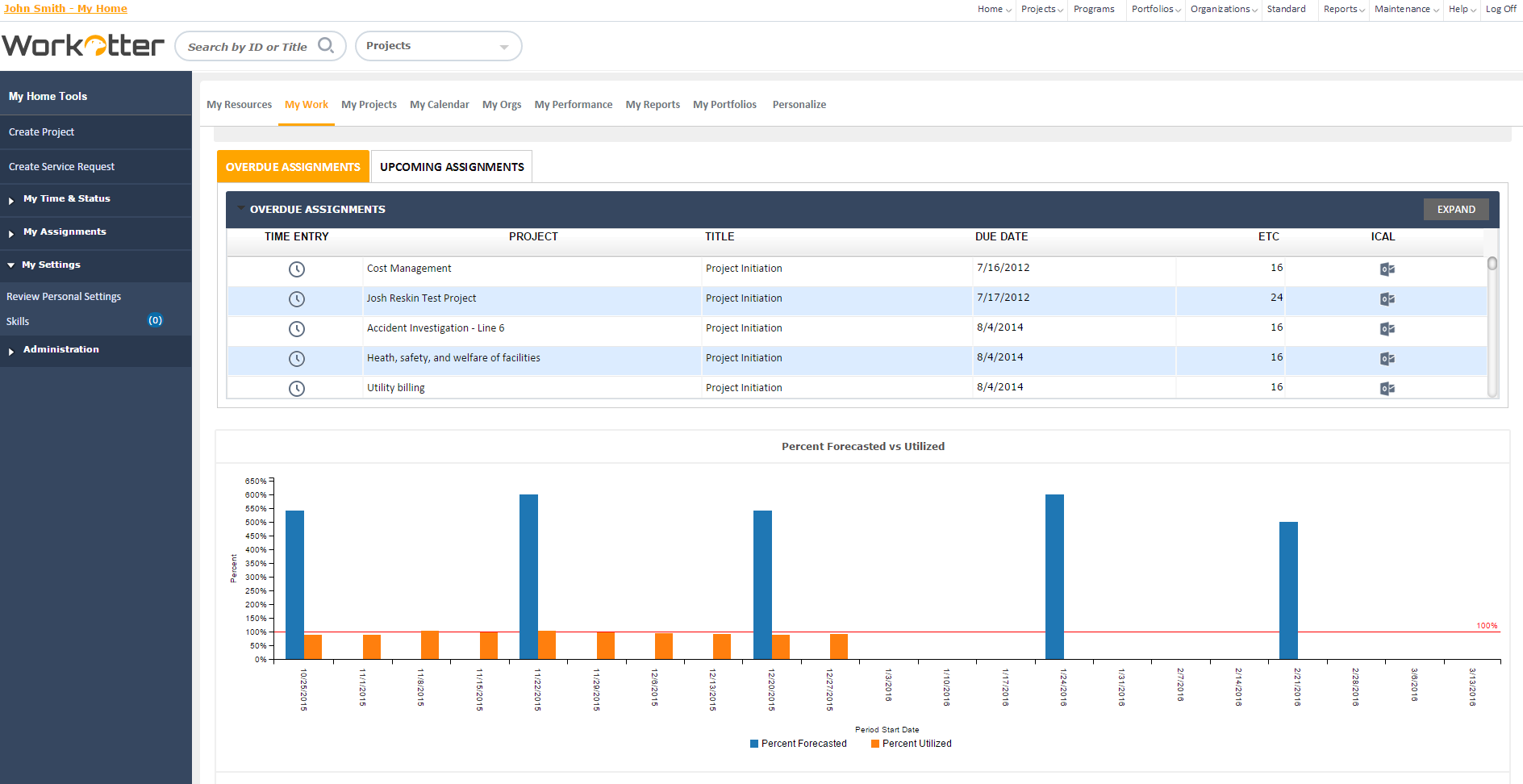
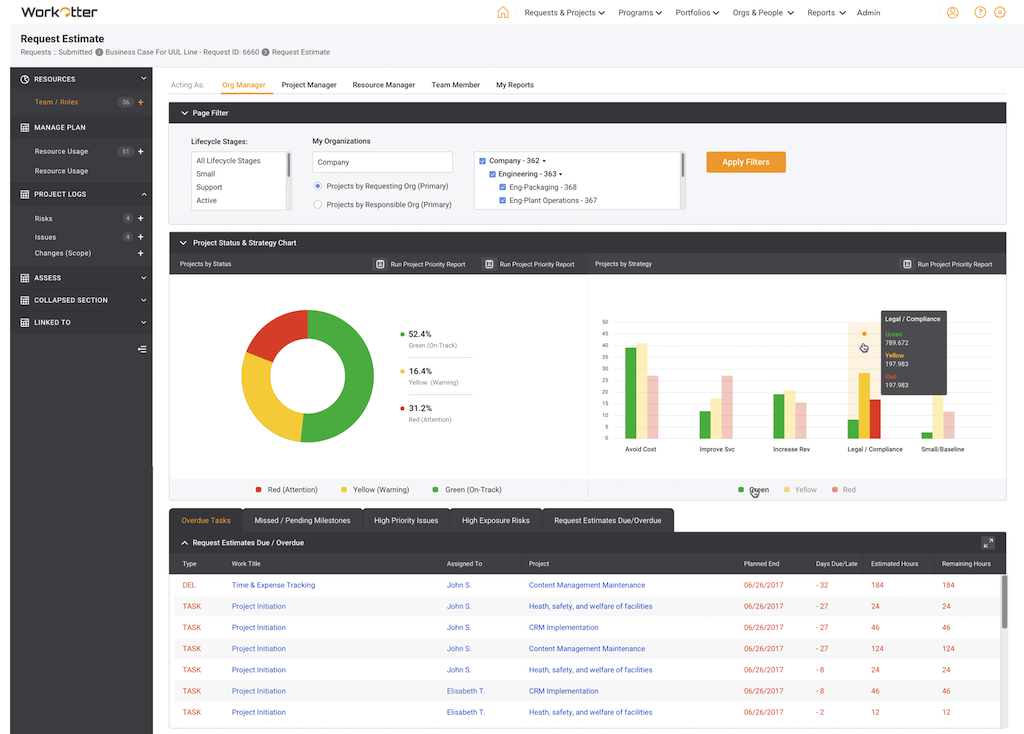
Screenshot of Dashboard viewScreenshot of WorkOtter MyWork viewScreenshot of Dashboard OverviewScreenshot of Resource Usage for People, Tasks, Time, BudgetScreenshot of Over/Under resource allocation viewScreenshot of Project Management Workflow - Customizable

Zoho Assist Screenshots

Screenshot of On-demand Remote SupportScreenshot of Browser-based Remote SupportScreenshot of Unattended Access to remote computersScreenshot of Detailed Analytics