When I Work vs. Workmate

Overview
ProductRatingMost Used ByProduct SummaryStarting Price
When I Work
Score 8.6 out of 10
N/A
When I Work is a way for businesses to schedule, track time and attendance, and communicate with their hourly employees. The schedule and time clock is placed in every employee's pocket with When I Work's iOS and Android apps. It can be used to keep track of time off, employee availability, and manage shift swaps with a few clicks. When I Work integrates with payroll providers to streamline the process and avoid human error.
$2.50
per month per user
Workmate
Score 8.0 out of 10
Enterprise companies (1,001+ employees)
Workmate provides businesses an automated workforce management solution, with an integrated network of blue-collar workers on a data-driven hiring platform. Workmate aims to provide businesses with visibility into their entire workforce through automating hiring, onboarding, scheduling, attendance, and performance reporting processes in one seamless system, while leveraging a qualified network of 50,000+ pre-vetted workers to support recruitment needs. Using real-time performance data, Workmate…N/A
Pricing
When I WorkWorkmate
Editions & Modules
Essentials
$2.50
per month per user
Essentials + Attendance
$4
per month per user
Pro
$5
per month per user
Pro + Attendance
$7
per month per user
Premium
$8
per month per user
Premium + Attendance
$10
per month per user
No answers on this topic
Offerings
Pricing Offerings
When I WorkWorkmate
Free Trial
YesNo
Free/Freemium Version
NoNo
Premium Consulting/Integration Services
NoNo
Entry-level Setup FeeNo setup feeNo setup fee
Additional Details
More Pricing Information
Community Pulse
When I WorkWorkmate
User Ratings
When I WorkWorkmate
Likelihood to Recommend
10.0
(0 ratings)
8.3
(0 ratings)
Likelihood to Renew
10.0
(0 ratings)
-
(0 ratings)
Usability
9.0
(0 ratings)
-
(0 ratings)
Support Rating
8.7
(0 ratings)
-
(0 ratings)
Online Training
-
(0 ratings)
8.0
(0 ratings)
Implementation Rating
8.0
(0 ratings)
-
(0 ratings)
User Testimonials
When I WorkWorkmate
Likelihood to Recommend
I recommend When I Work to those companies that are looking for a way to manage work schedules and want to increase the productivity of all employees. This is an important platform that would bring excellent results to small, medium and large companies. This is a constant monitoring system which allows employees to complete their tasks in the indicated time, When I Work sends automated alerts when an employee is not complying with their tasks and this allows us to know exactly the productivity we are having in each one of the sectors. It is an excellent platform for planning and administration of working hours, it has a very easy-to-use UI that allows schedules to be easily managed. Without a doubt, When I Work would be a perfect implementation for any sector or company, since it has a lot of potential to collect exact data on compliance with working hours.
Read full review
Workmate has helped us a lot in the failures we had in the payroll, which was one of the biggest problems we had in the department and of which there had already been complaints from employees. But since we have this software in the office, employees are already satisfied with their payments and we in the department are happy to use it.
Read full review
Pros
  • When I Work allowed me to color-code each employee's schedule.
  • When I Work allowed me to show who was "off" during what time of day. This was essential for morale, as our event included 16-18 hour days, and I wanted to show that everyone had down time each day.
Read full review
  • Tracking time and attendance.
  • Monitoring of task force.
  • Implemented payroll options.
Read full review
Cons
  • Customer service only available by chat or email. No phone- which is crazy, in my opinion. Slows down, getting things done.
  • Understanding their charges is a pain. I still don't know what I am paying for.
  • If you are being overcharged, they don't care; they keep you on billing for something in a group.
Read full review
  • We are having problems with printing checks, we are verifying if it is a system problem or a problem with the company's internal computers.
  • The software was a little confusing at first, we had a hard time adapting to it.
  • Their customer service is not very attentive, we tried to call several times and they never gave us an answer.
Read full review
Likelihood to Renew
It's a powerful tool for employee management and intuitive to use.
Read full review
No answers on this topic
Usability
While it's one of the better apps, my only complaint is the icon layout of the dash; mouseover sometimes doesn't work for my system.
Read full review
No answers on this topic
Support Rating
Every time I contact When I Work staff with an issue, someone is there with a quick solution to my problem. I love the chat feature. I can continue to work on other things while the When I Work representative assists me.
Read full review
No answers on this topic
Online Training
No answers on this topic
The training came from one of our associates it was not directly from a Workmate employee, however, it was good enough to let us understand it, and the person who gave us the training was open to ask questions even after the training ended, however as it was really easy to use, we only contacted him for small details.
Read full review
Implementation Rating
Make certain your team knows how to turn off alerts and utilise the system.
Read full review
No answers on this topic
Alternatives Considered
When I Work seemed a bit easier to implement for our team and employees. When I Work had all the things we needed without a lot of the bells and whistles that we wouldn't really utilize. When I Work was also a bit more affordable for our budget. Overall, it was the better choice.
Read full review
It was not my decision to use it, it was the software available for that current campaign in the company, being honest while both of them are excellent to work with, the design in OnShift is more user friendly, most of my colleagues were in agreement with that, as for Workmate, it was really helpful but some times we were confused by the user interface, it wasn't very negative but it really gets on your nerves.
Read full review
Return on Investment
  • Compared to what I've used before, When I Work allows you to interact with your staff more than other scheduling apps.
  • Though I don't know the cost, I was told it was cheaper than it's counterparts.
  • The app doesn't have all of the features as the full website, but it's pretty close.
Read full review
  • Post deployment support is not the best.
  • Posts go live with bugs.
  • Support
Read full review
ScreenShots

Workmate Screenshots

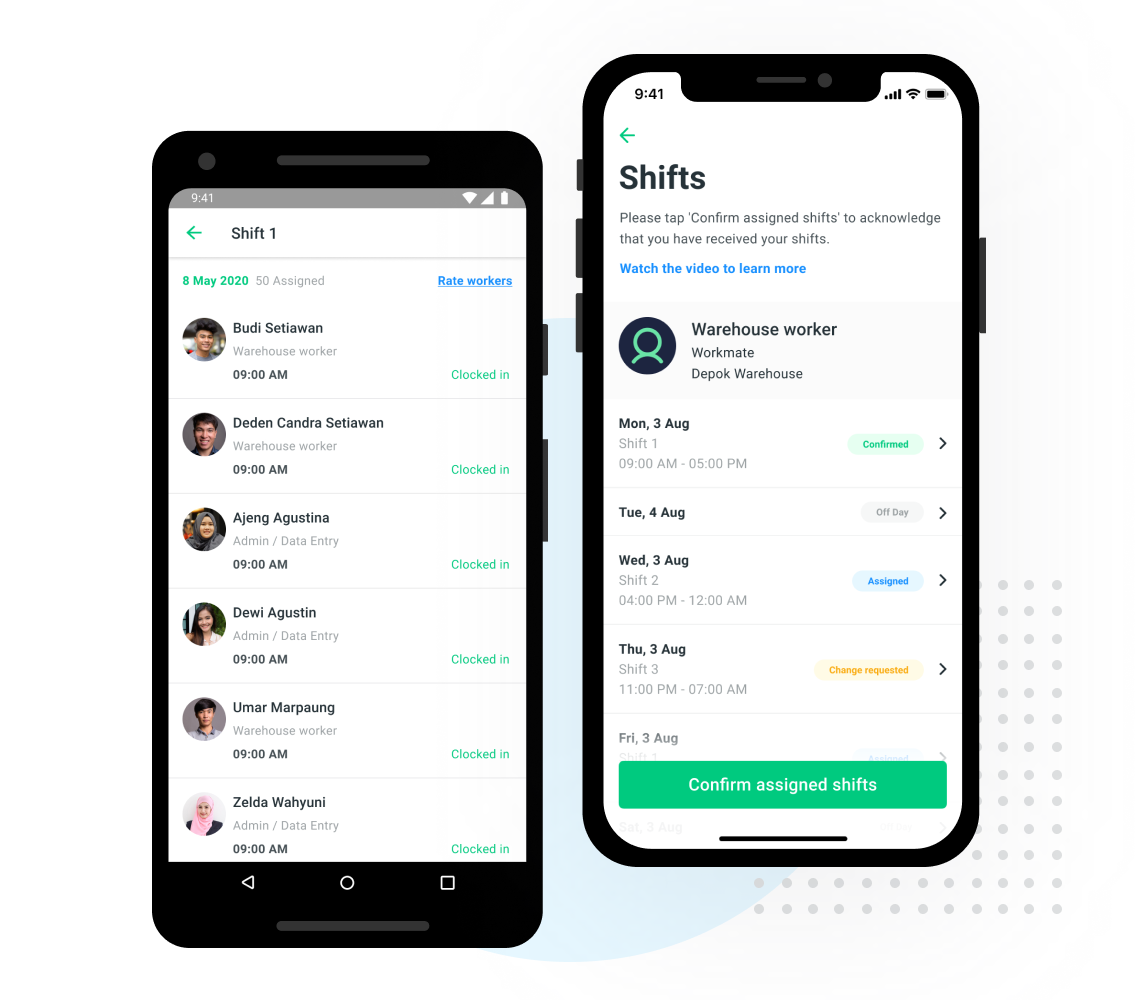
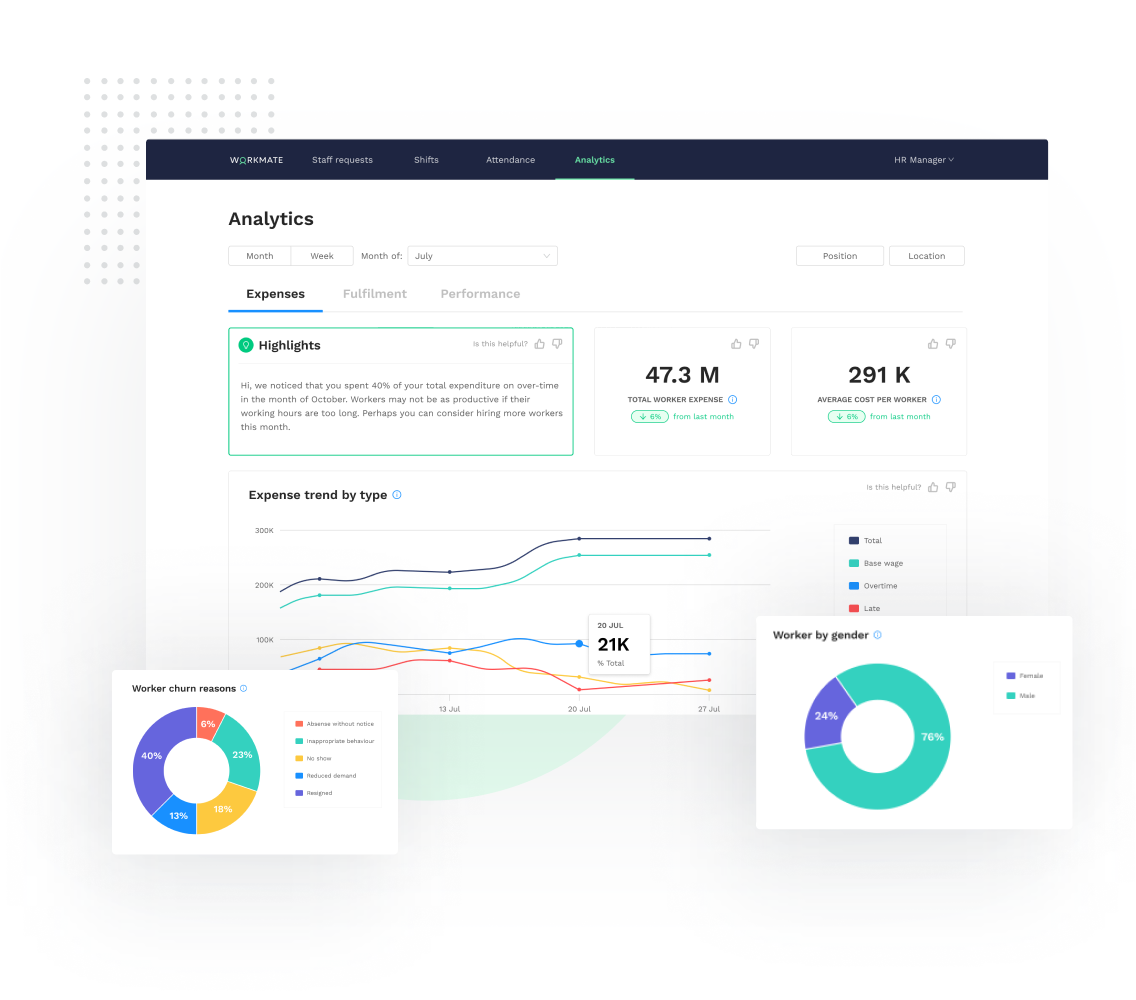
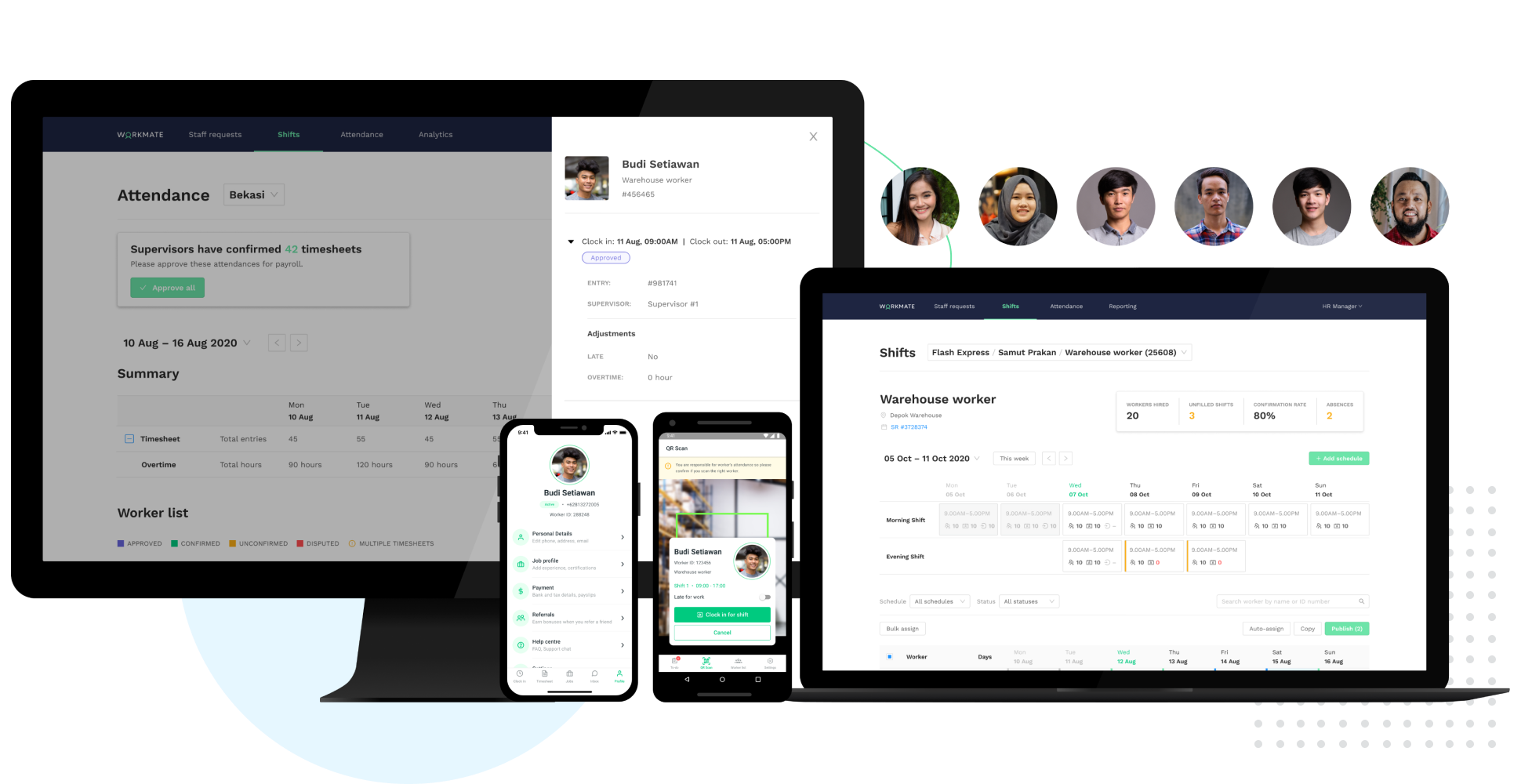
Screenshot of Smart Scheduling - Shift ManagementScreenshot of Time & Attendance Tracking via QR Clock-InScreenshot of Fully integrated Supervisor & Worker mobile appsScreenshot of Real-time workforce analytics: track expenses, fulfillment and performance dataScreenshot of Access a network of 50,000+ pre-vetted workers, AI-matched to your needsScreenshot of Automated Workforce Management Platform