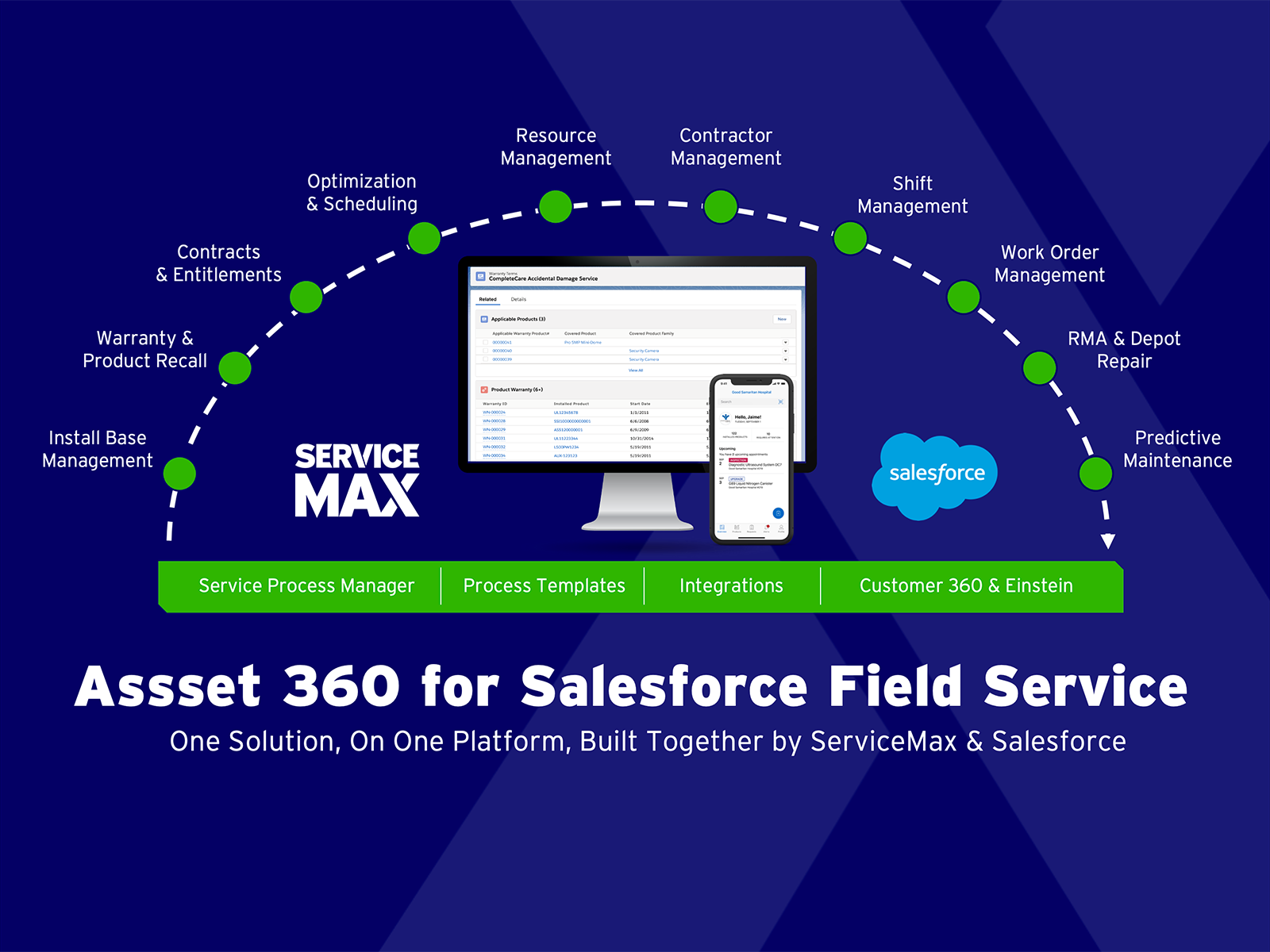
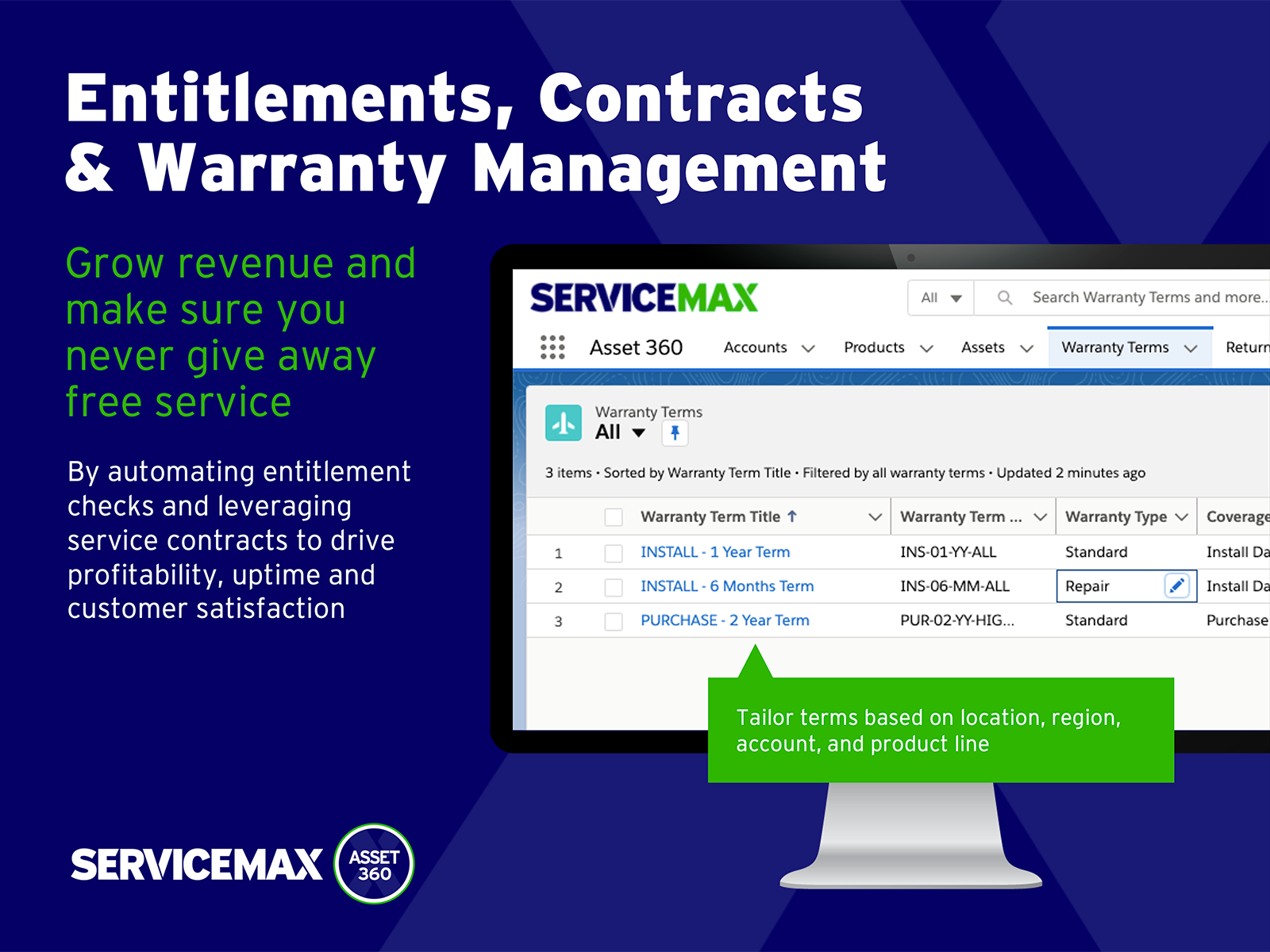
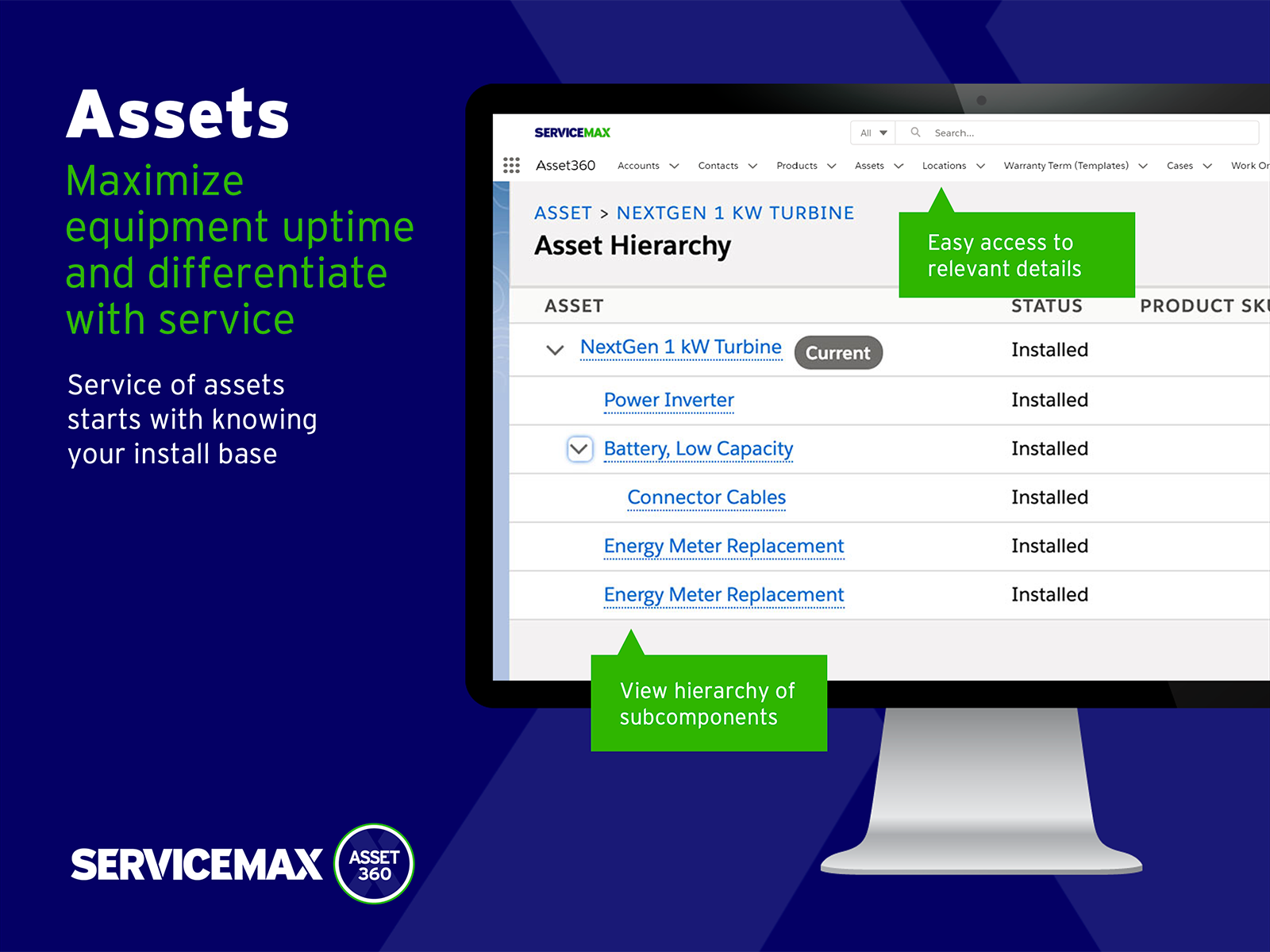
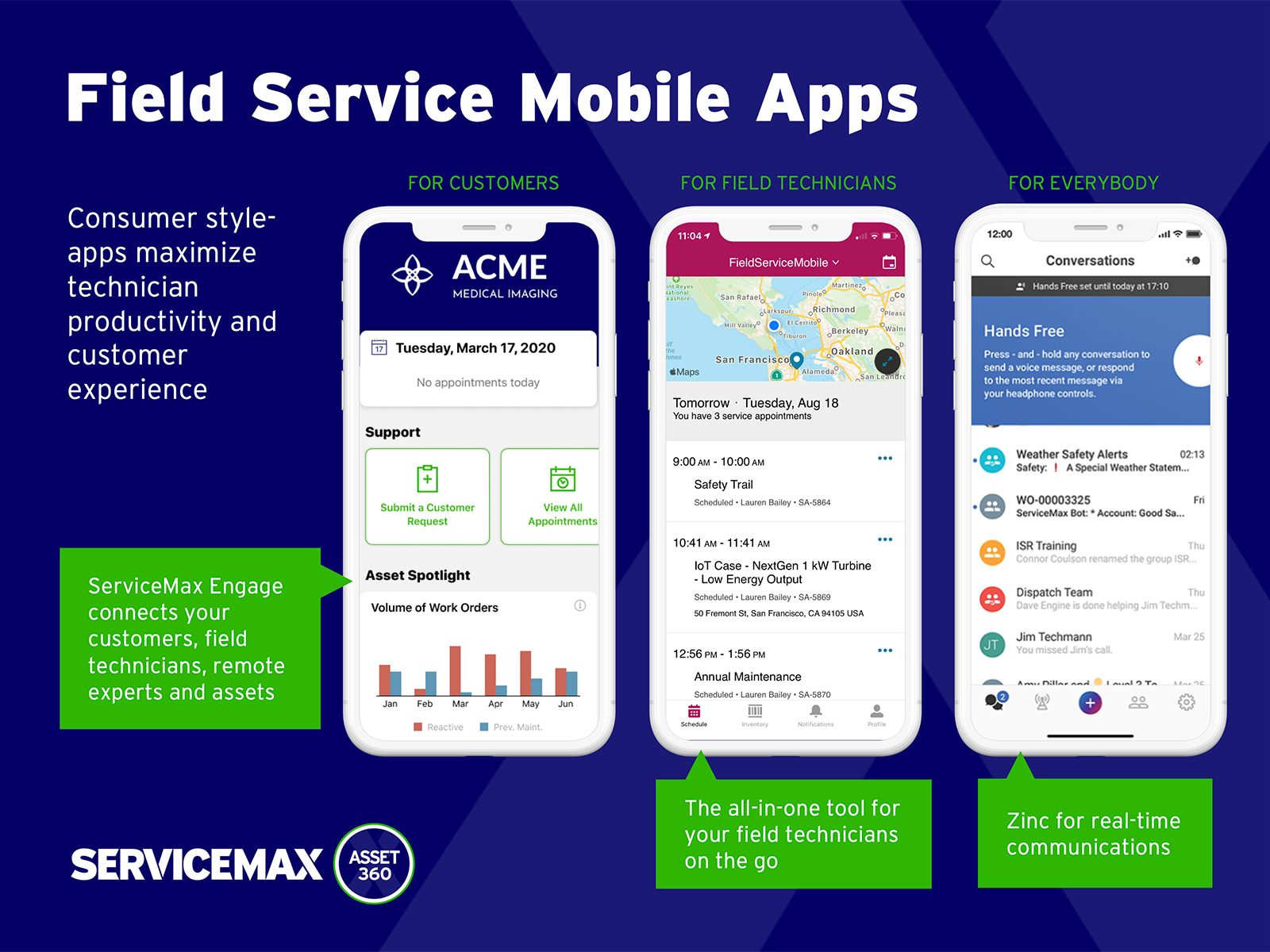
ServiceMax’s mission is to help customers with asset-centric field service management software. ServiceMax’s mobile apps and cloud-based software provide an overview of assets to field service teams. By optimizing field service operations, customers across all industries can better manage the complexities of service, support faster growth and run more profitable, outcome-centric businesses.
$100
per month
Workiz
N/A
N/A
Workiz is a field service management application created to improve the workflows being implemented by field service businesses. It provides users complete control and visibility over various aspects of their operations. These include creating customizable job forms, preparing schedules for jobs on a drag-and-drop and color-coded calendar, dispatching jobs to the right field technicians, monitoring the status of assigned jobs, streamlining payment collection, and enhancing engagements with…
$225
per month per user
Pricing
ServiceMax
Workiz
Editions & Modules
Subscription
$100.00
per month
Kickstart
$225
per month 1-3 members
Standard
$275
per month 1-5 members
Pro
$325
per month 1-5 members
Ultimate
Let’s talk
per month
Offerings
Pricing Offerings
ServiceMax
Workiz
Free Trial
Yes
Yes
Free/Freemium Version
Yes
No
Premium Consulting/Integration Services
Yes
No
Entry-level Setup Fee
Required
No setup fee
Additional Details
—
Workiz charges $30 per additional user. A 17% discount is available for annual pricing.
Small deployments, where you have some specific need for ServiceMax and absolutely need offline capabilities, and are willing to deal with the problems. Otherwise, you may be better off looking at the built-in Work Orders and field service module that Salesforce is now providing. Their app is direct competition for ServiceMax and integrates much better with cases and knowledge articles.
A de minimis incentive was given to thank the reviewer for their time. The incentive was not used to bias or drive a particular response, nor was the incentive contingent on a positive endorsement. More Info
Scenarios Where Workiz is Well Suited: Workiz works well for businesses that need visual scheduling, conflict management, and dispatching with filtering based on service areas and skills. For example, if a company manages multiple jobs daily and needs to assign the right worker based on their expertise and location, Workiz makes this process quick and efficient. Scenarios Where Workiz is Less Appropriate: If your business requires deep customization, Workiz may have limitations. For instance, if you need highly specific charge types without duplicating services or if you want to create complex team structures beyond the existing dispatch board, Workiz might not provide enough flexibility.
A de minimis incentive was given to thank the reviewer for their time. The incentive was not used to bias or drive a particular response, nor was the incentive contingent on a positive endorsement. More Info
Workiz makes it easy to see all scheduled jobs at a glance. For example, we can quickly drag and drop assignments on the calendar, making rescheduling simple when changes come up.
If two jobs are accidentally scheduled for the same time and worker, Workiz alerts us immediately. This prevents double bookings and ensures smooth operations.
We can filter workers by service areas and skills. For example, if we need a technician with a specific certification in a certain zone, we can find and assign them instantly.
A de minimis incentive was given to thank the reviewer for their time. The incentive was not used to bias or drive a particular response, nor was the incentive contingent on a positive endorsement. More Info
Currently, we have to create duplicate services just to distinguish between different charge types. This adds unnecessary work and makes managing services more time-consuming. It would be much more efficient to allow multiple charge types within the same service.
While the dispatch board allows filtering by service areas and skills, it would be helpful to have a dedicated section for organizing teams. A feature that lets us group workers by zones, skills, and availability in one place would make scheduling and dispatching even smoother.
Manually entering service areas can be tedious. It would be great to have a feature where we could input an array of zip codes, and Workiz would automatically create the corresponding service areas. This would save time and reduce errors.
I rated Workiz 10/10 for usability because it’s intuitive and easy to navigate. The drag-and-drop scheduling, automated workflows, and dispatch board simplify daily tasks. Even while still implementing it, our team adapted quickly, showing how user-friendly it is. Features are well-organized, reducing the learning curve for new users. Overall, Workiz makes scheduling, dispatching, and managing jobs much more efficient.
A de minimis incentive was given to thank the reviewer for their time. The incentive was not used to bias or drive a particular response, nor was the incentive contingent on a positive endorsement. More Info
ServiceMax has an offline capability, and also integrates with our Salesforce side of business. At the time, Salesforce did not have a field service application so we could not consider it, but if we could now, we would probably go with that instead. ServiceMax is also expensive. But at the time, ServiceMax was the only offering out there that integrated with Salesforce, had mobile offline capability, and could operate at the scale we needed.
A de minimis incentive was given to thank the reviewer for their time. The incentive was not used to bias or drive a particular response, nor was the incentive contingent on a positive endorsement. More Info
Compared to Odoo, Workiz is much easier to use, with a more intuitive interface that requires little training. Odoo offers deep customization but has a steeper learning curve and requires technical expertise to configure. Against Service WorkWave, Workiz stands out for its modern UI and clear feature set. While WorkWave has strong scheduling tools, Workiz offers more flexibility with dispatching and automation. We chose Workiz because it delivers on the features promised, has an easy-to-use system, and is actively improving, especially with upcoming AI integrations.
ROI for ServiceMax is mostly dependent on how in depth the organization wants the software. Our ROI is expected within the second year of operation due to the complexity of integration and the initial training requirements for in-house programmers.
Inventory control ROI is expected within year three or four due to the number of technicians and creating the foundation of information to import into ServiceMax. Expectations are the front end programming will be complete and our programmers will be better acquainted with the modules and architecture to make the inventory integration smoother than the initial integration.
Our organization has been working with ServiceMax for ten months and beginning to incorporate the financials to the work orders. This process has not been as seamless as once projected and the root causes are under investigation. It appears the original fields available to track time between employees were not in depth nor segregated sufficiently for granularity.
A de minimis incentive was given to thank the reviewer for their time. The incentive was not used to bias or drive a particular response, nor was the incentive contingent on a positive endorsement. More Info
Since we’re still implementing Workiz, it’s hard to measure the exact ROI yet. However, automations are already reducing manual work for both admin and field users. This translates to saved labor hours, which ultimately means cost savings.
Increased Website Conversions:
The online booking tool makes it easier for customers to schedule services directly from our website. This will help increase our website conversion rate, leading to more booked jobs without additional effort from our team.
Lower Upfront Costs:
Unlike some other platforms that require large upfront payments or long-term contracts, Workiz has helped us save money by allowing us to pay as we go instead of committing to expensive multi-year licenses.