VMware vCenter vs. xCloud

Overview
ProductRatingMost Used ByProduct SummaryStarting Price
VMware vCenter
Score 8.7 out of 10
N/A
VMware vCenter is an advanced server management software that provides a centralized platform for controlling vSphere environments for visibility across hybrid clouds. VMware vCenter is no longer sold as a standalone product and is now available as a part of VMware Cloud Foundation.
$6,044
per year
xCloud
Score 0.0 out of 10
Small Businesses (1-50 employees)
xCloud offers a server management and control panel designed to streamline the setup, deployment, and administration of WordPress websites. This platform enhances website performance and security, ensuring a robust hosting solution with transparent policies. With a user-centric design, xCloud simplifies server maintenance, so users can focus more on content creation than hosting complexities. It optimizes site speed with Redis caching tailored for WordPress and WooCommerce, and employs stable,…
$3
per month Server, 11+ Server, (Manage Your Own Server)
Pricing
VMware vCenterxCloud
Editions & Modules
Basic
6,044
per year
Production
6,244
per year
AGENCY
$3
per month Server, 11+ Server, (Manage Your Own Server)
PROFESSIONAL
$4
per month Server (6-10 Server), Manage Your Own Server
STARTER
$5
per month (1-5)Server, Manage your own server
PROFESSIONAL
$45
per month Server, 8 GB RAM, (xCloud Managed Server)
ELITE P
$50
per month Server, 8 GB RAM, (xCloud Managed Server)
Offerings
Pricing Offerings
VMware vCenterxCloud
Free Trial
NoNo
Free/Freemium Version
NoYes
Premium Consulting/Integration Services
NoNo
Entry-level Setup FeeNo setup feeNo setup fee
Additional Details
More Pricing Information
Community Pulse
VMware vCenterxCloud
Best Alternatives
VMware vCenterxCloud
Small Businesses
NinjaOne
NinjaOne
Score 9.0 out of 10
NinjaOne
NinjaOne
Score 9.0 out of 10
Medium-sized Companies
NinjaOne
NinjaOne
Score 9.0 out of 10
NinjaOne
NinjaOne
Score 9.0 out of 10
Enterprises

No answers on this topic

VMware vCenter
VMware vCenter
Score 8.7 out of 10
All AlternativesView all alternativesView all alternatives
User Ratings
VMware vCenterxCloud
Likelihood to Recommend
8.5
(0 ratings)
-
(0 ratings)
Likelihood to Renew
9.0
(0 ratings)
-
(0 ratings)
Usability
7.7
(0 ratings)
-
(0 ratings)
Support Rating
9.0
(0 ratings)
-
(0 ratings)
Implementation Rating
9.0
(0 ratings)
-
(0 ratings)
User Testimonials
VMware vCenterxCloud
Likelihood to Recommend
VMware vCenter Server is suited for pretty much any environment using virtual servers. It allows a centralized management view of the virtual servers and the physical servers that the virtual servers run on. There are so many things that VMware vCenter Server can do, including large Enterprise options that are cost-prohibitive for most organizations.
Read full review
No answers on this topic
Pros
  • First and foremost, it provides a platform for us to virtualize our servers and it does it very well. Having the ability to spin up a new server from a template in a matter of seconds is amazing and saves precious time and resources.
  • VMware vCenter Server also provides the ability to view performance & statistical data that assists my team in balancing our host environment. Leveraging the vMotion functionality, we can quickly move VMs from one host to another for maintenance purposes, etc...
  • VMware vCenter Server also make it easy to add / modify hardware configurations within the VMs setup. Adding RAM, hard drive space, processor cores, etc...is as easy as it gets.
  • VMware vCenter Server makes it easy to backup and restore a VM from the console. You can quickly create a backup of any VM and store it during upgrades, etc...for easy roll backs.
Read full review
No answers on this topic
Cons
  • I still am not happy with the web interface. While convenient in that I can access vCenter from anywhere I have a browser connection, It feels slower than the thick client and if I'm doing anything that takes longer than a few minutes, I'll always opt for the thick client.
Read full review
No answers on this topic
Likelihood to Renew
We are very dependent on this software, it has become a much needed tool to perform the daily tasks that are required to maintain the virtual server environment. VMware has become very pricey over the years, so we are looking for alternatives for cost savings strategy, but nothing has been found to be on par to what we are currently using
Read full review
No answers on this topic
Usability
I work with vCenter for 10+ years and i love it. I can find my way around and can help building and expanding the platform. It is easy to use and there are a lot good communities for the extra support when needed. Even the Homelab community is of great value.
Read full review
No answers on this topic
Support Rating
VMware support has always been fantastic and they have been invaluable in solving tougher issues that have been run into. Most of the time, any oddities encountered are fixed by available updates. This can be deduced by support quickly with logs within vCenter. We have not run into something yet that support was unable to help with. They either have a solution already, or they are able to find one quickly.
Read full review
No answers on this topic
Implementation Rating
Since moving away from the Windows Server hosting the vCenter application and instead using a virtual appliance, it has become much easier to implement and deploy the new versions. We can easily create a snapshot or clone of the vCenter vApp to ensure any problems encountered during the upgrade can be mitigated with a fall back to the old version to prevent unscheduled downtime.
Read full review
No answers on this topic
Alternatives Considered
vCenter is much more complete as a solution than other products that I have looked at and it works very well for our environment. vCenter is very easy to configure and does not have the unnecessary steps to set up and configure. Also, the different storage vendor support makes it easy to configure and maintain without having to use separate applications or consoles.
Read full review
No answers on this topic
Return on Investment
  • Significantly reduced the number of standalone control system servers on site
  • Allowed scaling up of existing systems and migrating other systems onto new infrastructure without additional hardware outlay
  • The initial licensing and hardware purchase cost was high, however will pay off by the reduction in hardware costs required for planned systems
Read full review
No answers on this topic
ScreenShots

xCloud Screenshots

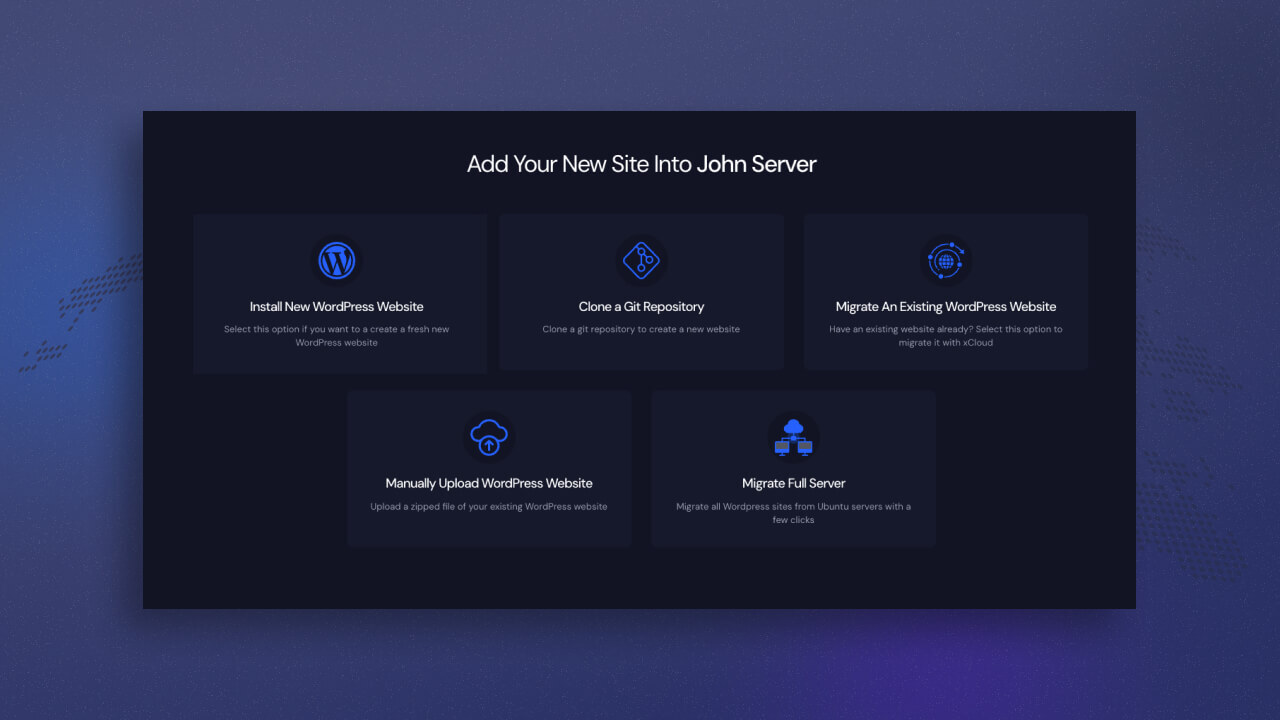
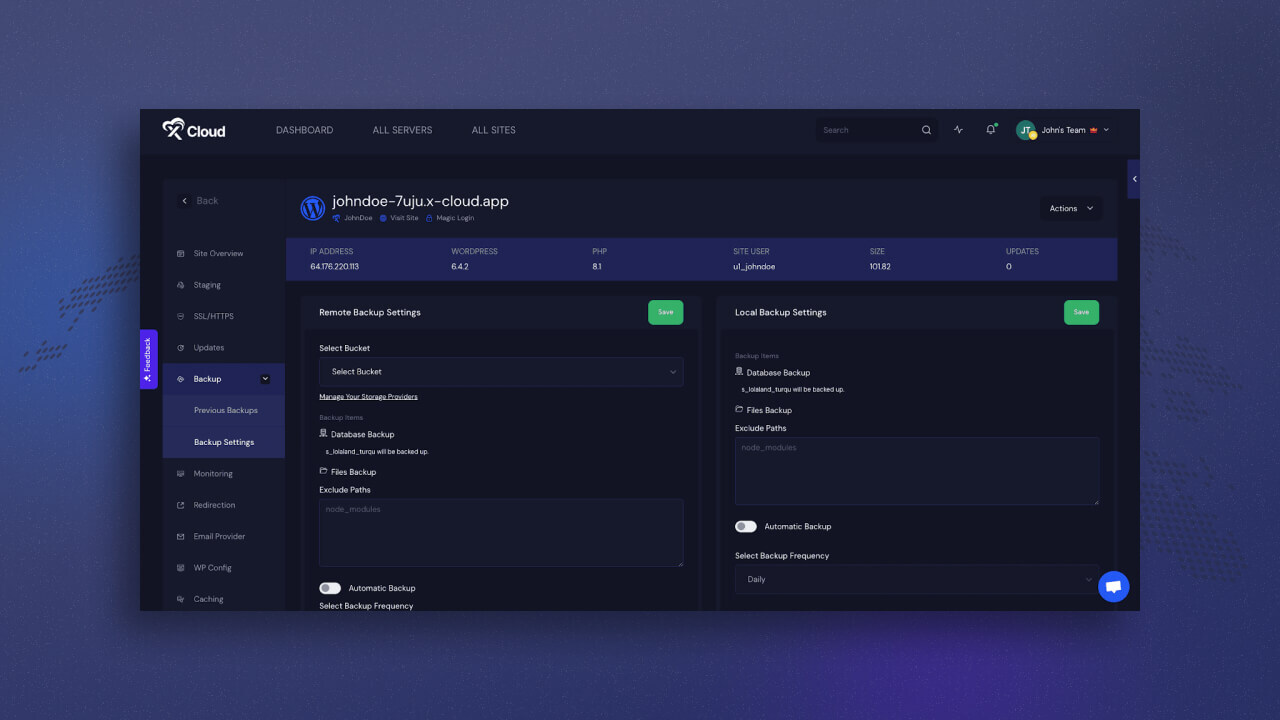
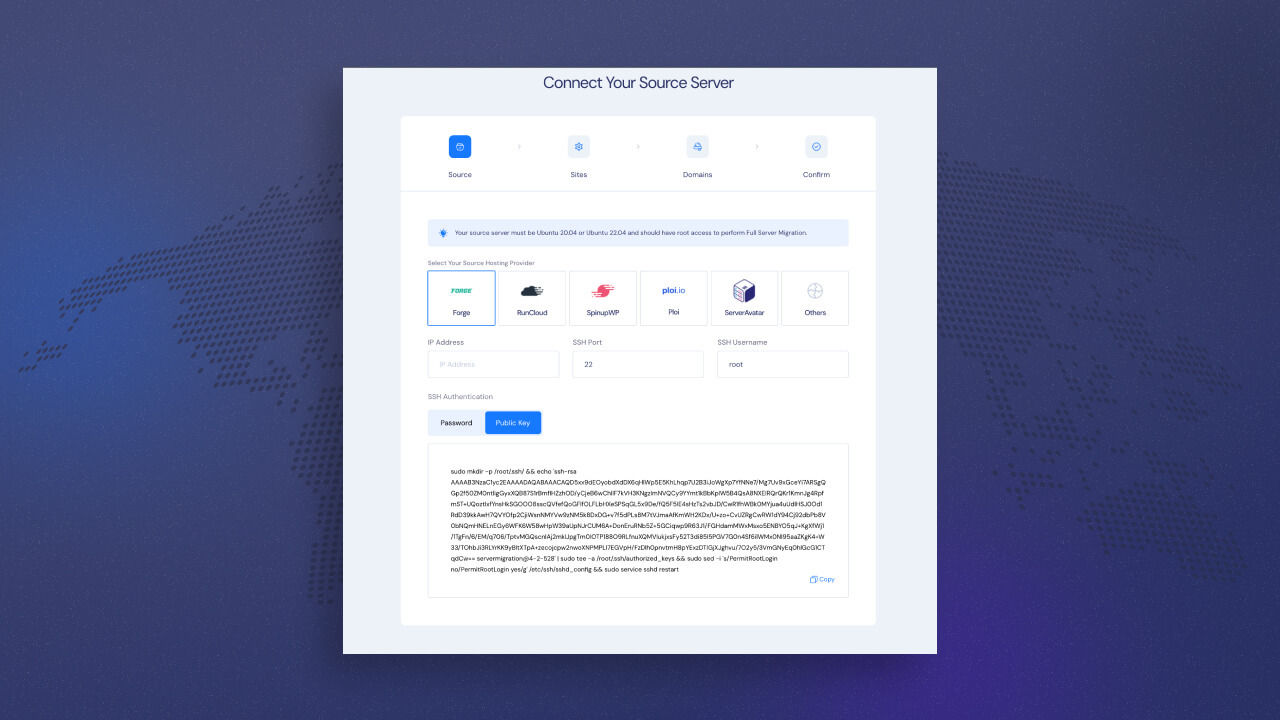
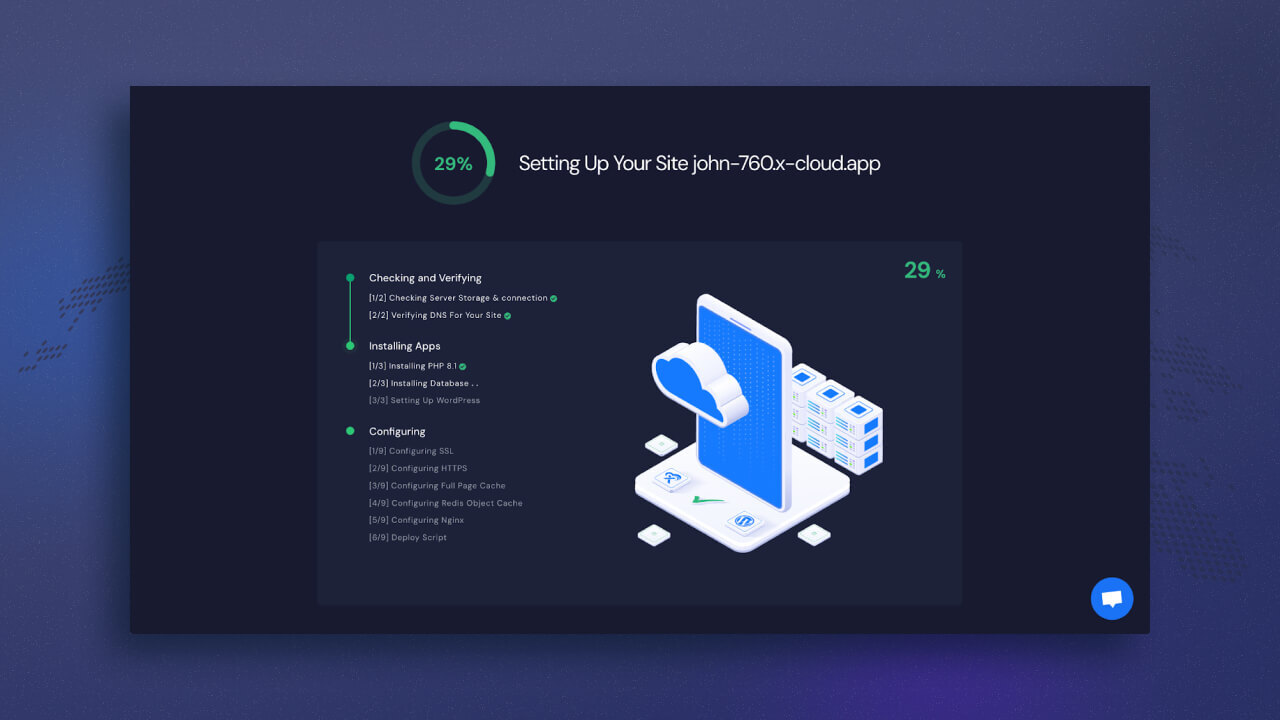
Screenshot of xCloud Adding site to a serverScreenshot of Screenshot of xCloud Bring & Manage your Own ServerScreenshot of xCloud Bring & Manage your Own ServerScreenshot of xCloud Setting up site