Microsoft Visio vs. Visual Assistance

Overview
ProductRatingMost Used ByProduct SummaryStarting Price
Microsoft Visio
Score 7.6 out of 10
N/A
Microsoft offers Visio, a diagramming tool for building flowcharts, diagrams (e.g. network diagrams), org charts and floor plans, available online as a subscription and also in enterprise level packages (e.g. Visio Professional).
$5
per month per user
Visual Assistance
Score 0.0 out of 10
Small Businesses (1-50 employees)
Visual Assistance is a software solution that accelerates issue resolution by allowing support agents to virtually assess equipment status and configurations, guiding clients through interactive troubleshooting steps. The personalized recommendations and collaborative problem-solving approach aims to enhance customer understanding and confidence. Beyond reducing the need for onsite visits, Visual Assistance streamlines the troubleshooting experience, and its emphasis on visual collaboration…
$50
per month 5 users, 100 SMS
Pricing
Microsoft VisioVisual Assistance
Editions & Modules
Visio Plan 1
$5.00
per month per user
Visio Plan 2
$15.00
per month per user
Visio Standard 2024
$309.99
one-time fee On-premises diagramming solution, licensed for one PC
Visio Professional 2024
$579.99
one-time fee On-premises diagramming solution, licensed for one PC
No answers on this topic
Offerings
Pricing Offerings
Microsoft VisioVisual Assistance
Free Trial
NoYes
Free/Freemium Version
YesNo
Premium Consulting/Integration Services
NoYes
Entry-level Setup FeeNo setup feeNo setup fee
Additional Details
More Pricing Information
Community Pulse
Microsoft VisioVisual Assistance
Best Alternatives
Microsoft VisioVisual Assistance
Small Businesses
OmniGraffle
OmniGraffle
Score 9.1 out of 10
Lucid Visual Collaboration Suite
Score 8.6 out of 10
Medium-sized Companies
Cvent Event Diagramming
Score 9.5 out of 10
Lucid Visual Collaboration Suite
Score 8.6 out of 10
Enterprises
Cvent Event Diagramming
Score 9.5 out of 10
Miro
Miro
Score 9.2 out of 10
All AlternativesView all alternativesView all alternatives
User Ratings
Microsoft VisioVisual Assistance
Likelihood to Recommend
8.0
(70 ratings)
-
(0 ratings)
Likelihood to Renew
10.0
(2 ratings)
-
(0 ratings)
Usability
8.0
(5 ratings)
-
(0 ratings)
Support Rating
7.3
(14 ratings)
-
(0 ratings)
Implementation Rating
10.0
(1 ratings)
-
(0 ratings)
User Testimonials
Microsoft VisioVisual Assistance
Likelihood to Recommend
Microsoft
Given the versatility and diversity of the diagrams that can be created with Microsoft Visio, we use this tool for the most diverse activities. With our students, we use it to organize group activities and manage the tasks that everyone has to complete. In research groups, we use it to divide tasks and create organization charts. For research activities, especially the more complex ones carried out, for example, in PhD programmes, the diagrams allow us to display all the work phases graphically.
Read full review
OptimaTech Limited
No answers on this topic
Pros
Microsoft
  • Visio comes with icons that can help differentiate processes within a map. These can be used to be a legend and helps create a visually appealing flow.
  • Visio is user-friendly and allows the user to easily navigate through the different creative options that can be used.
  • Because this is a Microsoft product, Visio works well with other Microsoft products for easy translation.
Read full review
OptimaTech Limited
No answers on this topic
Cons
Microsoft
  • For me personally I cannot highlight anything specific that has any bearing on how I use the product. Everything is very straightforward and clearly signposted including template desgins and categories. The layout is easy to navigate and as it's part of the MS Office ecosystem means there is less to learn as I'm used to a lot of the cross product functionality.
Read full review
OptimaTech Limited
No answers on this topic
Likelihood to Renew
Microsoft
We use Microsoft Visio to keep our diagrams updated and to that end we will need the subscription to keep using the software. Otherwise we will be left with PDF versions of the diagrams.
Read full review
OptimaTech Limited
No answers on this topic
Usability
Microsoft
I think Microsoft Visio is pretty easy to initially pick up and understand the user interface to dive into make basic models. It would be nice if there were some fit for purpose templates so that not as much time needs to be spent on some types of engineering diagram structure. Trying to work on a single Visio file with multiple team members is also a sticking point.
Read full review
OptimaTech Limited
No answers on this topic
Support Rating
Microsoft
Overall, I feel that Microsoft's support is weak. They are now such a behemoth that their model of putting documentation online for their users to sift through is totally outgrown. Given the amount of money you pay for these licenses, Microsoft should provide easy one-on-one support for their products via email or chat. The idea of paying their rates for support incidents is ridiculous. If you have an enormous amount of time on your hands, use their support websites and you will eventually find a solution most of the time.
Read full review
OptimaTech Limited
No answers on this topic
Alternatives Considered
Microsoft
Even though it’s a more expensive solution, Vizio is built for the enterprise. Therefore, it integrates perfectly with our existing Microsoft stack, and quite frankly, because it’s such a more mature product, it provides exactly the functionality we need and expect.
Read full review
OptimaTech Limited
No answers on this topic
Return on Investment
Microsoft
  • Visio diagrams have help us streamline processes that reduce costs and improve efficiencies.
  • It is a very complete program, it allows you to make industrial and civil works diagrams. It also allows you to design 3D graphics. It is a very reliable program.
  • Its ability to work with vectors is a big plus. It can easily import SVG graphics, edit their individual lines and then being able to export the edited SVG again.
Read full review
OptimaTech Limited
No answers on this topic
ScreenShots

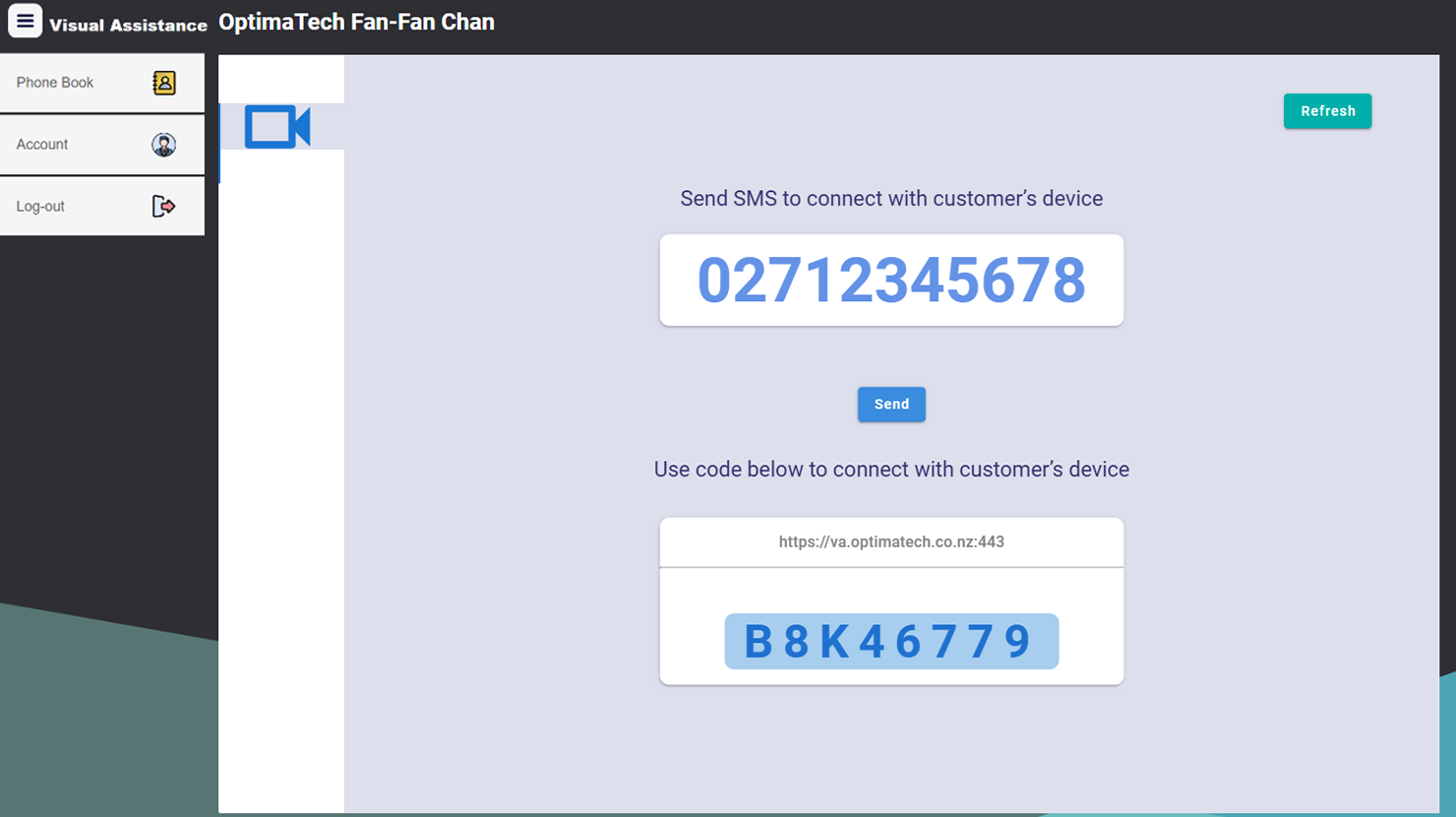
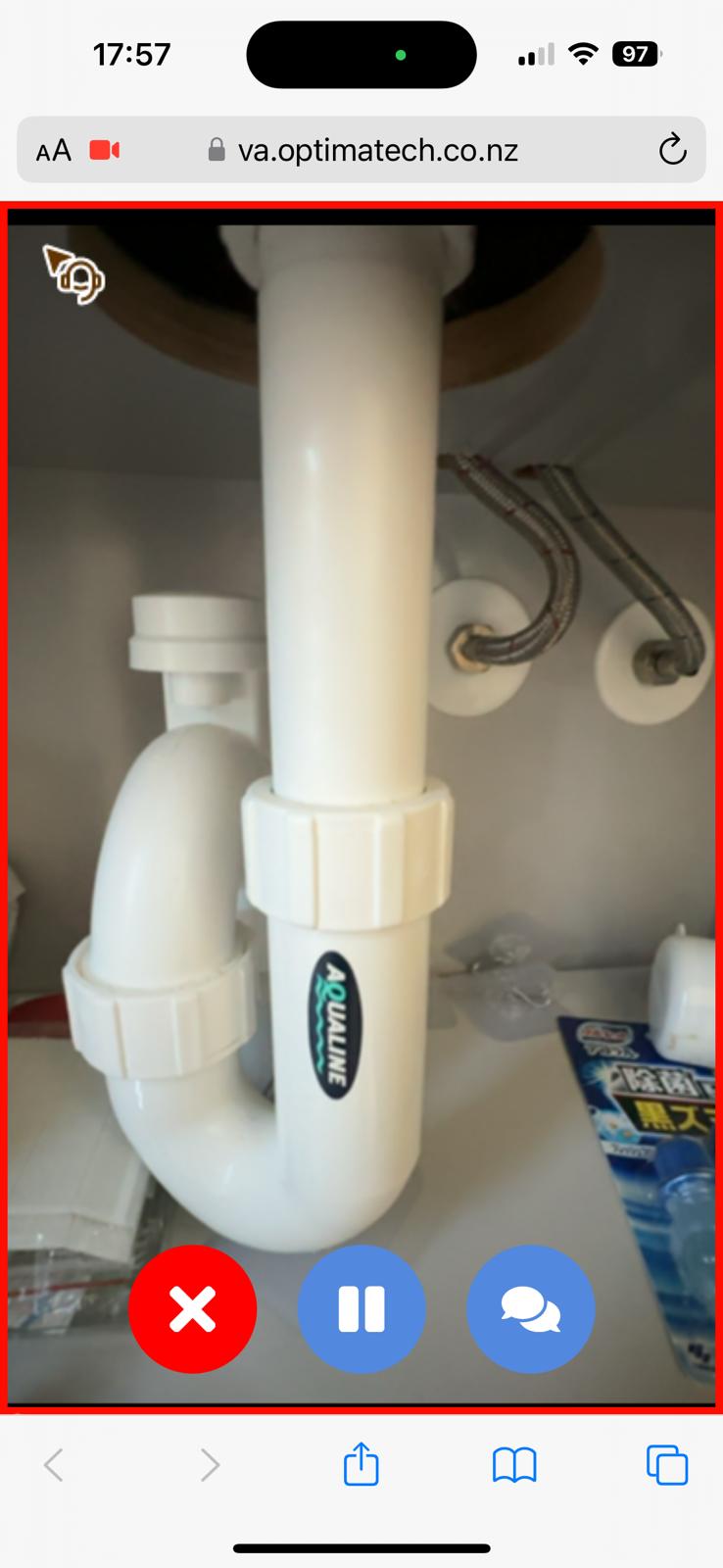
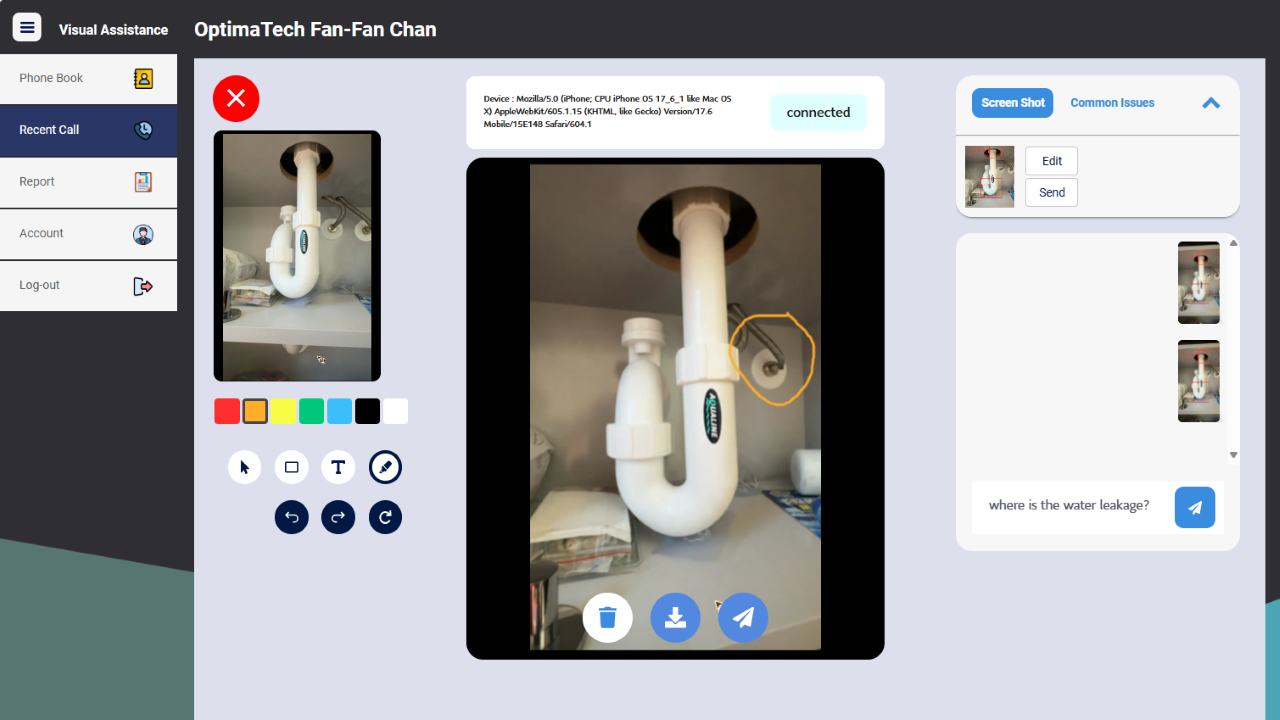
Visual Assistance Screenshots

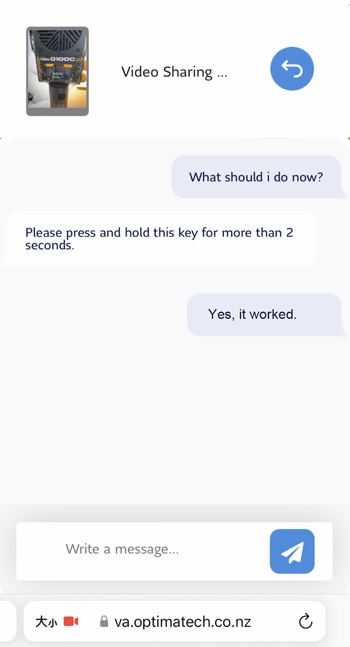
Screenshot of SMS InvitationScreenshot of User showing situation via rear cameraScreenshot of Service agent guiding customers to resolve problems using annotation and voice chat.Screenshot of Instant Messaging