TrustRadius: an HG Insights company

UserWay Accessibility Monitor vs. WAVE Web Accessibility Evaluation Tool

Save this comparison

Save this comparison

Add Product

Recommended Comparisons

    Overview
    ProductRatingMost Used ByProduct SummaryStarting Price

    UserWay Accessibility Monitor

    Score10 out of 10
    N/AUserWay’s Accessibility Monitoring flags and fixes WCAG violations, supports team management and integrates easily with your platforms.

    $990

    per year pages

    WAVE Web Accessibility Evaluation Tool

    Score5 out of 10
    N/AWAVE is a suite of evaluation tools that helps authors make their web content more accessible to individuals with disabilities. WAVE can identify many accessibility and Web Content Accessibility Guideline (WCAG) errors, but also facilitates human evaluation of web content. The vendor, WebAIM who offers WAVE as a free suite of tools, states their philosophy is to focus on issues that they know impact end users, facilitate human evaluation, and to educate about web…

    $0

    Pricing
    UserWay Accessibility MonitorWAVE Web Accessibility Evaluation Tool
    Editions & Modules
    No answers on this topic
    WAVE API Credits 10000+
    $0.25
    per credit
    WAVE API Credits 1000-9999
    $0.3
    per credit
    WAVE API Credits 250-999
    $0.4
    per credit
    Offerings
    Pricing Offerings
    UserWay Accessibility MonitorWAVE Web Accessibility Evaluation Tool
    Free Trial
    NoNo
    Free/Freemium Version
    NoYes
    Premium Consulting/Integration Services
    NoNo
    Entry-level Setup FeeNo setup feeNo setup fee
    Additional DetailsAccessibility Scanning: 100 pages/month $990/ year Accessibility Scanning: 500 pages/month $4,490/ year Accessibility Scanning: 1500 pages/month $10,990/year
    More Pricing Information
    Features
    UserWay Accessibility MonitorWAVE Web Accessibility Evaluation Tool
    Accessibility Testing
    Comparison of Accessibility Testing features of UserWay Accessibility Monitor and WAVE Web Accessibility Evaluation Tool
    Feature
    UserWay Accessibility Monitor
    -
    Ratings
    WAVE Web Accessibility Evaluation Tool
    5.7
    1 Ratings
    17% below category average
    Accessibility Scanning and Assessment00 Ratings7.01 Ratings
    Issue Ranking00 Ratings8.01 Ratings
    Manual Auditing Services00 Ratings5.01 Ratings
    Compliance Reporting and Tracking00 Ratings2.01 Ratings
    HTML and CSS scanning00 Ratings6.01 Ratings
    Color/Contrast Analysis00 Ratings6.01 Ratings
    User Ratings
    UserWay Accessibility MonitorWAVE Web Accessibility Evaluation Tool
    Likelihood to Recommend
    -
    (0 ratings)
    5.0
    (4 ratings)
    User Testimonials
    UserWay Accessibility MonitorWAVE Web Accessibility Evaluation Tool
    Likelihood to Recommend
    UserWay
    No answers on this topic
    WebAIM
    This is pretty middle of the road. It does a good job of picking out some of the low-hanging fruit, but it's not going properly evaluate semantic structure and will pop several false positives. Additionally, the tools are incomplete. For instance, the contrast editor will allow you to test your colors with sliders so you can get the closest color that passes; however, that isn't how color palettes work, you generally don't get to change a companies palette without a lot of pain; furthermore, there is no ability to adjust the font-size and both font-size AND color are used to determine contrast requirements. Oh, and they use points VS pixels...nobody is using points on the web even if the ADA uses them in their fairly dated guidelines. Text from the actual contrast editor "Text is present that has a contrast ratio less than 4.5:1, or large text (larger than 18 point or 14 point bold) has a contrast ratio less than 3:1.". 14pt = 18.66 pixels, so I can see their logic even if I don't agree with it
    Read full review
    Pros
    UserWay
    No answers on this topic
    WebAIM
    • Provides report of errors for you
    • Explains what needs to be fixed so you know why
    • Shows the errors next to each item on your website so you can see which one they mean
    Incentivized
    Read full review
    Cons
    UserWay
    No answers on this topic
    WebAIM
    • Sometimes the automated functions miss things or are mis-triggered
    • I would like it to link out to more in-depth reading on issues and resolving them
    • I would love it if it generated a PDF report to send people.
    Incentivized
    Read full review
    Alternatives Considered
    UserWay
    No answers on this topic
    WebAIM
    For this, I'm speaking specifically to the Siteimprove browser plugin. The Siteimprove plugin: Allows to filter on guideline level Catches a few more errors than WAVE Web Accessibility Evaluation Tool, but comes pretty close But, both do a great job in all other aspects WebAIM shines in its simplicity of overlaying of errors and warnings on the page. I think its real benefit is a lower learning curve on understanding how to use the tool
    Incentivized
    Read full review
    Return on Investment
    UserWay
    No answers on this topic
    WebAIM
    • It has led us to be more inclusive and accessible in our website
    • We have more website visitors
    • We have had positive comments about our website in terms of being accessible
    Incentivized
    Read full review
    ScreenShots

    UserWay Accessibility Monitor Screenshots
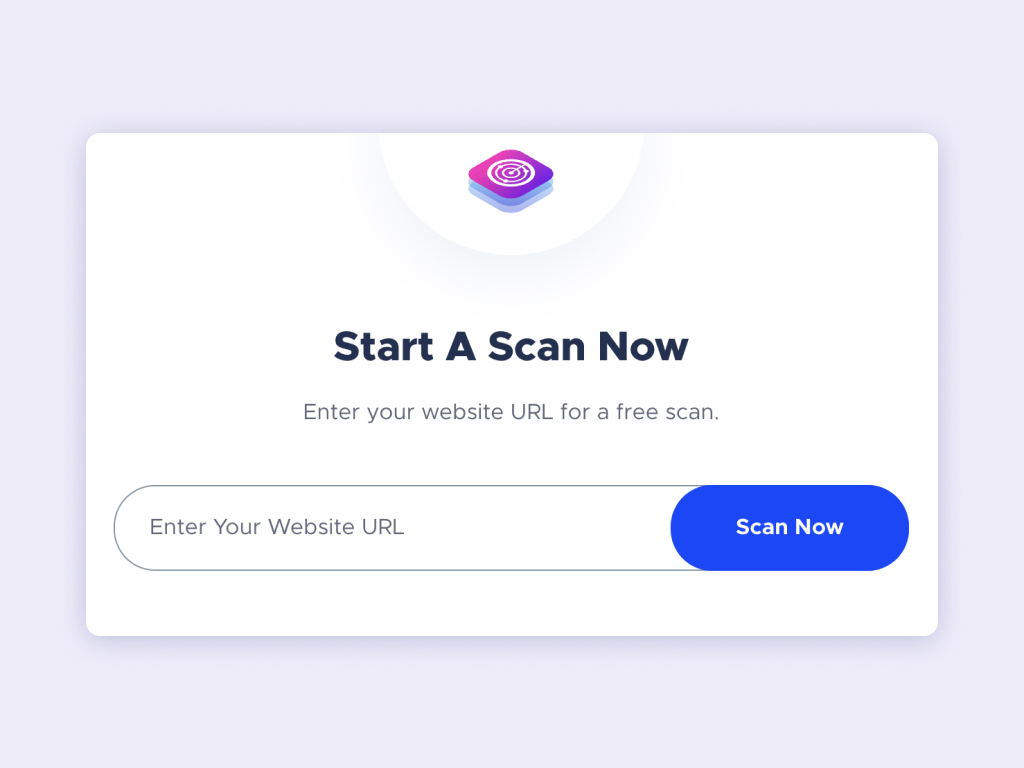
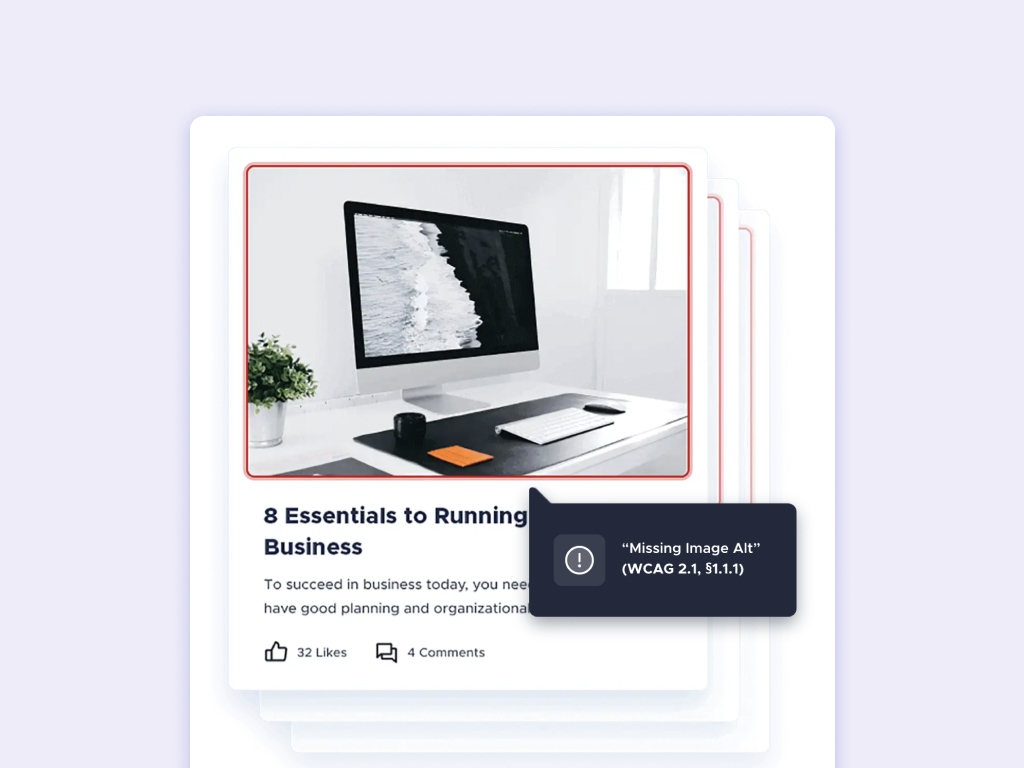
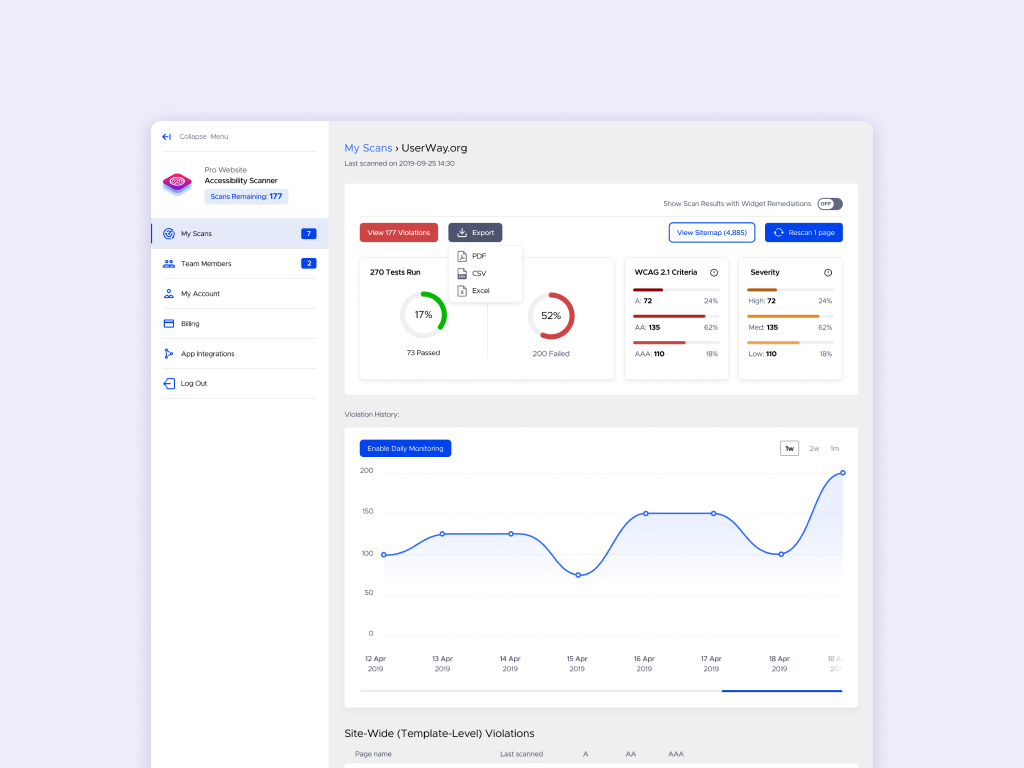
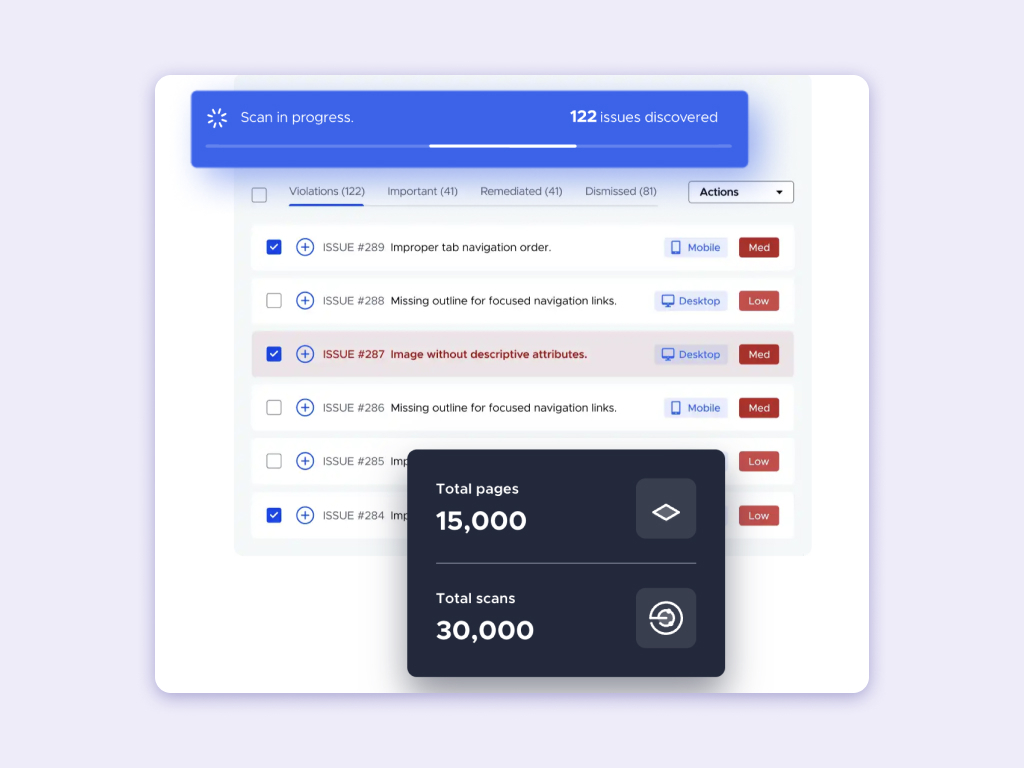
    Screenshot of a website interface featuring a call-to-action that reads 'Start A Scan Now' with a field to 'Enter Your Website URL' for a free scan, and a 'Scan Now' button.Screenshot of a responsive web design display across a desktop, tablet, and mobile, featuring a luxury watch product page, with a monitoring overlay visible.Screenshot of a user interface displaying a website monitoring tool detecting a violation, specifically a 'Missing Image Alt' error on an image within a blog post on a site.Screenshot of a dashboard showing website accessibility scan results, with a graph of violation history and a summary of WCAG criteria violations.Screenshot of a website scan dashboard showing '122 issues discovered' with a list of accessibility problems and counters for total pages and scans.