Trend Micro Email Security stops phishing, ransomware, and BEC attacks, and uses an optimum blend of cross-generational threat techniques, like machine learning, sandbox analysis, data loss prevention (DLP), and other methods to stop email threats. The solution connects with other Trend Micro security layers to share threat intelligence and provide central visibility of threats across the organization. Trend Micro Email Security protects Microsoft Exchange, Microsoft Office 365, Gmail, and other…
N/A
Zoho Mail
Score9.3 out of 10
N/A
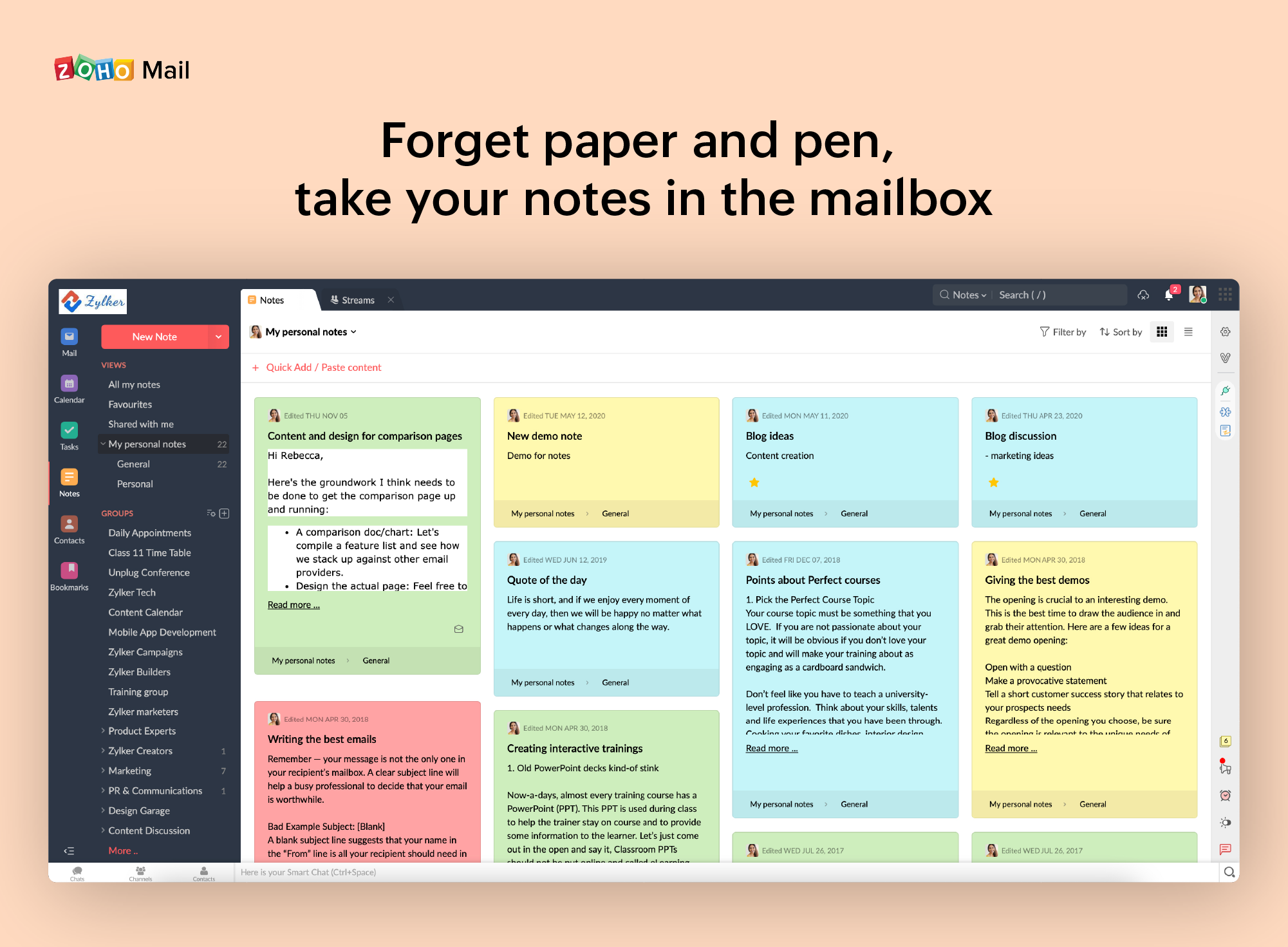
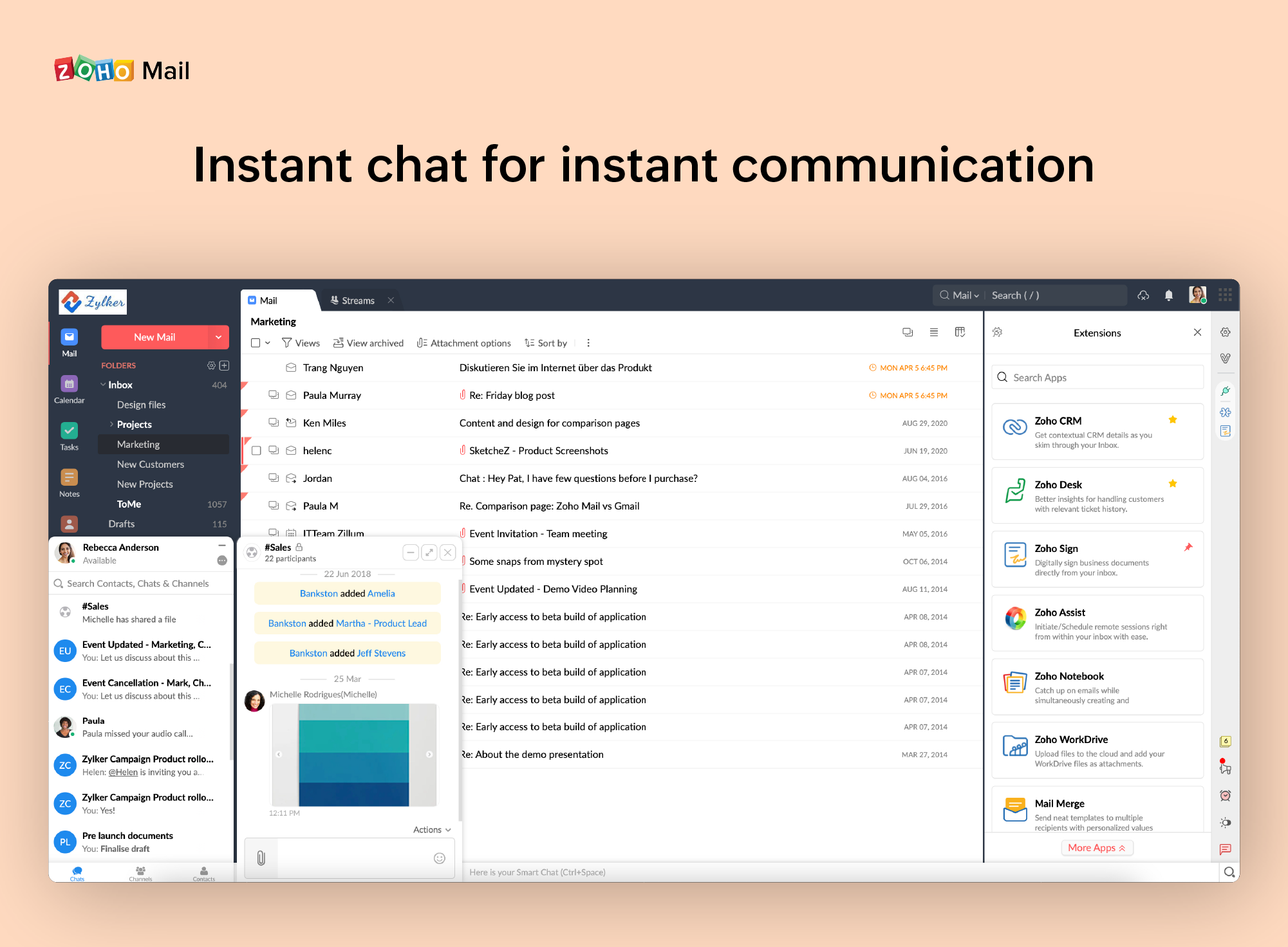
Zoho offers their business email suite, which includes Calendar, Tasks, Notes, and Contacts bundled with an inbox.
PRO: all companies that need an antispam, antivirus. It should not be activated if it is not possible to deactivate the anti-spam provided by the provider. you have to check the in/out of the mail a few days to verify false positives and manage the rules. CONS: It is too expensive for small companies, it's better to use services offered by the mail provider.
If you don't have a huge budget and want something that works with minor quirks here and there then Zoho Mail is definitely something you should look into. For half the price of Google G Suite or Office account you get 5GB of storage per user and can send up to 25MB emails without restrictions. Great for small businesses in my opinion. I have had some issues with their spam filter, but we use SpamTitan and just shut off the one that comes with Zoho Mail. Zoho's spam filter isn't horrible but you should definitely use something in addition or instead of what comes with Zoho.
A de minimis incentive was given to thank the reviewer for their time. The incentive was not used to bias or drive a particular response, nor was the incentive contingent on a positive endorsement. More Info
A de minimis incentive was given to thank the reviewer for their time. The incentive was not used to bias or drive a particular response, nor was the incentive contingent on a positive endorsement. More Info
I really like that there is a free version in which a single user can be created. It is really useful because it allows you to evaluate each characteristic of the service without having to buy it.
I also really like the visual aspect of the inbox, which is partially customizable. Because you can make small changes such as changing the color, the language, and among other things.
A de minimis incentive was given to thank the reviewer for their time. The incentive was not used to bias or drive a particular response, nor was the incentive contingent on a positive endorsement. More Info
A de minimis incentive was given to thank the reviewer for their time. The incentive was not used to bias or drive a particular response, nor was the incentive contingent on a positive endorsement. More Info
A de minimis incentive was given to thank the reviewer for their time. The incentive was not used to bias or drive a particular response, nor was the incentive contingent on a positive endorsement. More Info
The product really does everything it can and offers it very simply. In other words, after using it for many years like us, it feels as if the email system could not exist without Trend Micro Email Security. Using email in a corporate structure without this or any other product is the job of brave people.
A de minimis incentive was given to thank the reviewer for their time. The incentive was not used to bias or drive a particular response, nor was the incentive contingent on a positive endorsement. More Info
Overall, Trend Micro Email Security does what is designed to do, however, it can be a bit frustrating tweaking the policies to get them just right due to the vagueness of some of the levels of protection available for some of the features (e.g., scales that range from "Low" to "Highest")
A de minimis incentive was given to thank the reviewer for their time. The incentive was not used to bias or drive a particular response, nor was the incentive contingent on a positive endorsement. More Info
It is very easy to use and does all you need. It sends newsletters to their own folder. A notification folder for more important things. The Spam folder collect the right amount of spam emails
A de minimis incentive was given to thank the reviewer for their time. The incentive was not used to bias or drive a particular response, nor was the incentive contingent on a positive endorsement. More Info
As a reseller, it can be difficult to locate the appropriate support number to call, however, once a case has been opened for a support request, it is generally resolved fairly quickly.
A de minimis incentive was given to thank the reviewer for their time. The incentive was not used to bias or drive a particular response, nor was the incentive contingent on a positive endorsement. More Info
I have spoken with Zoho several times and their support is always friendly and helpful. I have always been asked for security pins and codes when seeking assistance which helps me to feel my accounts are secure and I have never had to wait on hold to speak with someone for more than 5 minutes. They always seem to have someone available to help. If you call asking for instructions on how to do something they gladly walk you through the process and if you just need something done and don't have time to do it yourself they will happily customize whatever you need without you having to spend all day with it.
A de minimis incentive was given to thank the reviewer for their time. The incentive was not used to bias or drive a particular response, nor was the incentive contingent on a positive endorsement. More Info
I think Trend Micro Email Security gave us the best price along with the best overall features. We felt more comfortable using the Email Security along with the other Trend Micro products. It keeps our environment safe and has been a great way to help our end users through email issues. I would defiantly recommend this Trend Micro Email Security product to IT professionals a like.
Zoho is free. Also, there is no need for a separate IT guy for creating mail, or if any issues come you don't have to find anyone anyone can check and fix all issues from their super admin panel. Zoho overview is much better than outlook and its appearance of getting mail popup and functionality is better than outlook. My friend suggested for this and also after using I have referred my friend
A de minimis incentive was given to thank the reviewer for their time. The incentive was not used to bias or drive a particular response, nor was the incentive contingent on a positive endorsement. More Info