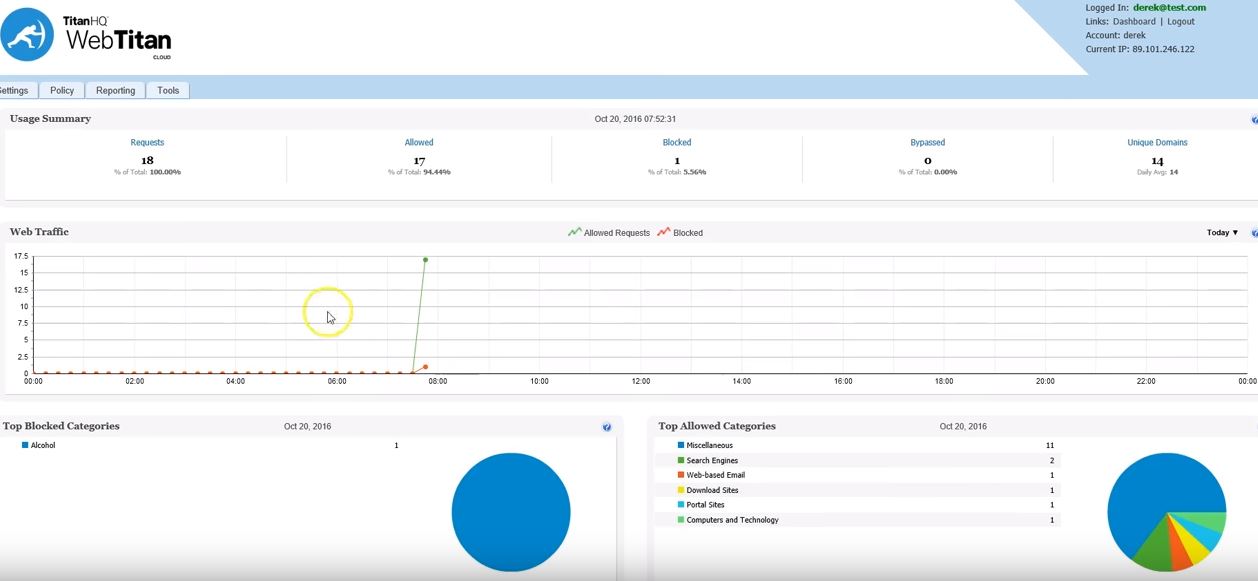
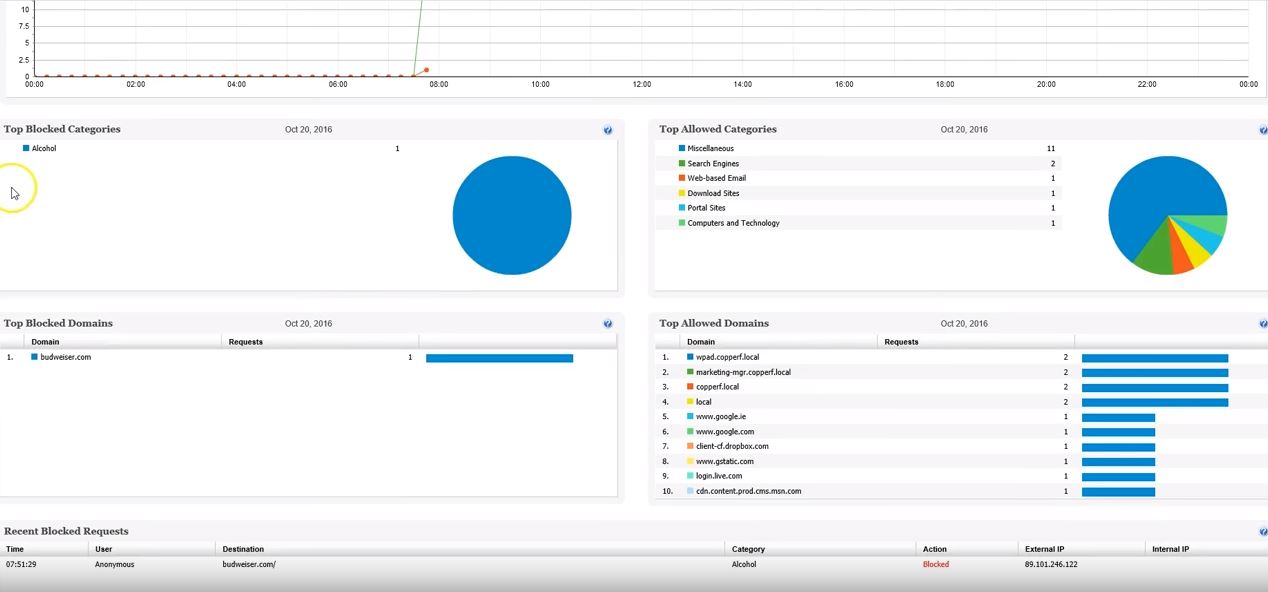
WebTitan is the web security gateway and content filtering solution offered by TitanHQ.
$38
per month per 25 users (Starting Price)
Webroot Antivirus + Internet Security Complete (SecureAnywhere)
Score9.2 out of 10
N/A
Webroot Security Complete (formerly under the brand name SecureAnywhere) is a suite of antivirus, multi-endpoint security and Internet security solutions available for home offices, and possibly small businesses with limited security needs.
$30
per seat/per year
Pricing
TitanHQ DNS Filtering
Webroot Antivirus + Internet Security Complete (SecureAnywhere)
Editions & Modules
WebTitan Gateway
$38
per month per 25 users (Starting Price)
Webroot Business Endpoint Protection
$30
per seat/per year
Offerings
Pricing Offerings
TitanHQ DNS Filtering
Webroot Antivirus + Internet Security Complete (SecureAnywhere)
Free Trial
Yes
No
Free/Freemium Version
No
No
Premium Consulting/Integration Services
No
No
Entry-level Setup Fee
Optional
No setup fee
Additional Details
—
—
More Pricing Information
Community Pulse
TitanHQ DNS Filtering
Webroot Antivirus + Internet Security Complete (SecureAnywhere)
Webroot Antivirus + Internet Security Complete (SecureAnywhere)
Likelihood to Recommend
TitanHQ
It is well suited for any org with the need to control the web access of their users. It has succeeded in all of our deployment scenarios such as in a school, or many non profit organizations. We do not have a need for it on our own machines.
A de minimis incentive was given to thank the reviewer for their time. The incentive was not used to bias or drive a particular response, nor was the incentive contingent on a positive endorsement. More Info
Webroot can be great if you have many employees using computers. Sensitive business information can be accessed by malicious threats online if your employees are not trained to avoid these problems. In this case, I think it's important to have software to protect you. If working with a smaller team (and not doing any sort of video production or other intensive software/applications) I can't see a need for anything like Webroot. Learning how to use the internet safely and protecting your file storage are things to be done on the cheap and with smarts.
A de minimis incentive was given to thank the reviewer for their time. The incentive was not used to bias or drive a particular response, nor was the incentive contingent on a positive endorsement. More Info
Direct synchronization with Boundless Automation, this integration helps improve the management of networks at scale to increase efficiency, speed up operations and more.
It can be accessed from anywhere with an Internet connection.
A de minimis incentive was given to thank the reviewer for their time. The incentive was not used to bias or drive a particular response, nor was the incentive contingent on a positive endorsement. More Info
Webroot provides a very easy to use web interface with GSM. From a single dashboard we can control all of our endpoints that are currently using Webroot services. This is extremely helpful for central management for my engineers.
Webroot's new (2.0) plugin for Automate (formerly LabTech) provides us with integration into our RMM platform that allows for a large majority of the daily operational tasks to be completed without ever having to move to a different application and/or the web dashboard. The integration is key for engineers to make changes on the fly and quickly. They have done a good job with the 2.0 plugin after coming from the 1st iteration.
Webroot interface on the machines is a simple and easy UI to follow and understand. Seeing what the product is doing and how it is configured is very straightforward and doesn't require much hunting with the local interface on machines.
A de minimis incentive was given to thank the reviewer for their time. The incentive was not used to bias or drive a particular response, nor was the incentive contingent on a positive endorsement. More Info
A de minimis incentive was given to thank the reviewer for their time. The incentive was not used to bias or drive a particular response, nor was the incentive contingent on a positive endorsement. More Info
It would be nice if there was a notification when Webroot blocked something. Power users may need to legitimately edit things like their hosts file, but they dont know Webroot is preventing them from doing so. They could easily temporarily disable it to do what they need to do if they were aware. Same thing goes for files that get quarantined without notice, it leaves the user wondering why their legitimate file keeps disappearing.
While the web based console is nice and easy to use, it could use a little better reporting.
If an administrator disabled a feature (like the firewall, for example) then the Webroot GUI should not alert the end user about whenever they open it. The software should be aware it is being administratively controlled.
A de minimis incentive was given to thank the reviewer for their time. The incentive was not used to bias or drive a particular response, nor was the incentive contingent on a positive endorsement. More Info
It's easy to renew with Webroot, their support is very attentive and highly available. However if you do choose to change products, they even provide means of removing the software from your endpoints via the admin portal which is very convenient.
A de minimis incentive was given to thank the reviewer for their time. The incentive was not used to bias or drive a particular response, nor was the incentive contingent on a positive endorsement. More Info
We have not had to use Webroot support much over the years. The one or two times we did we were referred to online documentation and in a somewhat condescending manner in one case and in another case, the support person did not demonstrate much knowledge of their product and referred us to the user community for support.
A de minimis incentive was given to thank the reviewer for their time. The incentive was not used to bias or drive a particular response, nor was the incentive contingent on a positive endorsement. More Info
Cost and umbrella had an issue with us as we had a hard time trying to make it work and never did figure out why it would not work. The reporting was lacking from what we could tell but again we could not get the trial working. So it was more cursory
A de minimis incentive was given to thank the reviewer for their time. The incentive was not used to bias or drive a particular response, nor was the incentive contingent on a positive endorsement. More Info
As previously mentioned, Webroot is struggling to compete. Specifically, it is struggling to show value when similar products are catching more and offer more complete packages for remediation as well. We have discontinued the use of Webroot in favor of offering more advanced protection tools by default to our contracted clients.
A de minimis incentive was given to thank the reviewer for their time. The incentive was not used to bias or drive a particular response, nor was the incentive contingent on a positive endorsement. More Info
Ease of implementation across various devices is easy and efficient regardless of scale. Whether it is 5 devices or 500 the product continually proves its the best in its class.
A de minimis incentive was given to thank the reviewer for their time. The incentive was not used to bias or drive a particular response, nor was the incentive contingent on a positive endorsement. More Info
A de minimis incentive was given to thank the reviewer for their time. The incentive was not used to bias or drive a particular response, nor was the incentive contingent on a positive endorsement. More Info
It has had a mostly positive impact as we have not had any breaches.
The only negative impact has been when Webroot Antivirus + Internet Security Complete (SecureAnywhere) changed something on their end that caused one of our business applications to not be usable by end-users. That cost our business a fair amount as it took 4 days before it could be used again.
A de minimis incentive was given to thank the reviewer for their time. The incentive was not used to bias or drive a particular response, nor was the incentive contingent on a positive endorsement. More Info